Avatar

Loopysue

Loopysue

About

Username
Loopysue
Joined
Visits
10,122
Last Active
Roles
Member, ProFantasy
Points
9,982
Birthday
June 29, 1966
Location
Dorset, England, UK
Real Name
Sue Daniel (aka 'Mouse')
Rank
Cartographer
Badges
27

Latest Images

  • Tool control background fill color

    You're welcome :)

    Now click the :CC2PRESETS: button and then click the Attach to Drawing button in the dialog that appears and save the file.

    We might never know how that happened, but if you get into making your own palettes in the future those top 2 rows must always be left as they are because they affect the colours of the interface.

    In answer to your question - the default palette is used in the vast majority of templates, though there are a few styles that have their own variation of the palette, like the one I just showed you.

    DeUsisJimP
  • Edge fade inner - issue with my own modified textures.

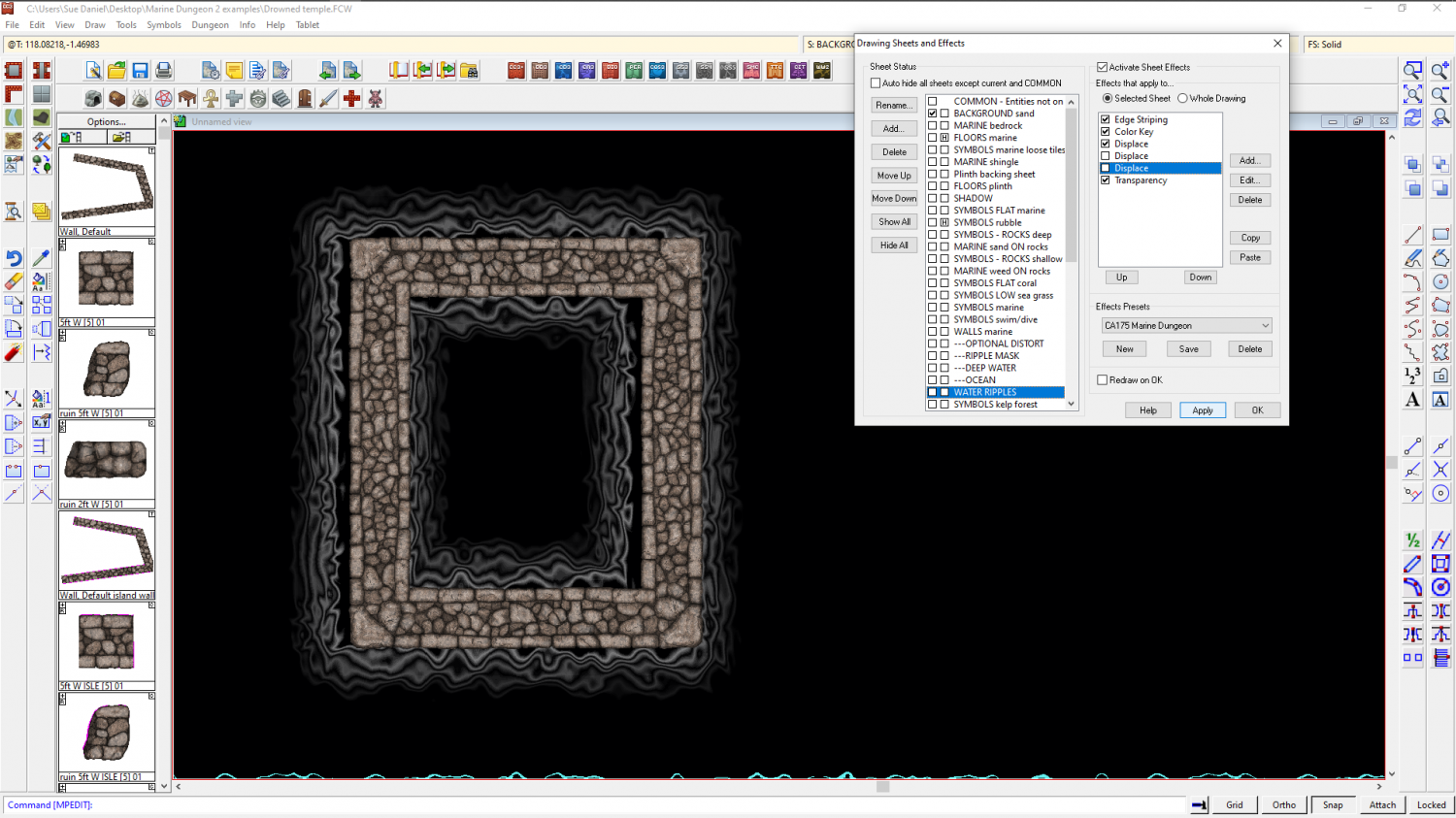
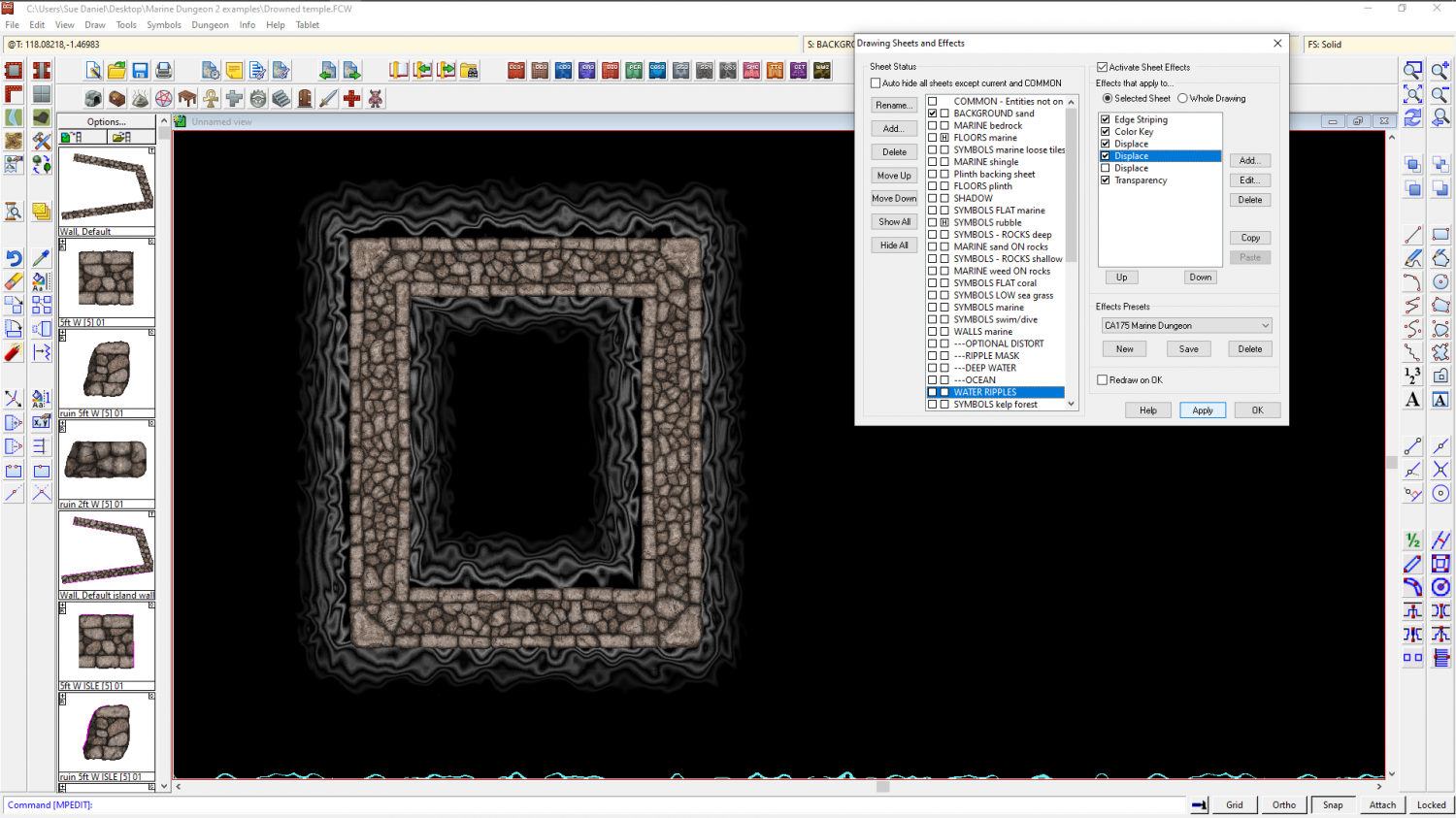
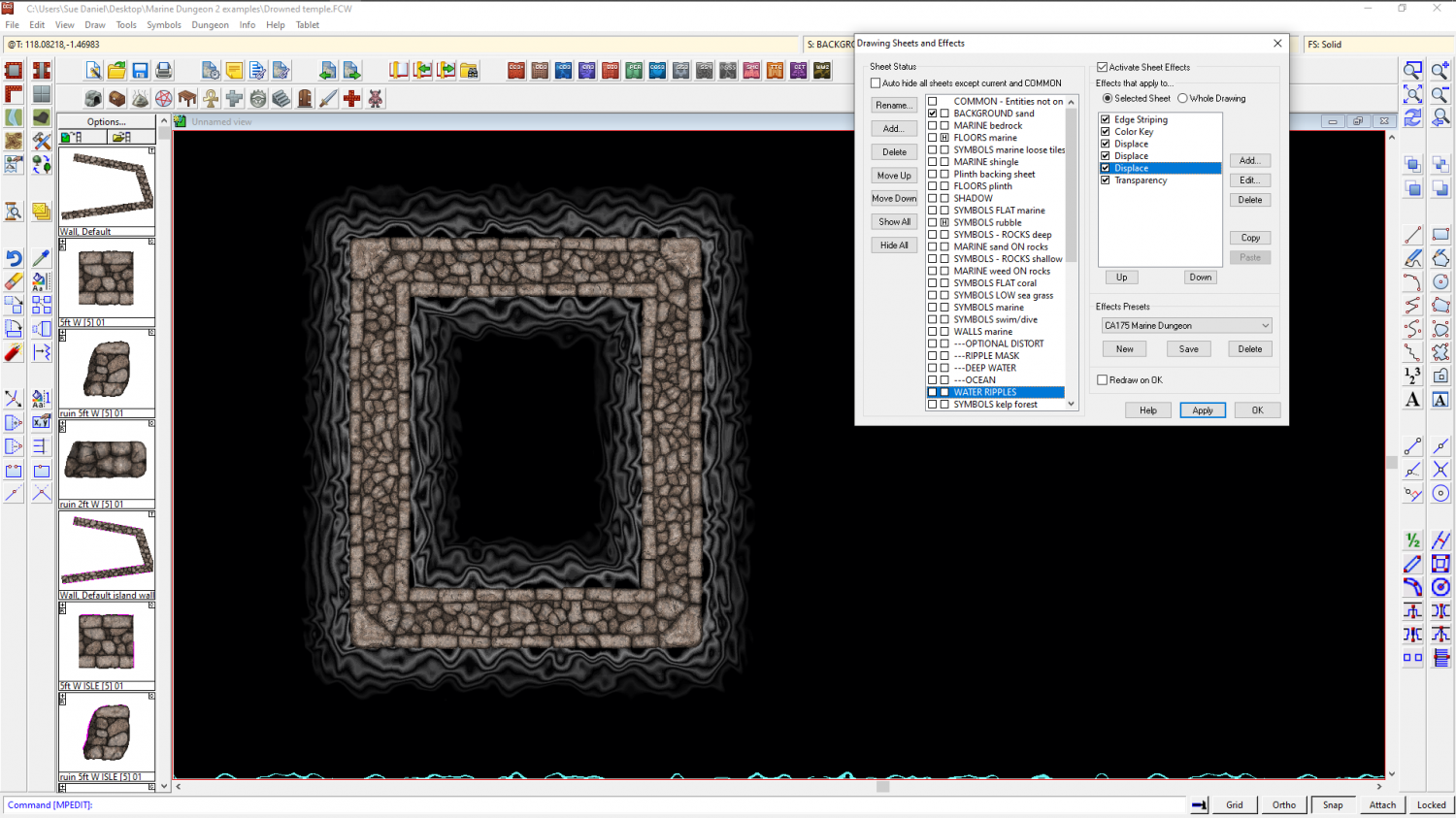
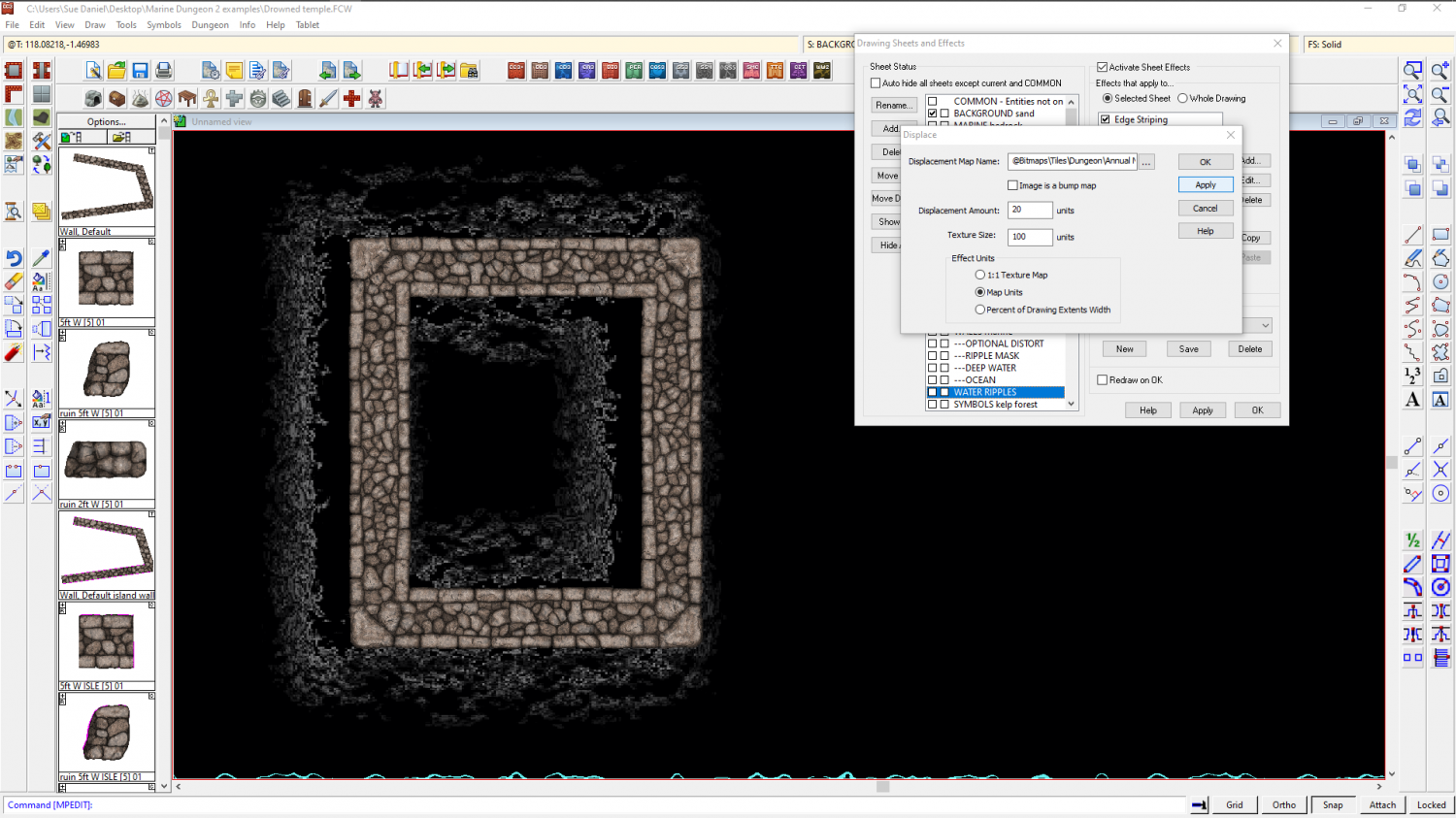
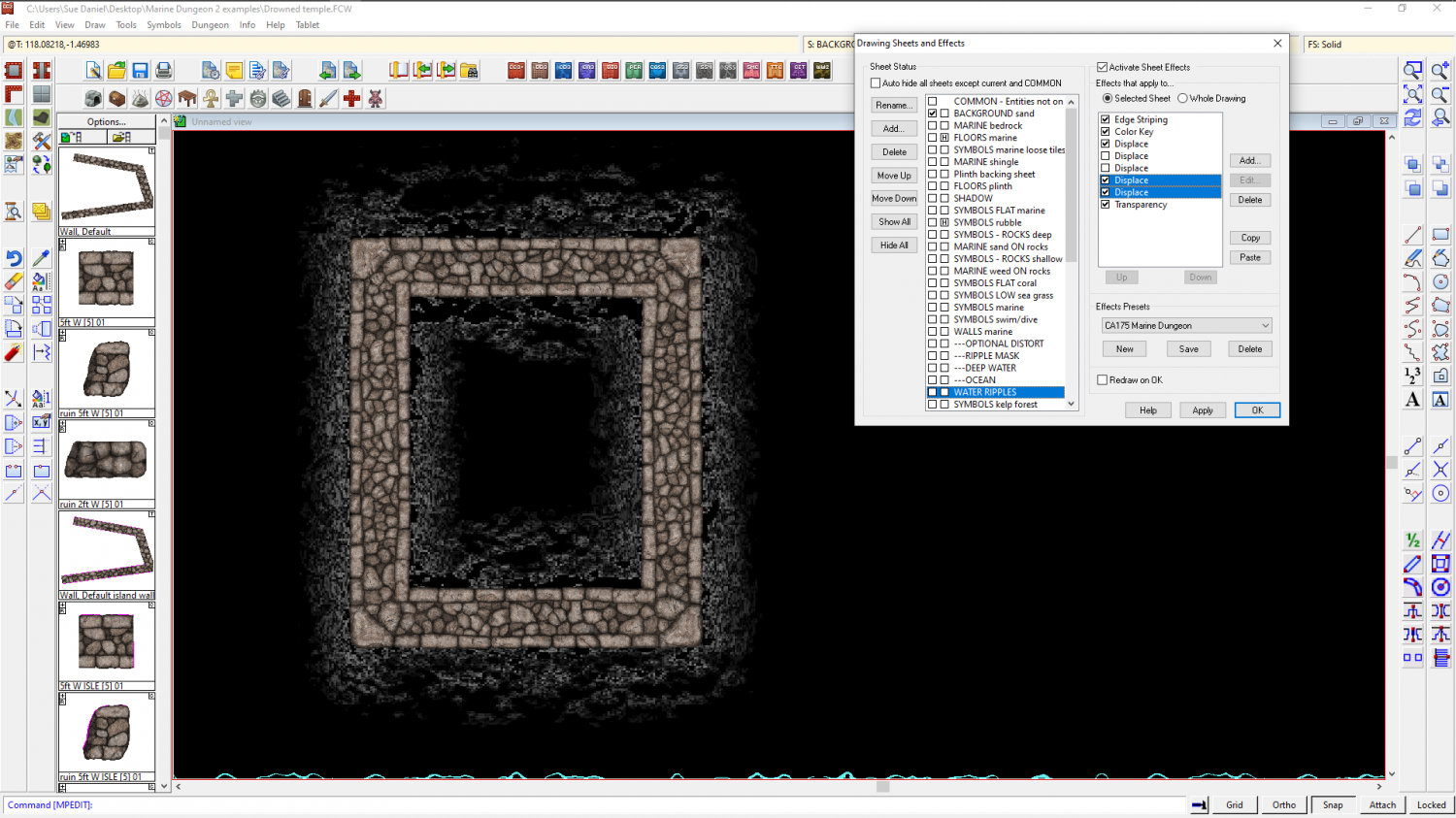
    One of my collegues suggested that you might be experiencing something we call Transparency Acne (TA). That is when the rendering engine produces holes in a texure that aren't really there because there is a single pixel somewhere that is identical in colour to the underlying pixel. The rendering engine will then apply the edge fade inner to that pinhole and cause a perfectly circular spot of transparency just like around the real edge of that polygon.

    It is really difficult to tell for sure because the new textures are quite highly patterned, so a few round holes are not immediately obvious.

    Are you using the snow dirt texture for both the road and the background? If you are, then you almost certainly have TA.

    Normally I would describe how to add a separation sheet, but since you are making new textures quite easily it might be easier and less time consuming in the long run to do what I do when I'm making new textures, and try to ensure that each texture is a slightlly different colour. Where there is white in a texture that white might have to be a bluish white, or a pinkish white, for example.

    If you don't feel like going that way, a separation sheet is exactly what it's name suggests. You add a new sheet just underneath the road and copy the road onto it. Then hide all the other sheets and change the properties of the new road on the new sheet to a solid colour that isn't likely to be in the snow dirt texture. A good one for avoiding existing colours is 227 - a deep purple.

    Then you need to copy the edge fade inner to the new sheet, and will probably have to increase the width of the edge so that it doesn't show at the edges of the road.

    Ein0r
  • WIP - Winter Woodland Coastal Village

    That's really well done for your first map :)

    The fastest way to figure out sheet effects after you've got the very basics of what they are and what they do from the manual, is by editing them and seeing how the edits affect the result.

    When you say you repainted some of the symbols, do you mean that you edited the actual symbols and saved them on top of the originals? I'm not quite clear I understand. Normally, it is better to leave the original assets as they are and make copies of them to edit, then import them and make a fresh catalog.

    Lillhans
  • WIP - Bend Road Crossing

    That's a good map.

    I'm pleased to hear you are enjoying the style :)

    As a side note here - that transparency acne in the south west corner can be remedied by redownloading the updated installer and using it in repair mode. The textures have been repaired to prevent it in most cases since the original publication.

    GlitchWyvern
  • Live Mapping: Darklands City

    Hi kevbeck :)

    I did a 3-part blog about how to make parchment in GIMP here, but it's not seamless parchment. If you make large enough sheets of it you can use it as a background bitmap by importing the file.

    I also did a blog about making seamless tiles in CC3 from CC3 symbols here.

    Other than that, though, I haven't made seamless tiles in GIMP. I tend to use Krita a lot for a hand drawn feel. It has an endless plane on which you can draw anyting you like and it joins up with itself at the outside edges.

    The other much older app I use has become abandonware, so on principle I no longer mention it in case anyone goes out and buys it and discovers the library of resource images is no longer there. I remember how irritated I was when someone else recommended an app that you could still pay for, but which never worked. I had to get my bank involved to get my money back!

    Maybe you remember a blog that Joe Sweeney wrote, centred on the use of Filter Forge? This one perhaps?

    Unfortunately, the library seems to have vanished, so the links no longer work. But Filter Forge is still around. It's useful, but not something I need for myself right now.

    ...

    A general note about the Darklands City textures here, though.

    It appears that Ralf did an expert job at uncovering a brand new (newly discovered) bug, live and right in front of you during the Live Mapping stream. Where the totally blank TERRAIN Grass sheet underneath the sheet he imported from my map called TERRAIN Grass 02, caused the transparency acne, even though there was nothing on it. If you hide that sheet, or delete its effects, the map works fine - as intended and designed.

    It's on the bug list now...

    [Deleted User]JimP