


Loopysue
Loopysue
About
- Username
- Loopysue
- Joined
- Visits
- 10,414
- Last Active
- Roles
- Member, ProFantasy
- Points
- 10,161
- Birthday
- June 29, 1966
- Location
- Dorset, England, UK
- Real Name
- Sue Daniel (aka 'Mouse')
- Rank
- Cartographer
- Badges
- 27
Latest Images



-
Renaissance Maps
Thanks Remy. I didn't know it worked with imported images as well as symbols.
That will cut out a lot of fiddling around, since I looked back more carefully at my own parchment-added maps and realised that they were either seamless parchment fills from PF assets, or I had deliberately imported the parchment as a bitmap fill and drawn a rectangle of it over the map. That last option is the fiddly one, since you have to scale it right to move the non-seamless joins off the edge of the map in both directions.
![[Deleted User]](https://secure.gravatar.com/avatar/c75d9a245b74d9c59be0999ea81ca541/?default=https%3A%2F%2Fvanillicon.com%2F92add7f8c954488718110edc4896ad39_200.png&rating=g&size=200)
-
How to resize the text in the Info List?
Funnily enough, we just had more or less the same conversation on a thread that started out being nothing about it, so it's easy to see how you might have missed it ;)
This is the official answer:

-
Cartographer´s Collection 2 - installed?
Hi hirudisu :)
The Fantasy World Mapper collection contains the following Cartographer's Annual issues:
- Comic Books Maps
- Classic Fantasy
- Ancient Realms
- Ancient Realms 2
- Realms of Legend
- Spectrum Overland
- Spectrum Overland 2
These should be installed on your drive in the ProgramData folder, which (if I remember rightly) is a hidden system folder by default, so unless you have set your file browser to reveal hidden folders you won't see them.
When you create a new map the templates for these styles can be found in the New Drawing Wizard in imperial and metric formats here.
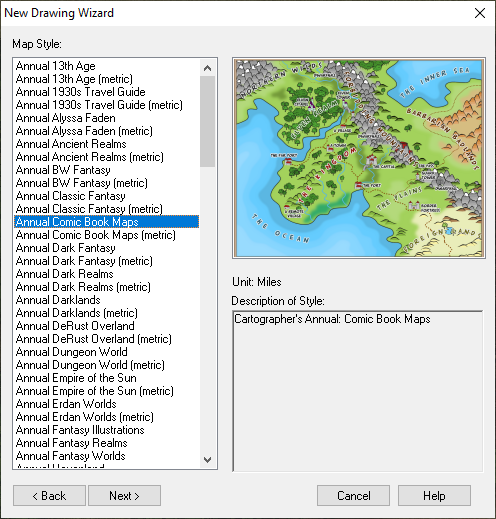
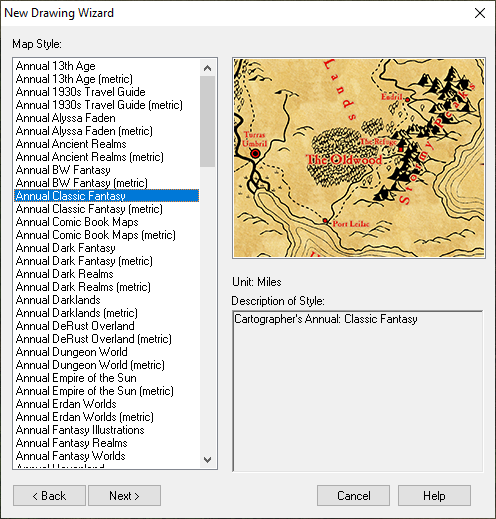
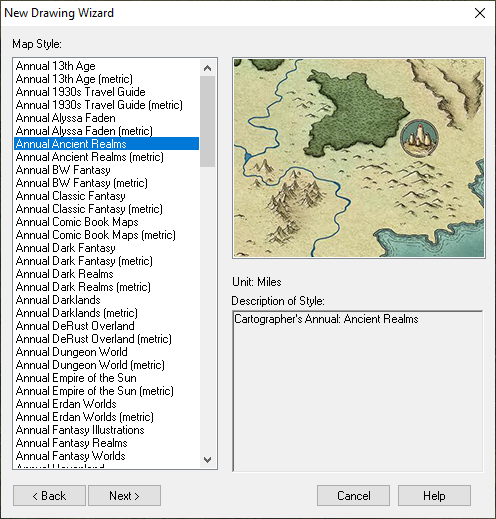
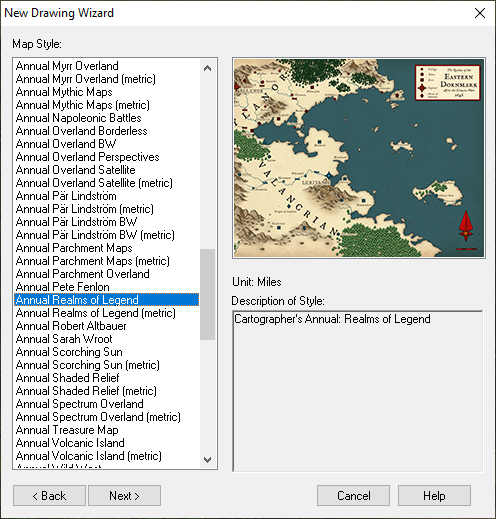
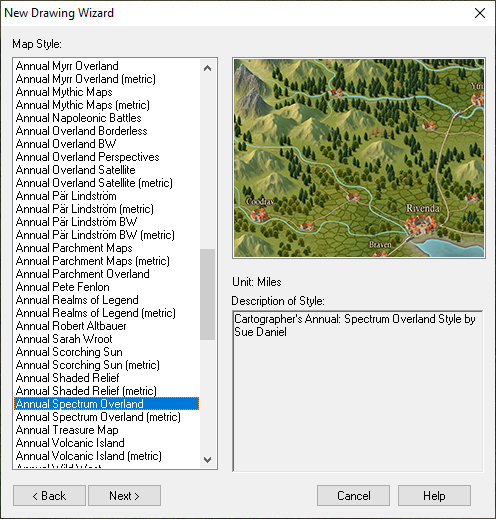
Opening a map in any of those styles will give you access to all the associated bitmap fills and symbols that go with the style you have chosen. If you find you have any red crosses when you make a map, either appearing in the map or in the symbol catalogue panel on the left - that is when you know you are missing a png file that should be there.
If you come across any red crosses please inform Tech Support through your Profantasy Account page and let them know? They will then be able to rectify the problem for you, and for anyone else with this package if there is a fault with the download and installer.
I hope that helps :)


-
Handling irregular shaped or "round" dungeons
I think you should be able to use the cutting doors and windows anyway, as long as you copied the properties of the sample wall and used them. It's all about which layer the walls are on.
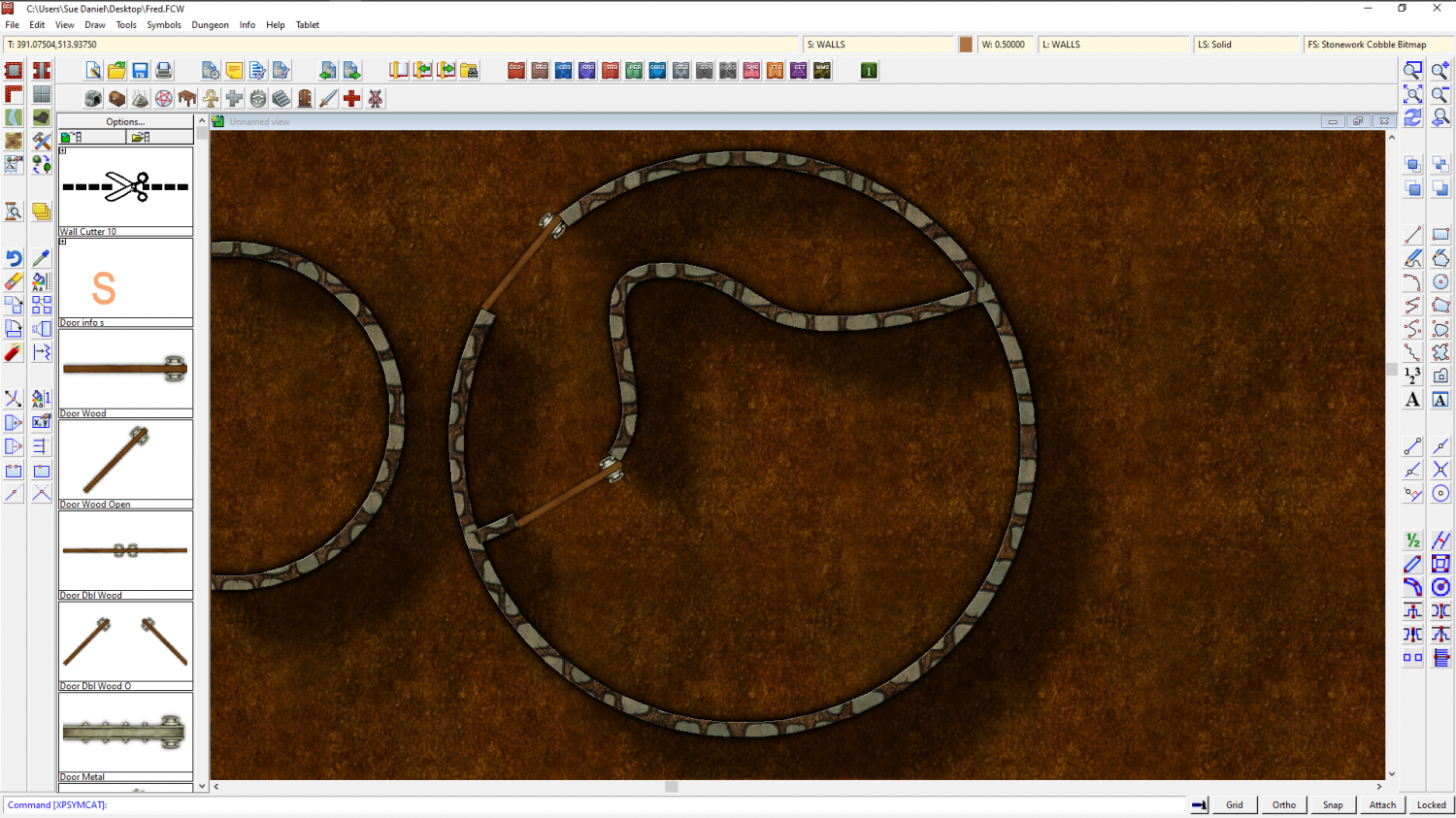
I cut this circle I drew with a regular cutting door symbol after I converted it to a path using "Line to path" in the right click menu of the Fractalize button. Looking back I can see I forgot to mention the conversion.

If you treat the smooth walls the same way they should also cut.
And in fact I've just tried it and discovered that you don't even need to convert them. Both Circle and smooth line should cut, but they must be on the same sheet and layer as the walls drawn by the regular wall drawing tools.


-
Refreshing an old map with new textures
All you need to do is import the fill styles relevant to MS Overland.
Make a new map in the MS Overland style and save it as a temporary file, then come back to this file and use Draw->Insert file to import the temporary MS Overland file. Don't paste it. You don't need to. The fills will be there when you look again.
