


Loopysue
Loopysue
About
- Username
- Loopysue
- Joined
- Visits
- 10,354
- Last Active
- Roles
- Member, ProFantasy
- Points
- 10,108
- Birthday
- June 29, 1966
- Location
- Dorset, England, UK
- Real Name
- Sue Daniel (aka 'Mouse')
- Rank
- Cartographer
- Badges
- 27
Latest Images



-
Question about CA143 Asian Town "well" symbol
If the well still has the problem in the redownloaded and reinstalled version, please let Support know. I think all it is is a slipped polygon part within the symbol itself, but current installers shouldn't still be having that problem.

-
Best approaches for tree shadows?
It's an interesting idea, but the reason it's not responding to some of the sheet effects is because you are using symbols instead of polygons.
To best copy the Forest Trail tree shadows, instead of using copies of the trees on the tree shadow sheet, trace the rough outline of each tree with a black polygon on that sheet. Then use the same sheet effects as are used in Forest Trail for the tree shadows. I think that was a blur and a blend mode. Blur to soften the edges, and a Blend Mode set to Multiply, and about 20-30 percent. Adjust to taste.
-
Birdseye Continental - style development thread
They're solid grey, just a bit darker than neutral grey, and because they are mapped symbols I can use an Overlay Blend Mode to make them take up the colour of the terrain.
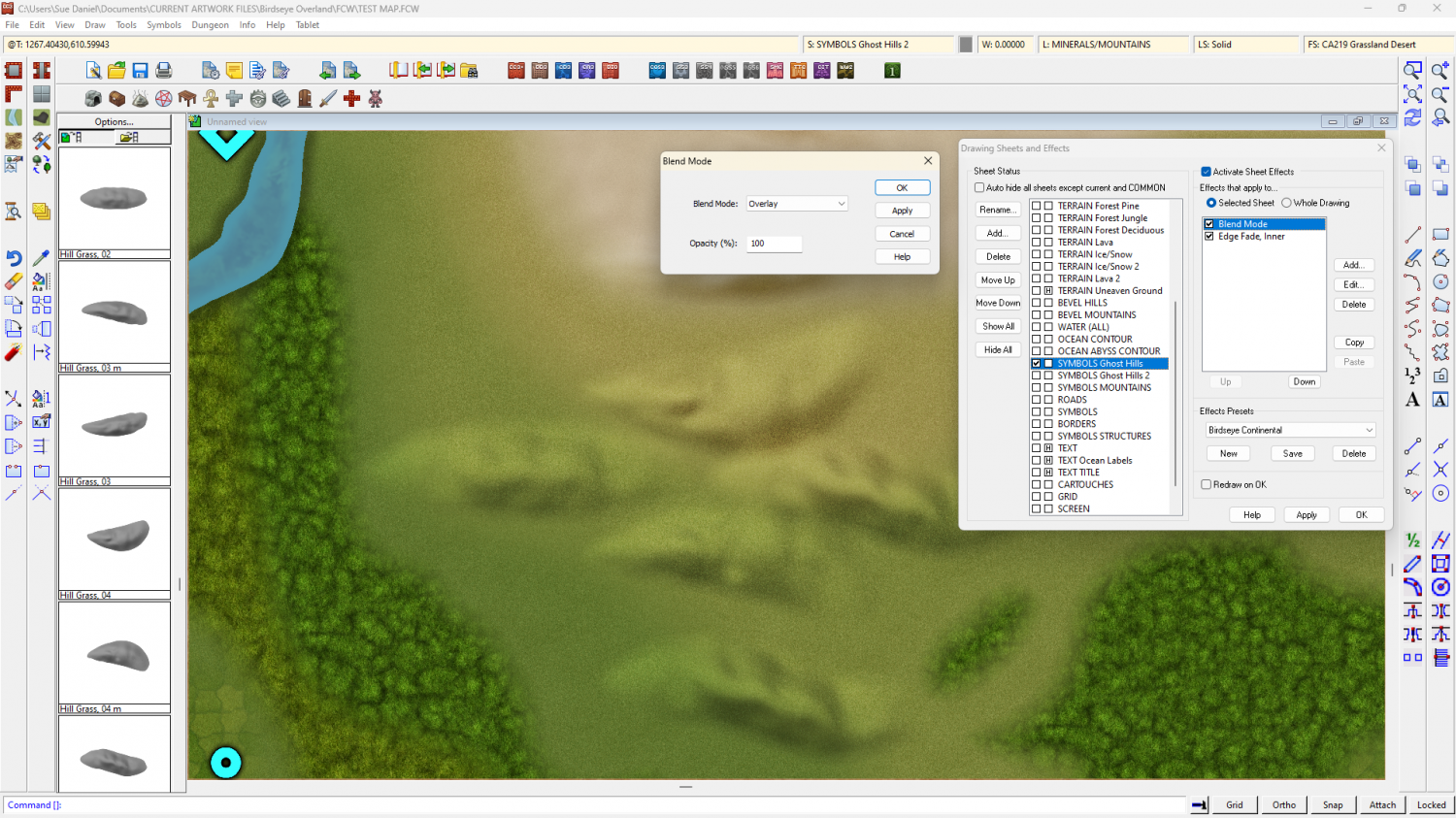
The blend mode does odd things around the edges if I feather the edge of the symbol, so the EFI after the Blend Mode is to soften the base and help the hill sit into the terrain.
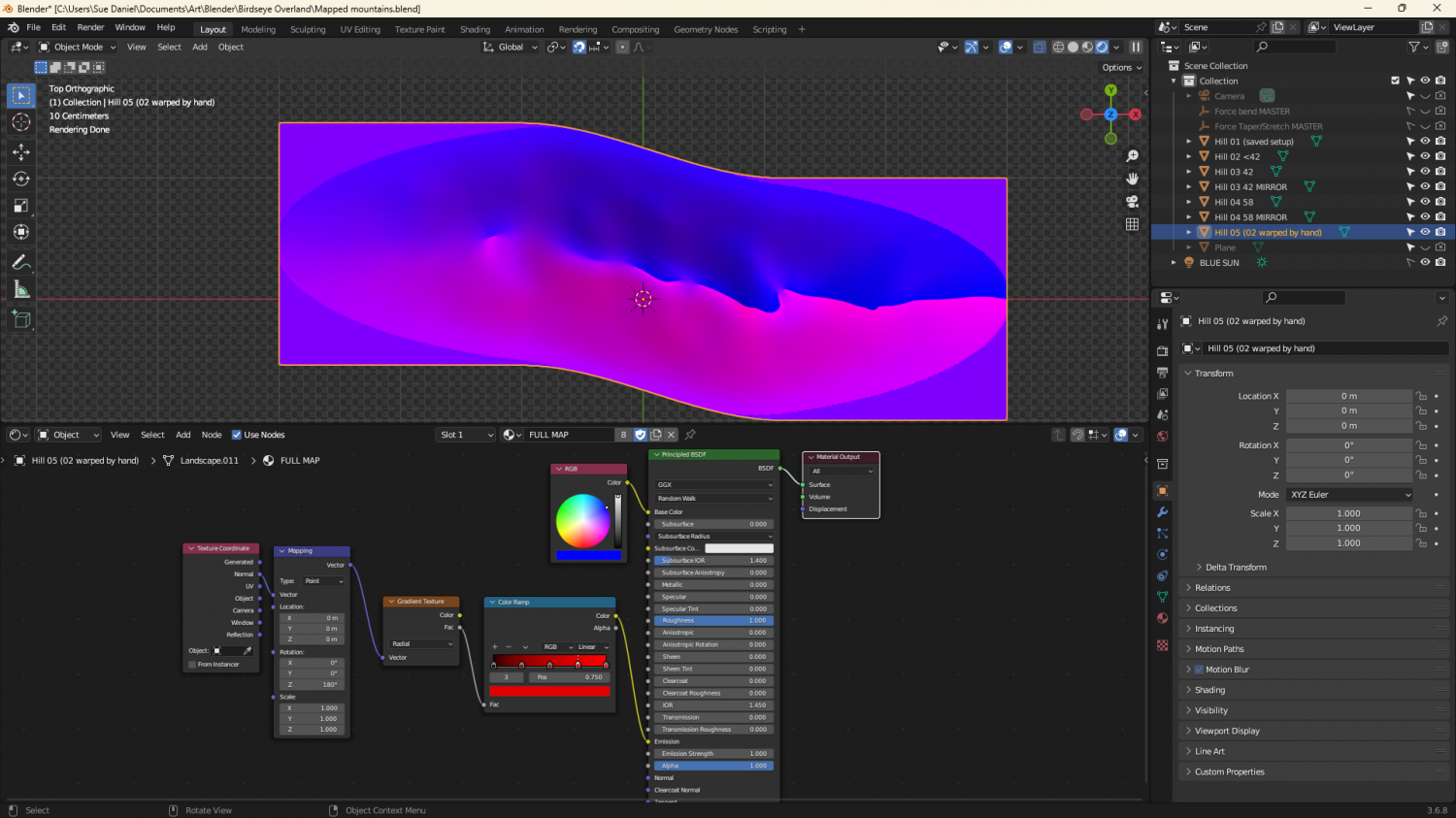
They're relatively simple map files, exported from Blender. I made a material that could mimic a map file and put it on a very simplified 'Landscape' object. The blue part of the map material is a simple blue material that reflects more or less light from the 'BLUE SUN' directly above it. The red part of the material is a radial gradient based on the normals of the object faces, and expressed as an emission, rather than reflected light. That way it stays constant depending on the direction each face is facing, and regardless of the sun.
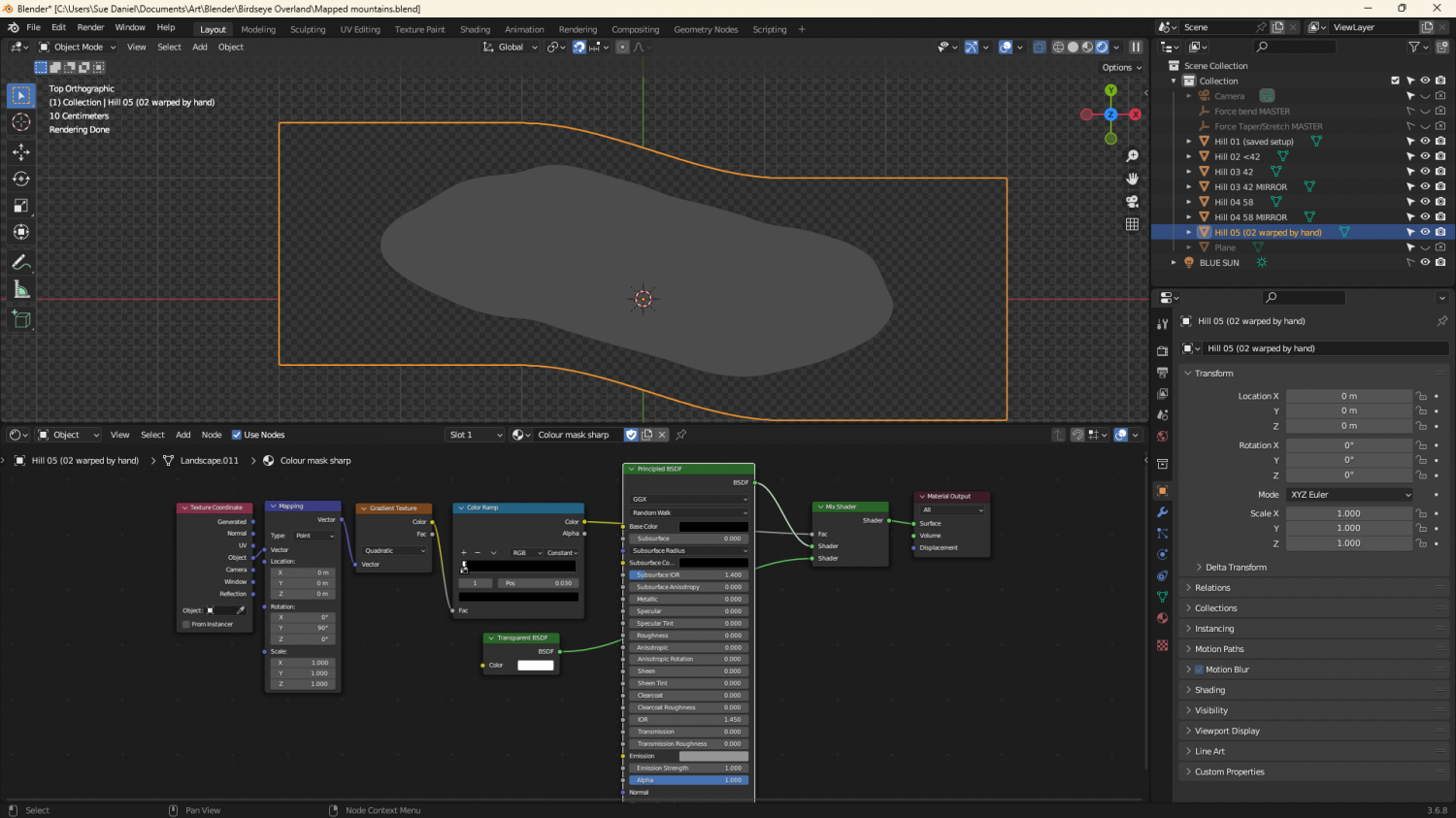
The grey image is a gradient material that maps only the parts of the ladscape above a certain point.


-
After Day's of Watching Videos
I found the notable blog, though I don't know if this will help you or not. https://rpgmaps.profantasy.com/exporting-coloured-topographical-maps-from-ft3-to-cc3by-andre-franke/

-
ALPHA BLUR question
About the second question.
2 is the limit for drawing tools. Other than that you will have to manually copy them to other sheets.
I've used a similar method in my DD4 example map (sorry - can't show you that yet) - not Color Key, but a sill sheet. I have sills that match the walls. The windows and doors only cut the walls. When the sill appears in a doorway it looks like a threshold. The trick is to not put anything more than a slight glow on the sills so the eye interprets it either as a windowsill, or as a threshold, depending on context.
