


Loopysue
Loopysue
About
- Username
- Loopysue
- Joined
- Visits
- 10,413
- Last Active
- Roles
- Member, ProFantasy
- Points
- 10,161
- Birthday
- June 29, 1966
- Location
- Dorset, England, UK
- Real Name
- Sue Daniel (aka 'Mouse')
- Rank
- Cartographer
- Badges
- 27
Latest Images



-
WIP: New Map, New Issues...
You're welcome, Cal :)
It's because the way the drawing tool trace function doesn't actually work that well with smooth lines. You don't have to draw everything with straight lines and be done with it, forsaking all smooth lines. You only need to convert smooth lines you want to trace temporarily to straight lines, and then convert them back again when you have finished. It works a lot better if you also use a drawing tool that draws in straight lines rather than smooth ones. But you can convert both to smooth, so you don't have to put up with any straight lines if you don't want them.
The jumping may aso be down to smooth line tracing. I've noticed it myself when editing nodes on smooth lines. Sometimes it picks one at very nearly the other end of the smooth line instead of just where I'm clicking. Converting everything to straight lines while you work should cure that. If it's still jumping you might have too many nodes all in one place here or there, and it might be as well to use SIMPLIFY set to 0 before you start to make sure you don't have any that are right on top of one another.

-
WIP: D&D 5e Random Dungeon Tiles
I don't create fills in Affinity because you can't make things seamless in that app without some serious hard work. It is much easier to do them in an app that is designed to create seamless fills (also really expensive now that Genetica has become abandonware), or to 'draw' them in Krita, which has a 'wraparound' mode where the image is turned into a seamless plane you can draw things on that join up with themselves at opposite edges. Krita is free, so is by far the most cost effective option of the two
If you want to see examples of what you can do in Krita, look at the fills used in the Ferraris Style, which were 90% hand drawn in Krita (the paper base was generated in Genetica), or check out the grass textures in next month's annual issue, which was also hand drawn in Krita.
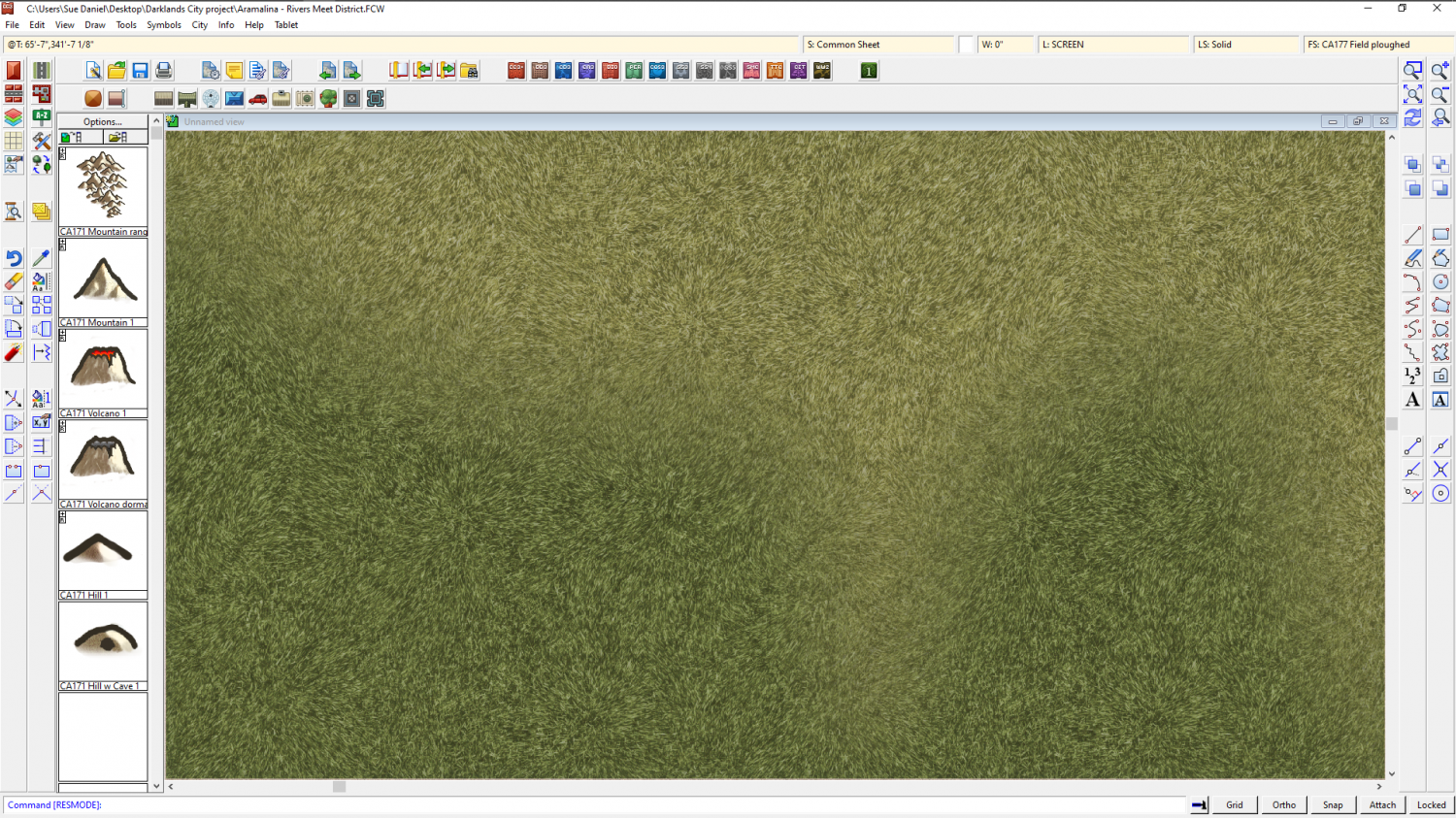
Creating textures like this does take a bit of practice, however, so best set aside some time for it.

-
Darklands Border Tool
It was desinged to show one country per map, with a sort of vingette of dark purple around the outside of the red line.
However, if you adjust the sheet effects by deactivating everything that is there and adding the usual Edge Fade, you should be able to create them just like you can on an MS overland map. You may have to modify or create a new border drawing tool, so that it draws with the current colour instead of always drawing in bright green.

-
Convert Map Style to Look Drawn
Here is how I would do it if I just wanted a background with nothing fancy, like scrolls or ragged edges.
- Add a new sheet on top of your map (bottom of the list)
- Add a Blend Mode sheet effect to the new sheet
- Set the Blend Mode to Multiply
- Draw a rectangle of the desired parchment fill over the entire map on that new sheet.
- Refresh the drawing
You may find that this trick works better with black and white styles, but it does depend on the style. Here is an example:
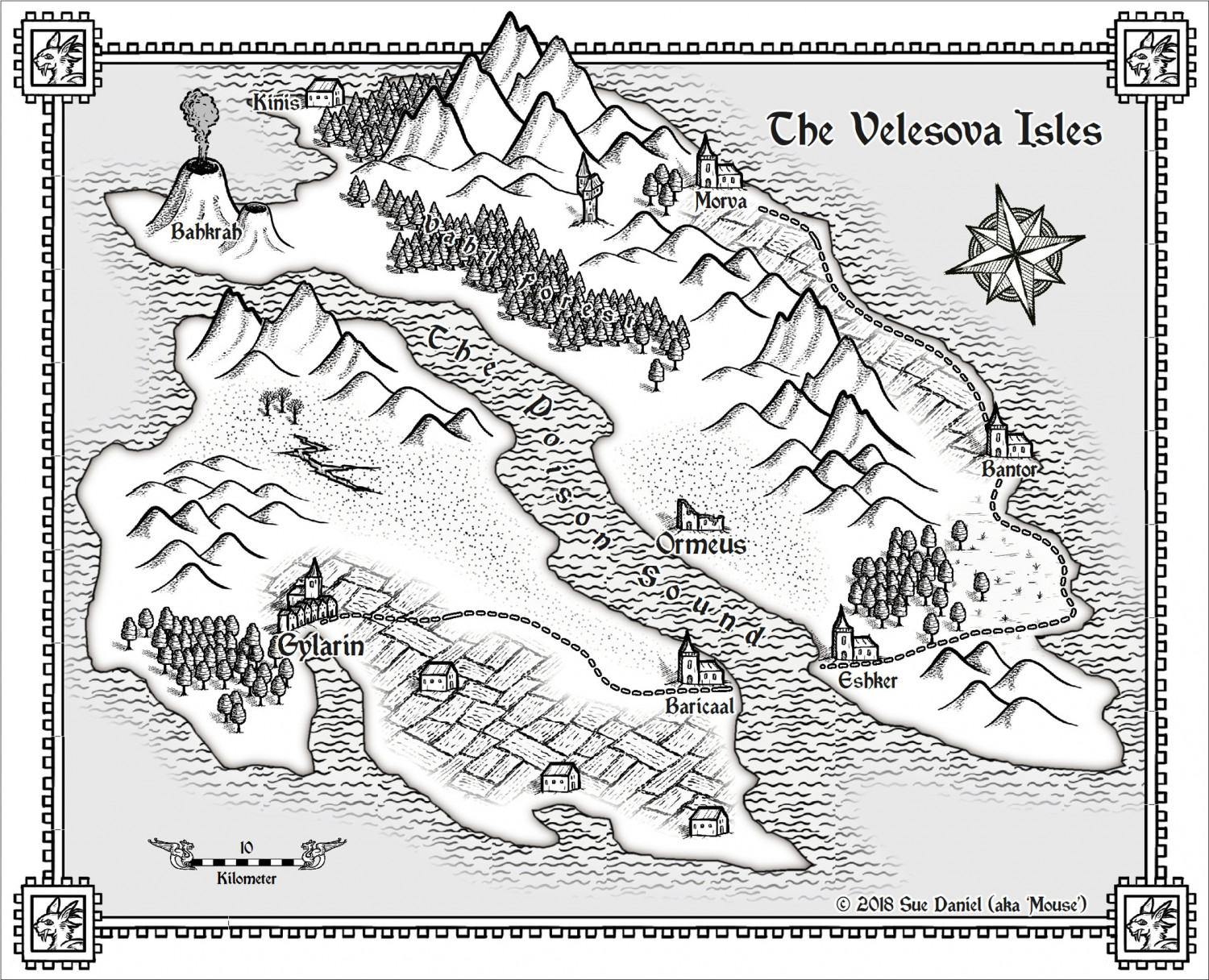
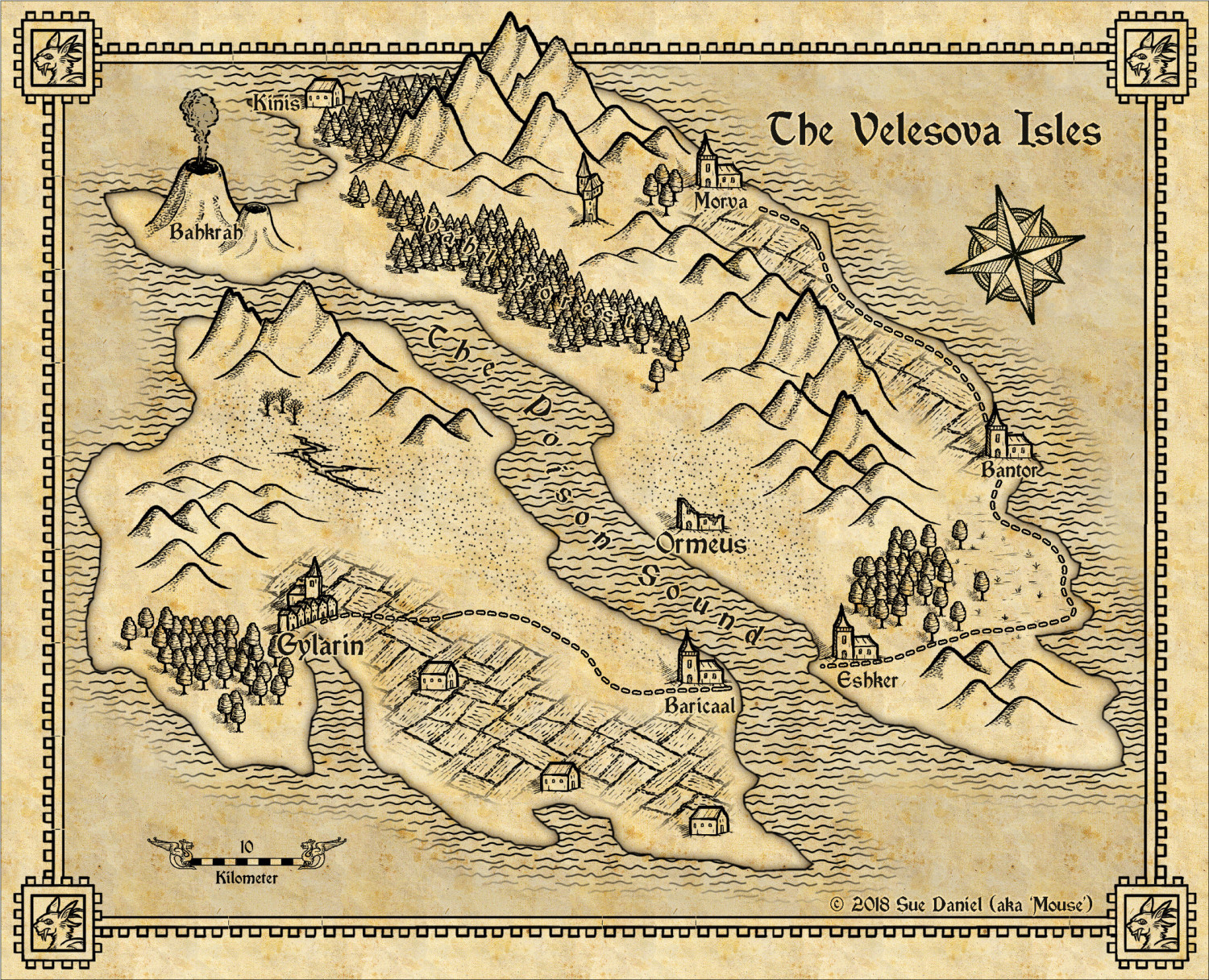
You will find parchment fills in the Bitmaps\Tiles folder and subfolders depending on what add ons you have. If you can't find any you like in there, there are some free here:
https://www.profantasy.com/products/subsamples.asp#&panel1-1



-
WIP: Now, for something completely different...
It must be different in Australia ;)
I went on a photography course and was told off for not placing the flower right in the centre of the shot.
But the real point of what I was saying was that it actually doesn't matter at all - as long as it looks somehow balanced to the person who created it. Some of these rules make me giggle.

