


Shessar
Shessar
About
- Username
- Shessar
- Joined
- Visits
- 304
- Last Active
- Roles
- Member
- Points
- 1,225
- Rank
- Mapmaker
- Badges
- 13
Latest Images
Reactions
-
Looking for Symbols
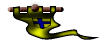
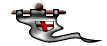
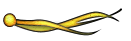
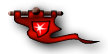
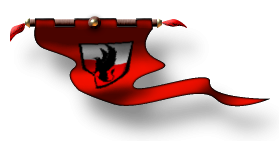
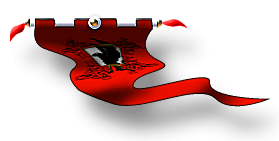
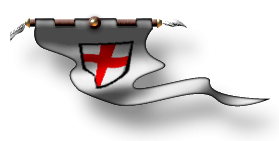
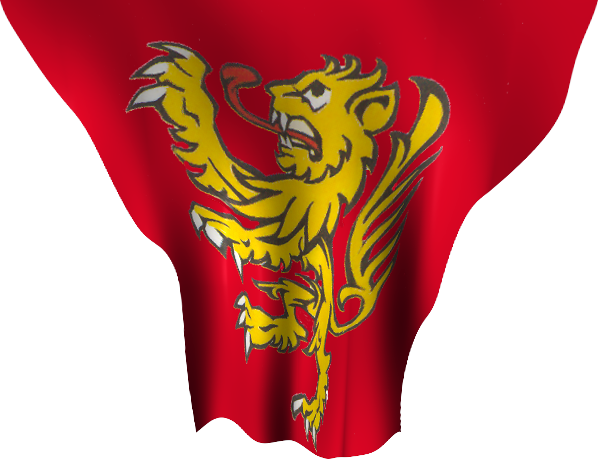
If you have the Dundjinni Archives there are a few in C:\ProgramData\Profantasy\CC3Plus\Symbols\Dundjinni Archives\BL12_Dressing\Flags
Also a couple from my personal collection. None are varicolor unfortunately.



-
Where can I find palm trees and beach items?
The Dundjinni Archives have some in the Vegetation> Trees folder. (Sorry I never formally installed it so don't know what button/menu it would be under.)


-
August Mapping Competition - Building Floorplans - Win Prizes
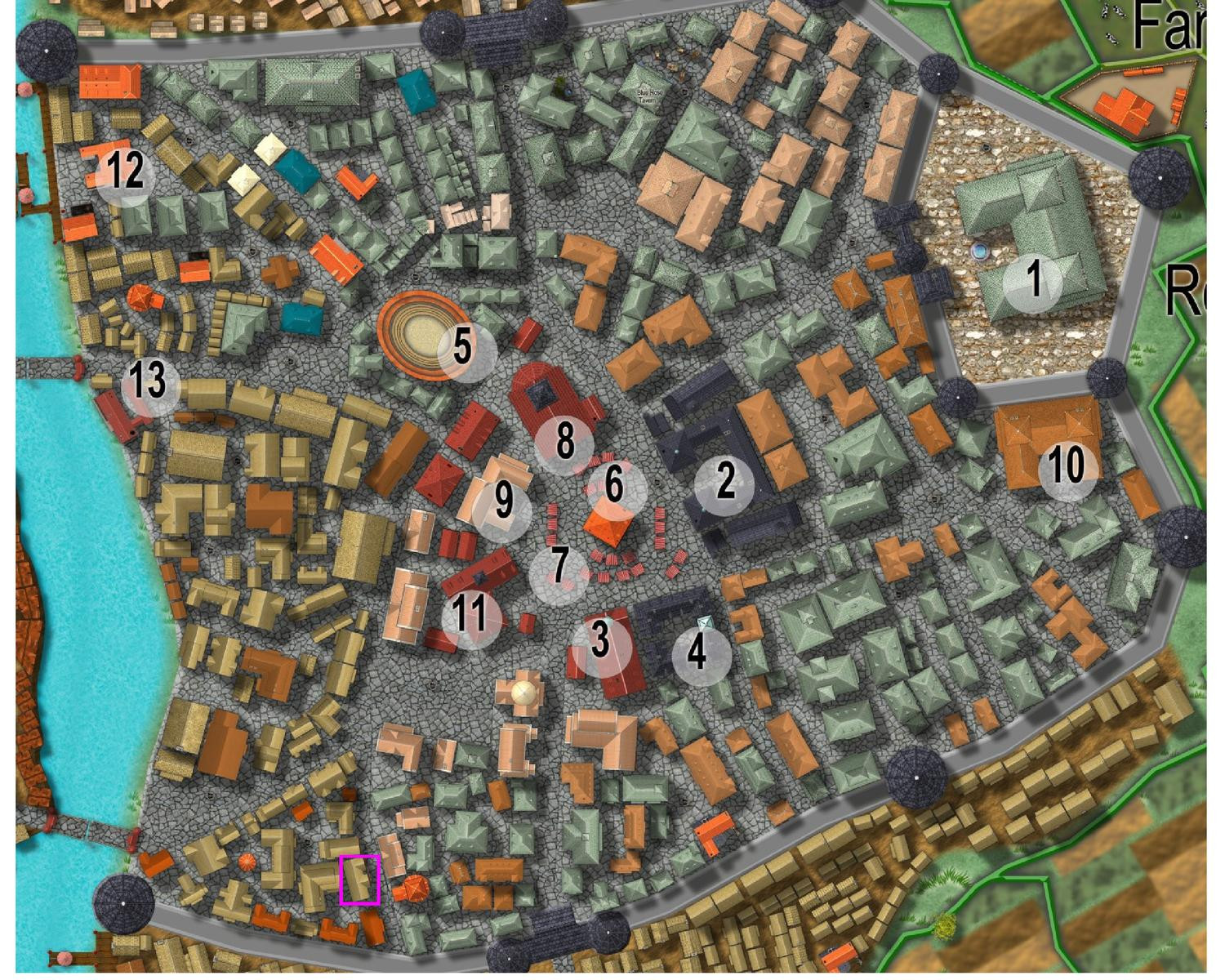
I'm going to claim this building in the south of the city. "Pappy's Pub".

![[Deleted User]](https://secure.gravatar.com/avatar/c75d9a245b74d9c59be0999ea81ca541/?default=https%3A%2F%2Fvanillicon.com%2F92add7f8c954488718110edc4896ad39_200.png&rating=g&size=200)
-
Compass Roses
I learn so much from everyone here and really appreciate this discussion. I feel like I finally understand something that I've had trouble wrapping my brain around. If you were standing here I'd probably give you a little hug out of sheer joy. LOL
-
Top down symbols for overland maps.
Just popping my head in to say that I agree with you Quenten!
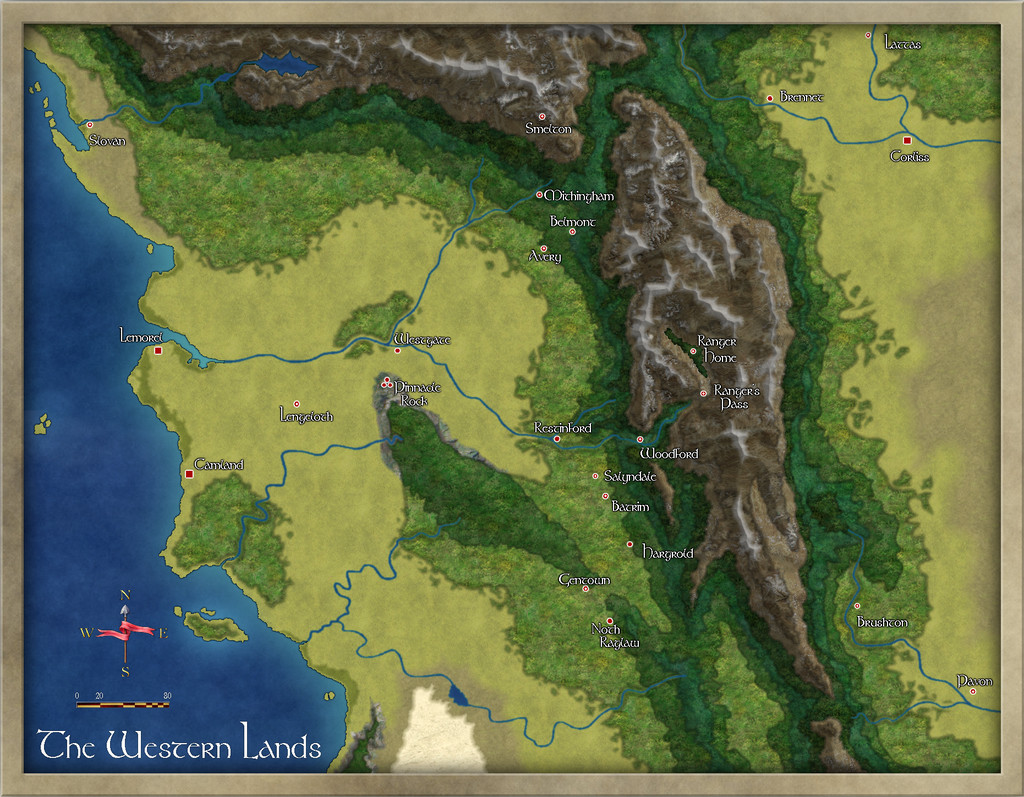
The disparity between flat terrain/rivers and front view mountains and hills often looks out of sync to me; like I'm seeing the map from 2 different perspectives (because I am). My solution has been using terrain fills to denote biomes and lighted bevels to denote mountains and hills.
These are the best examples I have using ProFantasy fills. Having top down symbols instead would be a great addition. I'm wondering how they could be done.


-
Running from USB External Device
Thanks Sue! I've been quite busy babysitting a little dragon. Now that there's a new hatchling on the way I felt that I'd better figure out how to balance my personal interests with those of my little grand dragons. Time to teach the little one that my computer is not his toy. 😃

-
Recommendation for SS6
This is not a bug per say, but a highly recommended change: Have the Roof Frills go on their own Sheet so that when you sort the symbols, they don't all end up under the buildings.
-
Turn off shading?
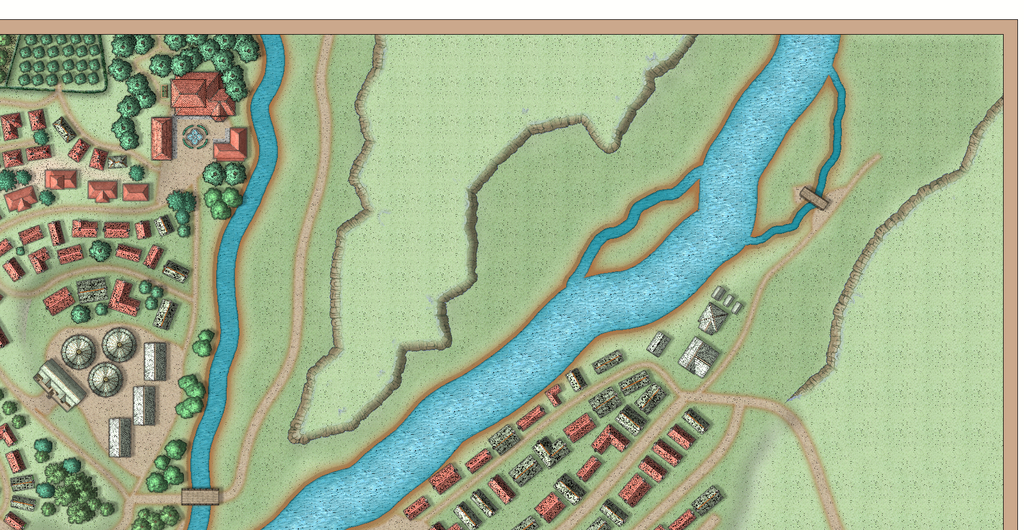
I'm still experimenting so both of your ideas will be tried. I've just added an HSL effect in addition to the global sun and transparency change and ended up with brown cliffs but had to cover the top portion of the symbols because of oddities in the color there. I'm having fun experimenting if nothing else. LOL.
I missed Ralf's session this week but intend to watch it tonight. I learn so much from his tutorials so expect to have some revelations on the RGB Matrix. It's an effect that I forget about most of the time.

-
Winter Village style development (March 2022 CA issue)
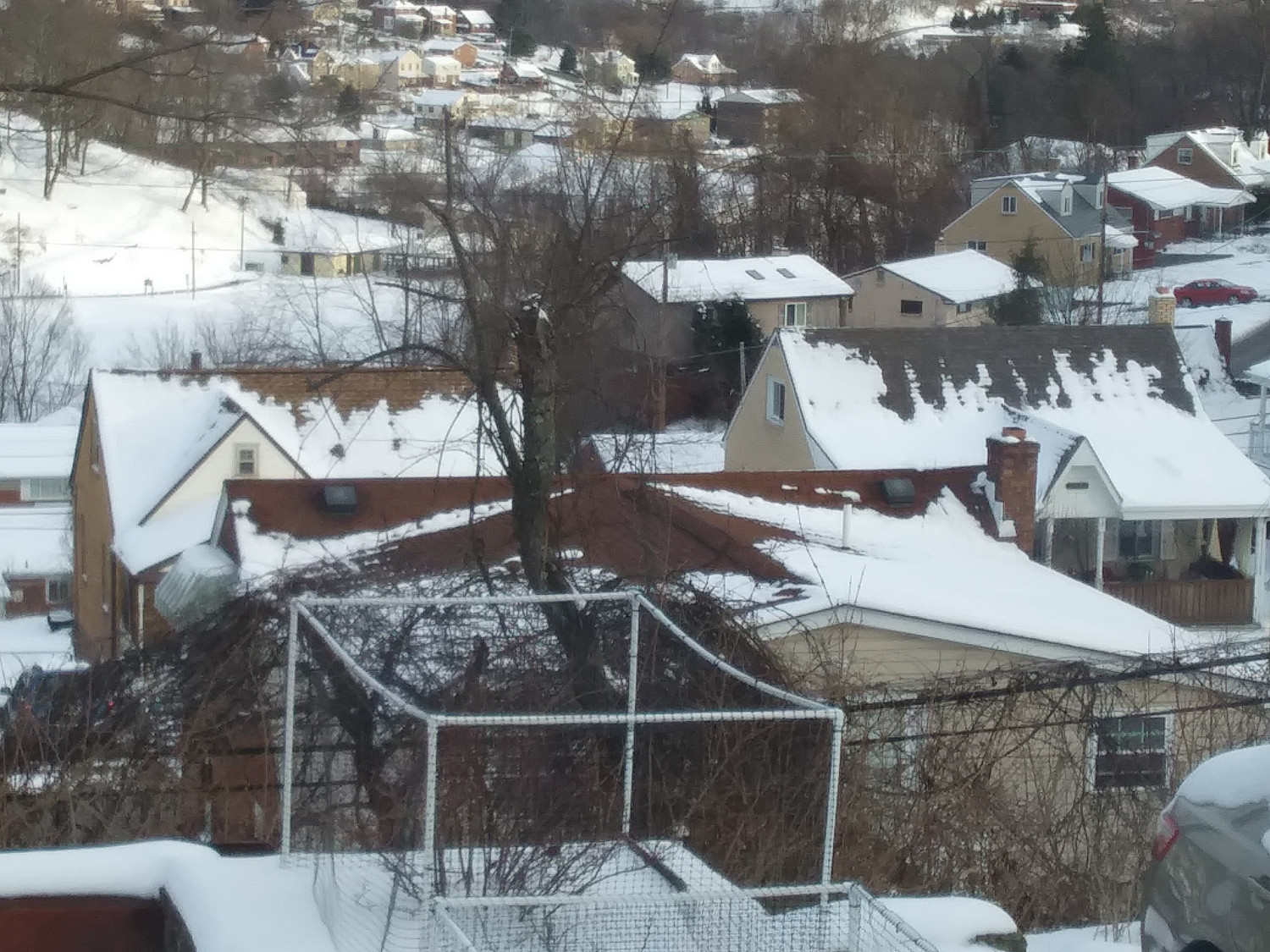
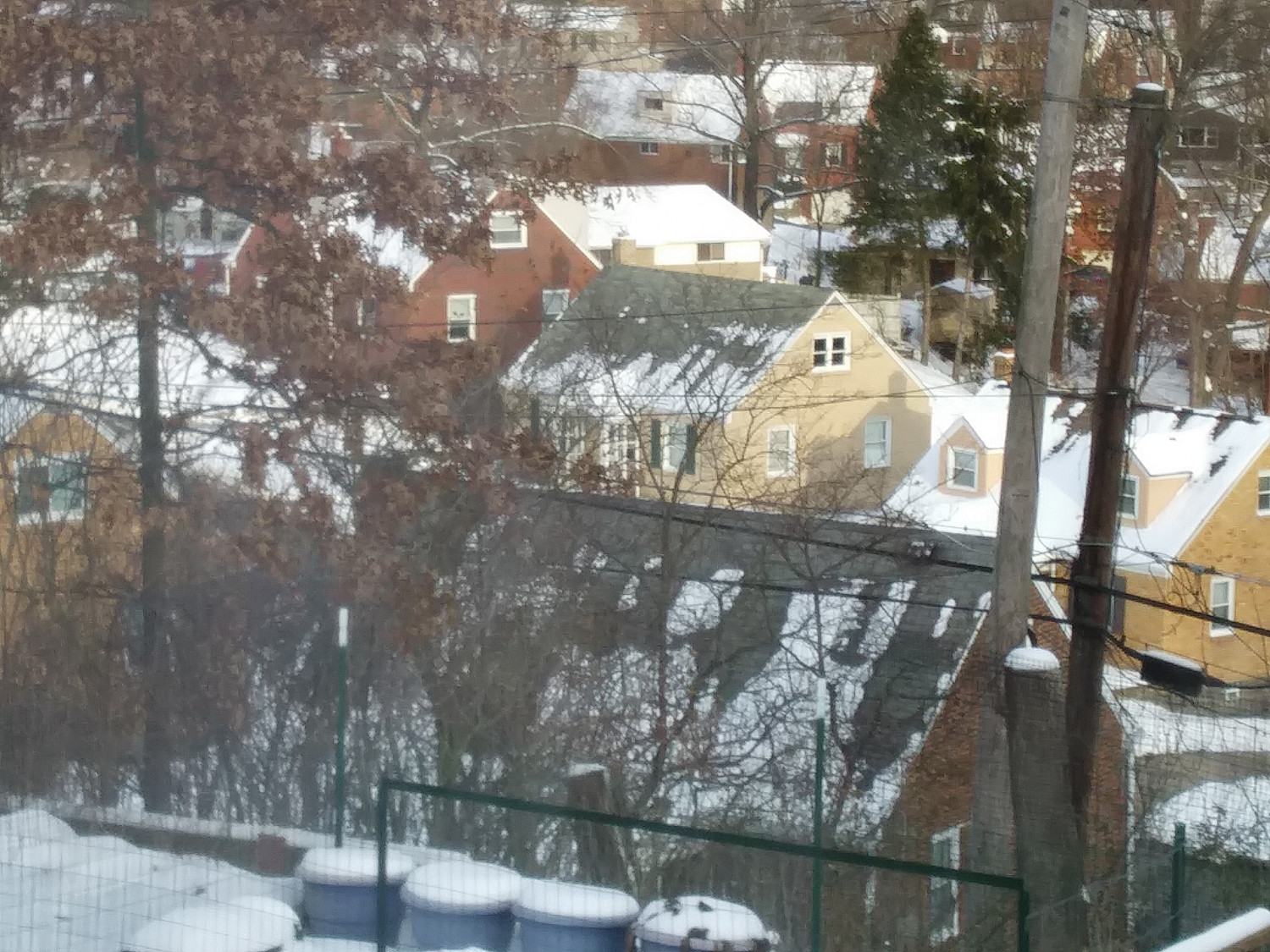
Hi Sue! Not sure if this will help... We just had 12 inches of snow 4 days ago. Here are a couple of pictures of melted roofs looking out of my kitchen window. There are no tile roofs in these but I can tell you that the snow melt is the same on tile. You can which have insulation and those that don't.
-
[WIP] Community Atlas - Town of Shessaria
I managed to find a bit of time to begin work on this. I decided that the farming in this region is predominantly olive groves and vineyards so am designing with that thought in mind.
I'm still pretty early in the layout so I'll probably change my mind a million times before I'm done but as always I'm willing to take input as I go.
And yes, I'm aware of the transparency acne on the eastern bank of the small river. It won't show once I begin developing that area.

