Royal Scribe
Royal Scribe
About
- Username
- Royal Scribe
- Joined
- Visits
- 9,942
- Last Active
- Roles
- Member
- Points
- 3,476
- Birthday
- February 5, 1968
- Location
- San Francisco, California
- Website
- https://legacy.drivethrurpg.com/browse/pub/31814/Royal-Scribe-Imaginarium
- Real Name
- Kevin
- Rank
- Mapmaker
- Badges
- 16
Latest Images
Reactions
-
[WIP] Hei Shan Si monastery
Okay, here it is again with the cliffs back in their original sheet order. I moved it because I wanted buildings to be potentially covered by a higher cliff's shadow -- but we saw above how some of those buildings end up being partially covered by the cliffs if they are too close. I thought about replacing the cliffs that have rubble with the plain ones, so that the houses can be closer without touching the cliff symbols. But in the end, I'm not so sure it's that noticeable that the buildings aren't in shadow.
Here it is with the SOLID 10 terrain.
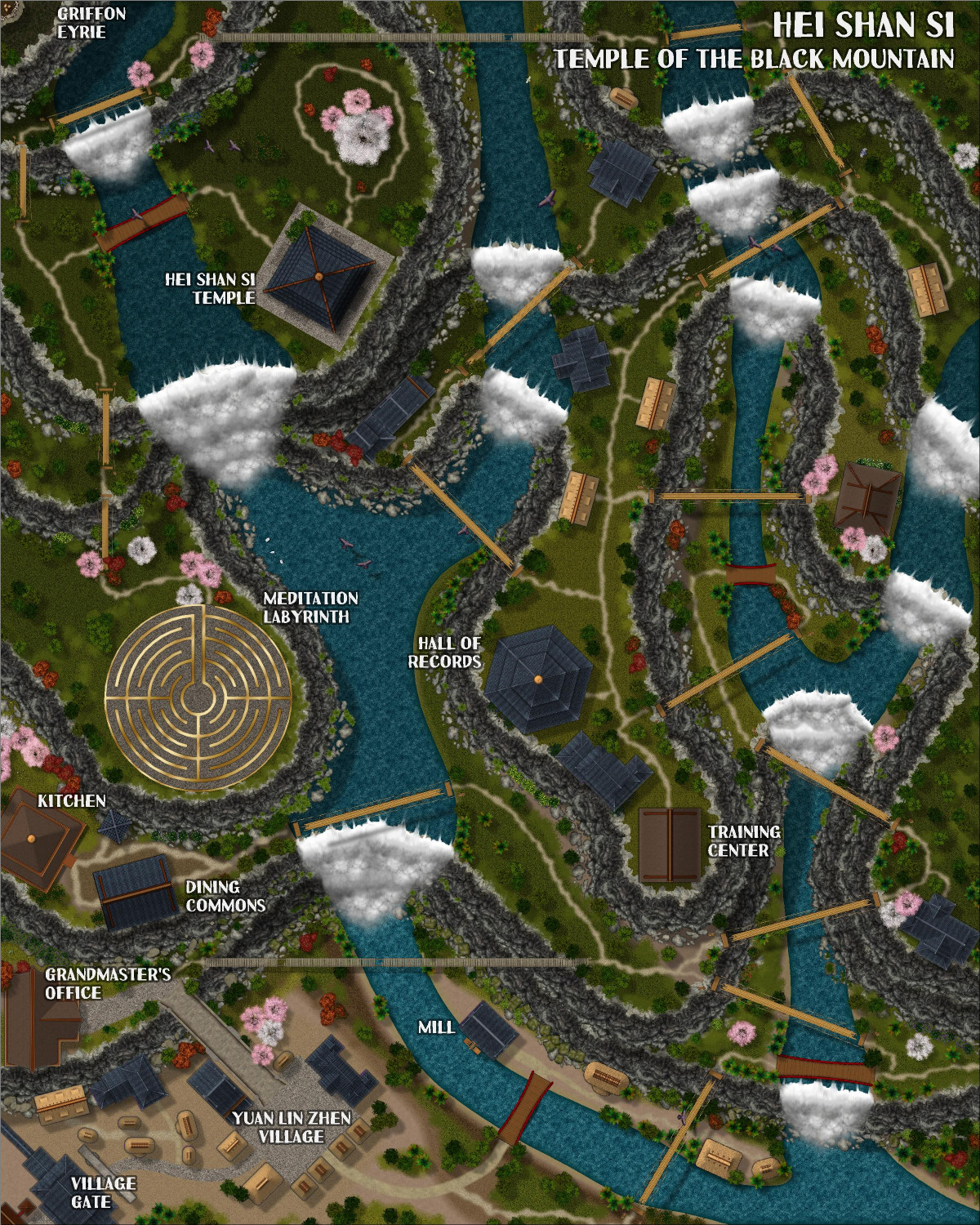
And here it is with a SOLID 20, so that it's darker and more mysterious higher in the mountain. Not so sure, though -- might be a little too dark.
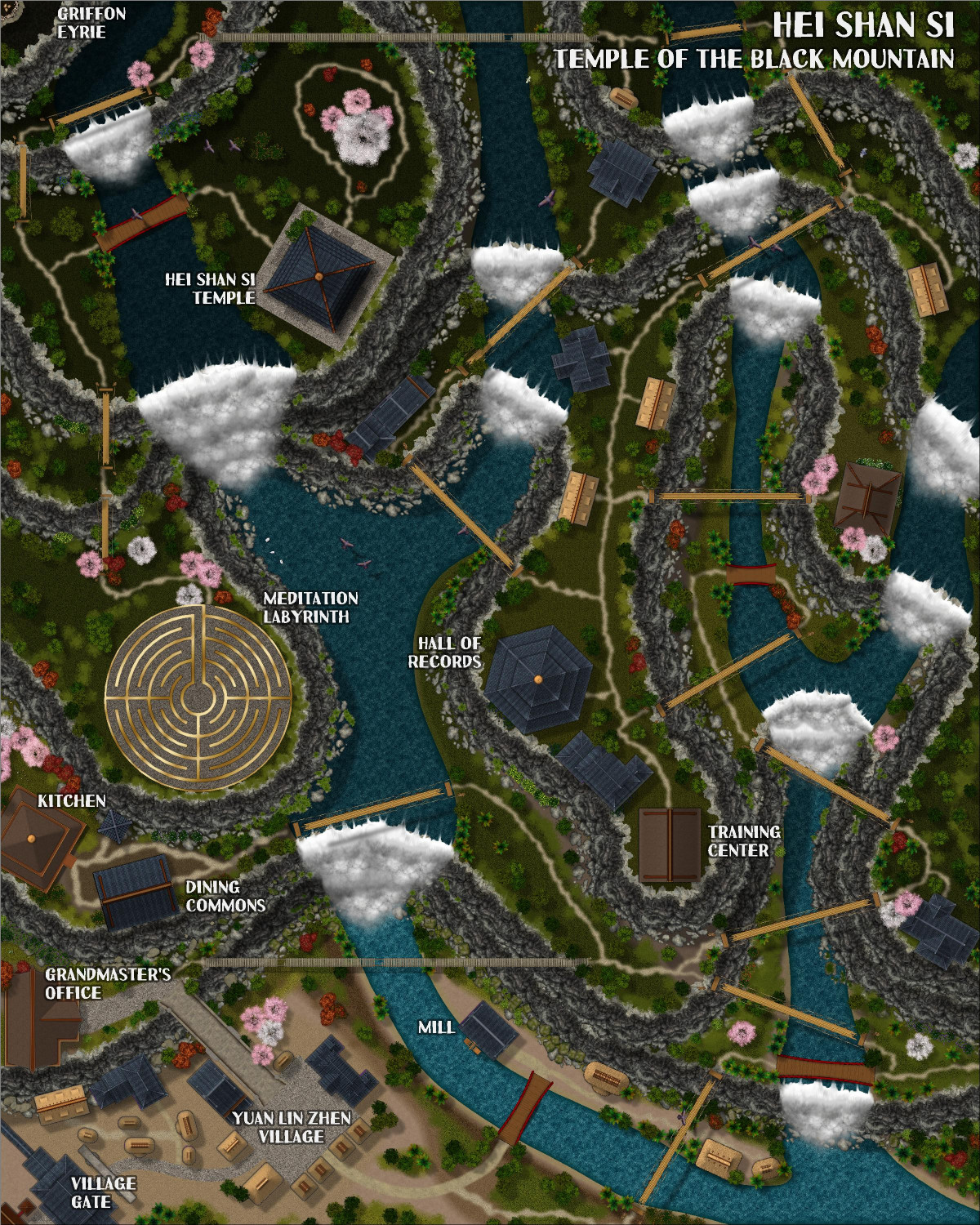
Also, there's a bit of an Easter Egg hidden in there.



-
Live tutorial suggestions
In one of the recent Live video tutorials, Ralf asked for suggested topics for future Lives, as many of the mapping styles and annuals have been done. I thought I would create a thread here where people could add their suggestions.
Before adding my own, I wanted to mention (for the sake of completeness) the request from someone else for a tutorial about OSR Dungeons from the 2015 annual.
My request is to learn more about creating and using house symbols.
I'm not talking about the City Designer tools for creating houses, or drawing streets of houses. Ralf has shown that in a lot of tutorials (shown in this screengrab), such as the Big City Project tutorials from a few years ago, among others.
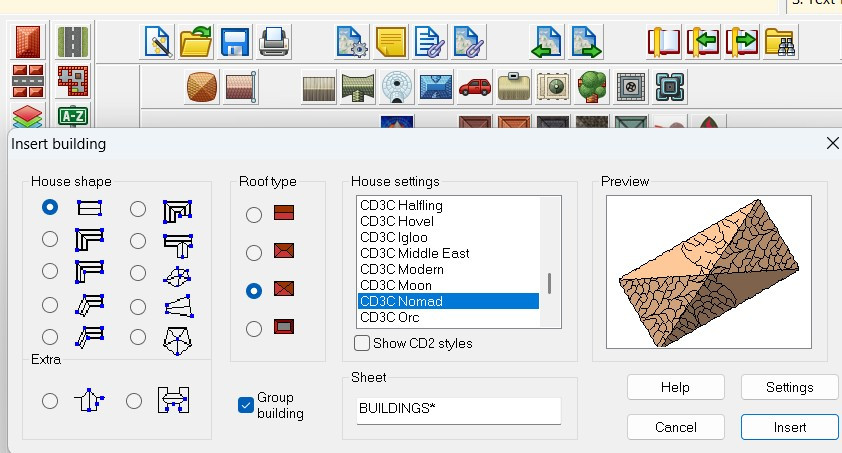
I am specifically curious about creating house symbols. They come with a shading file that I am curious about, and they respond to sheet effects in ways that many other symbols don't.
Here are some screen grabs of the symbols with the shading files to explain what I'm referring to:
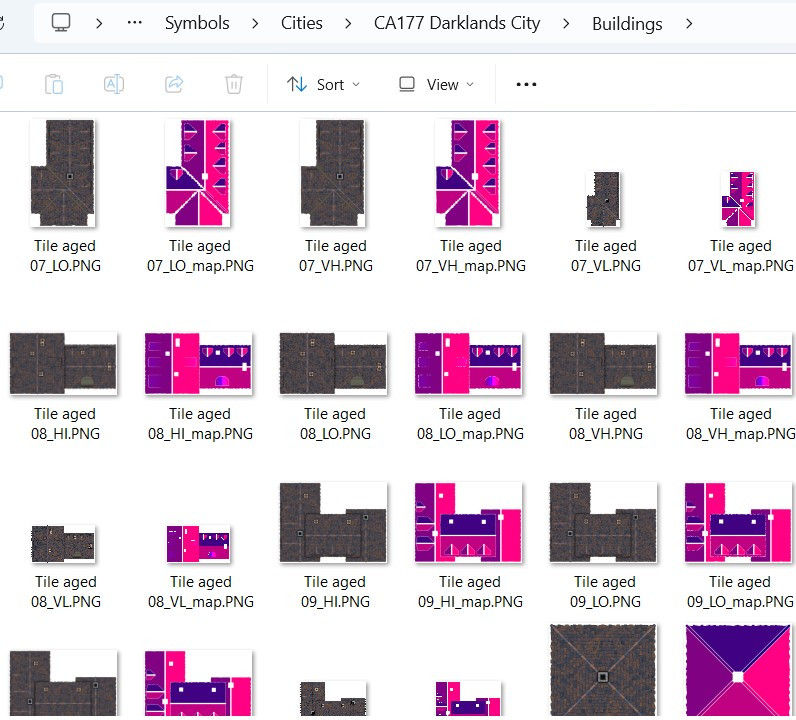
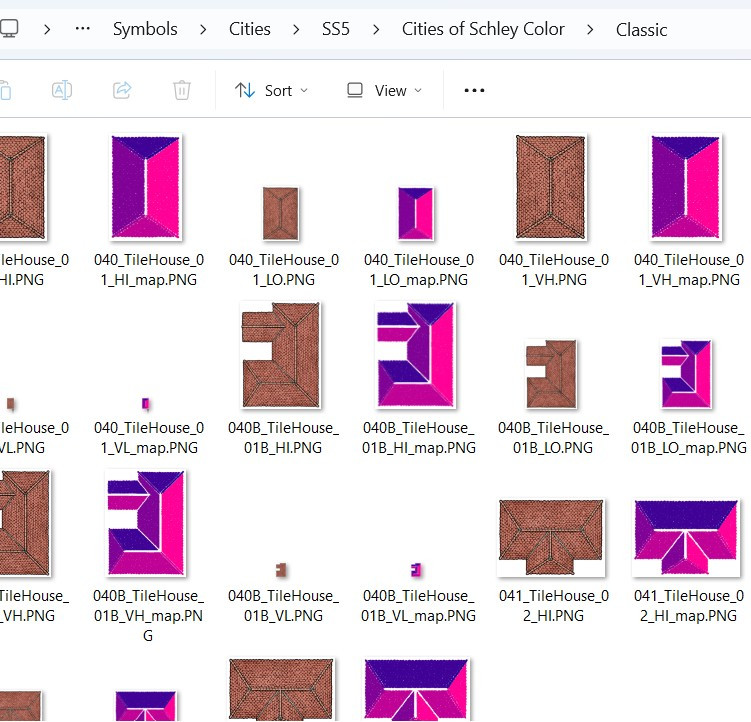
What are those shading files for? (I understand it has to do with how the building reacts to the global sun, but I am curious to learn more.)
These buildings respond to sheet effects that (usually) don't affect other symbols. For example, here's a mockup I did for use on this forum only* showing the RGB Matrix effect on building symbols from different styles. I also included some non-building symbols to show how the RGB Matrix doesn't always work on them (though apparently it does work on some but not all of Mike Schley's symbols).
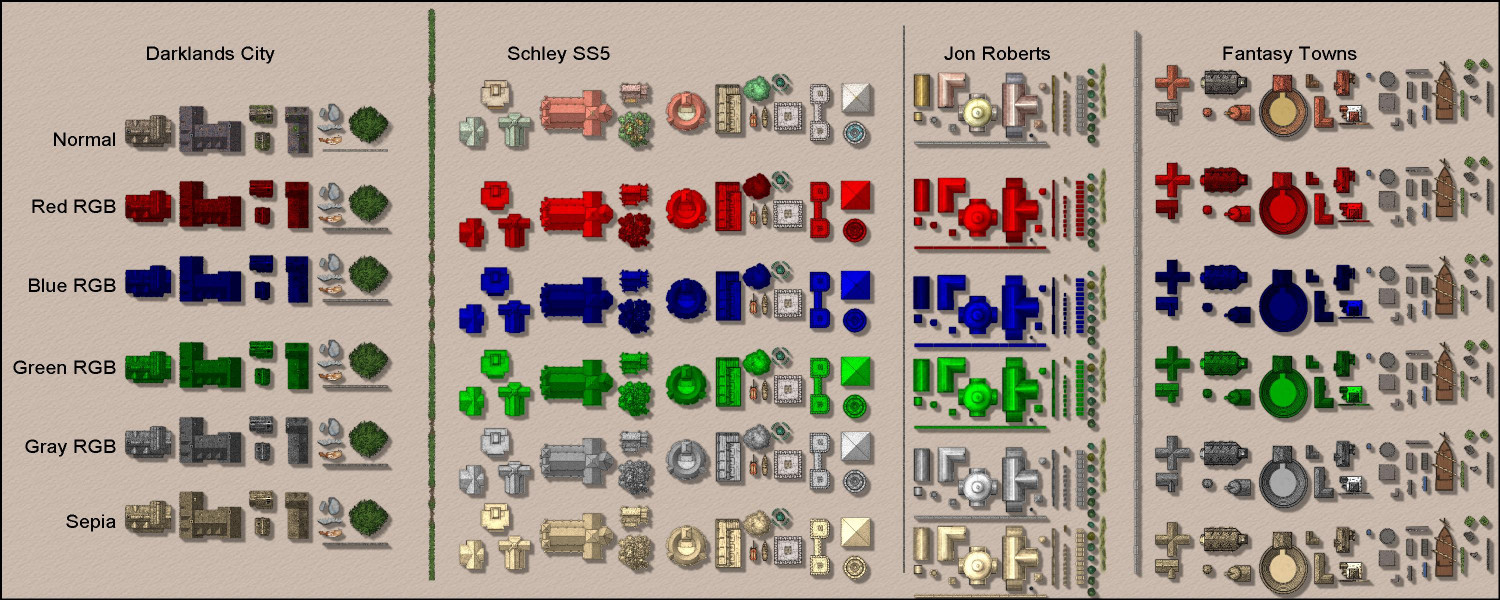
Anyway, a tutorial on how these buildings work and how to create building symbols would be different and super informative.
If folks have other ideas for Live videos they'd like to see, maybe this thread can be used for those suggestions.
Thanks!
* Please don't share this mockup outside of this forum, as it is a violation of the End User Licensing Agreement to share images of rows of CC3 symbols, as they could be used to steal ProFantasy's intellectual property. Admins: please delete this image or thread with my apologies if it itself would be considered a violation of the EULA.



-
[WIP] Atlas Contest (potentially) - Arbor Hollow (summer, autumn, winter, spring)
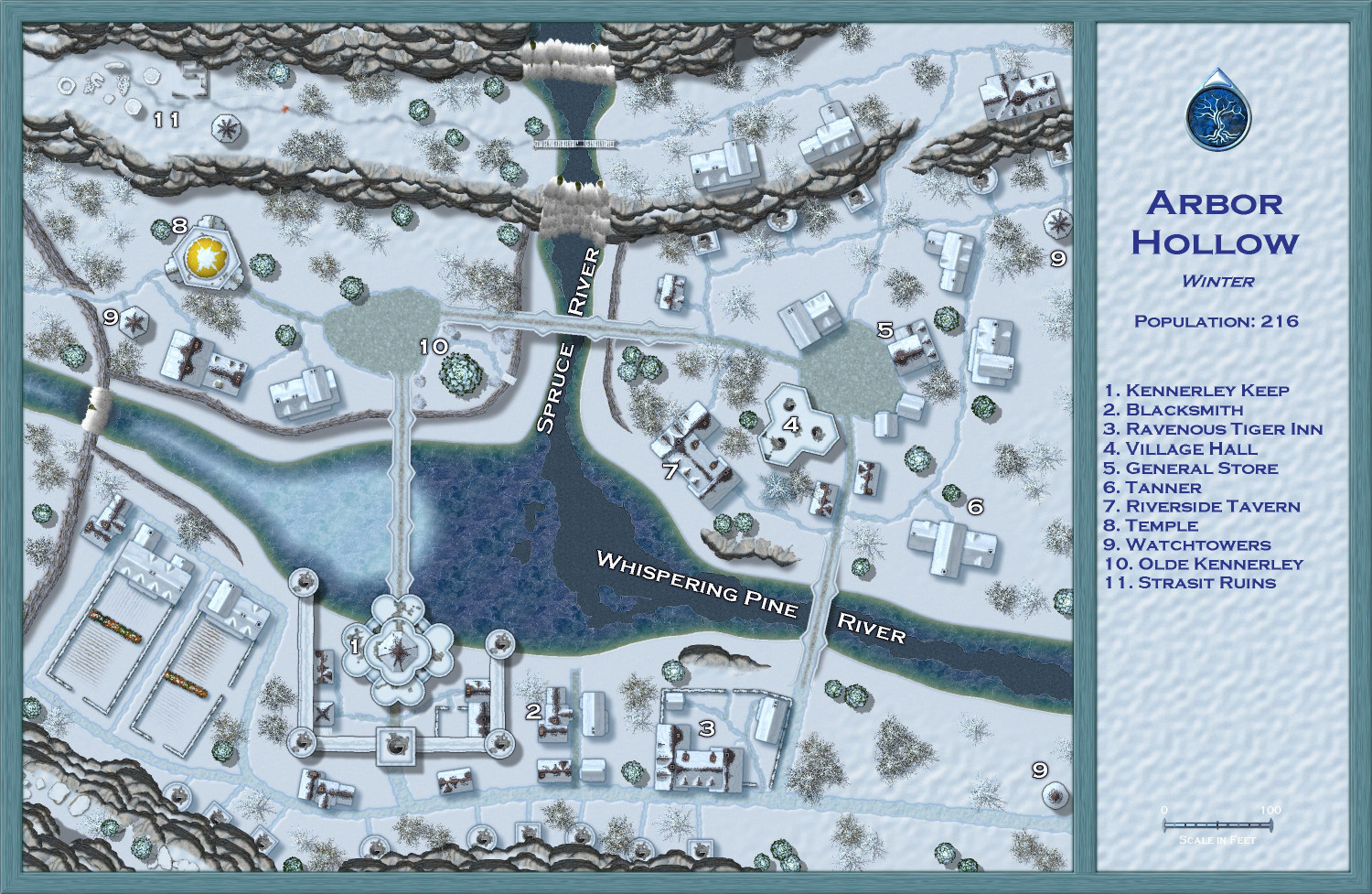
I went back to my previous save -- the last version before starting on the trees -- so that I could replace the trees individually to ensure exact placement. Having the coniferous and deciduous trees on separate sheets made it easier so that I could focus on the firs and the barren trees separately. (Another tips: make sure all of your original trees are on the Vegetation layer and then freeze the other layers -- before I did that, it was way too easy to accidentally grab other things unintentionally.)
Also (not sure if I mentioned this before), I used the effects from one of the Winter Trail sample maps on the white text. I think it makes them stand out nicely. One of the other samples used red text, which made for a nice contrast but felt a little jarring for this map. But I could do a dark blue like the legend if folks think that's better.



-
Dragon sheet
Never mind, I see it in Marine Dungeons. How funny that I've never noticed that one before, given how much I've used that brass inlay and keep hunting for dragon inlays. I think I thought it was an insect.

-
[WIP] The Old San Francisco Mint (Dracula Dossier)
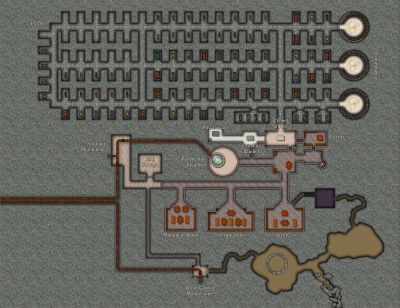
Okay, I changed it on the Floors 3 and 4 maps, too. While they aren't suitable for the Atlas in their current forms (though I could always tweak them to be a museum or other building), I would still like to offer them up to any Game Masters who would like to use them in whatever campaigns they're in. (I will also post that message to the FB group to reach a different audience than the forums.) For anyone who would like to use them, here are the FCW files with my blessing.
-
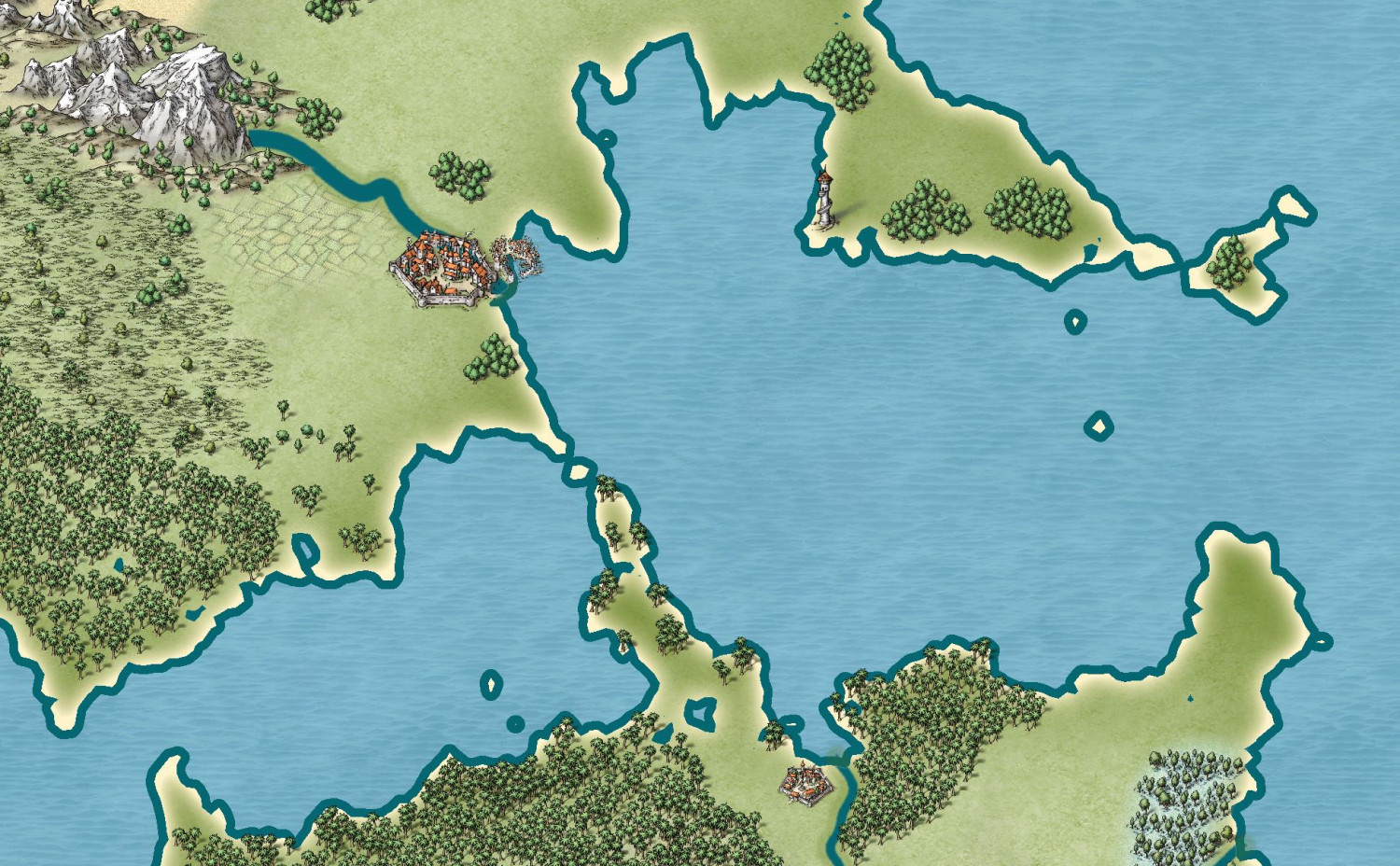
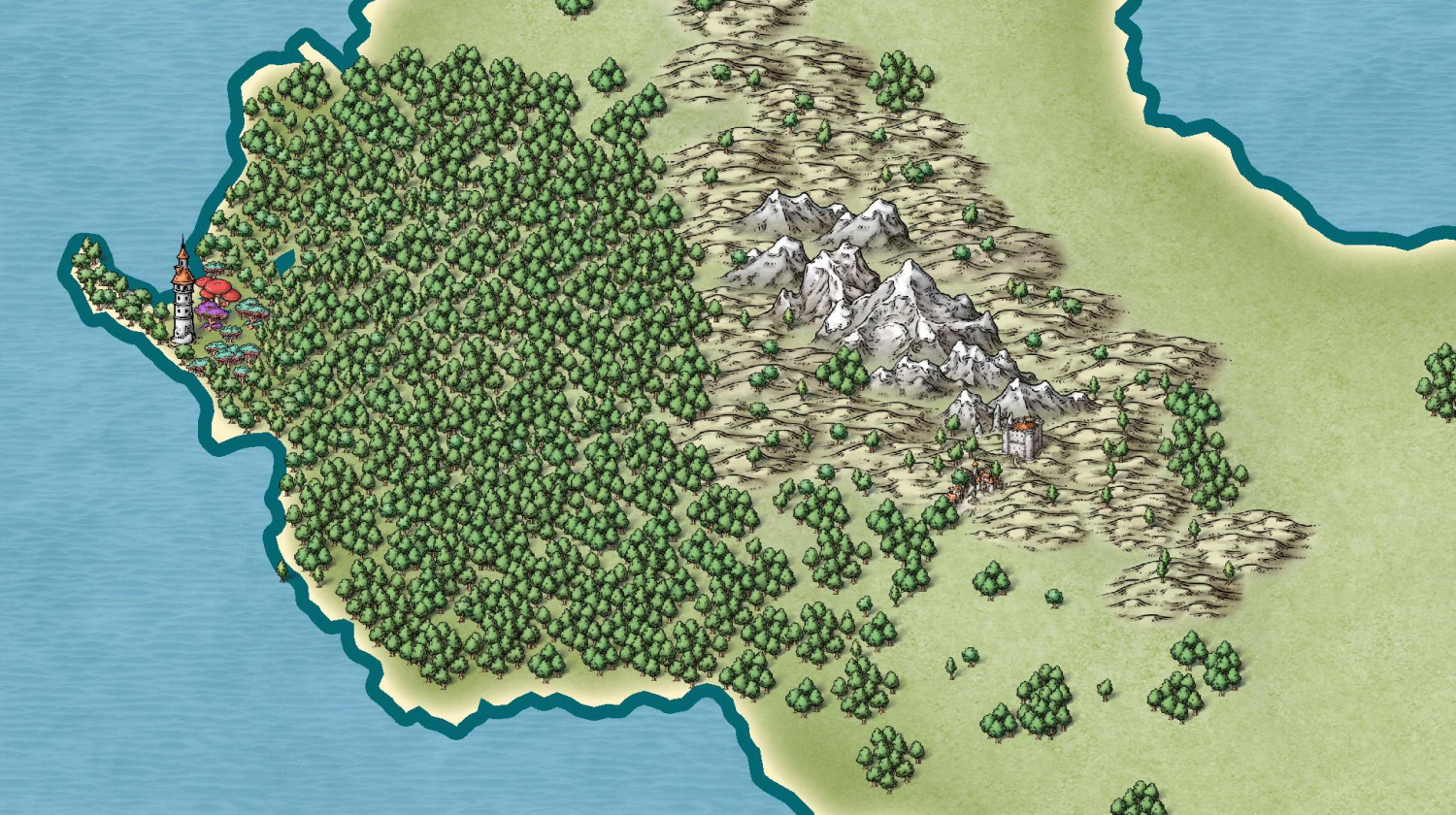
Fractal Terrains to CC3+ - Three Approaches
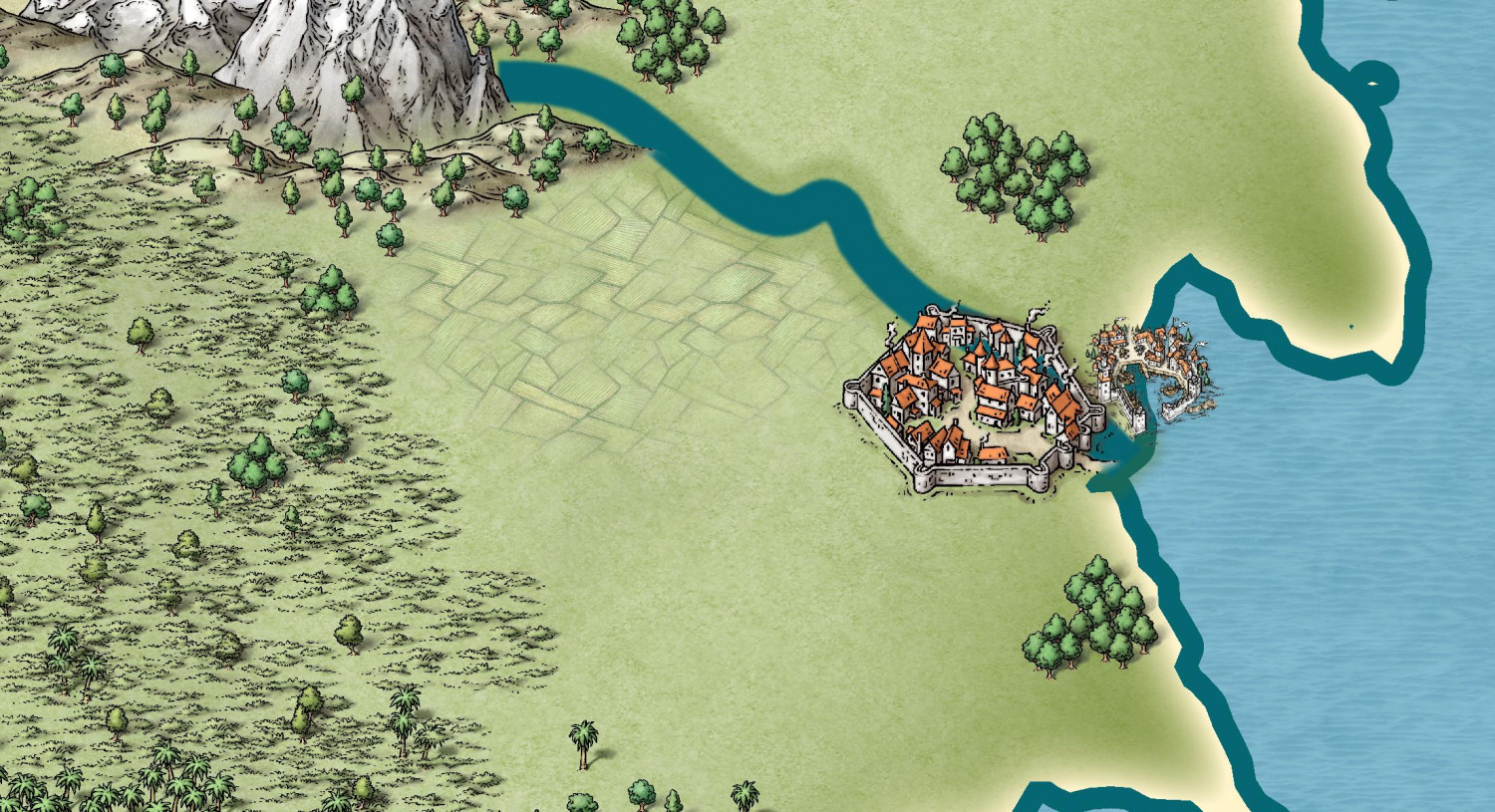
And here are some of the Mike Schley style:

-
[WIP] Research Saucer Shuttle
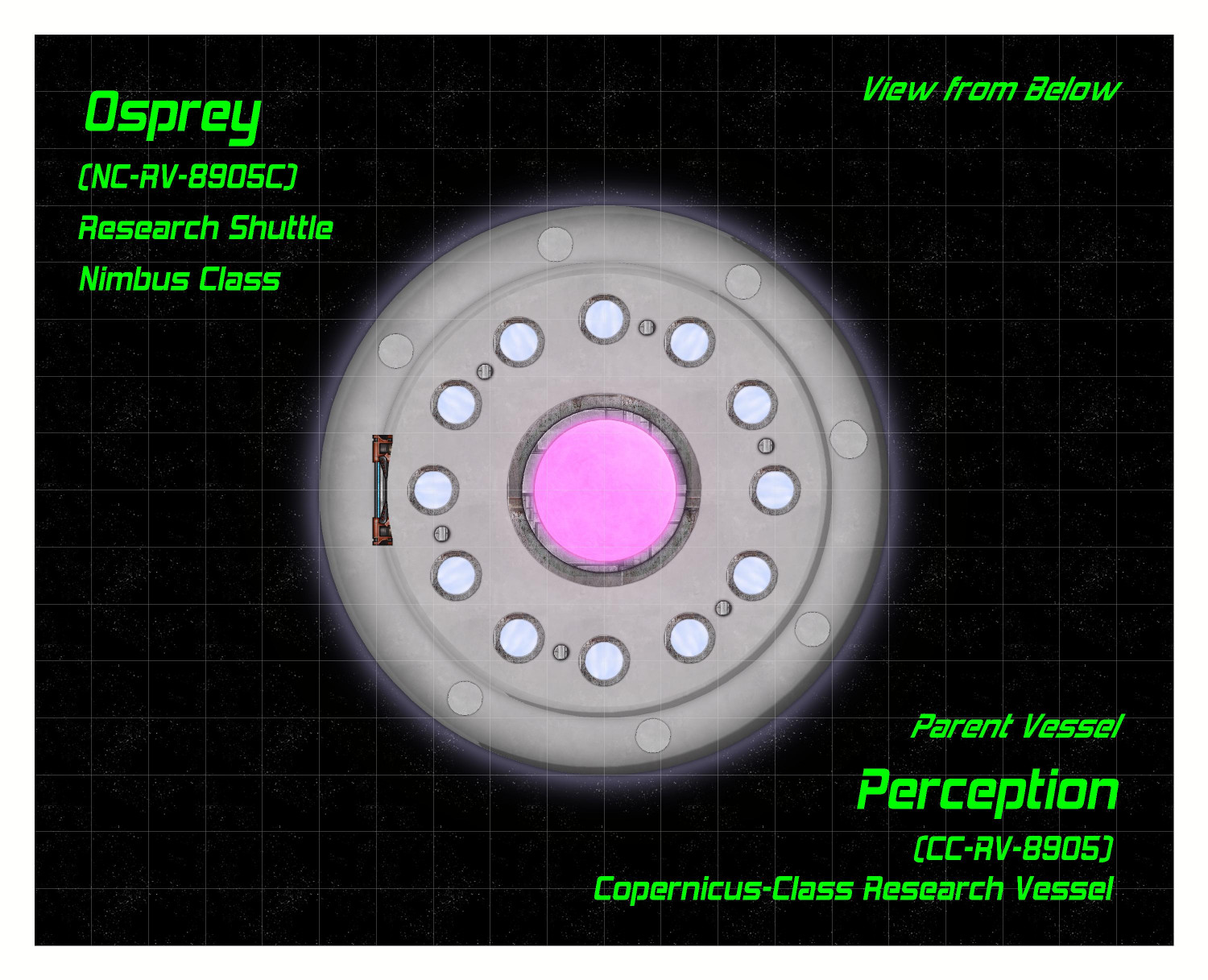
Here is the saucer shuttle from below.
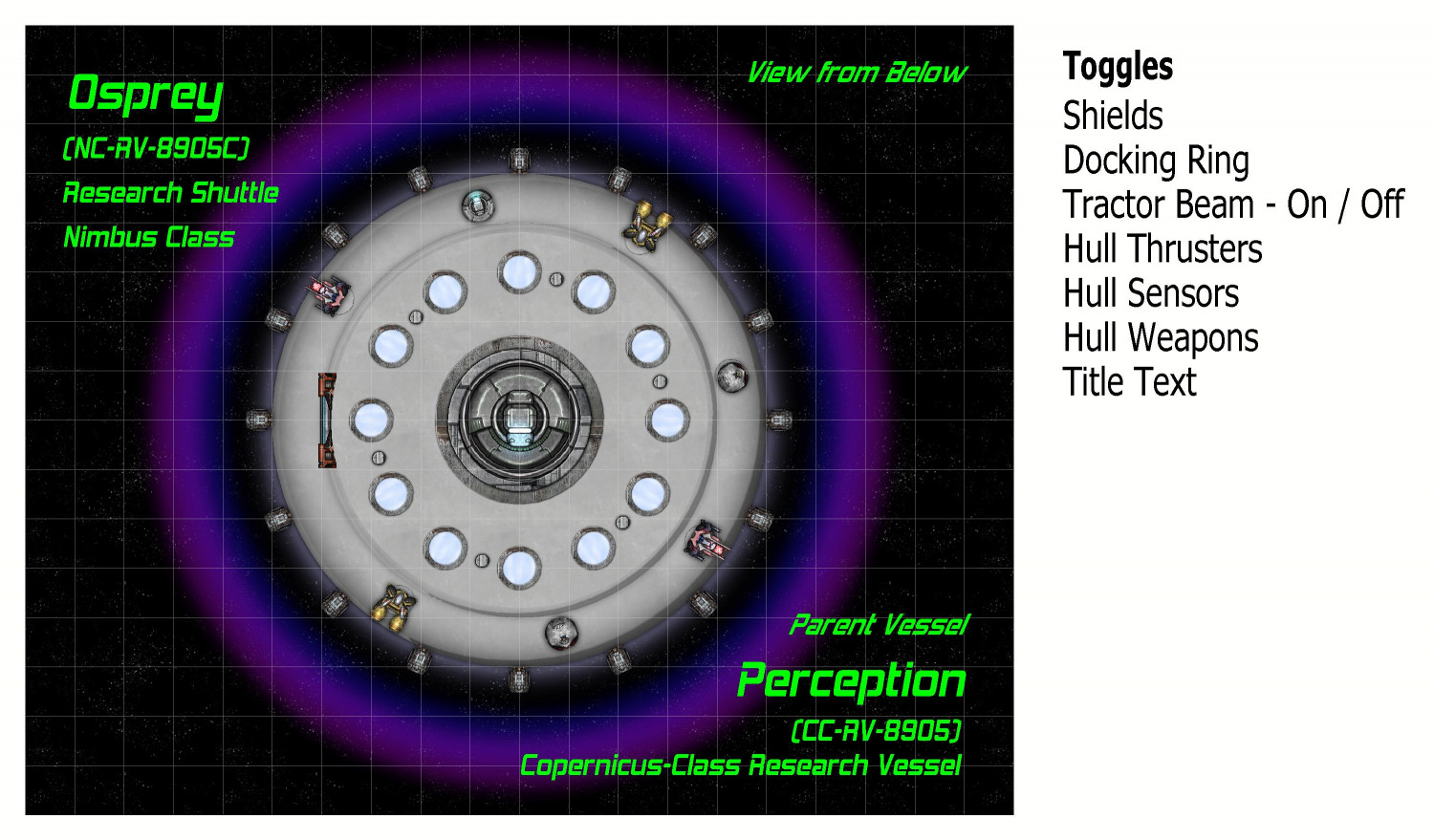
I named this shuttle The Osprey. It is of a class of saucer ships that I've named a Nimbus Class. These shuttles are assigned to either a space station or larger interstellar vessel. In this case, it is part of The Perception, a research ship from a class of ships that I am calling the Copernicus Class.
On the left side, the airlock hatch can be opened planetside to extend a ramp. The very center has a docking ring for connecting to The Perception or other vessels or space stations. The twelve glowing disks are meant to be some sort of magnetic propulsion thrusters (the side thrusters are more for steering and course correction, not liftoff or acceleration). They were made using one of the sun symbols that come with Cosmographer. And the six metal disks are meant to be places where retractable legs can extend when on planet.
The text labels on the right are for toggles in the FCW file. They are off the map border and normally don't print, but I wanted to show it to you. They are mostly on/off toggles, but the Tractor Beam is a little more complex, which I will get to. Here is the syntax for the thrusters, as demonstrated in Remy @Monsen's recent Village Battlemap tutorial. It toggles between hiding and unhiding the layer called "Symbols - Thrusters".
GOLAYER BACKGROUND
TOGL Symbols - Thrusters
NULL
As Remy's tutorial explains, the GOLAYER line is done to make sure you aren't on the layer you're trying to hide, because active layers cannot be hidden. And the NULL line is to make sure that toggling a layer is not your most recent command.
Here's the map with the center docking ring open:
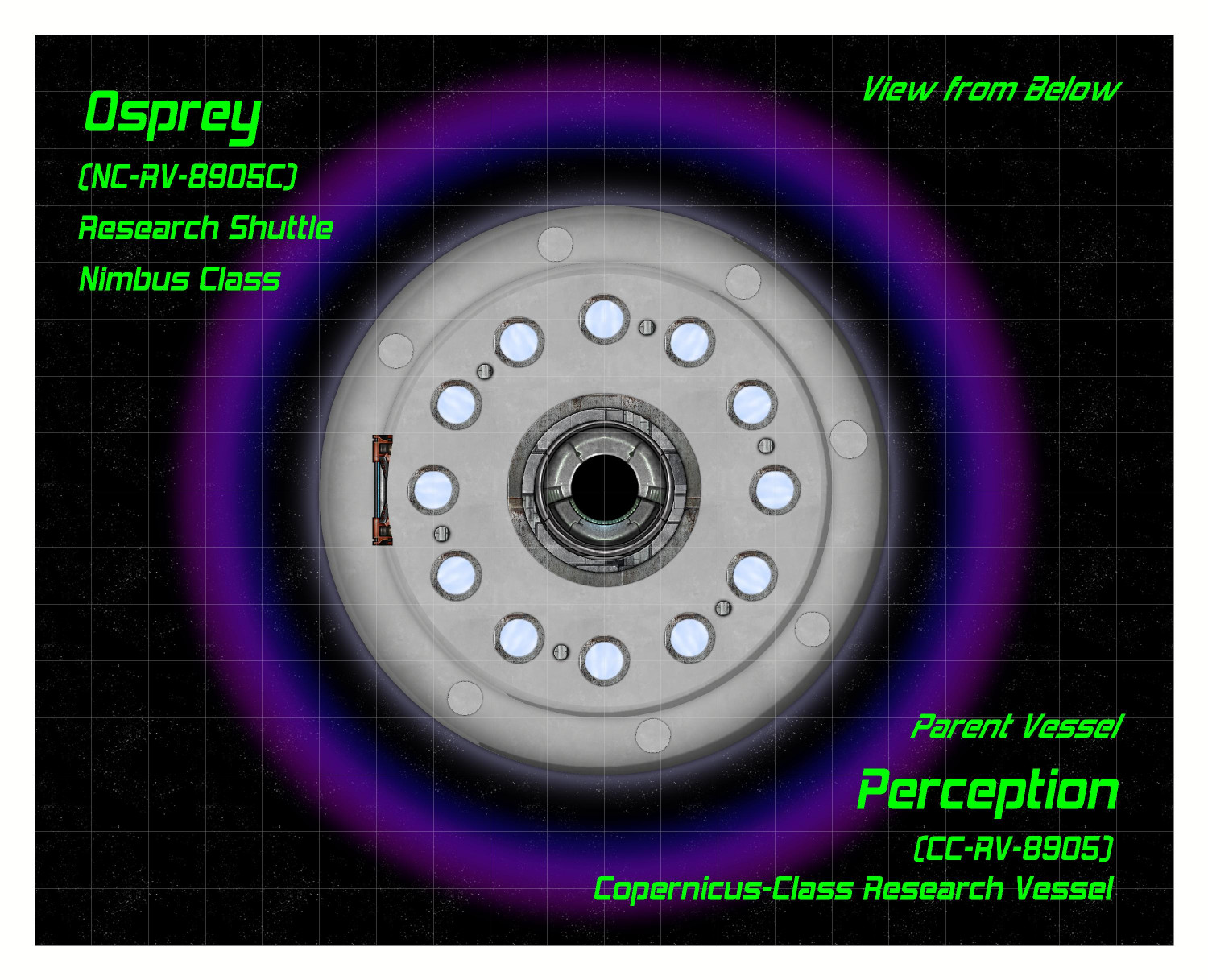
The docking ring is actually two separate symbols, with the closed hatch symbol on top of the open hatch. The "Docking Ring" toggle hides or unhides the sheet that the closed hatch symbol is on, allowing the hatch to go back and forth between open and closed.
In addition to using the center hatch for docking with other vessels, a tractor beam can be activated to lift cargo or specimens into the shuttle (like cows or battered pickup trucks in the deserts of Nevada). Here is the tractor beam activated (it's one of the varicolor suns):
The toggling of the tractor beam was a little tricky. I suppose I could have made it just be on top of the hatch symbols, but I decided to make it as separate "on" and "off" options. Clicking "on" simultaneous hides the layer that both docking hatch symbols are on while unhiding the layer that the tractor beam is on. Here's the syntax for turning it on:
GOLAYER BACKGROUND
HIDE Docking Hatch
SHOW Tractor Beam
NULL
Clicking the "Off" link reverses this, hiding the tractor beam layer and showing the docking hatch layer.
On to the Habitat and Engineering decks!
-
[WIP] Kingdom of Gongodûr
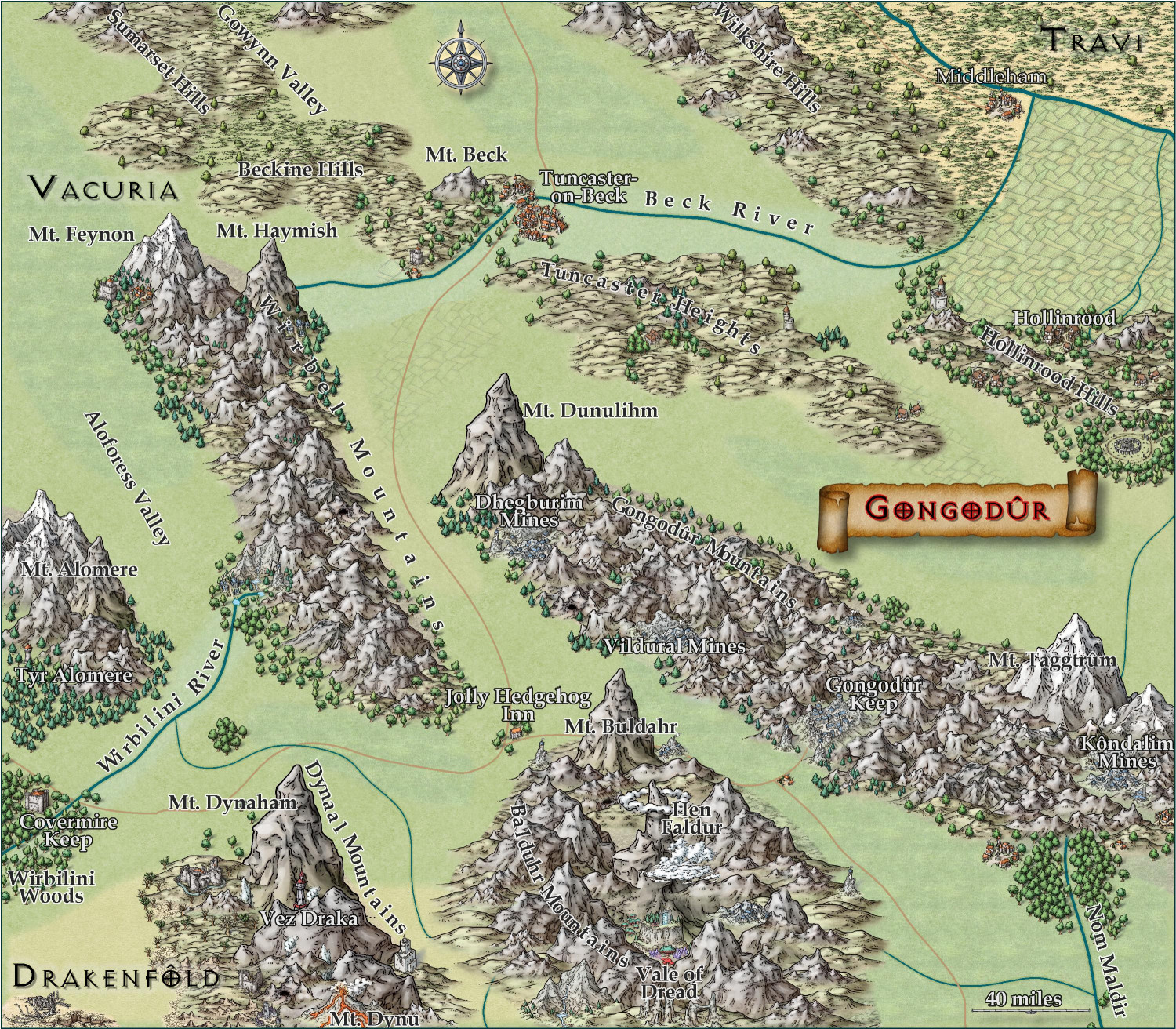
I changed the two labels to near-white for settlements and near-black for geographical names. (Let me know if you think I should reverse that, with dark names for settlements and light ones for geography.) Playing with text-along-a-curve for some mountain ranges and rivers, and moved some to the side to make them easier to read. (For a few of them, I had to explode the text and ungroup temporarily to adjust the kerning.) Made some effects changes to the political borders but I need to redraw them to reflect the river changes. Oh, and I embiggened the compass and moved it. It also has an inner glow to make it stand out a little.
May not have more time today to work on this -- about to head out to a family function for the day. Hoping to finish it this weekend.

-
[WIP] Kingdom of Gongodûr
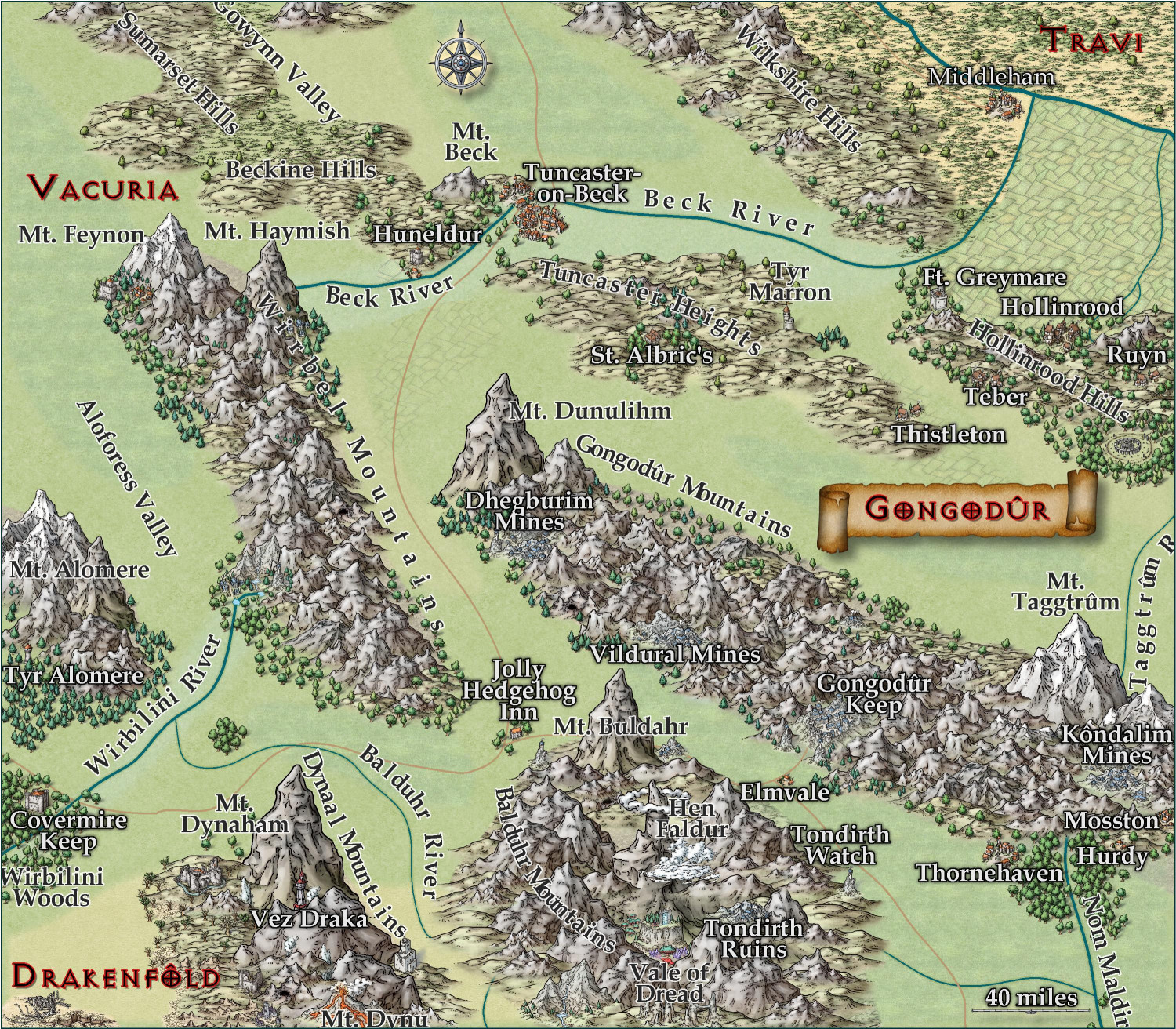
Still working on this. Text is slightly larger, and the glow is as well. Added more names, though I still have a few more rivers and settlements to do. Should I be naming the roads, too?
I am think about putting country names, settlement names, and geographic names each on a separate layer so that end users can toggle them on and off as desired. They're already on separate sheets, though, so maybe that's sufficient for toggling individually, and a single layer for all of them to toggle all names on/off simultaneously?
-
Donut-shaped buildings?
Oh, fantastic! I will try that.
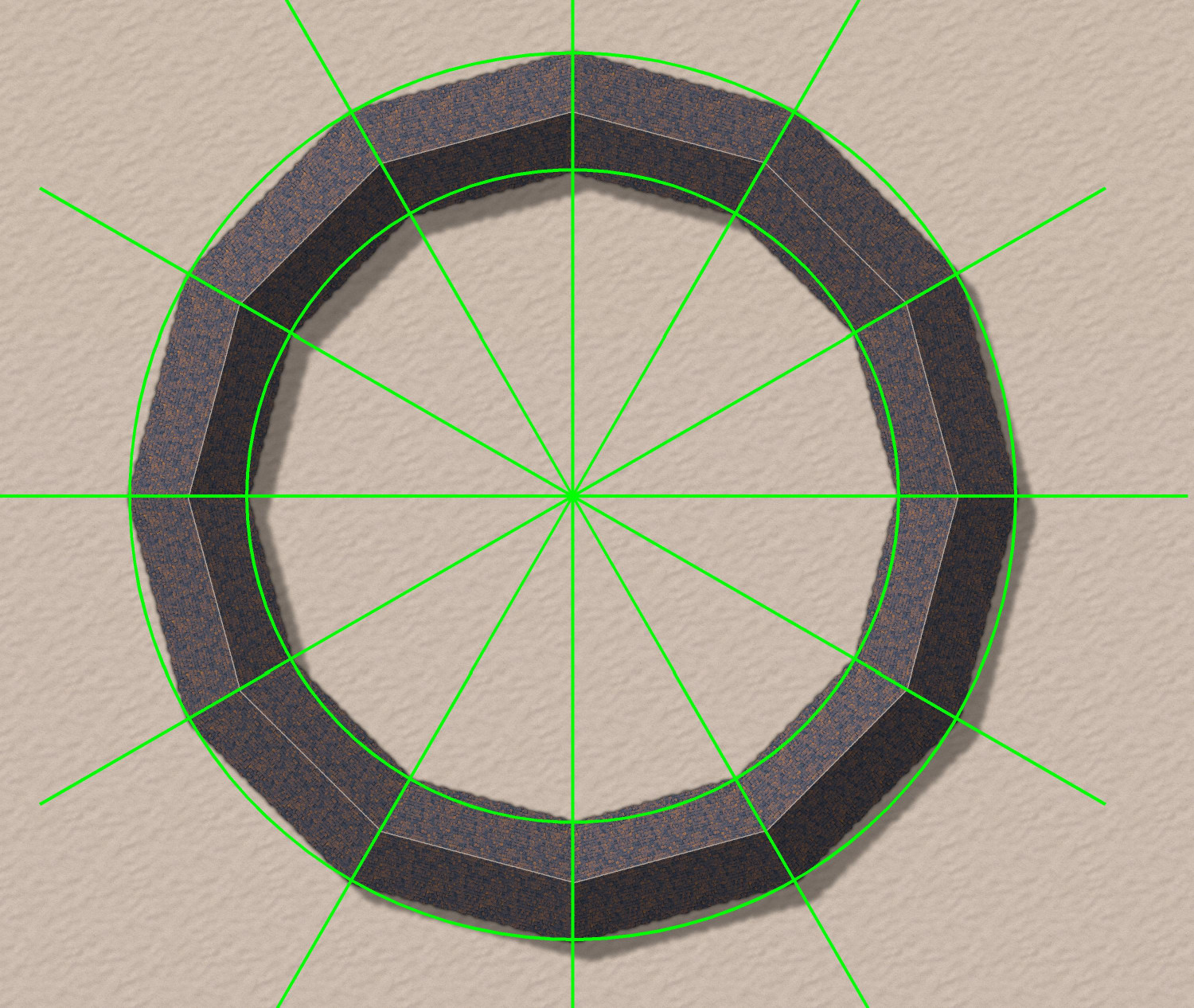
As soon as I posted it, I had an idea for how to do a semi-circular one using drawing lines to draw an irregular building that was 1/12th of a circle, and then copying 12 in a circular array. But yours will allow me to do an oval-shaped stadium. Thank you!