


roflo1
roflo1
About
- Username
- roflo1
- Joined
- Visits
- 2,878
- Last Active
- Roles
- Member
- Points
- 576
- Rank
- Surveyor
- Badges
- 8
Latest Images
Reactions
-
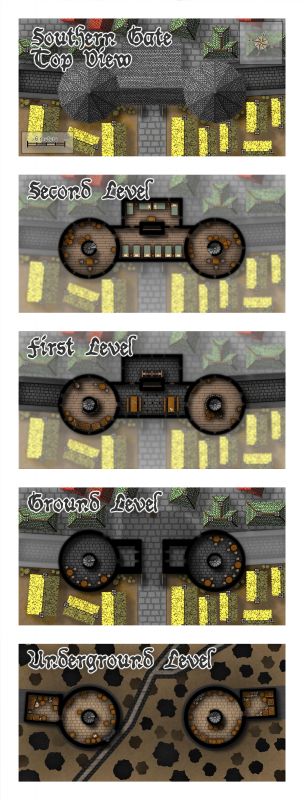
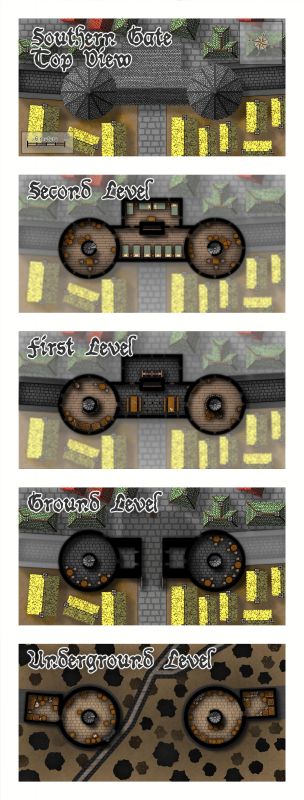
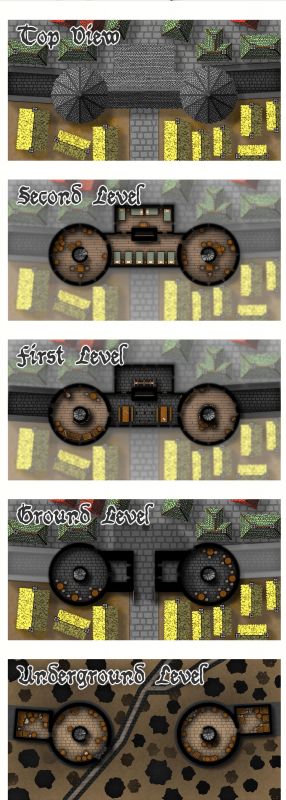
[WIP] August Competition - The Southern Gatehouse
Starting to take shape...








-
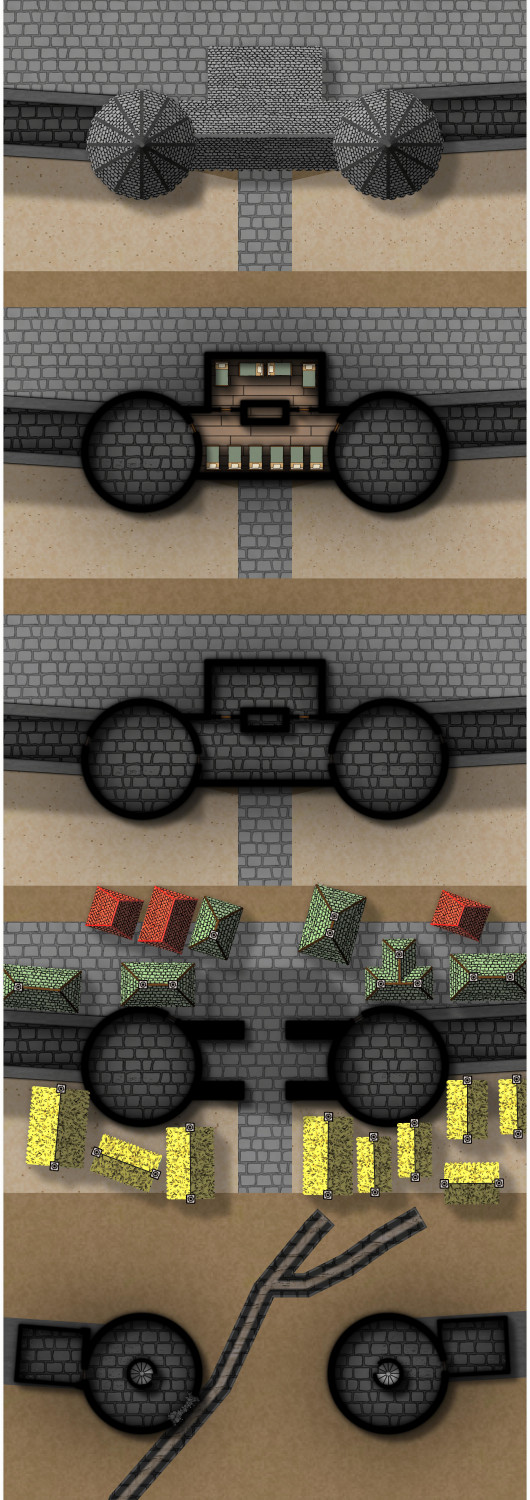
[WIP] August Competition - The Southern Gatehouse
When I decided to enter the competition I said I would be taking the southern gatehouse. And while everyone else is posting very advanced progress pictures, I've spent most of the time figuring out which style to use, measuring, placing guides on top of the parent bitmap, thinking about the layout I want to achieve, and testing one drawing tool (I don't think it's visible, but if you manage to spot it, don't mind the acne... yet).
So, instead of exporting a render of my progress, I decided to screenshot my work area:
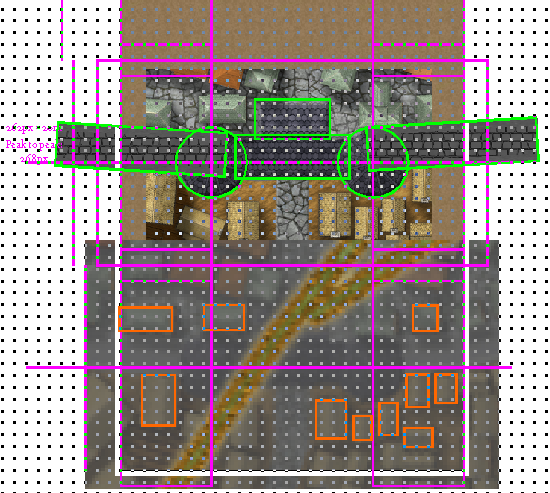
I sure hope I can finish this before the deadline. I expect once I get through the "planning" stage, I should advance more quickly.
![[Deleted User]](https://secure.gravatar.com/avatar/c75d9a245b74d9c59be0999ea81ca541/?default=https%3A%2F%2Fvanillicon.com%2F92add7f8c954488718110edc4896ad39_200.png&rating=g&size=200)


-
August Mapping Competition - Building Floorplans - Win Prizes
Ok, yeah. I'm in.
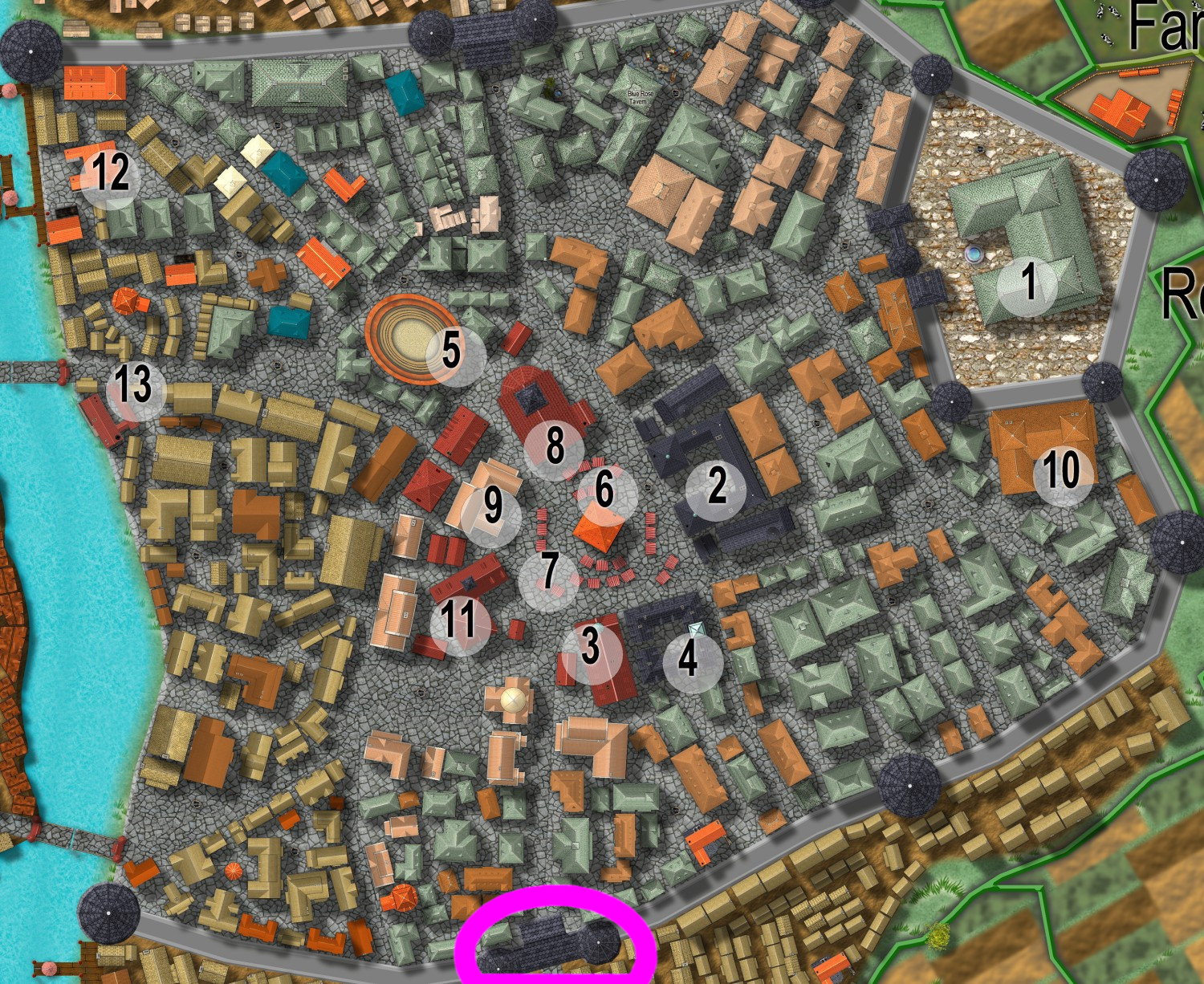
I'll be taking the southern gatehouse..

-
WIP: Cepheus Engine / Traveller tactical battlemap
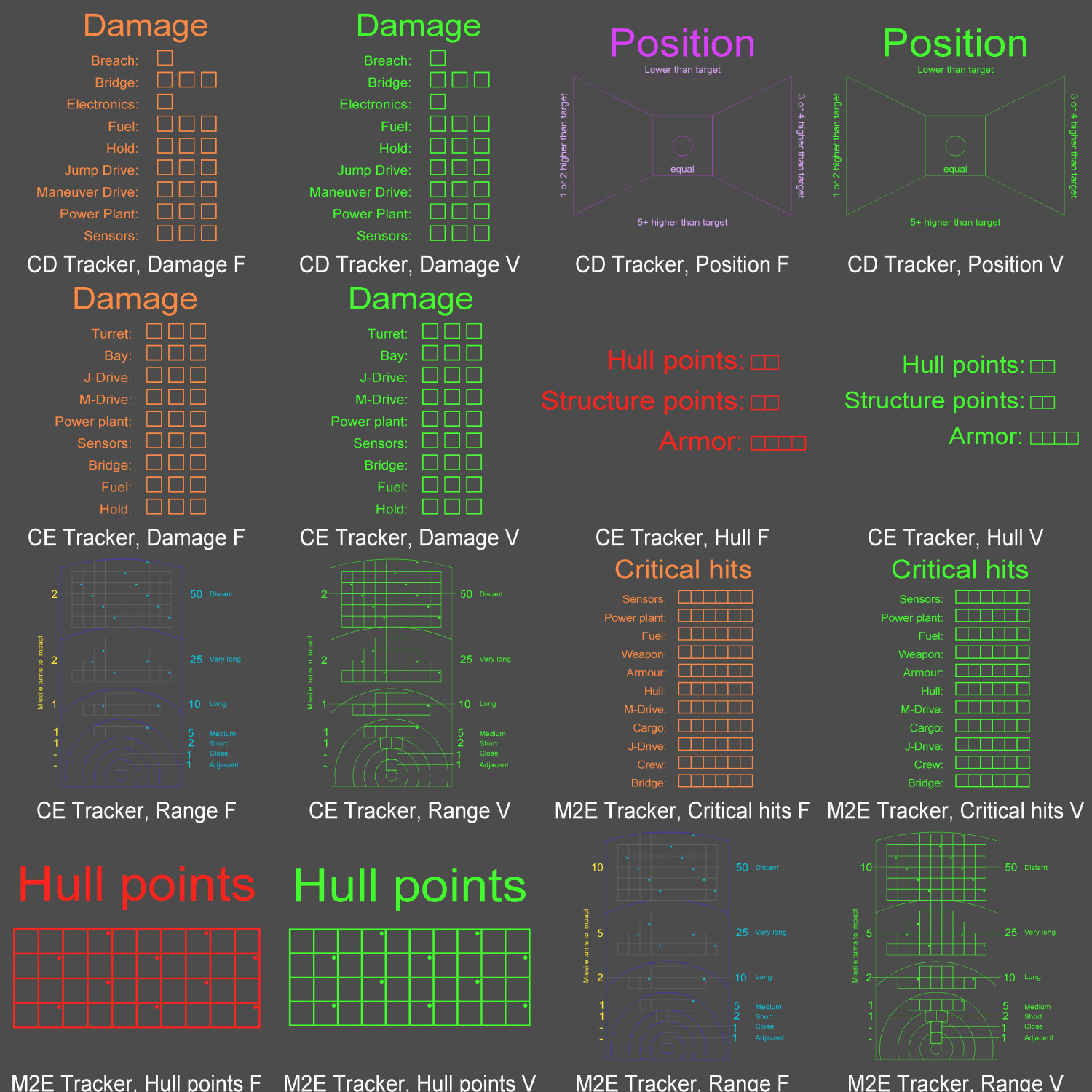
And, to wrap it up, I made a catalog with the few trackers I made. I included both the main neon-colored version and a varicolor one (the range trackers use 4 colors and I can only set one varicolor, so my recommendation would be to clone+edit the symbol instead).
This is the catalog thumbnail (I selected the neon green for printing the varicolored symbols):
And this is the FSC for you to enjoy:
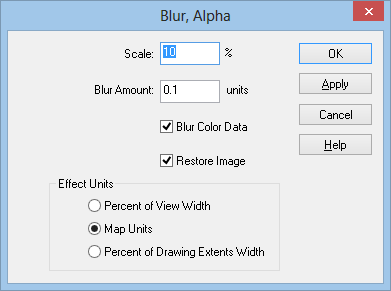
For use in your own tactical map, I do recommend adding some sort of glow effect. Blur Alpha worked for me with these settings:
Cheers!
-
WIP: Cepheus Engine / Traveller tactical battlemap
For those interested in copying my color palette for your "Cosmographer Traveller Deckplan" maps, I made a macro to change all the colors in the main template.
It works for the Beowulf template, but I still have to figure out a way to handle errors (specifically, when no entities are selected for a given command).
MACRO TACTICAL
SELSAVE
SELBYC
SHEET BULKHEAD
SHIDEA
SHEET ENGINEERING
SHEET LEGEND
CHANGEC 240 101
SHEET TEXT
SHIDEA
SHEET TEXT TITLE
CHANGEC 0 104
CHANGEC 240 103
SSHOWA
CHANGEC 240 99
SHEET BACKGROUND
SHIDEA
CHANGEC 15 240
SHEET DECK
SHIDEA
CHANGEC 15 243
SHEET MAP BORDER
SHIDEA
CHANGEC 0 102
SSHOWA
CHANGEC 252 244
CHANGEC 248 99
CHANGEC 15 0
CHANGEC 255 248
CHANGEC 250 98
SELREST
ENDM
And for the two or three of you who don't read every single post (heh), one of the limitations of using macros is that you can't change the symbol references already placed in a map (at least not in one step). There are four options to accomplish this:
- Explode the symbols in the drawing. (thanks for the reminder Monsen!)
- Edit all references, one by one.
- Create a new catalog and then replace all symbols, one by one.
- Write an XP
For option 1, you might want to modify my macro above.
For options 2 and 3, something like this may be handy (especially if you're trying to create a new catalog, since you can use "Symdefs to Sheets", run the macro below, and then "Sheets to Symdefs"):
MACRO SYMTACTICAL
SELSAVE
SSHOWA
SELBYC
CHANGEC 15 241
CHANGEC 240 101
SELREST
ENDM
And if you go for option 4: please share it! ;)
