


Shessar
Shessar
About
- Username
- Shessar
- Joined
- Visits
- 304
- Last Active
- Roles
- Member
- Points
- 1,225
- Rank
- Mapmaker
- Badges
- 13
Latest Images
Reactions
-
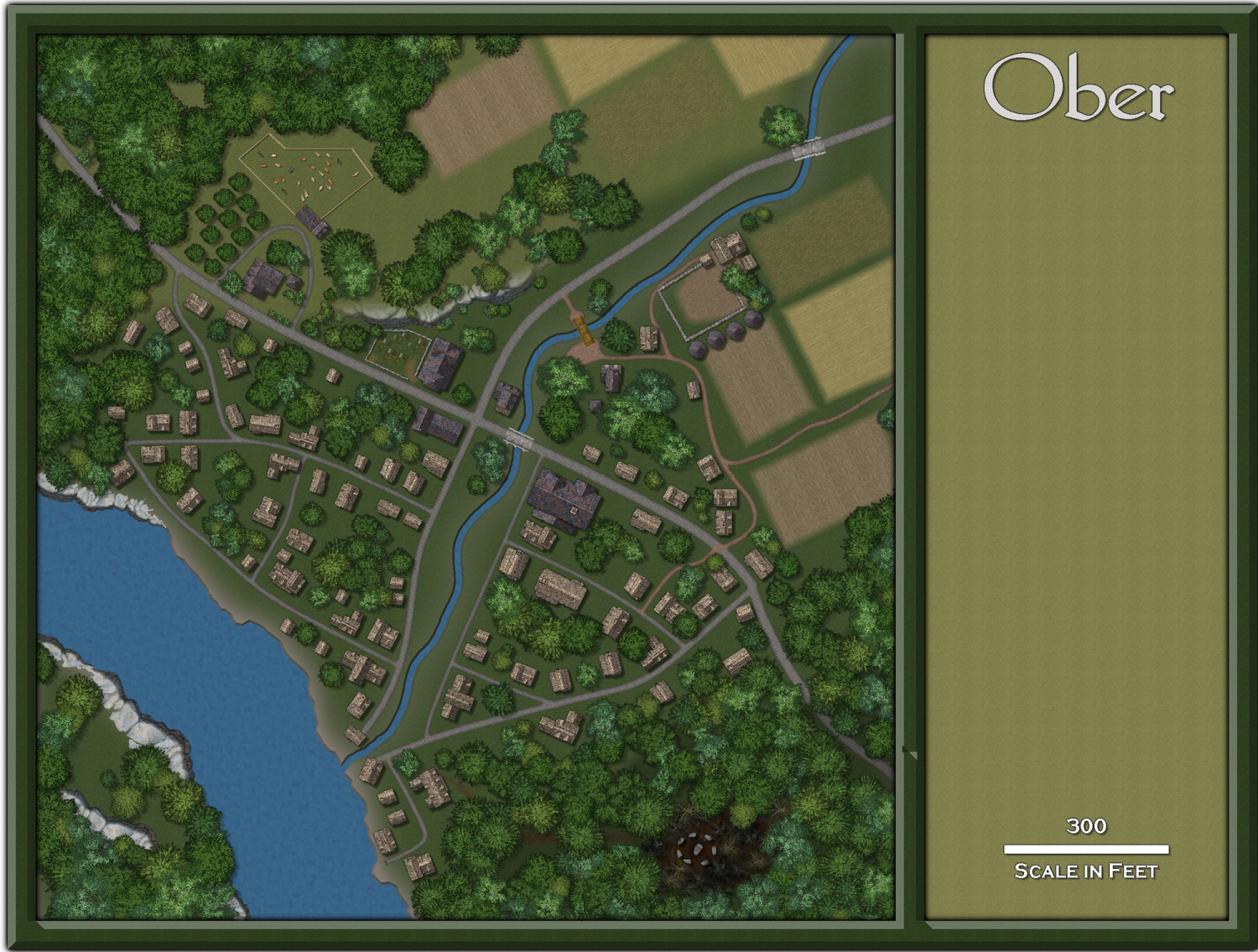
1000th Map Competition: Ober, Southern Scar
Next phase is complete. Last will be the river and landscape shading, labels, and the fiddly details like paths, gardens, etc.








-
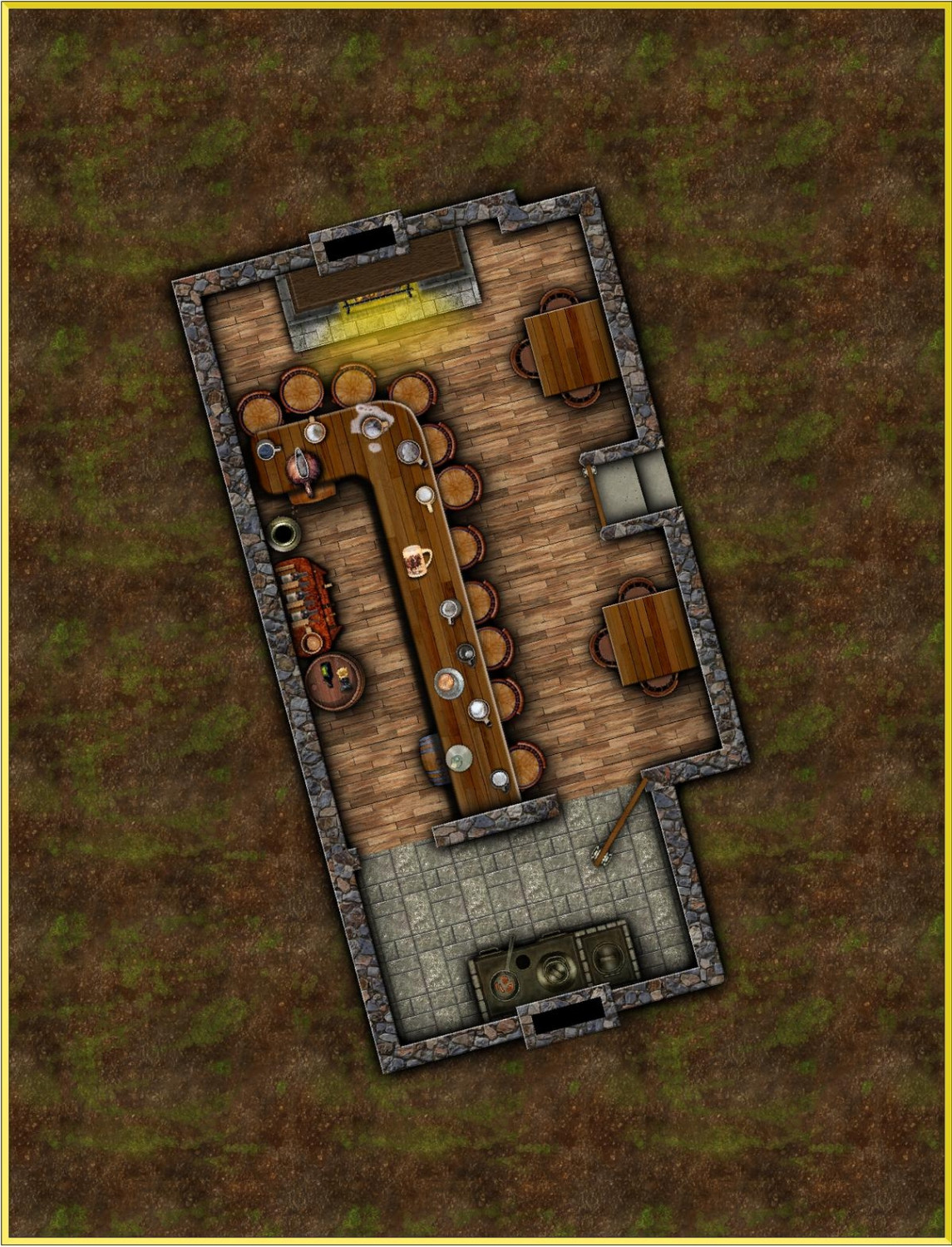
[WIP] August Competition - Pappy's Pub
I'm just getting started on this, playing around with layout and textures and searching for the best symbols to use. All things are subject to change.

![[Deleted User]](https://secure.gravatar.com/avatar/c75d9a245b74d9c59be0999ea81ca541/?default=https%3A%2F%2Fvanillicon.com%2F92add7f8c954488718110edc4896ad39_200.png&rating=g&size=200)





-
Compass Roses
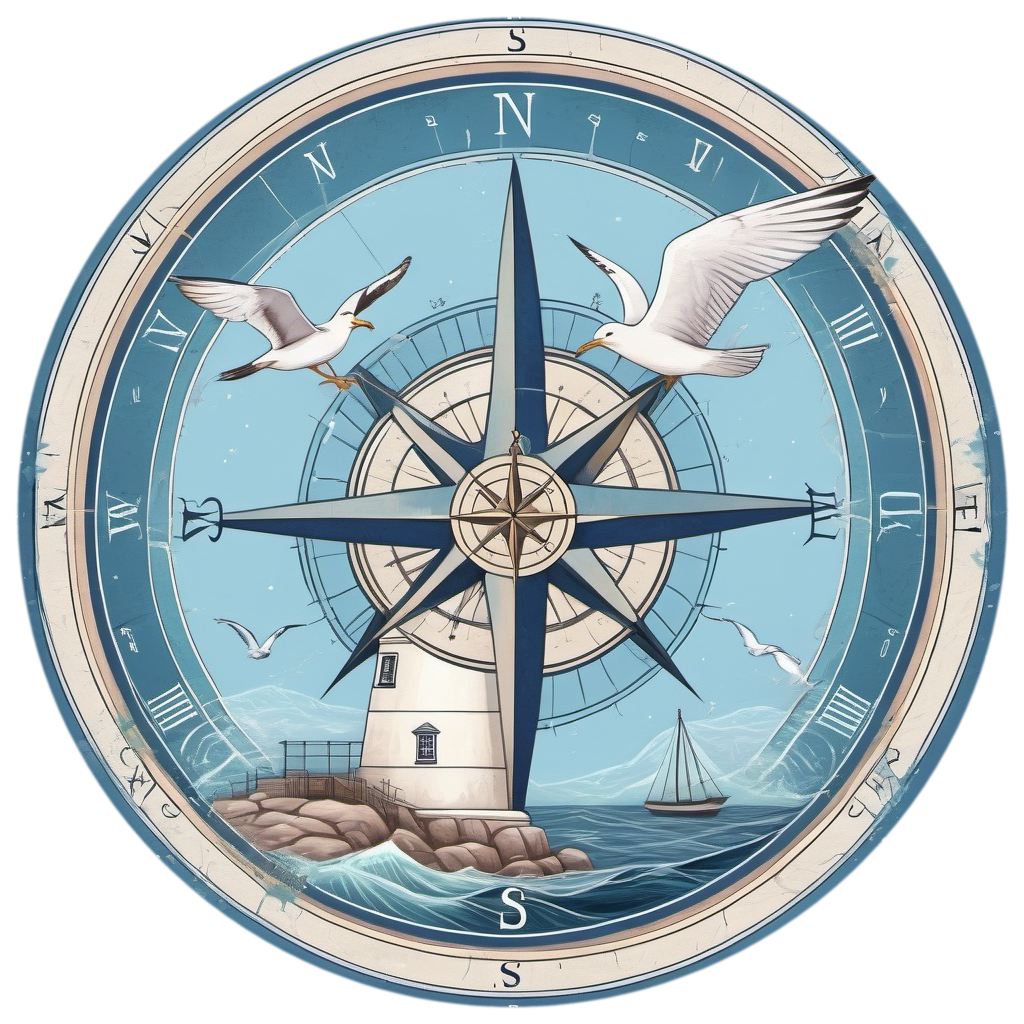
This is just a very rough draft and nothing close to being finished, but is this what you mean by nautical themes?


-
Dungeon Level Symbols - Celtic Revival Room by Room
Glad you like them! And these are the kinds of ideas that I need. All of them may not make it in, but the more ideas I get of what might be useful, the more complete the symbol set will be.
As for vari-colored symbols looking washed out, the key is to use the darkest colors. My preferred is to not go passed the forth color on the left. You get much richer colors that way. Compare the image in the post above, which used the colors in the mid range, to these.


-
Compass Roses
@Don Anderson Jr. , how is this for the skull and crossbones? One with entire skull, the other with missing jawbone.

I'll continue to play with ideas for a nautical theme. The test one that I posted up thread is of course far too complex for a small compass rose, though I may clean it up and include it anyway. It might make a decent map decoration or something.

-
Dungeon Level Symbols - Celtic Revival Room by Room
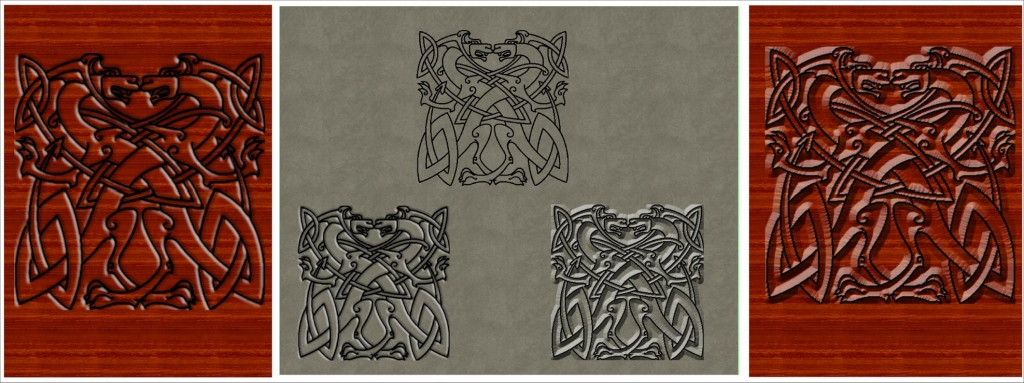
One of the things I've been experimenting with are decorative elements that can be placed on floors, tables, etc to looks like carvings. I'm still experimenting, but am getting closer to what I want. Like I said, this is going to take a while to make everything that I have in mind.

-
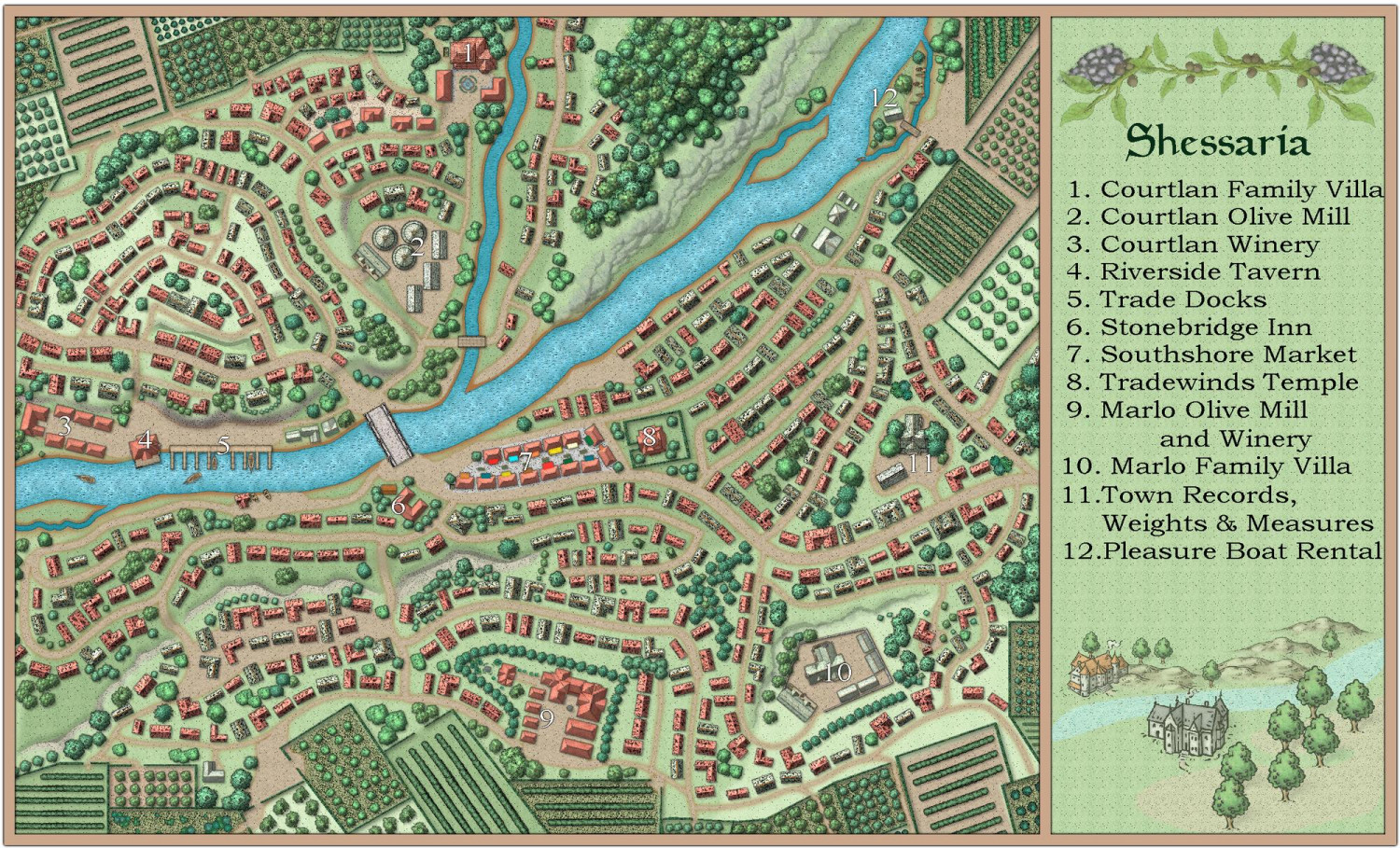
[WIP] Community Atlas - Town of Shessaria
I typically do not add detailed notes to my Atlas maps because it is up to the DM that uses them to fit them into their own world. To me, an Atlas is just a book of maps. I do of course define what some things are, but the times I've used maps from the atlas in my campaign I rip all of that out to make the map fit my needs.
So with that said, here's this finished map. I'll post the .FCW in a day or two after I'm sure there is nothing that I want to change.
-
Dungeon Level Symbols - Celtic Revival Room by Room
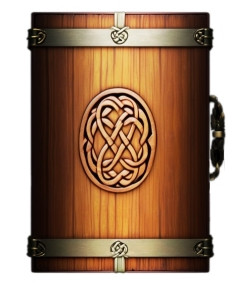
Love seeing everyone's animals. 😍 I will certainly try to include the suggestions you make as I go.
Right now I'm trying to get the shading on chests to look right.
-
Dungeon Level Symbols - Celtic Revival Room by Room
@Royal Scribe My problem is that I have volunteered myself for too many real life commitments, and they are all needed and worthy of my time. I fit making symbol art and maps into my down time, so I apologize for how long this is taking. Rest assured that even when I'm not actively posting here, that I am still plugging away at this.
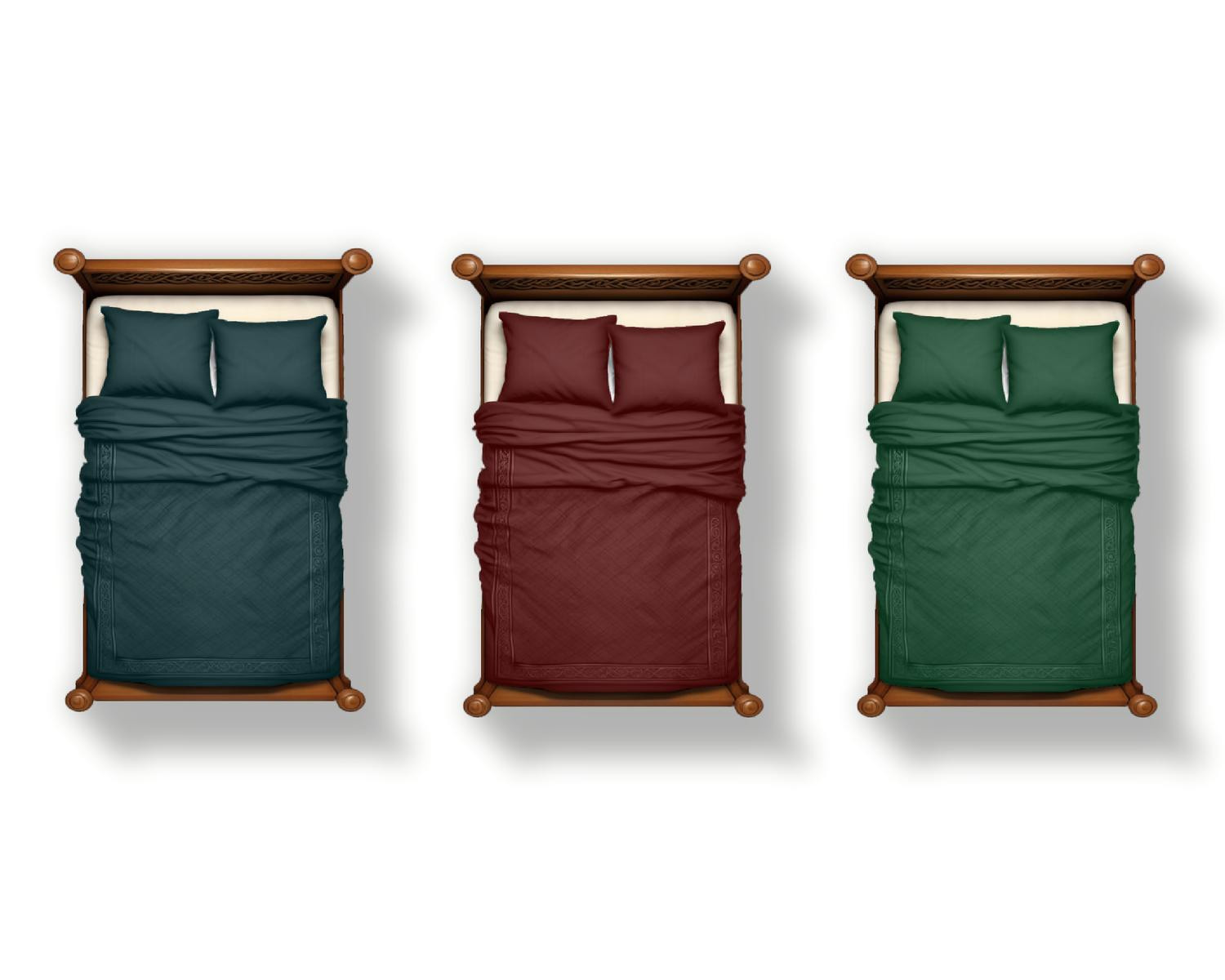
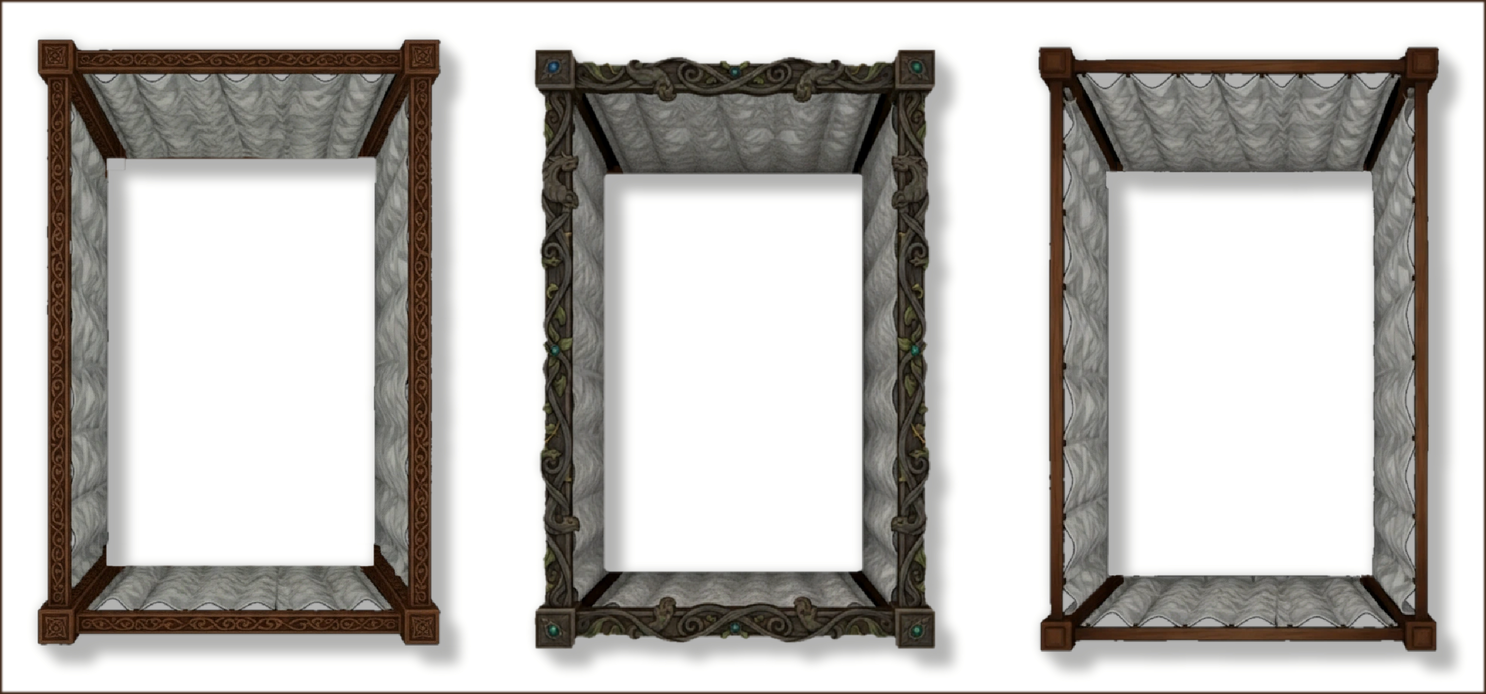
@Quenten Yes, I plan to make the beds and curtains separate with both having vari-color options. This way I'll be able to make just a few different designs for for the curtains rather than multiple versions of each bed.
A few curtain ideas I'm currently playing with. These are just the rough design ideas that I'm working on currently.
-
Need some help fixing an old map
Hello! I've converted many, many maps from CC2 to CC3 over the years. It can be tricky at times. Here's how to fix this one....
- Open Symbols>Symbol Manager
- Scroll down and click to select the Room Circle 1' symbol.
- Click on edit then draw a bounding box across your screen. This opens the symbol in the editor.
- Now Select Send to Back on the right hand button bar.
- Right click within the editor window and select layer
- Choose the walls layer, click OK, then Do it.
- Close the editing window via the x to close and say yes to save.
You should be good to go. Give a shout here if you don't understand something.

