Royal Scribe
Royal Scribe
About
- Username
- Royal Scribe
- Joined
- Visits
- 9,940
- Last Active
- Roles
- Member
- Points
- 3,476
- Birthday
- February 5, 1968
- Location
- San Francisco, California
- Website
- https://legacy.drivethrurpg.com/browse/pub/31814/Royal-Scribe-Imaginarium
- Real Name
- Kevin
- Rank
- Mapmaker
- Badges
- 16
Latest Images
Reactions
-
[WIP] - Lumadair: Birdseye Continental
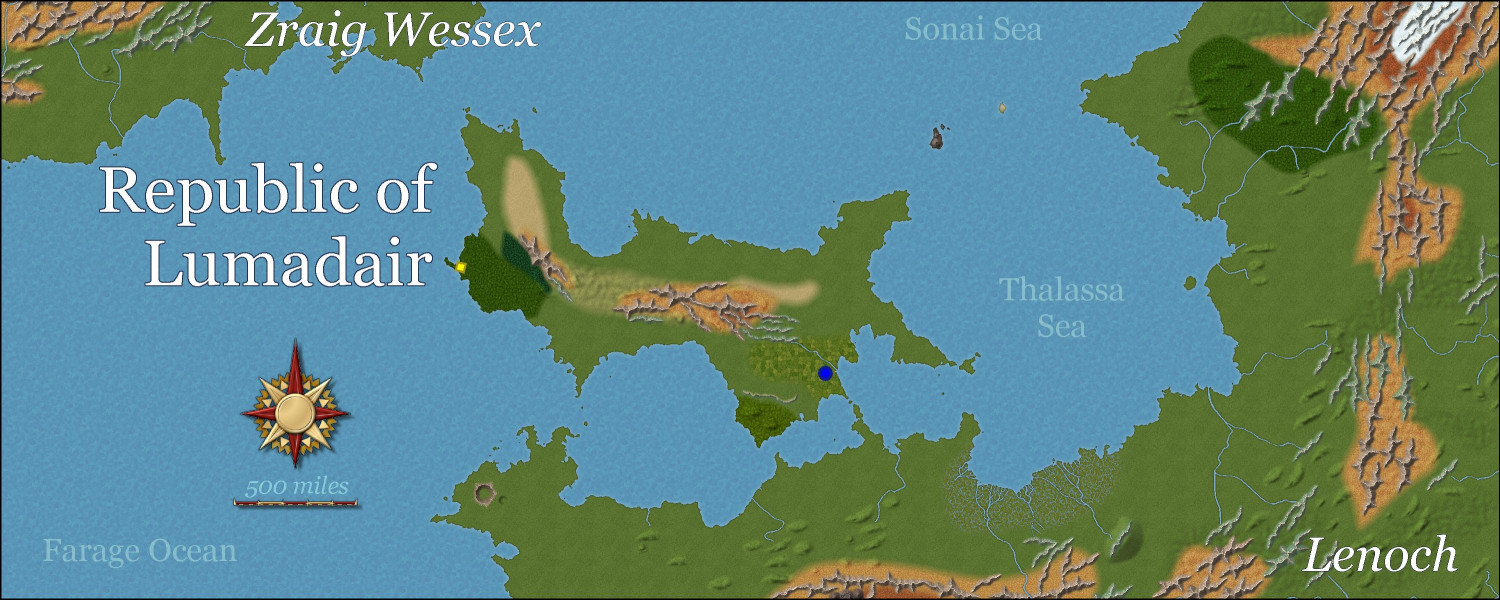
Before attempting to do my entire Earth-sized world in the new Birdseye Continental style, I wanted to practice on a smaller bit of land, the tried-and-true Republic of Lumadair. I find it helpful to have the exact same FT export used for so many different styles -- I can toggle through JPGs of all of them while the coastlines remain identical, for better comparison.
I won't have time to do more work on it for several more hours (it's the start of my workday here on the Pacific coast), but I figured in the meantime I would seek feedback on my progress so far.
First, for perspective: Lumadair is in an equatorial climate. Very equatorial. Fractal Terrains tells me that the equator runs right through the middle of it. The latitude runs from -10 degrees on the southern side to +10 degrees on the northern side. Here it is circled on a map of my campaign world:
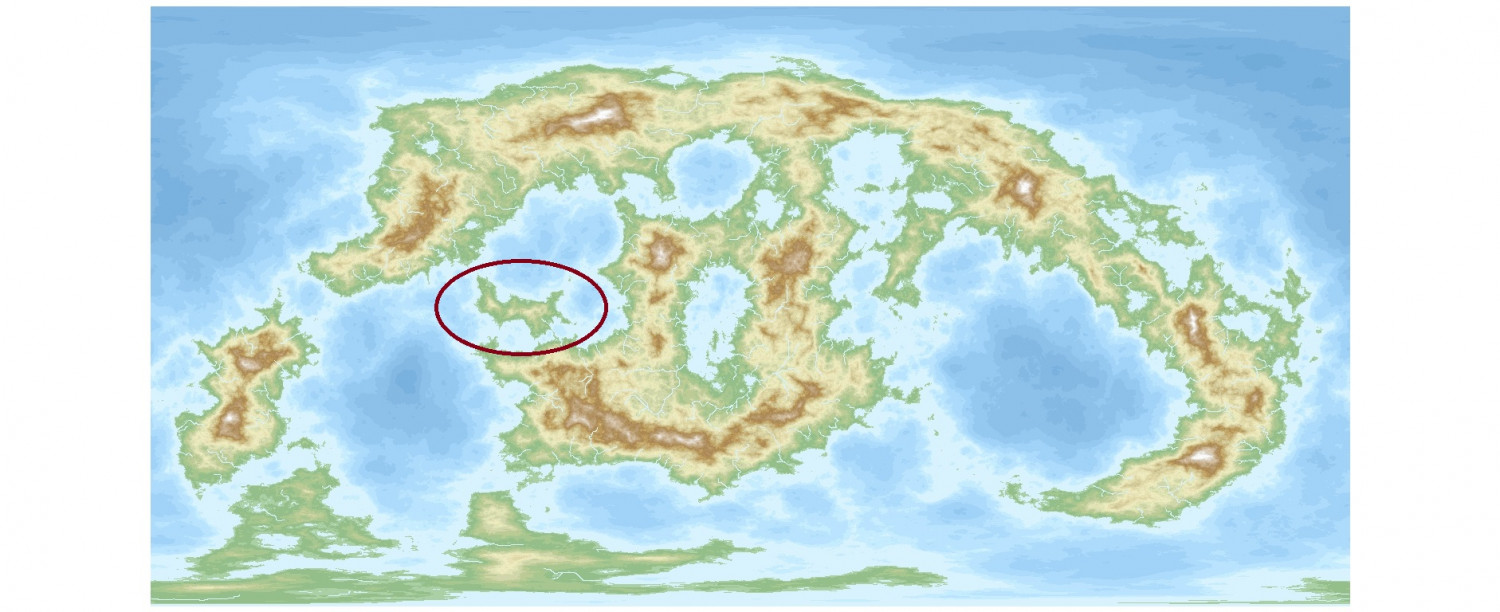
(After doing some terraforming to turn some landlocked great lakes into seas connected to the oceans, I made some adjustments to how it's viewed. I discovered that rotating the longitude perspective by 90 degrees allowed the main landmasses to all appear on the map without wrapping around. And I flipped it because I liked how it looked better that way, so FT will tell you that the top of the map has negative latitude numbers, with positive ones on the bottom half, but since that's not displayed, it's easy enough for me to mentally adjust.)
There are more images of Lumadair in my galleries if you want to see the terrain and symbols in other formats.
Here is Lumadair so far in Birdseye Continental. Haven't drawn most of the forests yet, nor water depths. I want to redo all of the mountain ridges and ripples to make them fit together a little better, and also be slightly less linear, even though they should still more or less be going in the same direction.
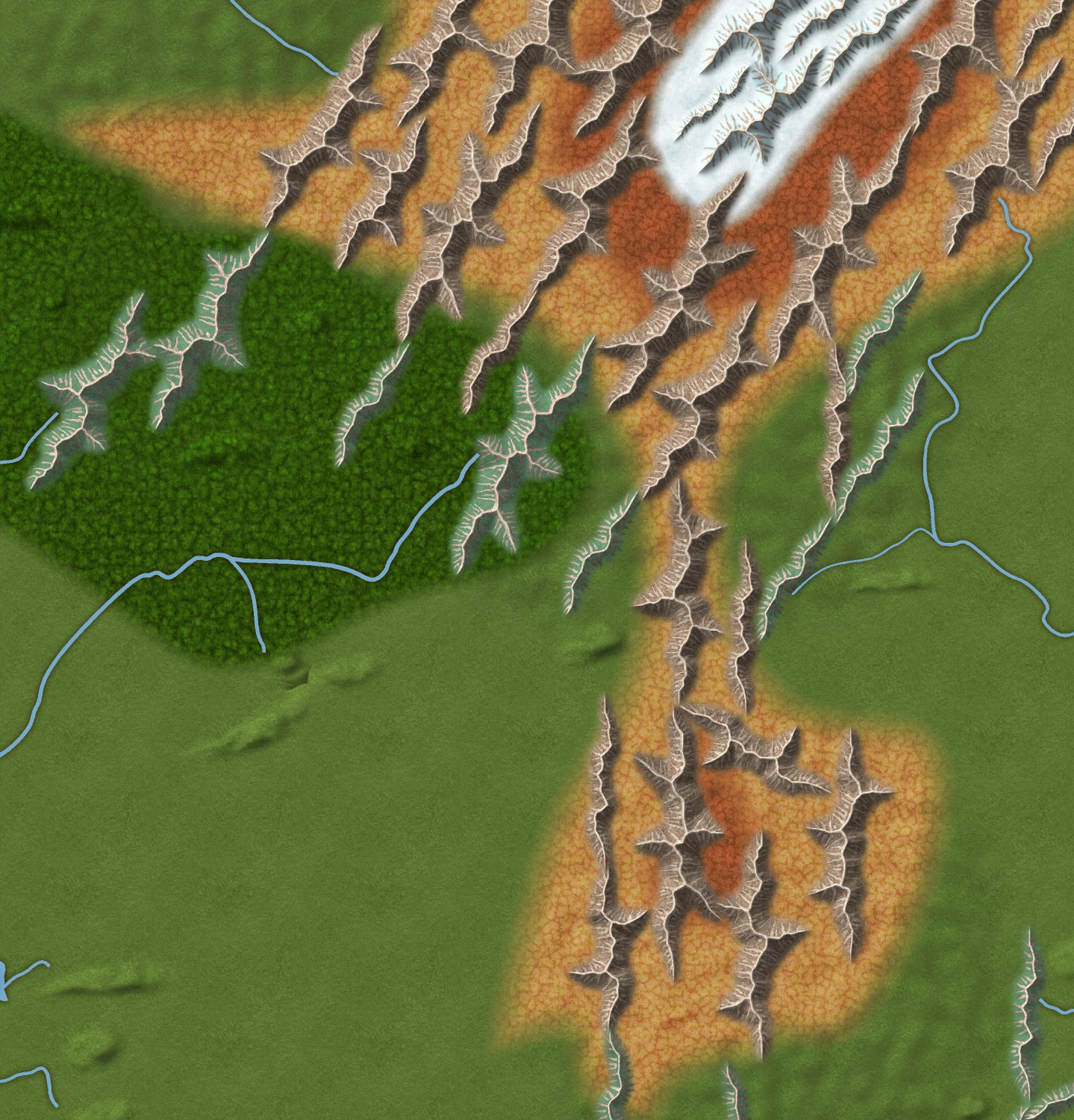
Here are the mountains in northeast corner up close. I tried to use varicolor green ridges to show lower mountains covered with trees, but I'm not sure how well that worked. I might experiment with adding a chameleon or drawn hill beneath them to give them more height. The snowy part is for a mountain that is so high that it is perpetually snow-covered. I think it's the third highest on my campaign world? I think the highest is about 30,000 feet and this one is around 25,000 feet. But I think I want to adjust the snow terrain to be a little tighter to the snowcapped ridges. Thoughts?
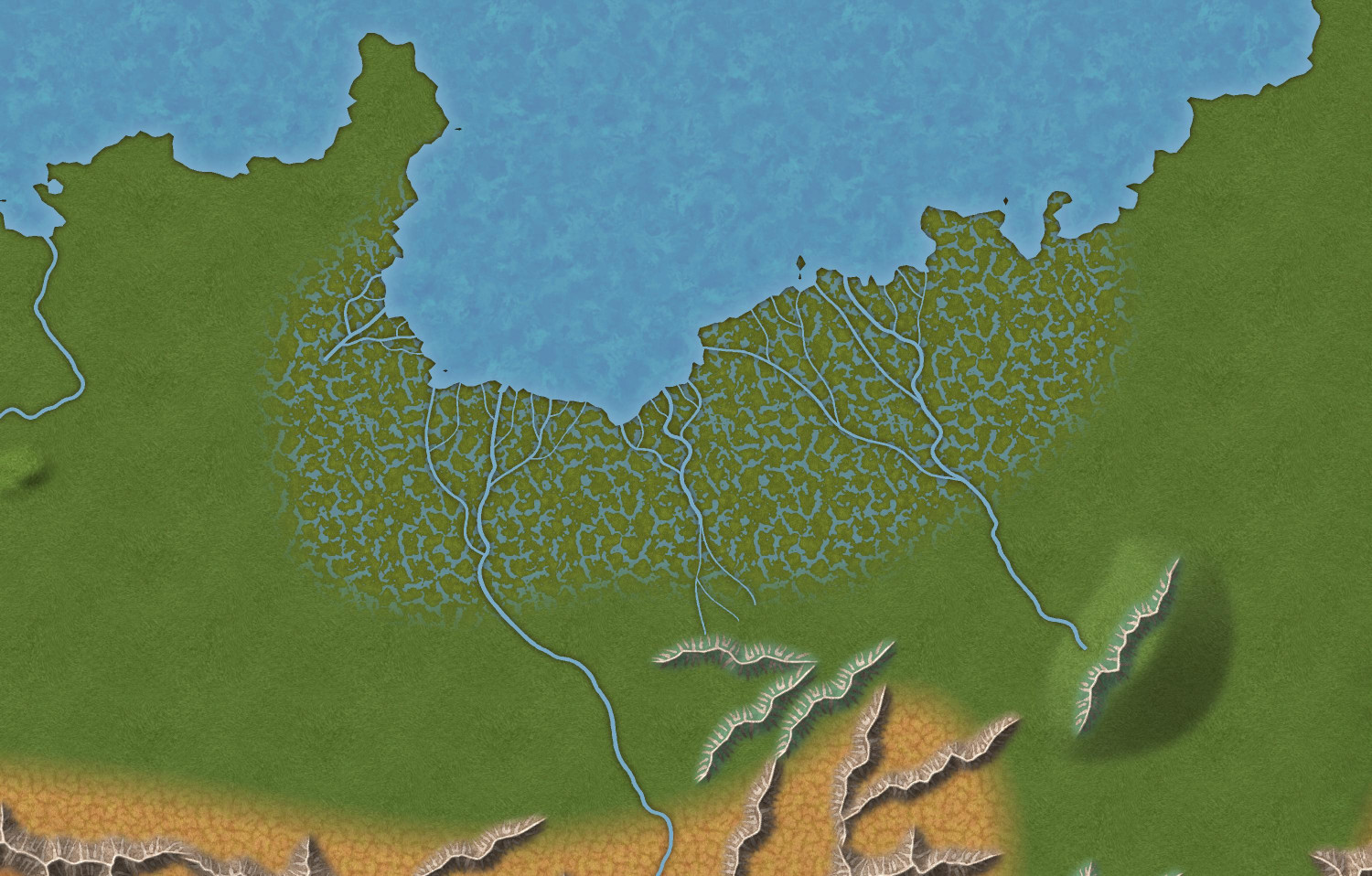
I do like how the swamp turned out. The main rivers have a default width of 3, but I added more branches with widths of 2 and 1. (This swamp map also shows an experimentation of putting a ridge on a chameleon hill.)




-
[WIP] Zhao Guang Si monastery
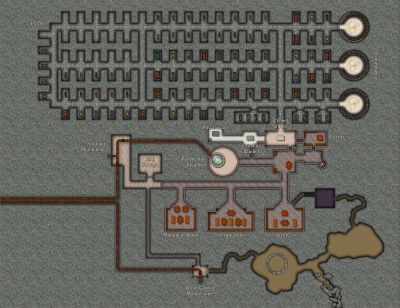
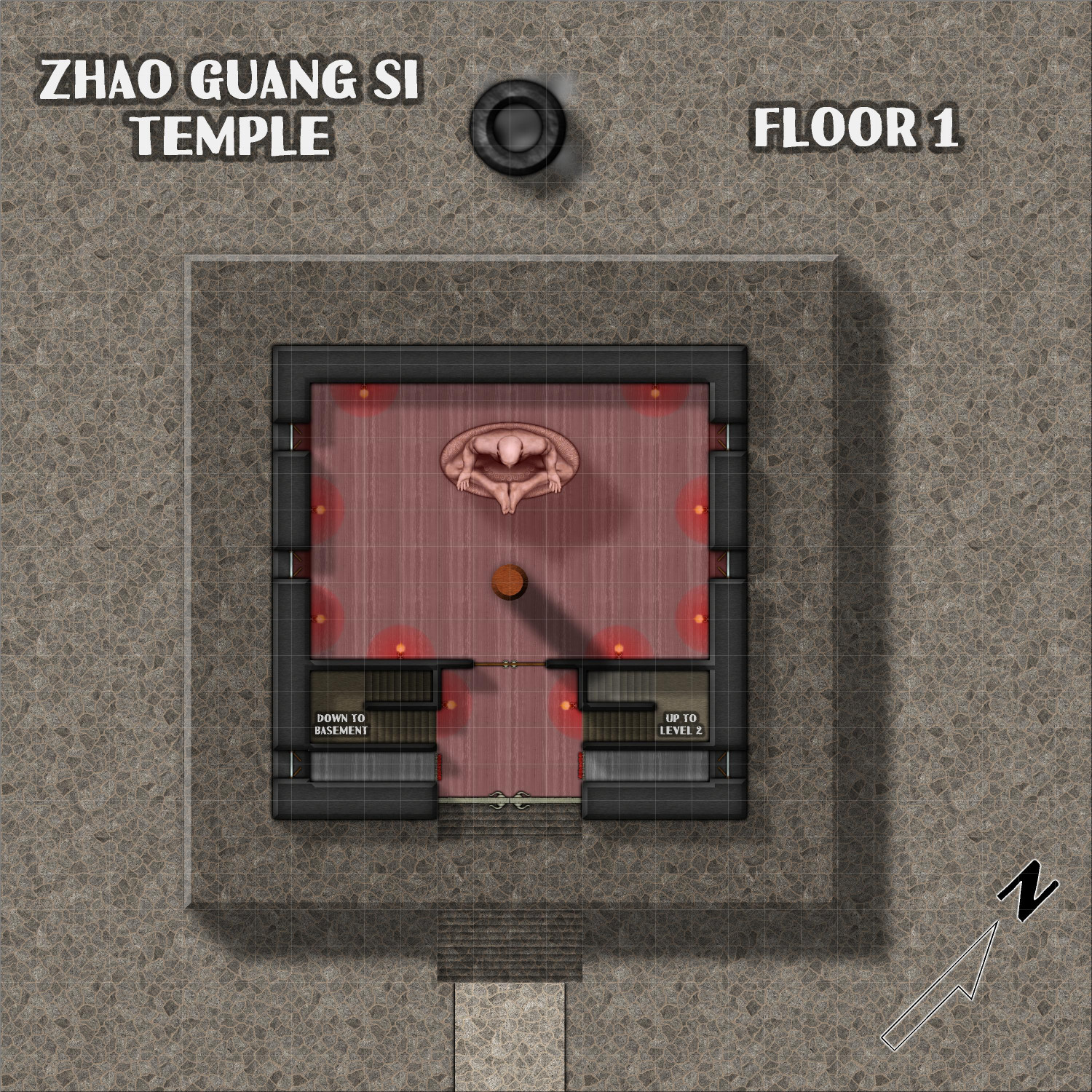
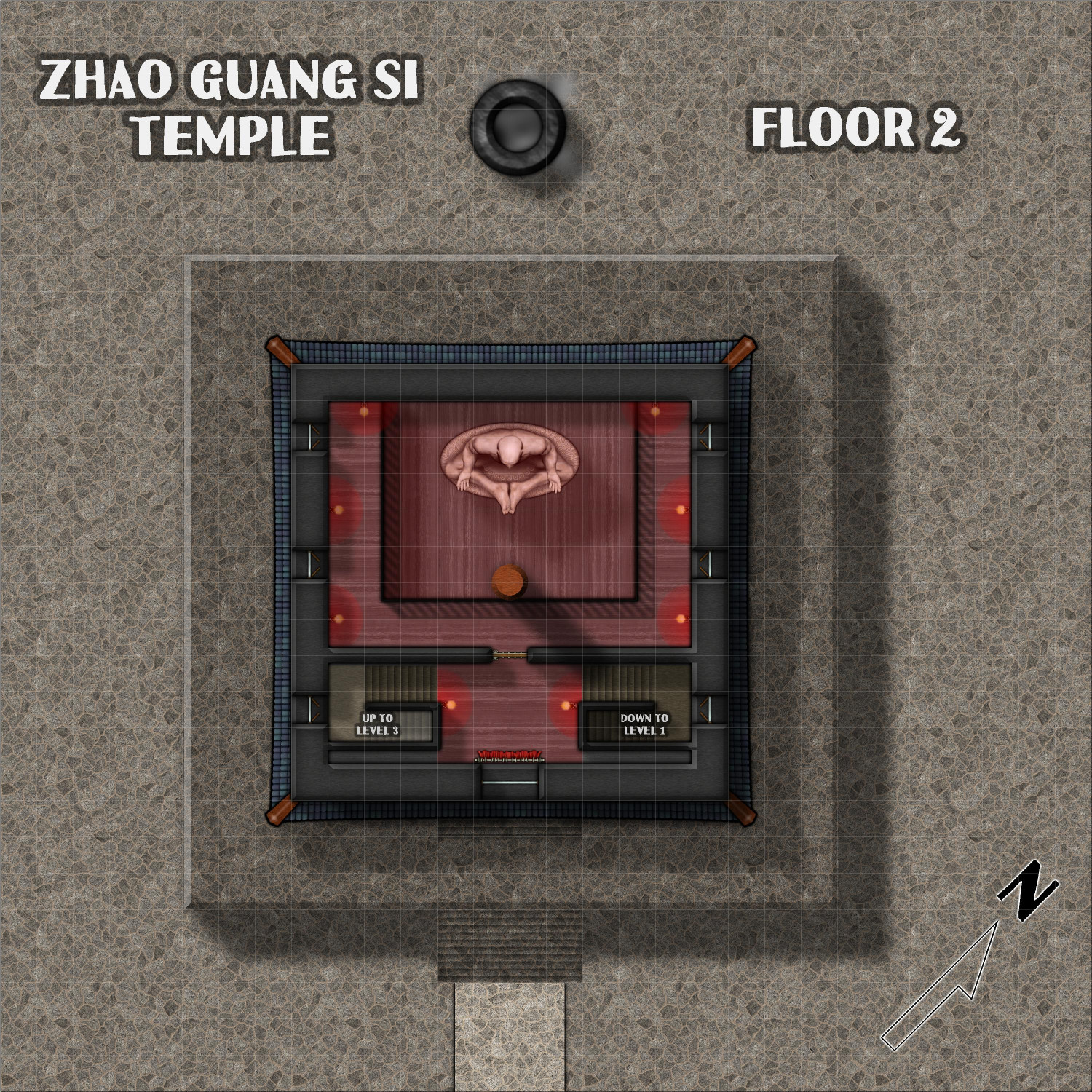
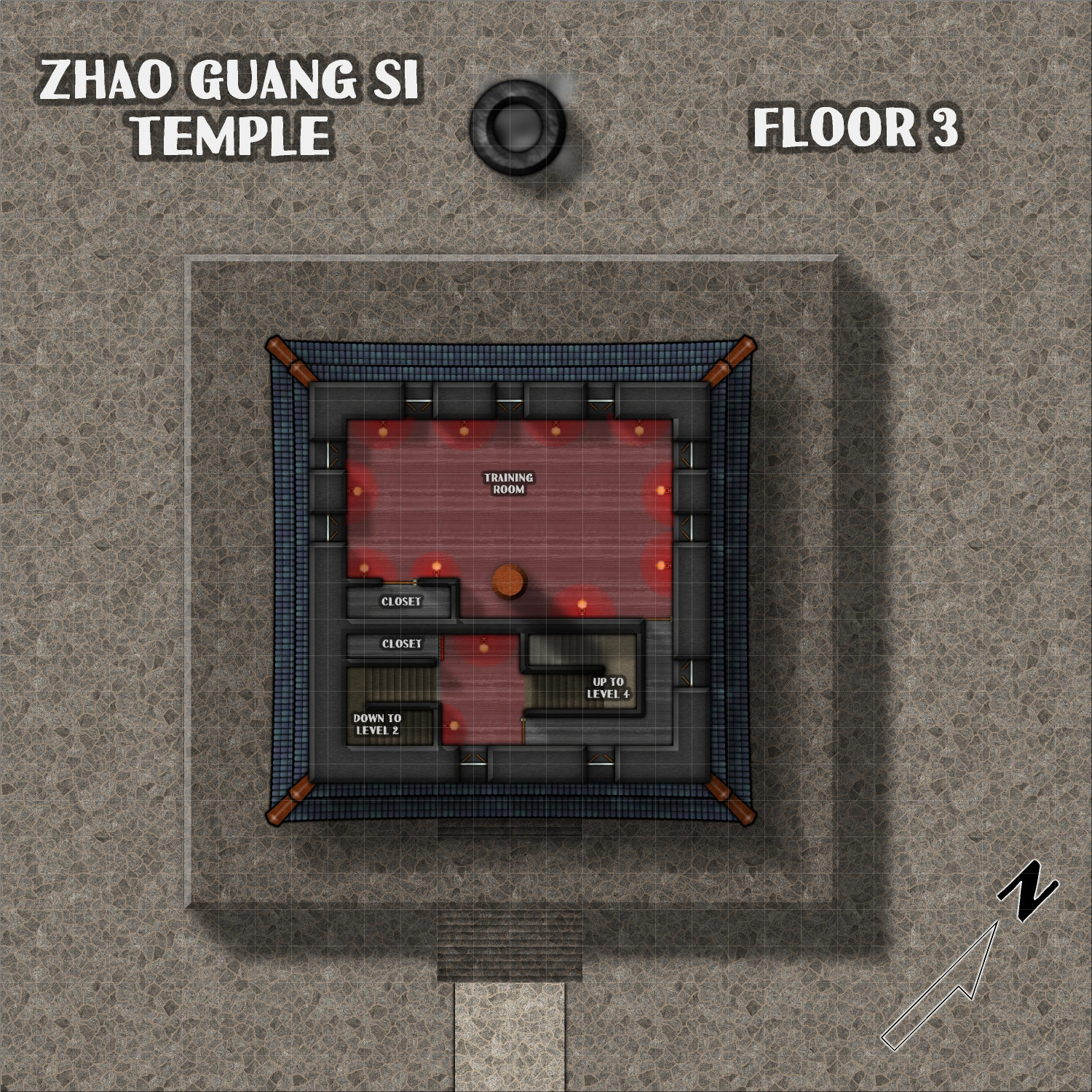
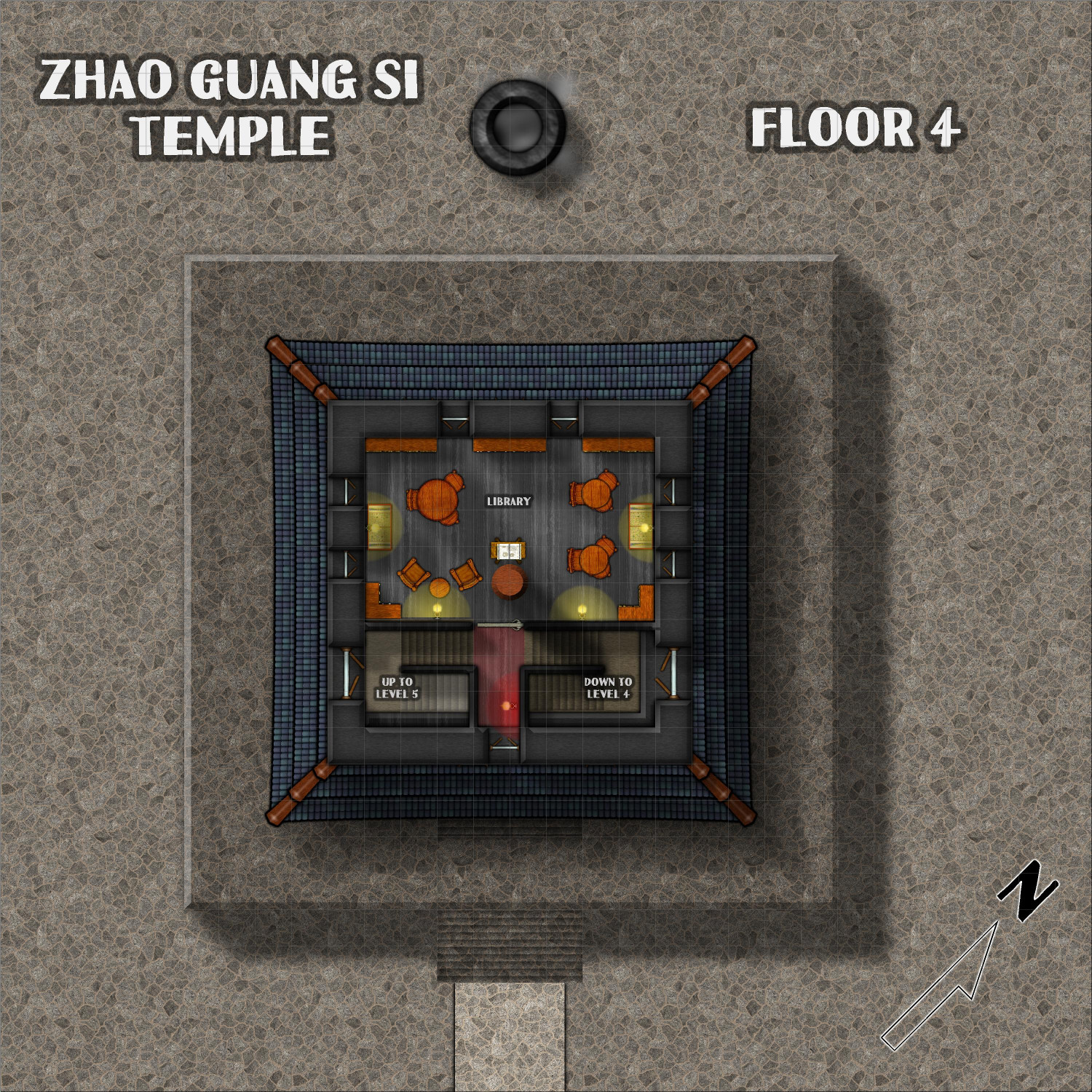
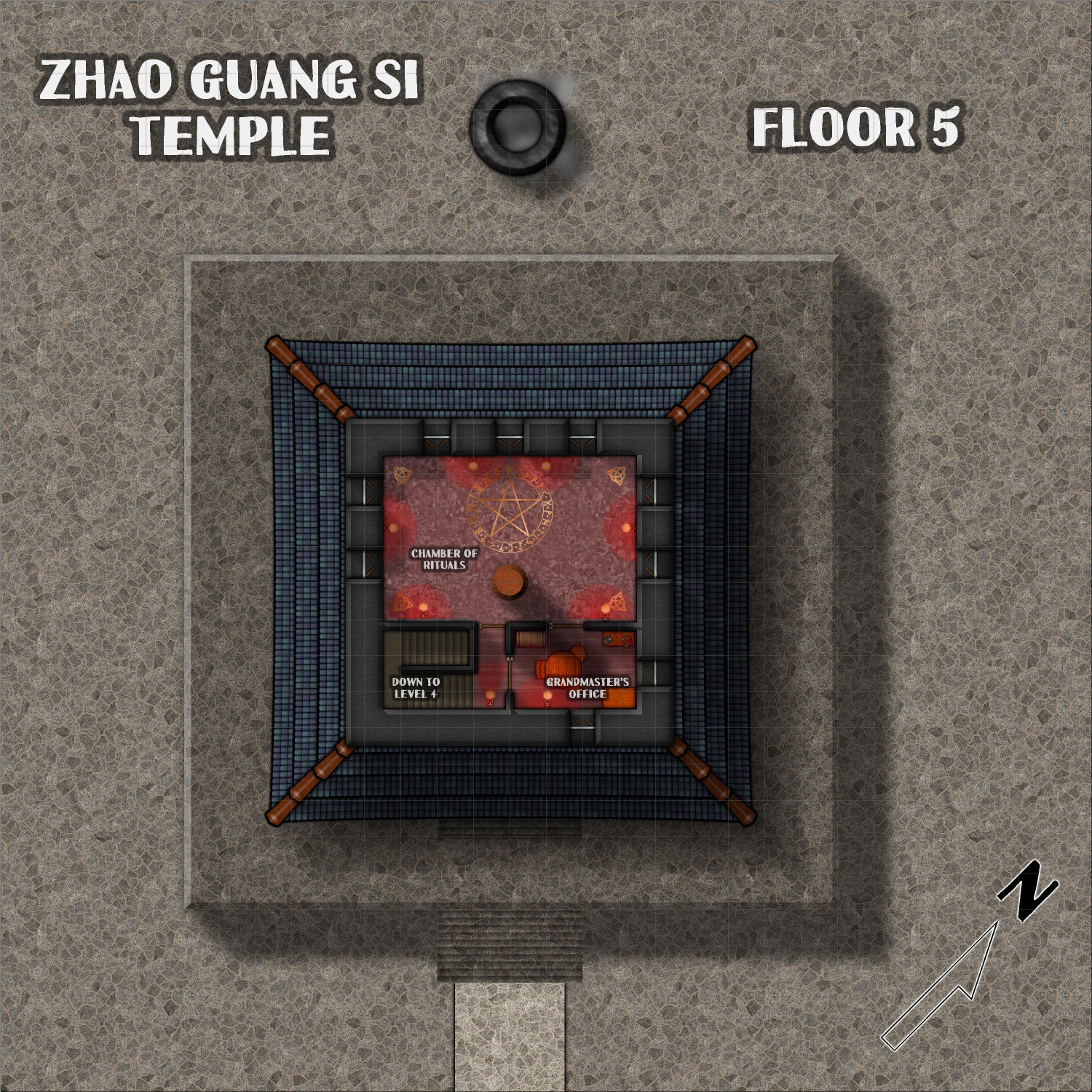
Here are the five above-ground levels of the temple. As the description notes, the lanterns are covered with a red gauze (except in the library), which gives everything an ominous red glow.
First Floor
Second Floor
(Most of it is a balcony overlooking the statue on the first floor.)
Third Floor
Fourth Floor
Fifth Floor


-
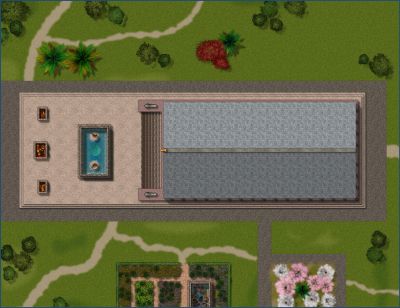
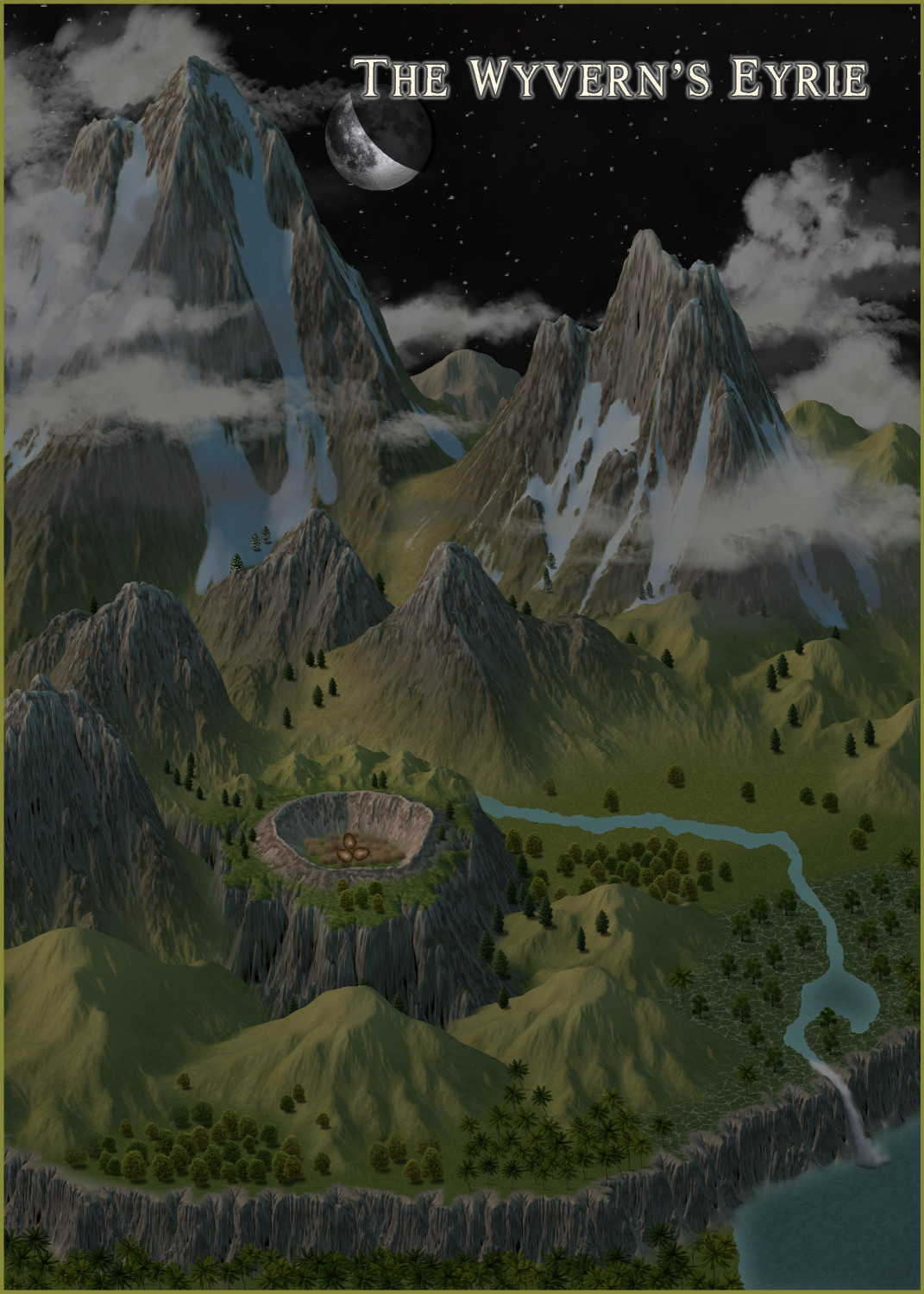
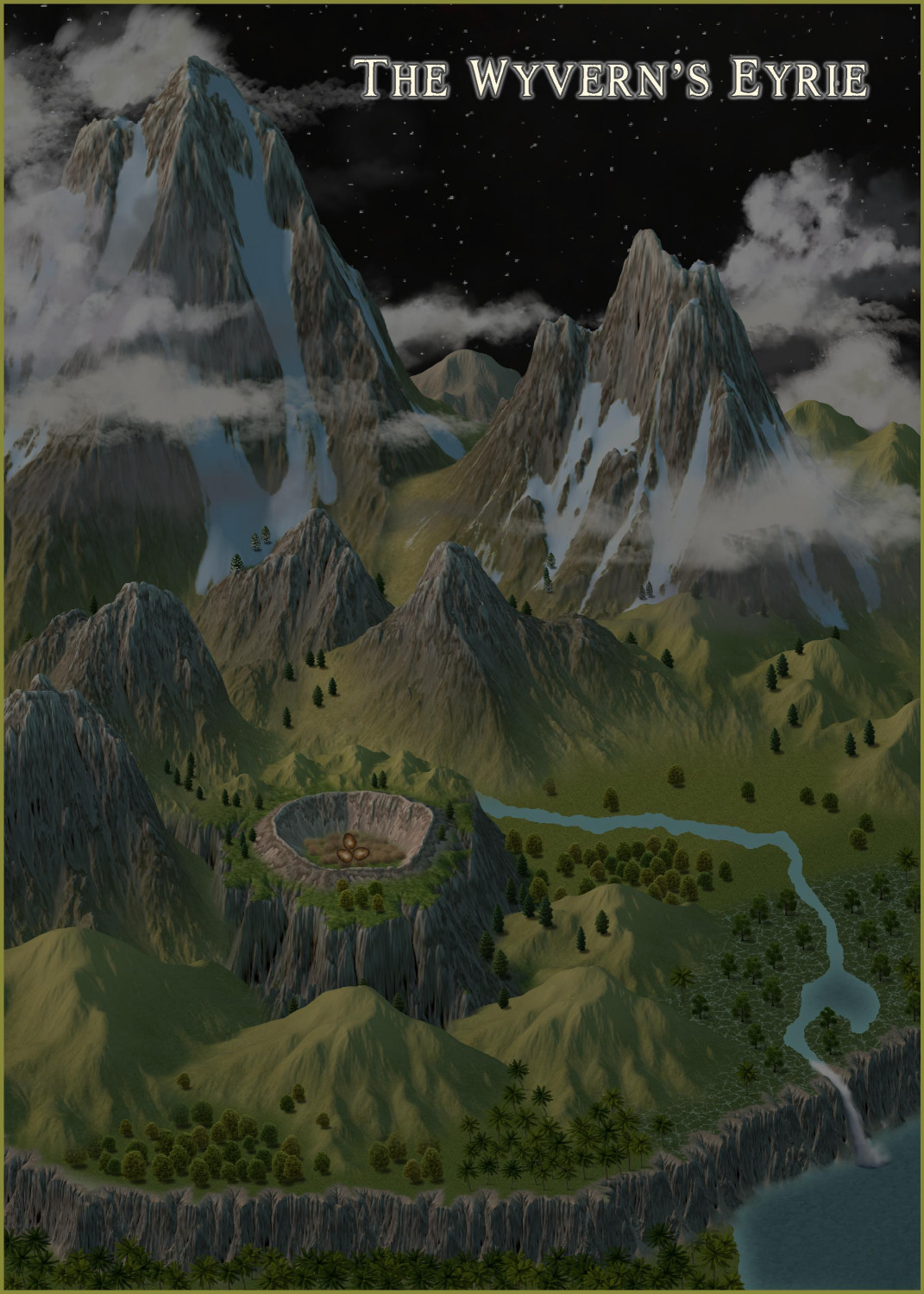
[WIP] The Griffon's Eyrie Redux: Spectrum Overland
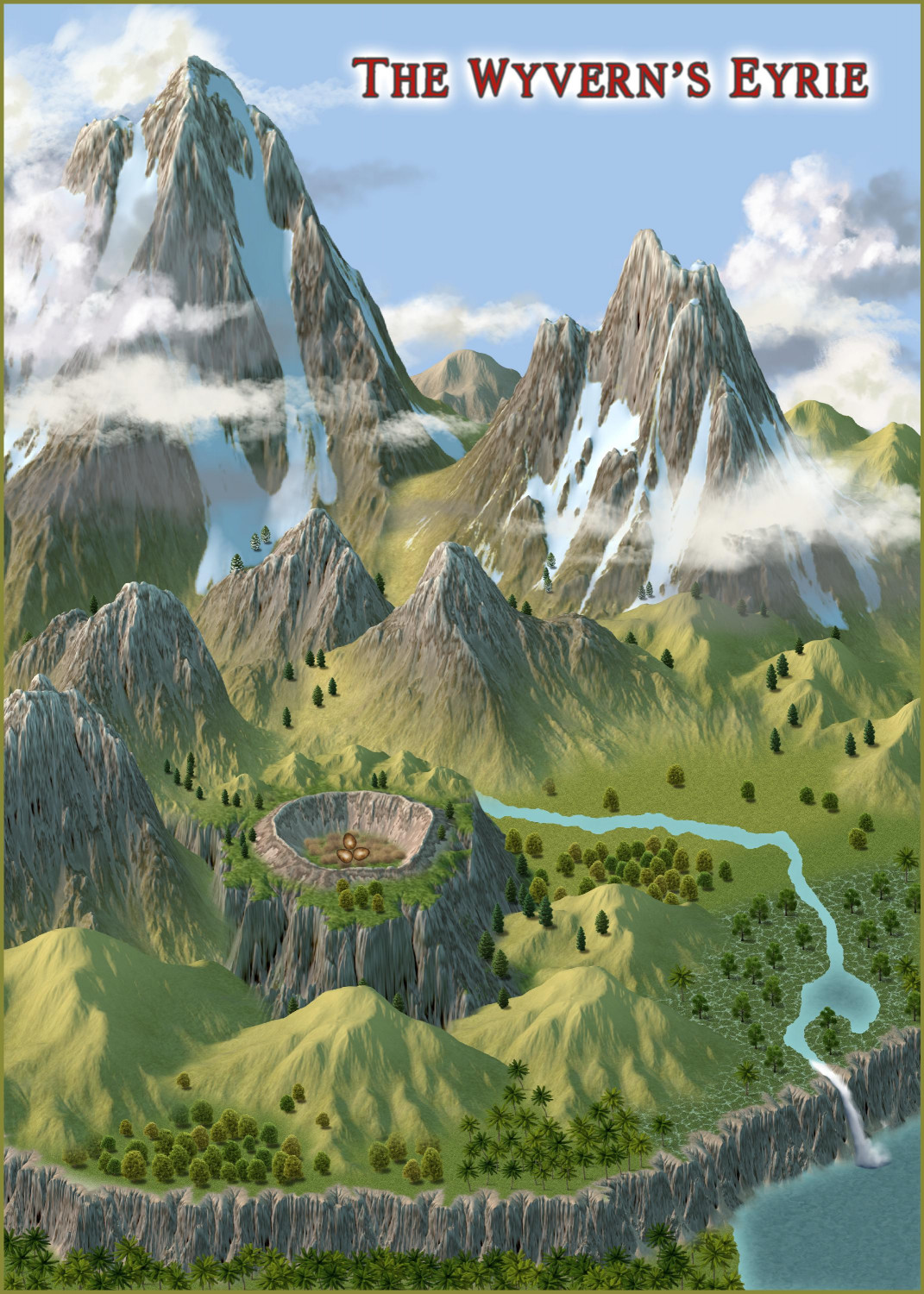
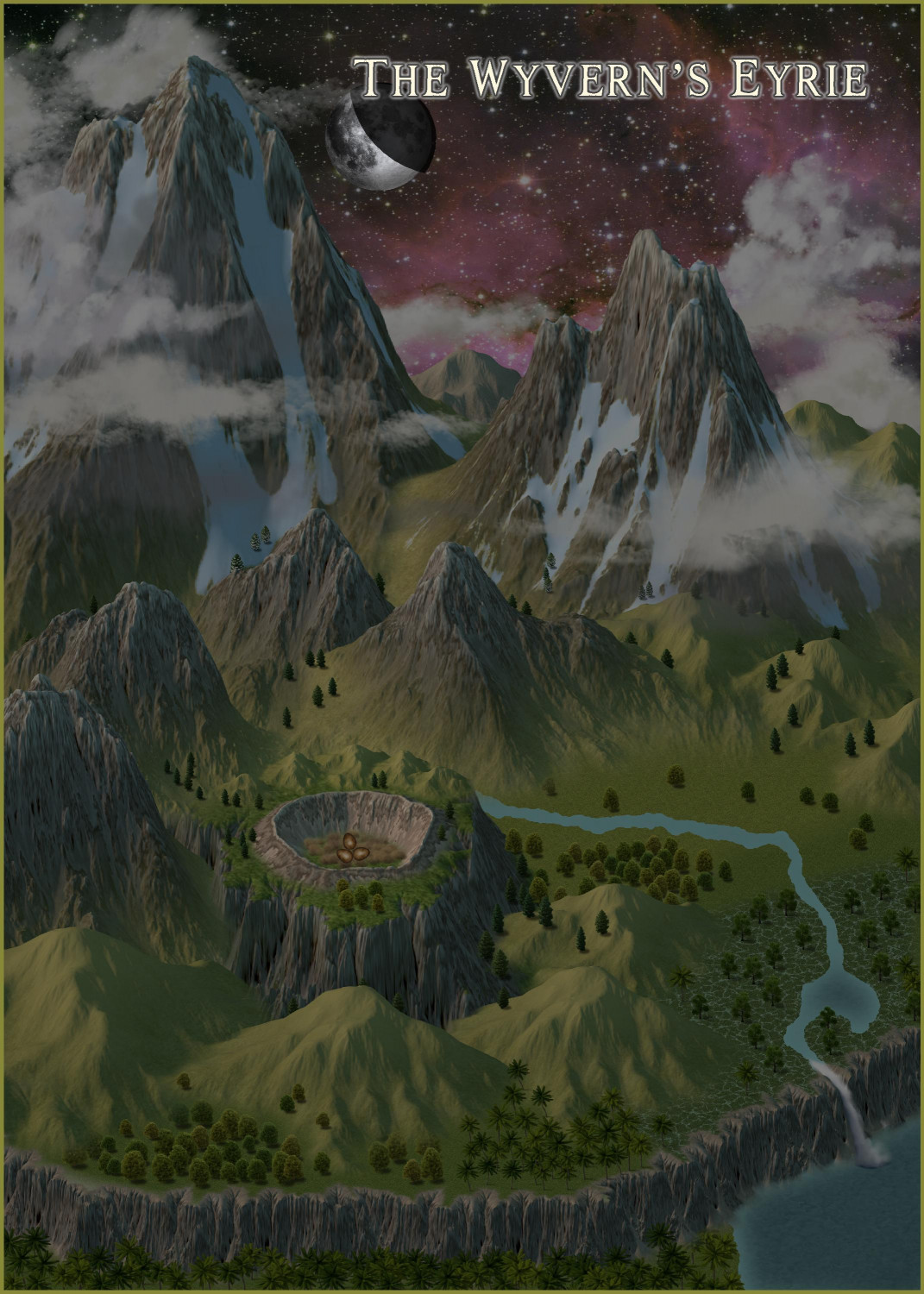
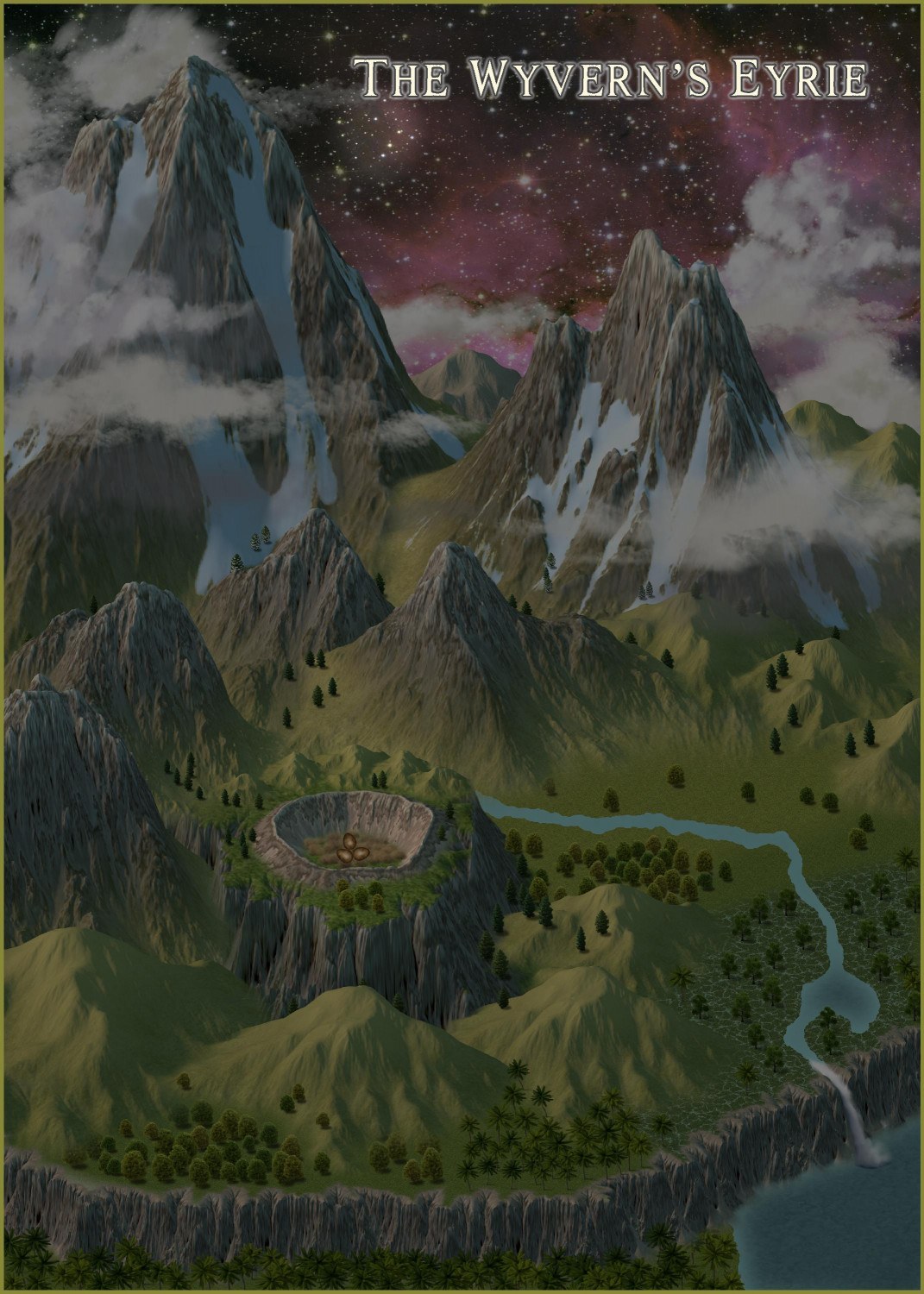
Here they all are, with and without the moon.


-
[WIP] Elves v. Dark Empire
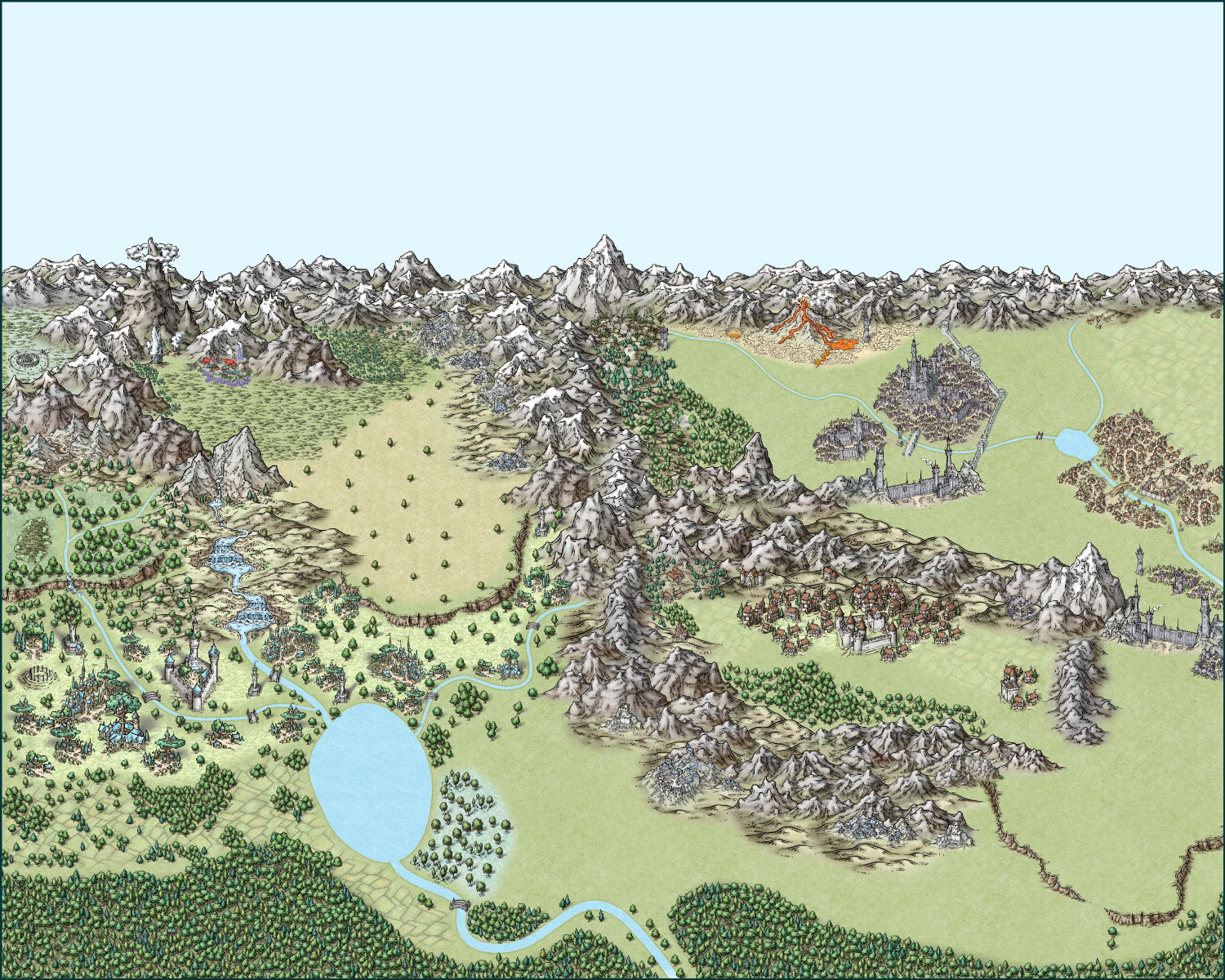
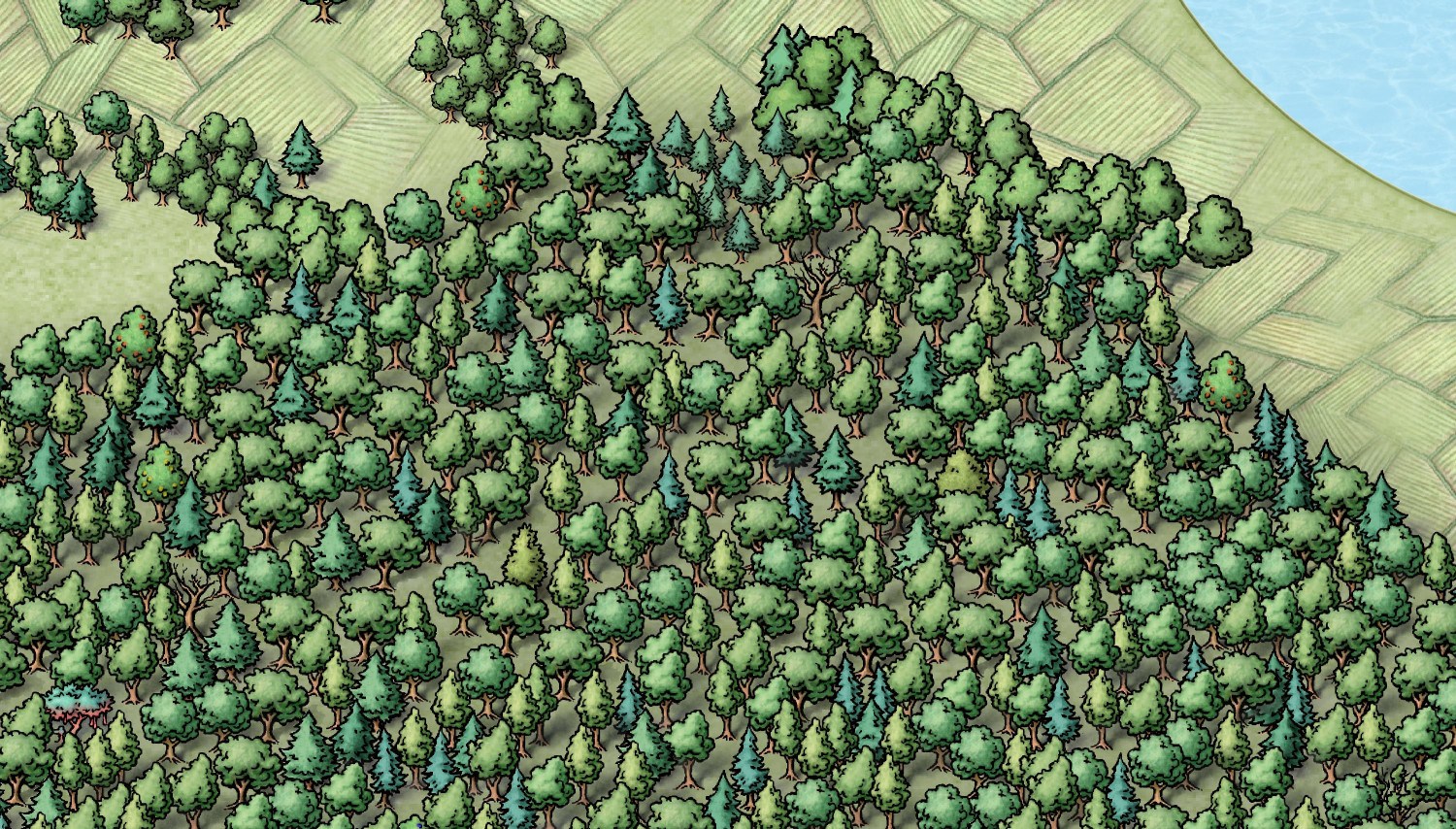
I redid the southern forest for the first map. I deleted the original blocks of mixed forest trees but kept the semi-transparent gray forest background, and then added a few thousand individual trees. Mostly deciduous and pine, with a healthy smattering of different-colored fruit trees along with a handful of barren trees and a surprise or two. There's something very peaceful about placing all of them individually -- though maybe that's easier to say when there's "only" 2,371 trees and not 41,000!
Here's a close-up of a bit of the forest.
On to the other map!
-
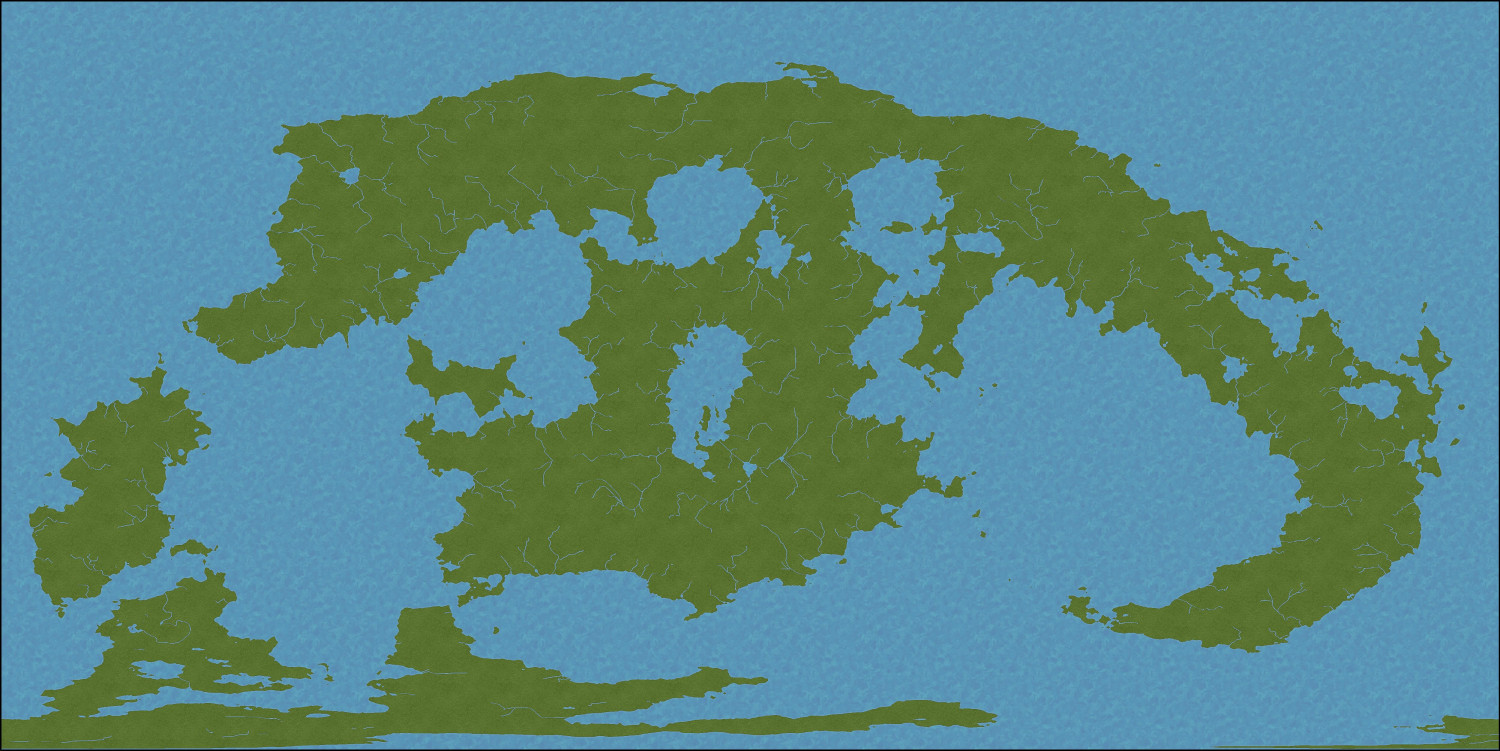
[WIP] Adnati - Birdseye Continental
Okay, here's the progress I've made so far.
After lots of experimentation, I ended up going with a default width of 6 for the rivers.
Then I added a grid brought in from Fractal Terrains to show the major latitude lines. This shows the equatorial line in the middle, with +/- 30 degrees latitude for the lines above and below the equator, and then +/- 60 degrees latitude for the top and bottom lines.
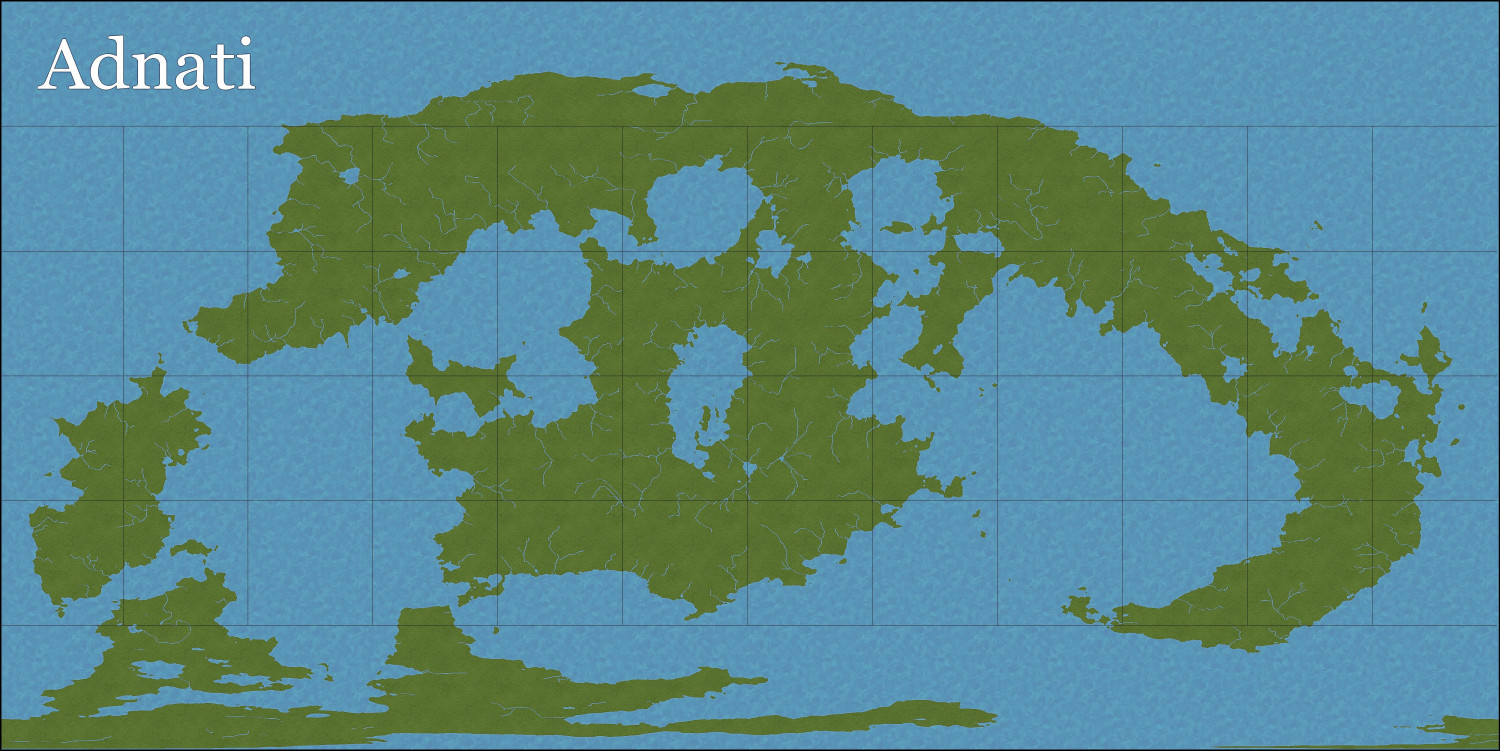
For context, cities like Cairo, Egypt and Austin, Texas are at the 30 degree latitude. Helsinki, Finland is at the 60 degree latitude. If anyone is interested, I once compiled an Excel spreadsheet of the longitudes and latitudes of major cities in the real world to give me some context for weather patterns and biomes for places in my campaign world.
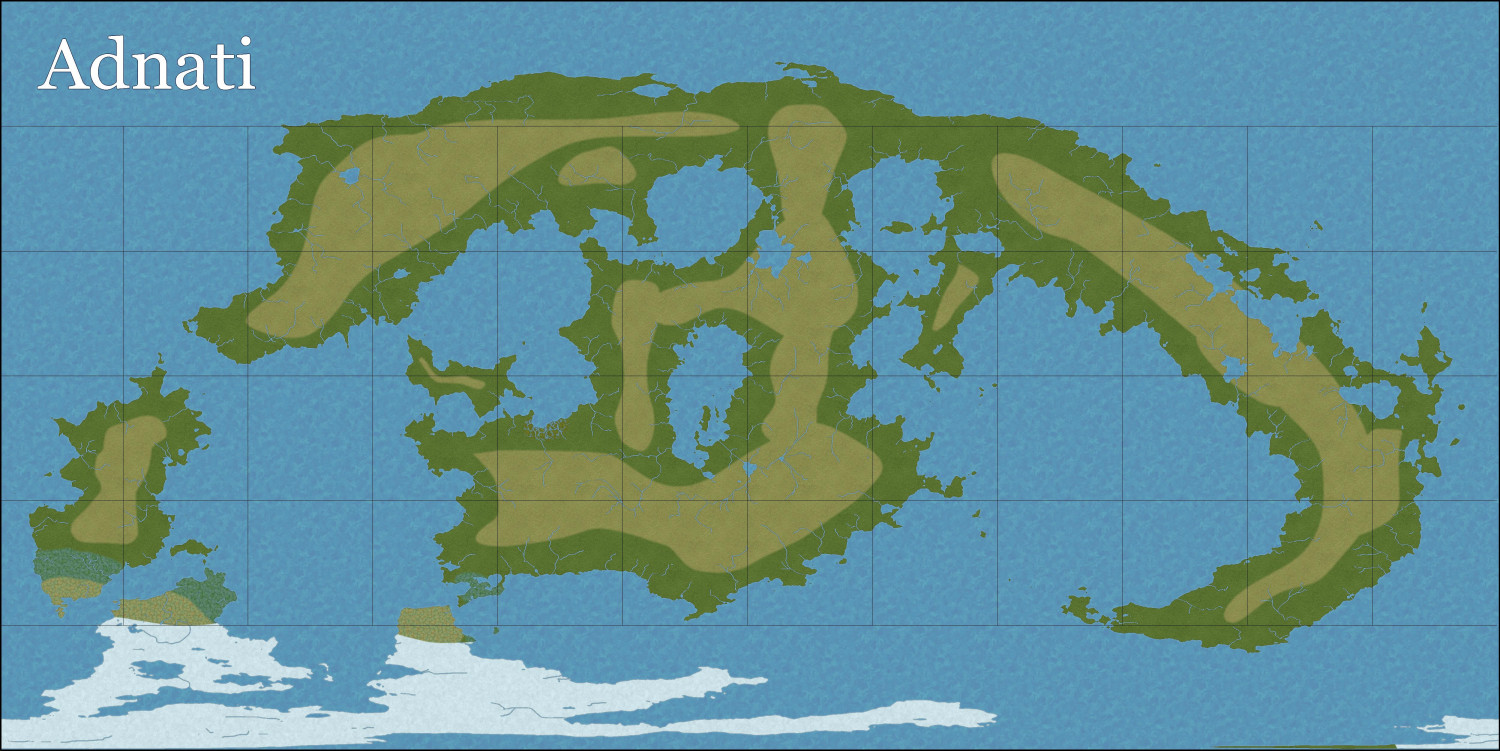
Next, I drew in some lighter grass areas inland, leaving the darker green more to the coasts. (A little sloppy, but we still have mountains coming.) And I added snow to the equivalent of the Antarctic region, and a little bit of tundra.
After that, I added some icebergs in the polar oceans.
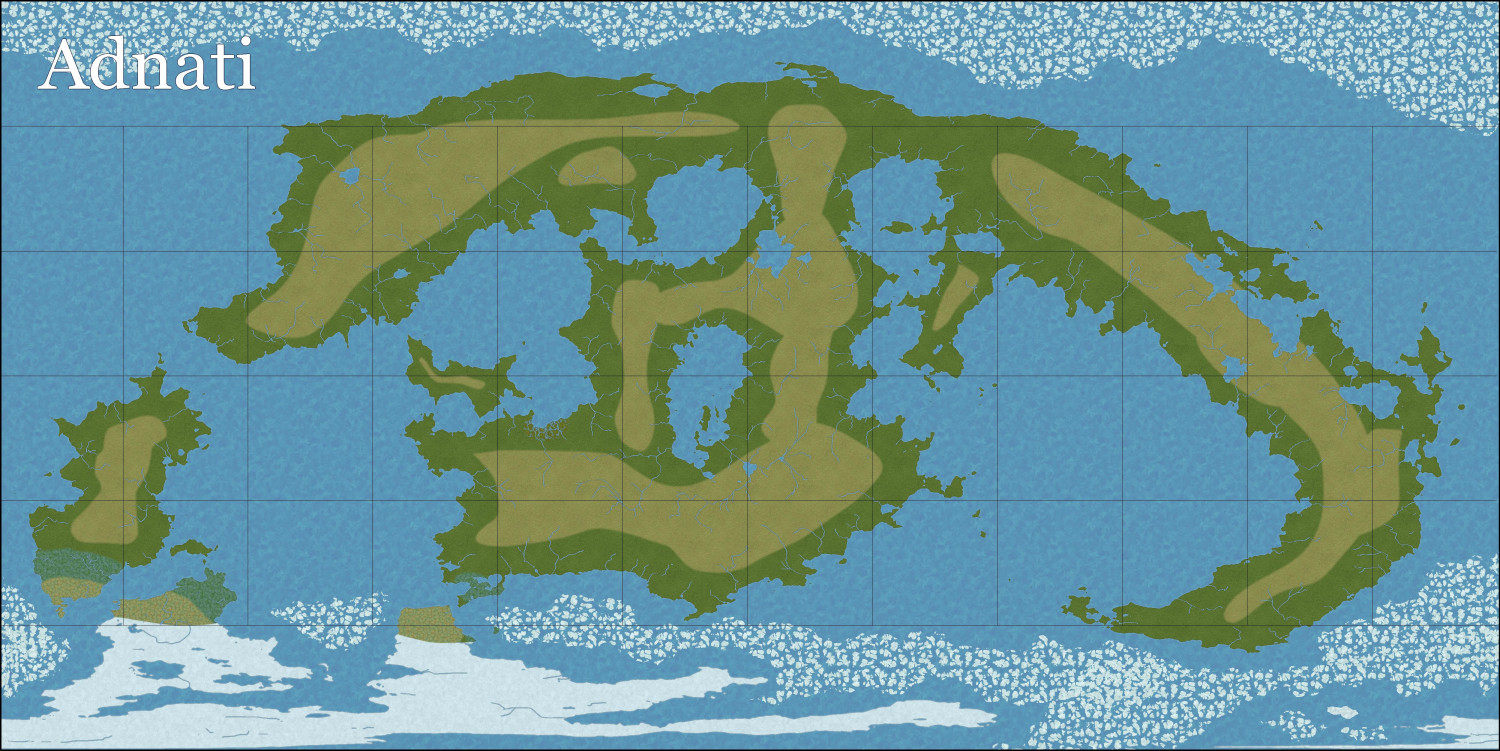
Then I added some contours to the oceans.
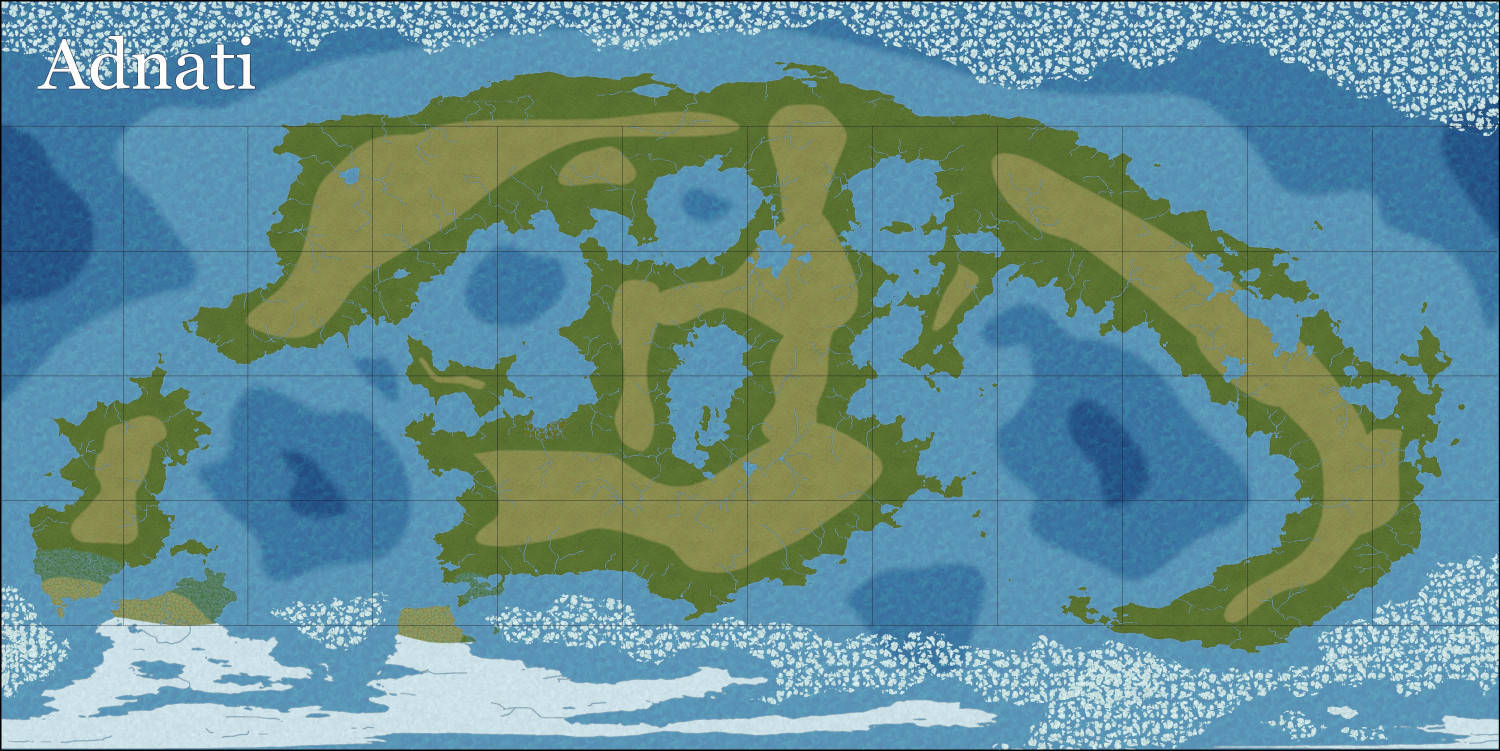
Here's the first step at creating mountains. I copied in a higher elevation contour from a Jerion-style export from FT, and then used Change Properties to change it to the Alpine terrain, placing it on the appropriate sheet and layer. Fortunately, I made a backup of my FCW file, which was good because I didn't like my first attempt and tried again with an even higher elevation. I also used the Explode "Straight to Smooth" option to smooth it out a little.
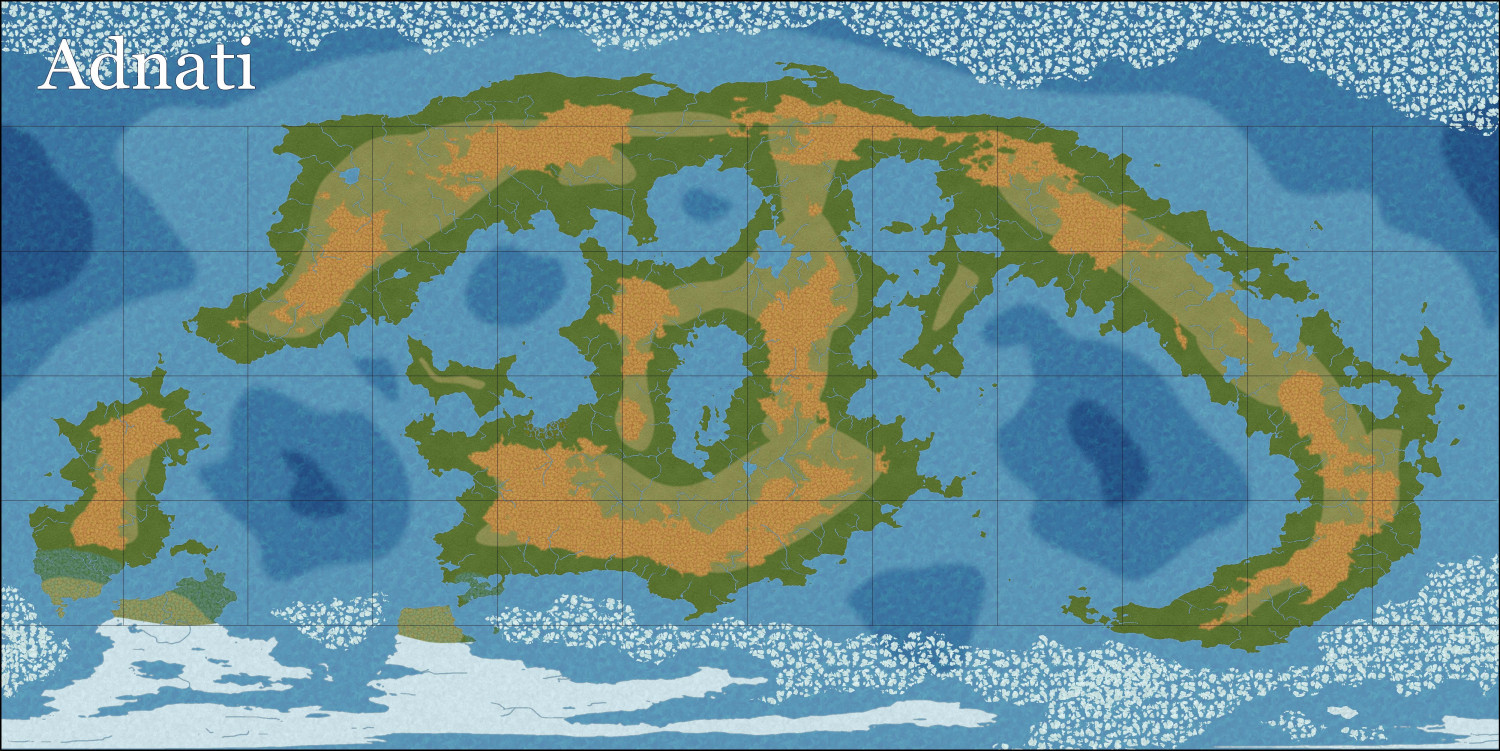
Then an even higher elevation for the Scorched Alpine.
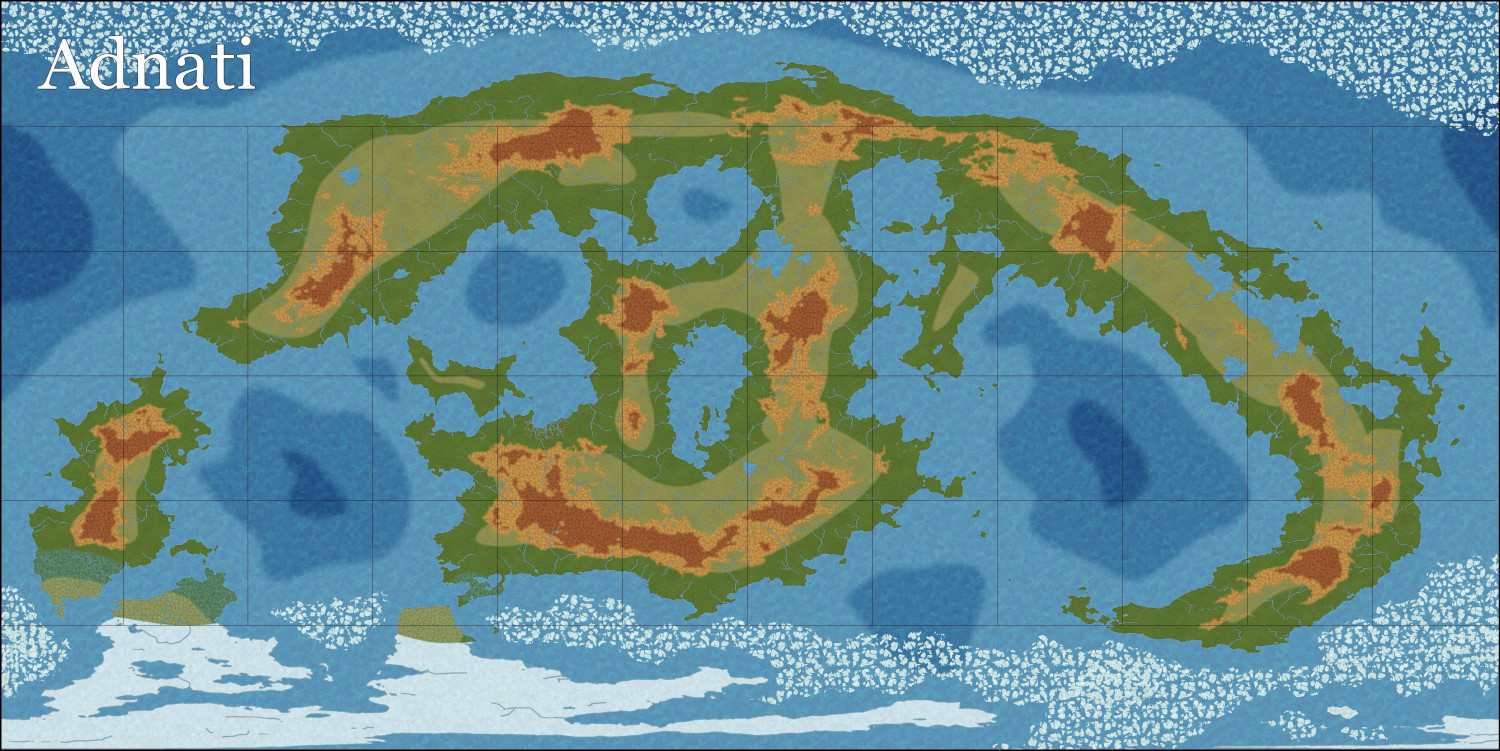
And then copied in one very high elevation. I changed this to the Light Tundra terrain but created a TERRAIN TUNDRA LIGHT 2 sheet for it, where I could lighten it a bit. (Accidentally lightened it on the non-alpine bits on the lower left continent as well, but that gets fixed later.)
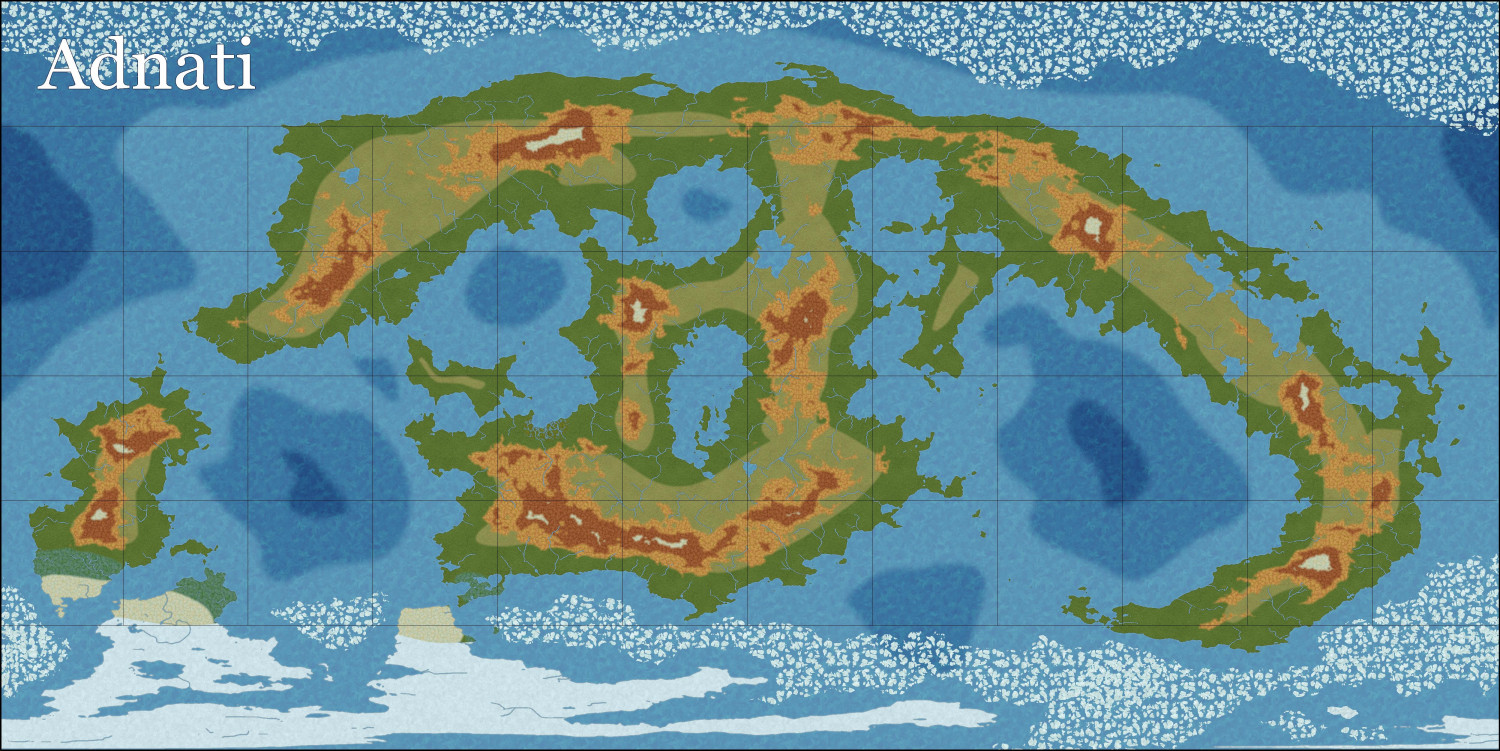
I added some snowy ridges and ripples to the alpine tundra areas, and then drew in a tight field of snow around them. These are the highest mountains in the world.
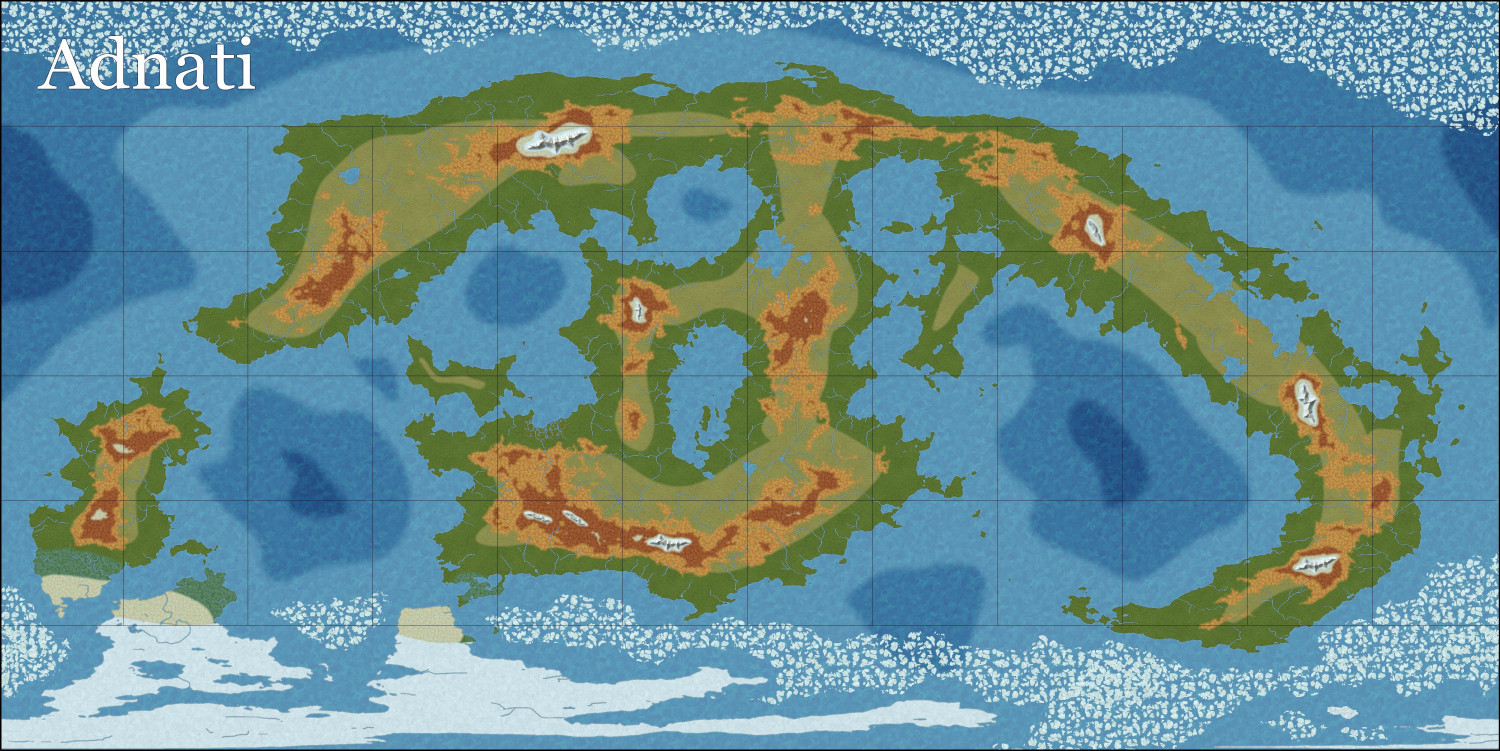
Finally (so far), I added more snow in the very north, more tundra in the northern and southern areas, a prominent desert area (my world's equivalent of the Saudi Arabian peninsula), and more of the lighter grass.
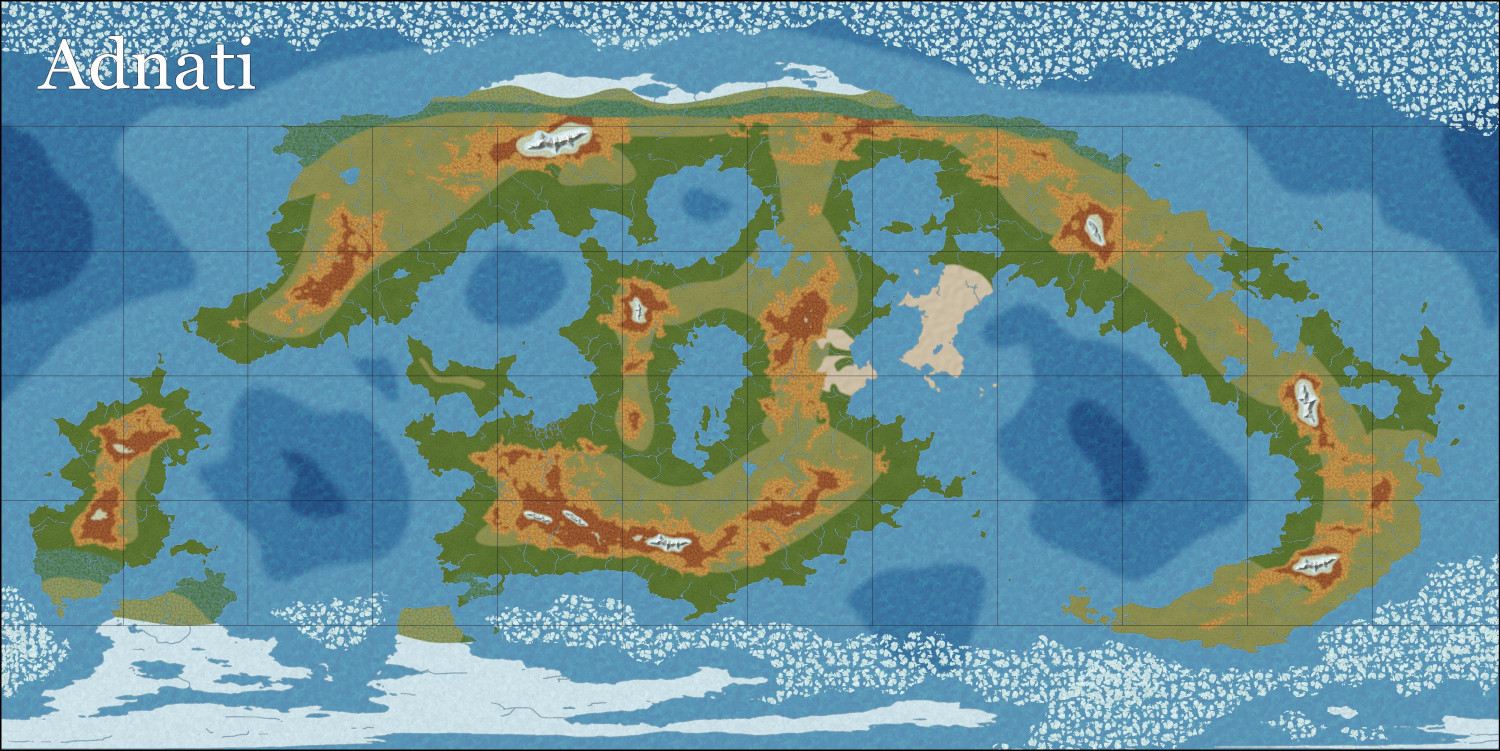
Much more to come. Still have to add lots more (non-snowy) mountain ridges and ripples, hills and uneven terrain, forests, and other natural features.

-
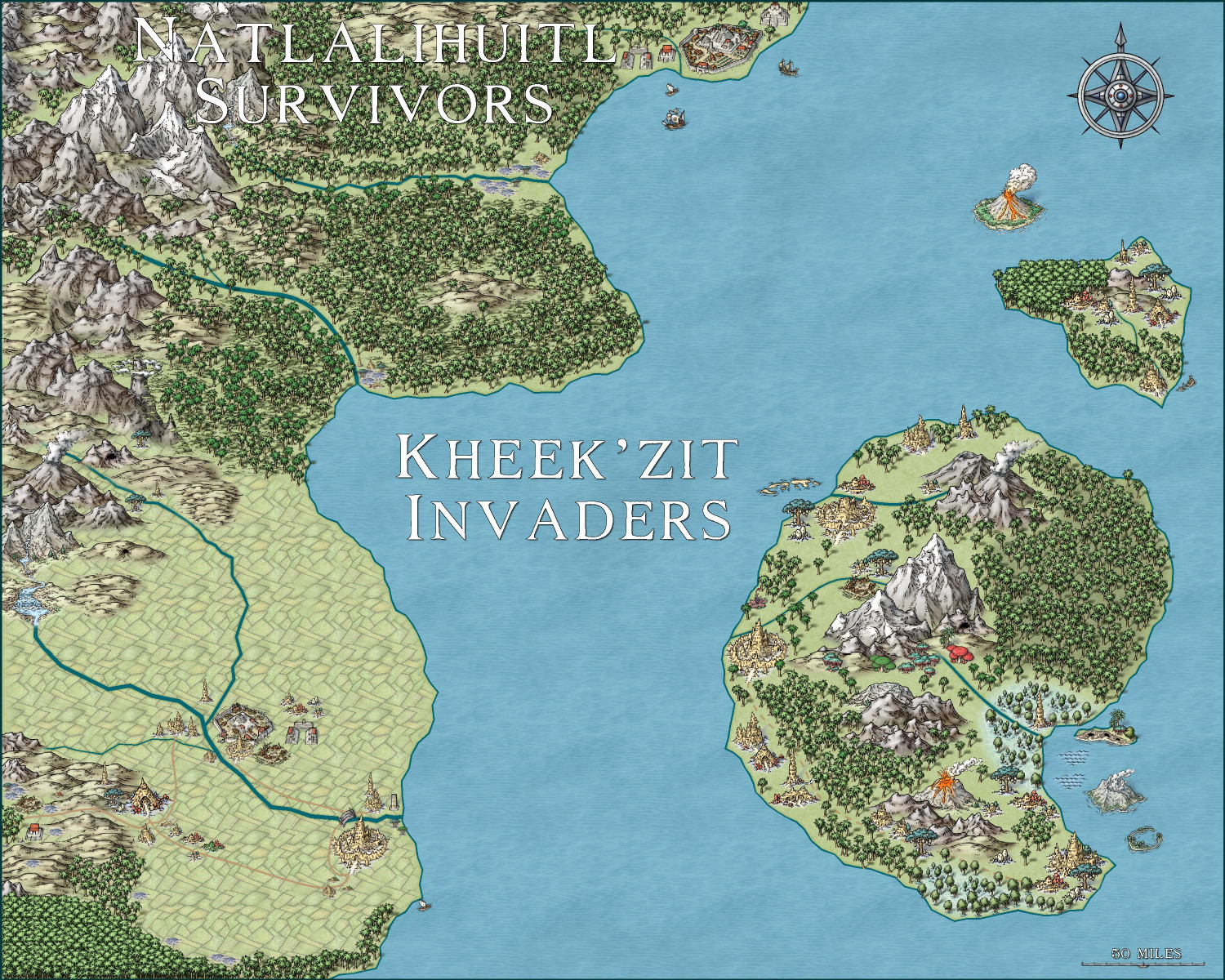
Invasion of the Pod People
Had a little fun with the second Hive monthly released today. The Kheek'zit invaders have made it to the mainland, infecting and destroying the Natlalihuitl Empire's southern cities as they continue to push their way north....

-
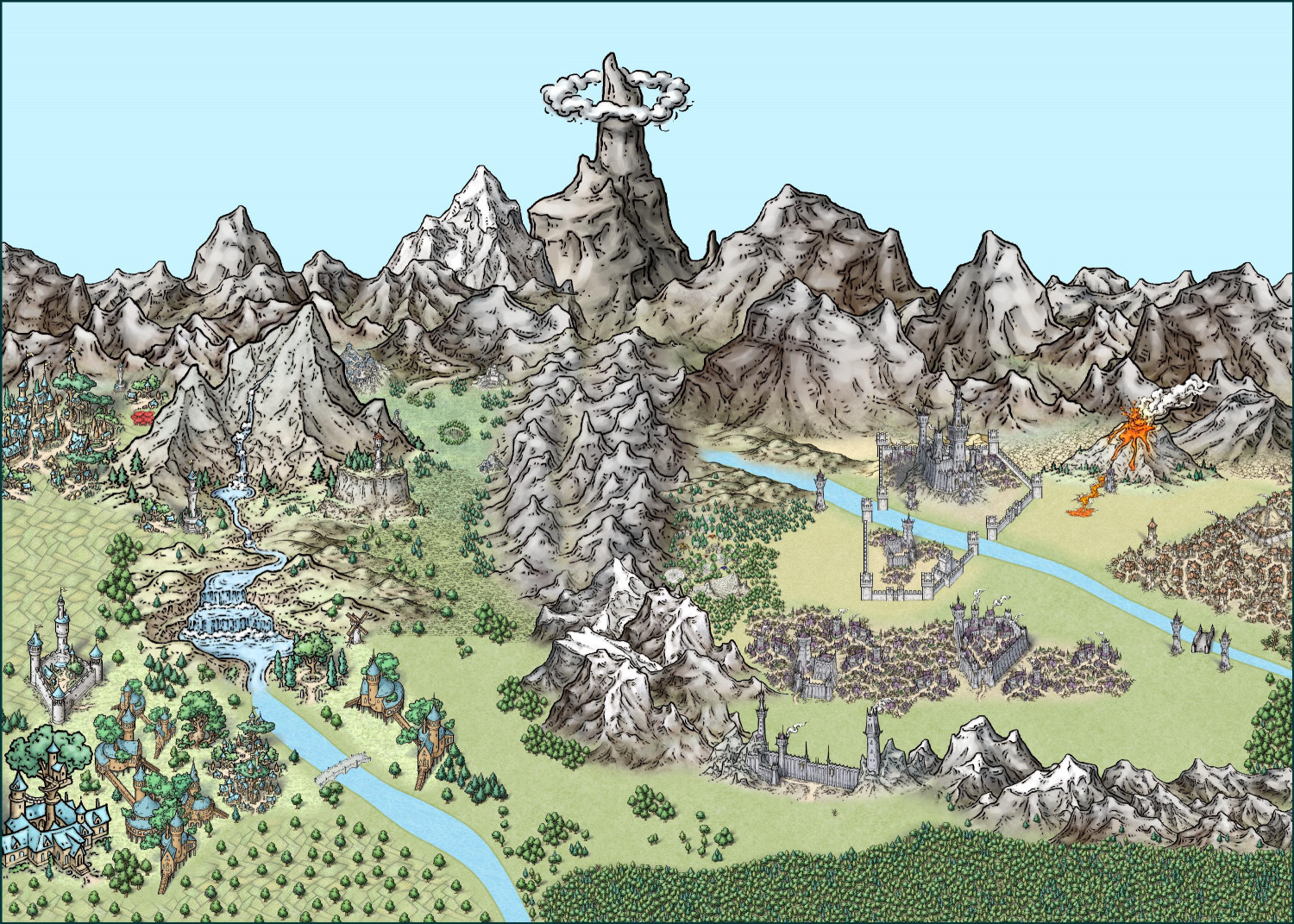
[WIP] Elves v. Dark Empire
Here's the other map. Much smaller southern forest. This map has 2,380 trees -- nine more than the map above.

-
[WIP] - Sakherma Ruins
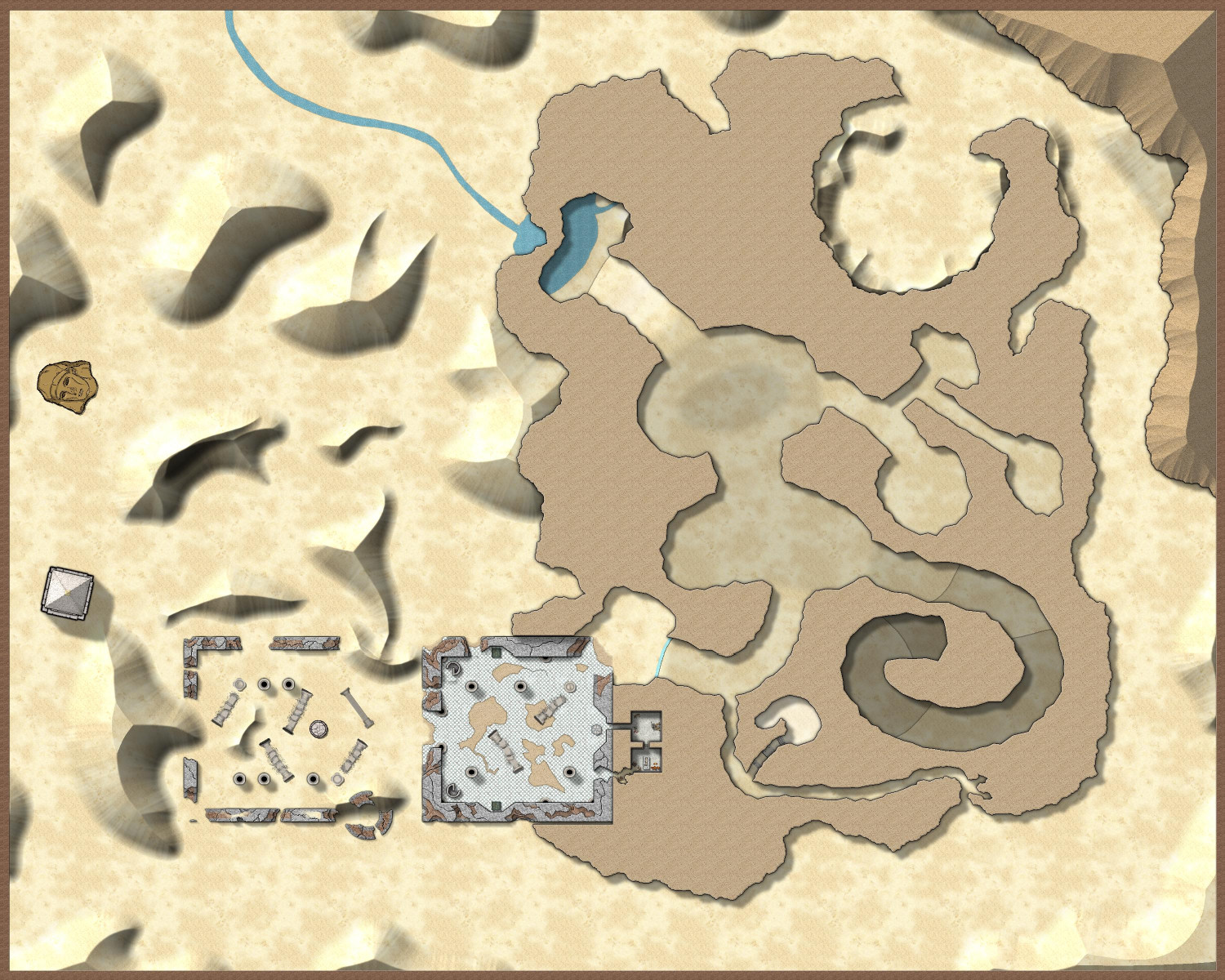
Reduced the Lightness Base from 75 to 58 for the HILL sheet and 62 for the HILL 2 sheet (but I'm not sure that a 4 point difference is visibly apparent to the human eye), and added some more dunes.

-
[WIP] Kingdom of Gongodûr
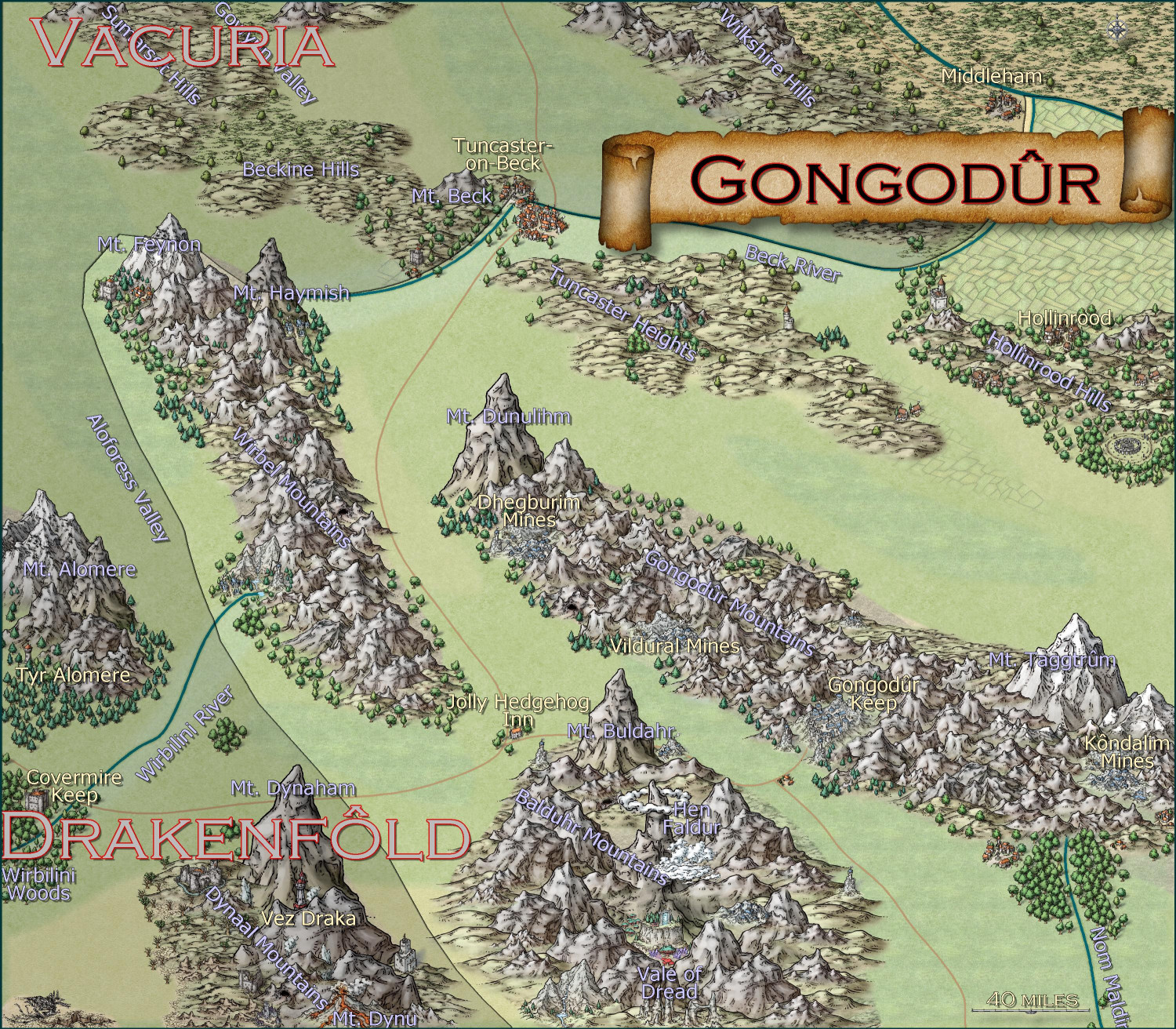
Here's a "work-in-progress" area map for the Kingdom of Gongodûr, a dwarven kingdom in the southeast corner of the Gold Coast area I've been working on (to provide a home for a dwarven mining village I'm working on). I used the Mike Schley Overland style because it has the best dwarven community symbols.
I shaded the countries outside of the borders of my dwarven kingdom, but not sure if that's the right approach. I could do proper borders for those neighboring kingdoms if that would be better.
I still need to name the places that are new to this local map but the names from the parent map have been added. I was going to do them all in Copperplate font since the font has a sort of "chiseled in stone" look, but it's such a wide font that it made place names challenging. Colors, sizes, and effects on labels remains one of my weaknesses.


-
Community Atlas submissions: the Gold Coast (Doriant) and areas within it
I am going to use this thread to officially submit my maps for the Gold Coast region of Doriant. I will have separate Work-in-Progress threads for feedback on maps as I am working on them, and then will use this thread for the official submissions so they are easy for Remy to find. I know Remy isn't processing new submissions until the contest ends, but this will queue up my future submissions for later this fall or winter, and it also provides a home for some of the villages I want to submit for the contest.
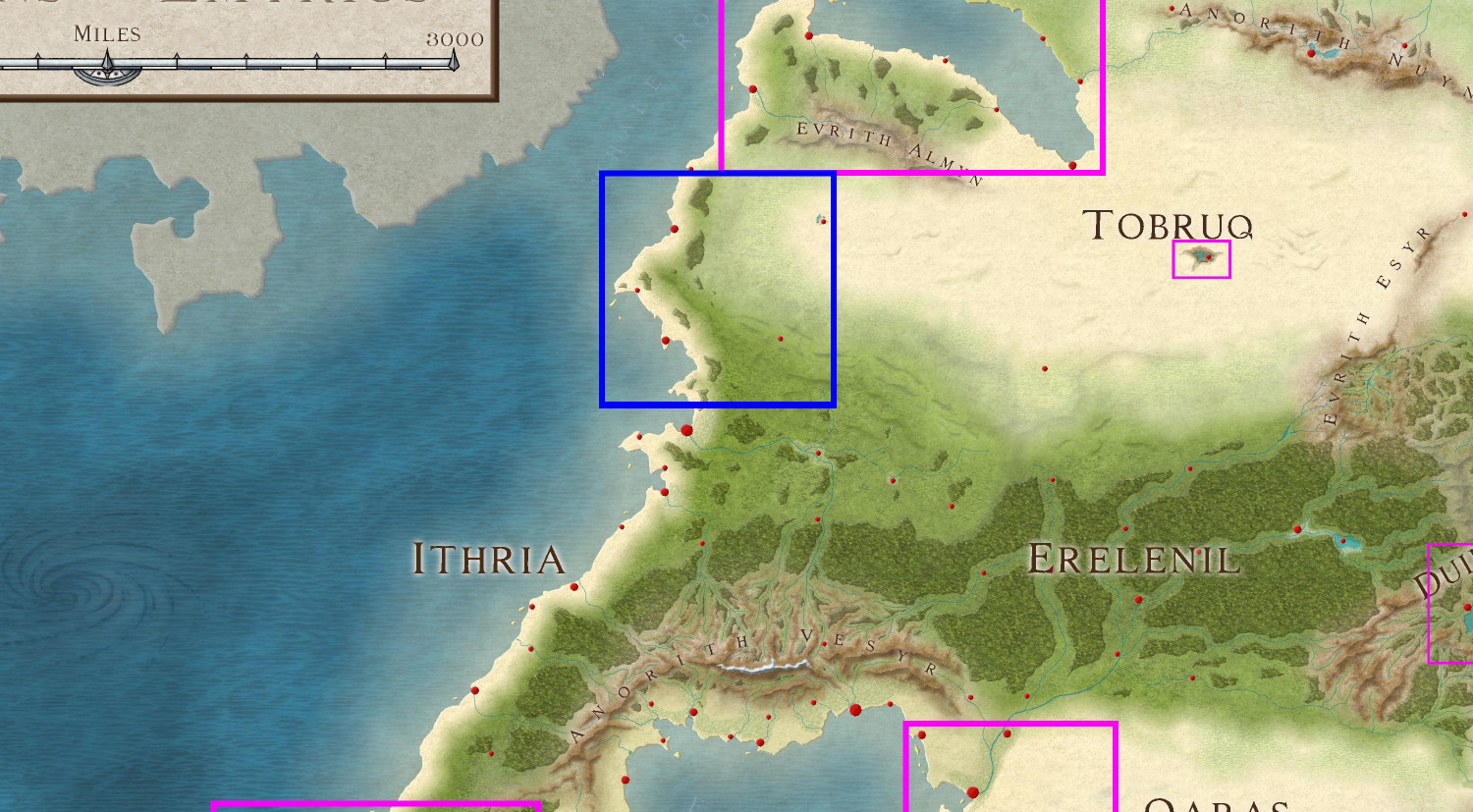
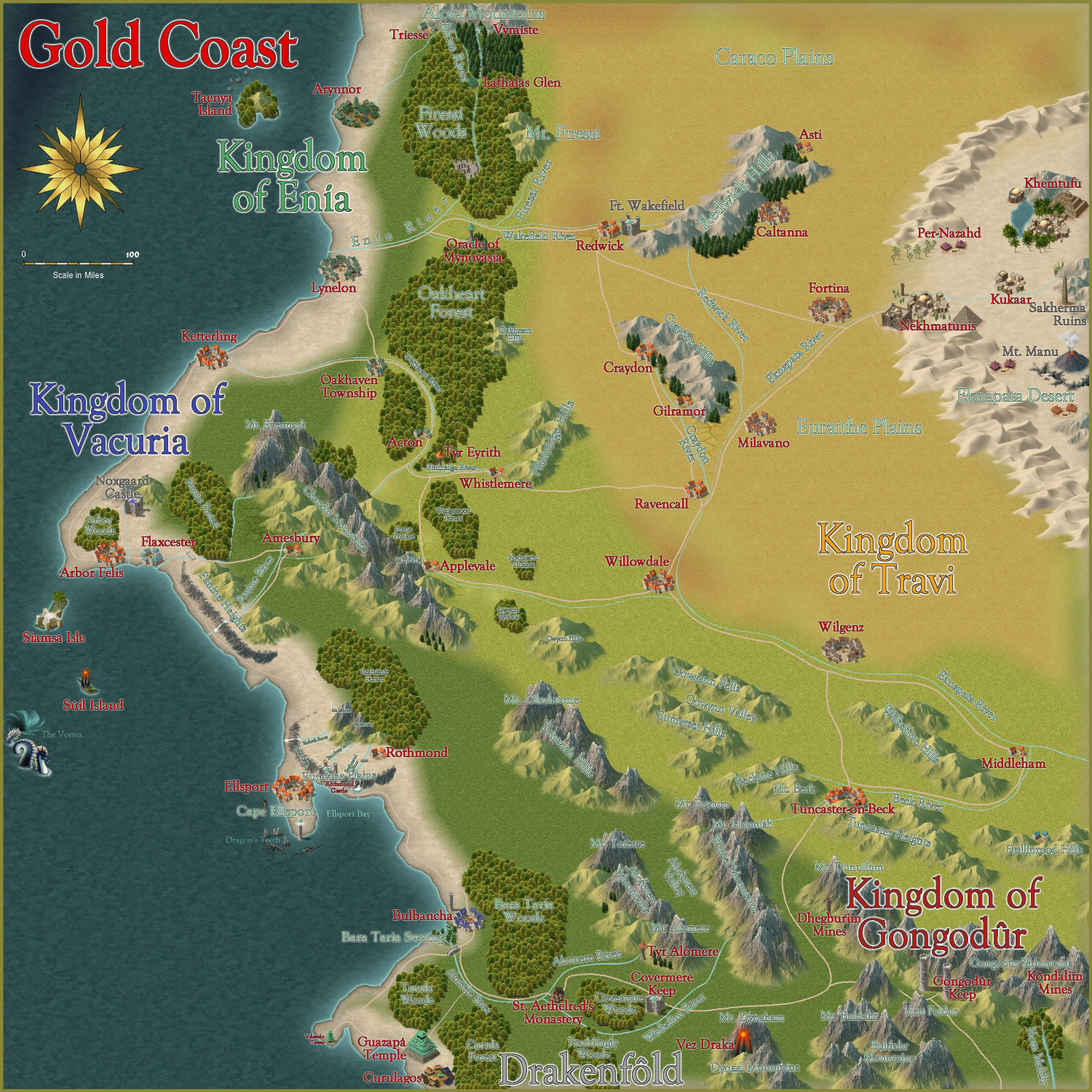
The first submission is ready! It's a 1000 x 1000 mile section on the western side of Doriant.
Here's a markup of the parent map to put it in context (the blue border represents the area I'm calling the Gold Coast.
And here is the Gold Coast with all labels but without political borders shown:
Here is the FCW file, along with a PDF description and a plain text description. (I stripped out accents and special characters in the plain text file.)
Primary Style: Annual Spectrum Overland
Toggles: "Borders (Political)" sheet to turn display or hide the political borders within the region.
@Monsen, please let me know if I've messed up and need to fix anything, or if you'd prefer submissions to be handled in any other way. I have lots of other local area maps within this region that will be ready to submit soon.