Shessar
Shessar
About
- Username
- Shessar
- Joined
- Visits
- 304
- Last Active
- Roles
- Member
- Points
- 1,225
- Rank
- Mapmaker
- Badges
- 13
Latest Images
Reactions
-
1000th Map Competition: Ober, Southern Scar
Thanks @Royal Scribe ! I noticed the acne on the frame after posting. I think I'll need to make the frame a bit narrower anyway and will fix it then. I'm finding this style a real dream to work with. It is beautiful and Sue deserves many, many praises for creating it!

-
1000th Map Competition: Ober, Southern Scar
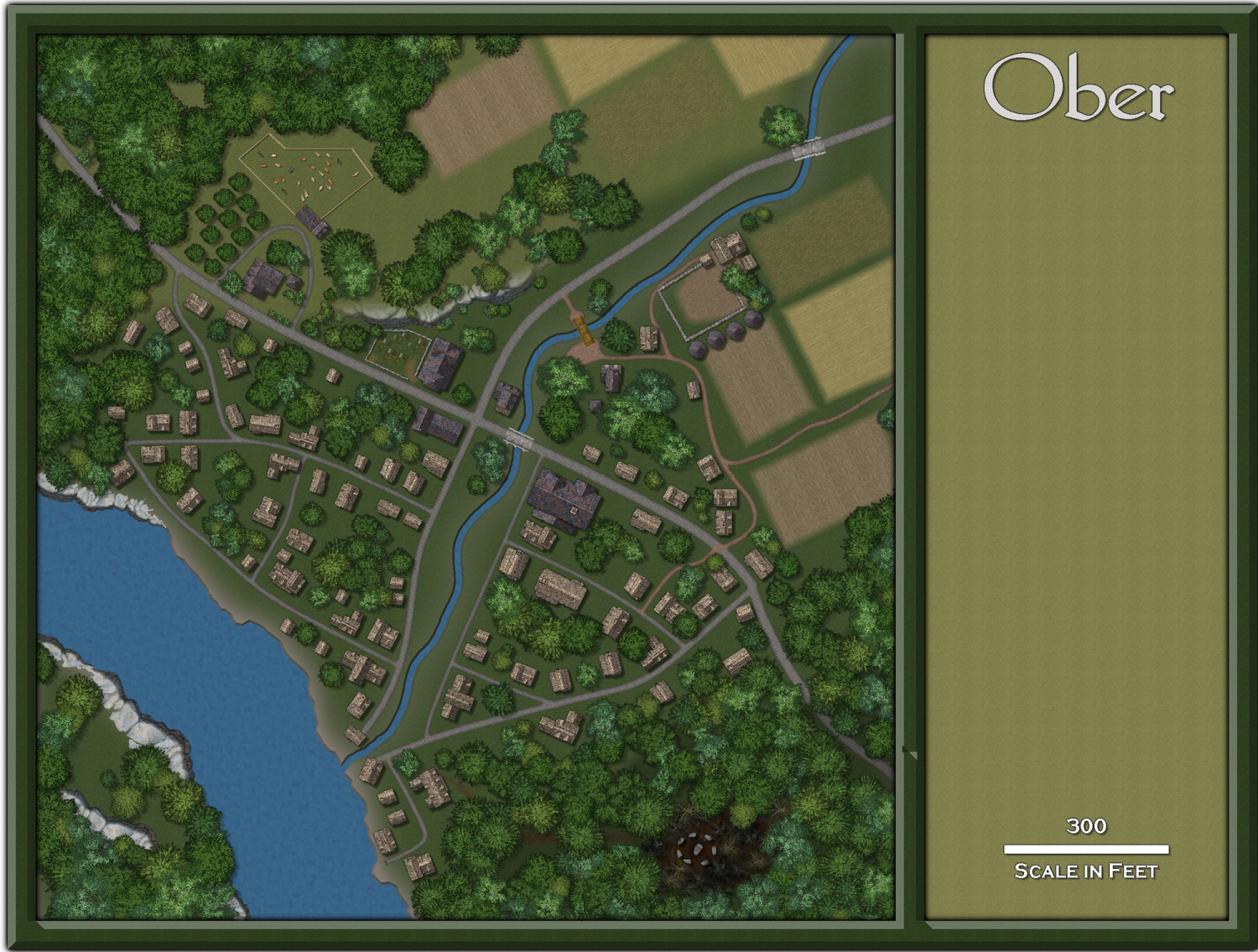
Next phase is complete. Last will be the river and landscape shading, labels, and the fiddly details like paths, gardens, etc.







-
1000th Map Competition: Ober, Southern Scar
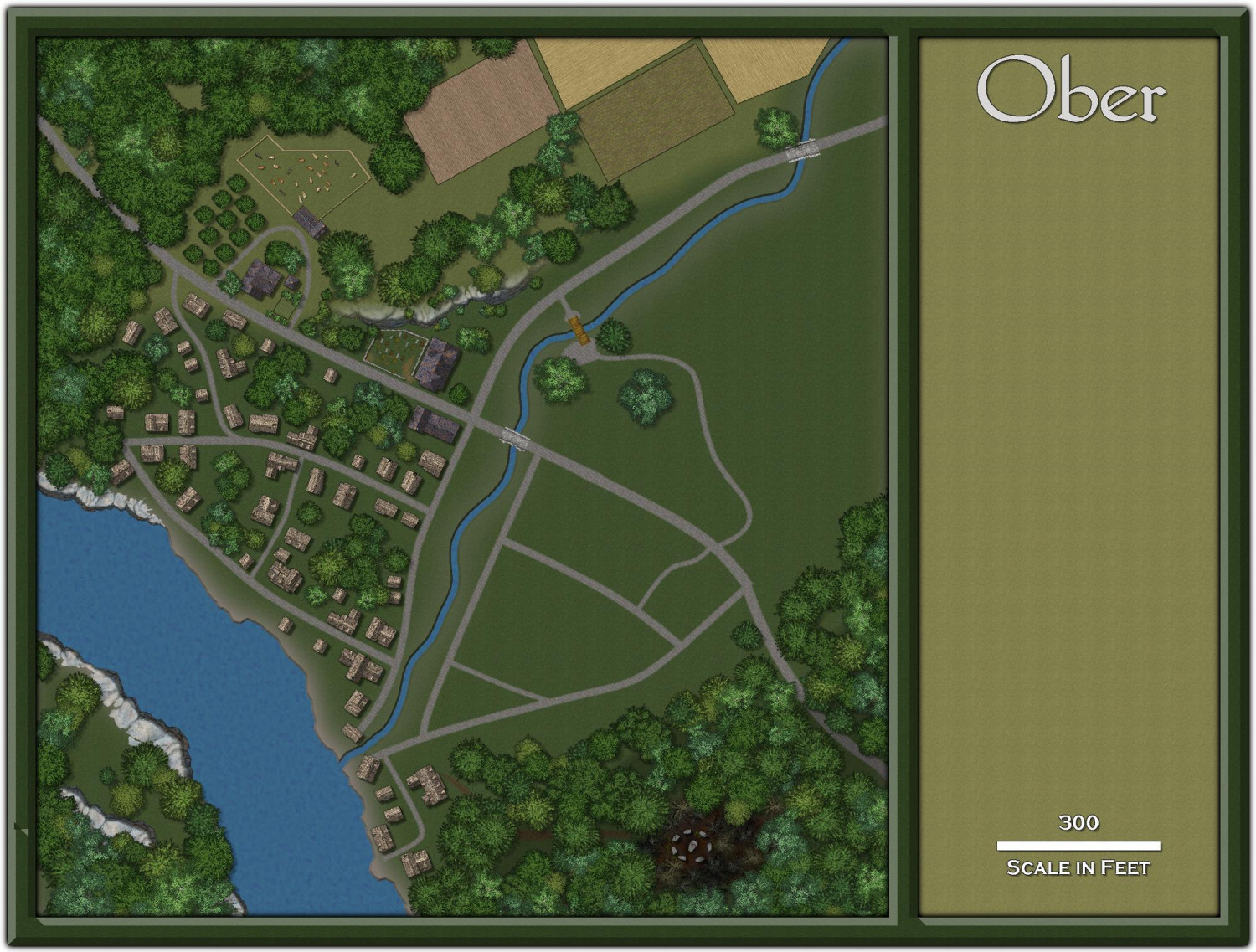
Finished laying out the areas on the west side of the stream but will add shading, walkways and paths as finishing touches. I prefer not to add too much detail until I'm sure of my layout. I've just started on the eastern side.

-
1000th Map Competition: Ober, Southern Scar
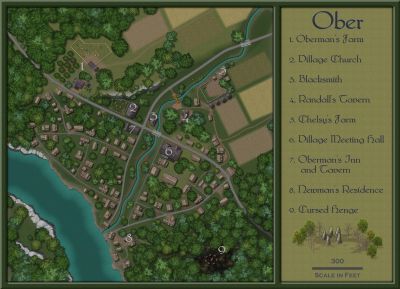
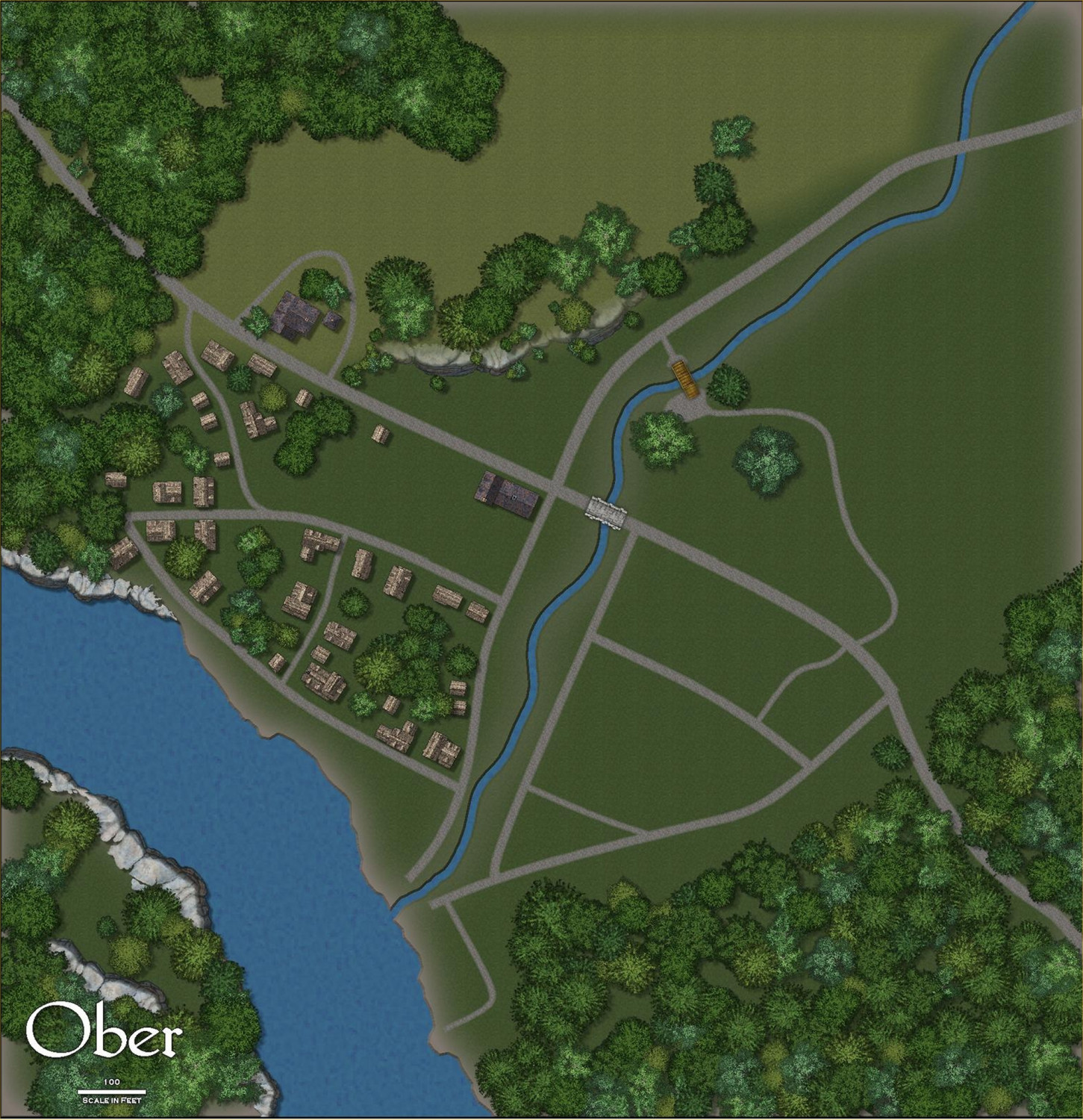
I'm starting to lay out a few details. I decided to reduce the size of the village by removing a few roads in the north. It would have been closer to town size, rather than village.


-
1000th Map Competition: Ober, Southern Scar
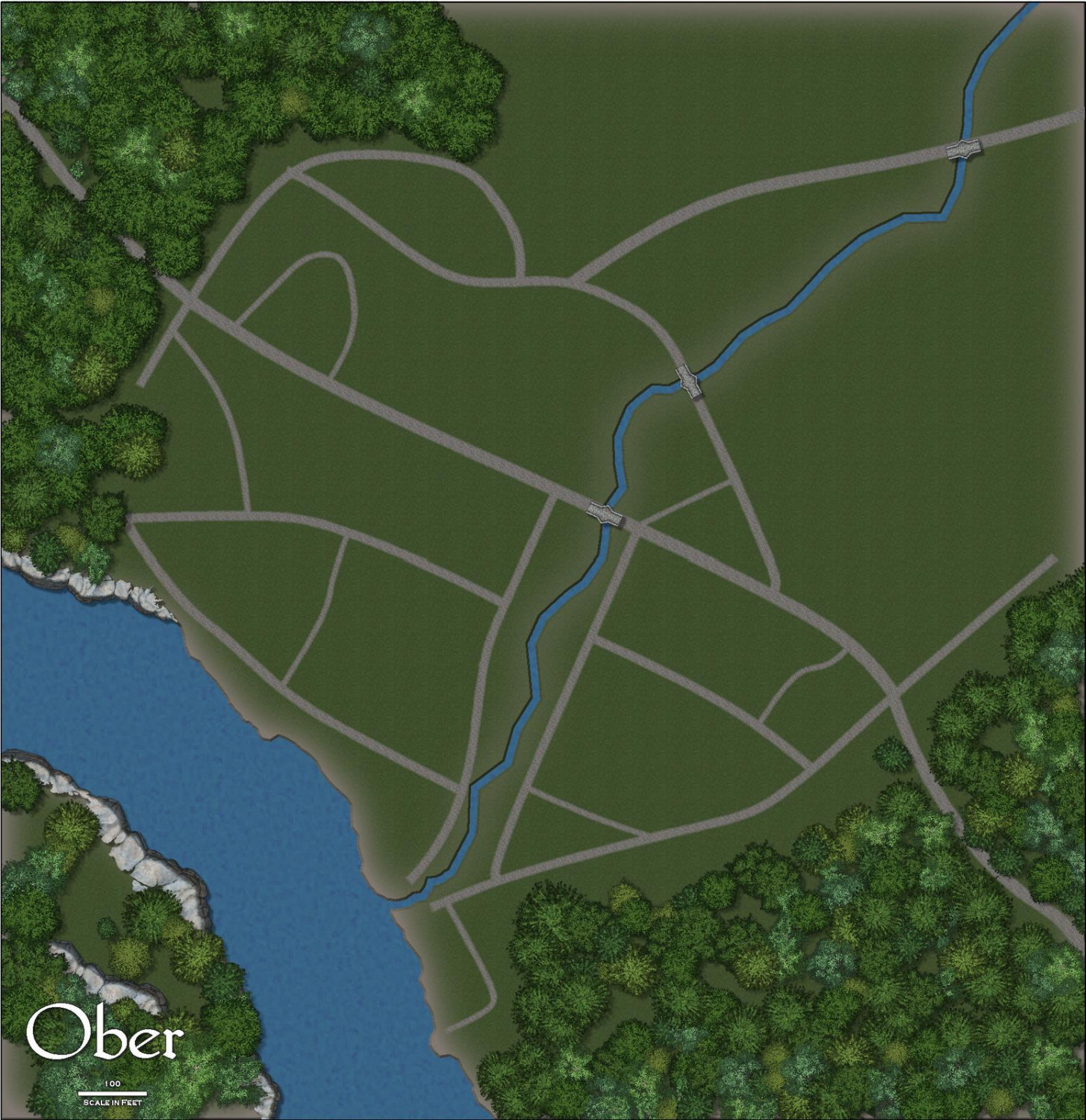
Just starting the layout of the terrain and village. A lot to do yet and everything is subject to change as I go. This is the first time I'm working with this annual, so I'll have to experiment and locate things from other symbol sets that I might need.