Jeff B
Jeff B
About
- Username
- Jeff B
- Joined
- Visits
- 6,078
- Last Active
- Roles
- Member, Betatester
- Points
- 1,259
- Location
- Fairbanks, Alaska
- Website
- https://www.akbattletech.us/endoria/
- Rank
- Surveyor
- Badges
- 9
Latest Images

Reactions
-
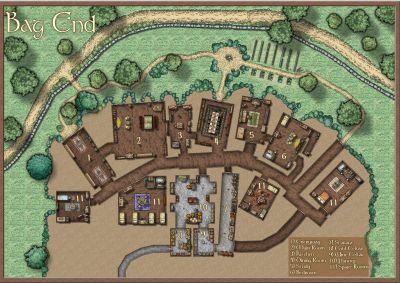
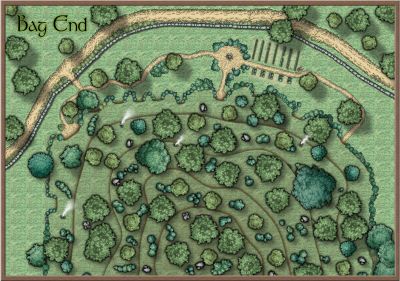
Just a map
I like the map but the fountain, well and water trough seem out of place for a tent encampment. Maybe if there were some ruins of an old building they would not seem so out of place.

-
Export to different styles from FT3 to CC3+?
That would be great if you wrote up the steps for this process and post it. I want to add a few new templates to FT3+ to use different styles.
-
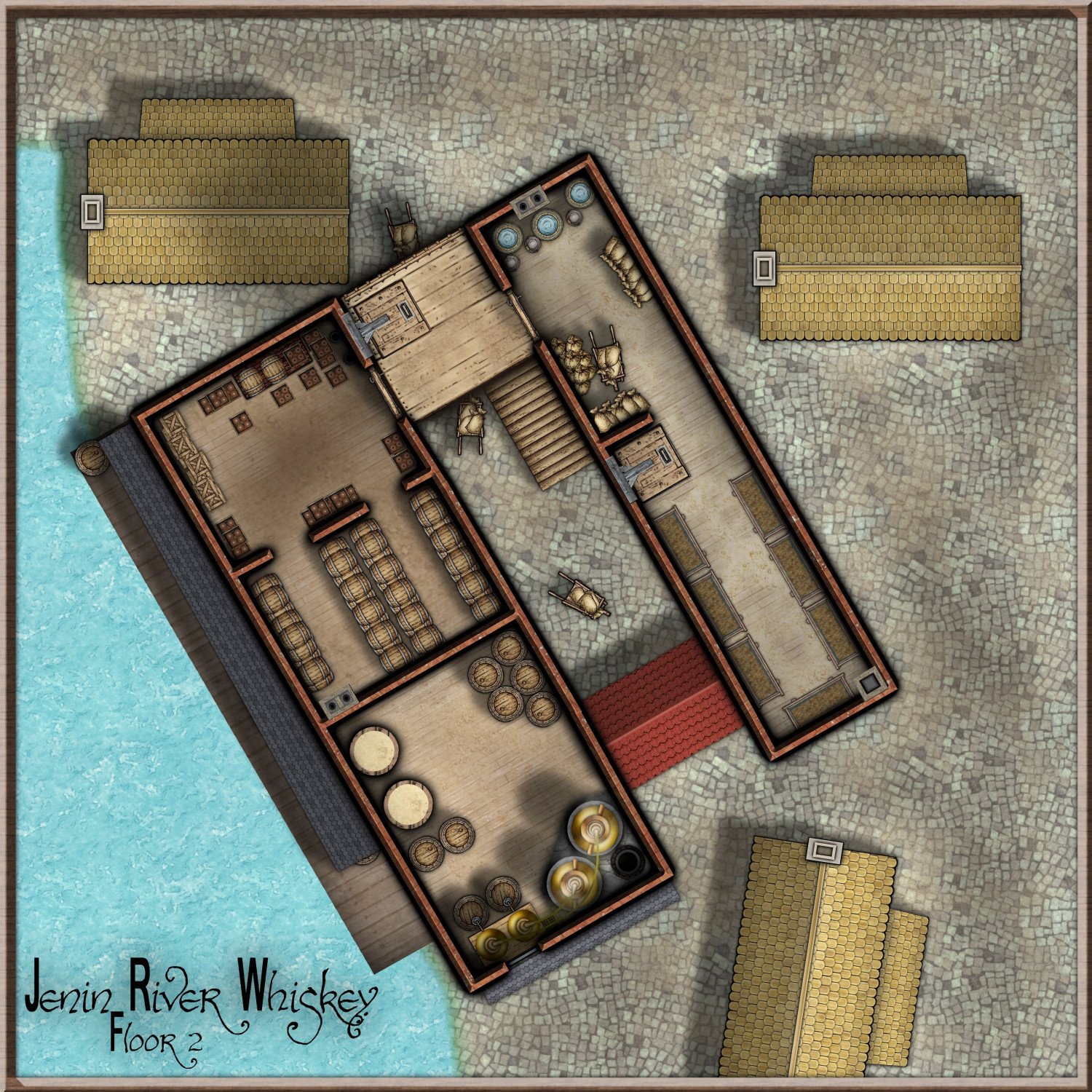
[WIP] August Mapping Competition -- Vertshusen Distillery
Second Floor

-
Campaign Cosmographer Insert template
Ok there is something wrong with your file. I was able to insert the png. But I would start over from scratch. Unzip the file below and keep the ,FCW file in the same place as the .png and you should be able to see the drawing. I have placed it on the trace sheet and given it a 50% transparency.

-
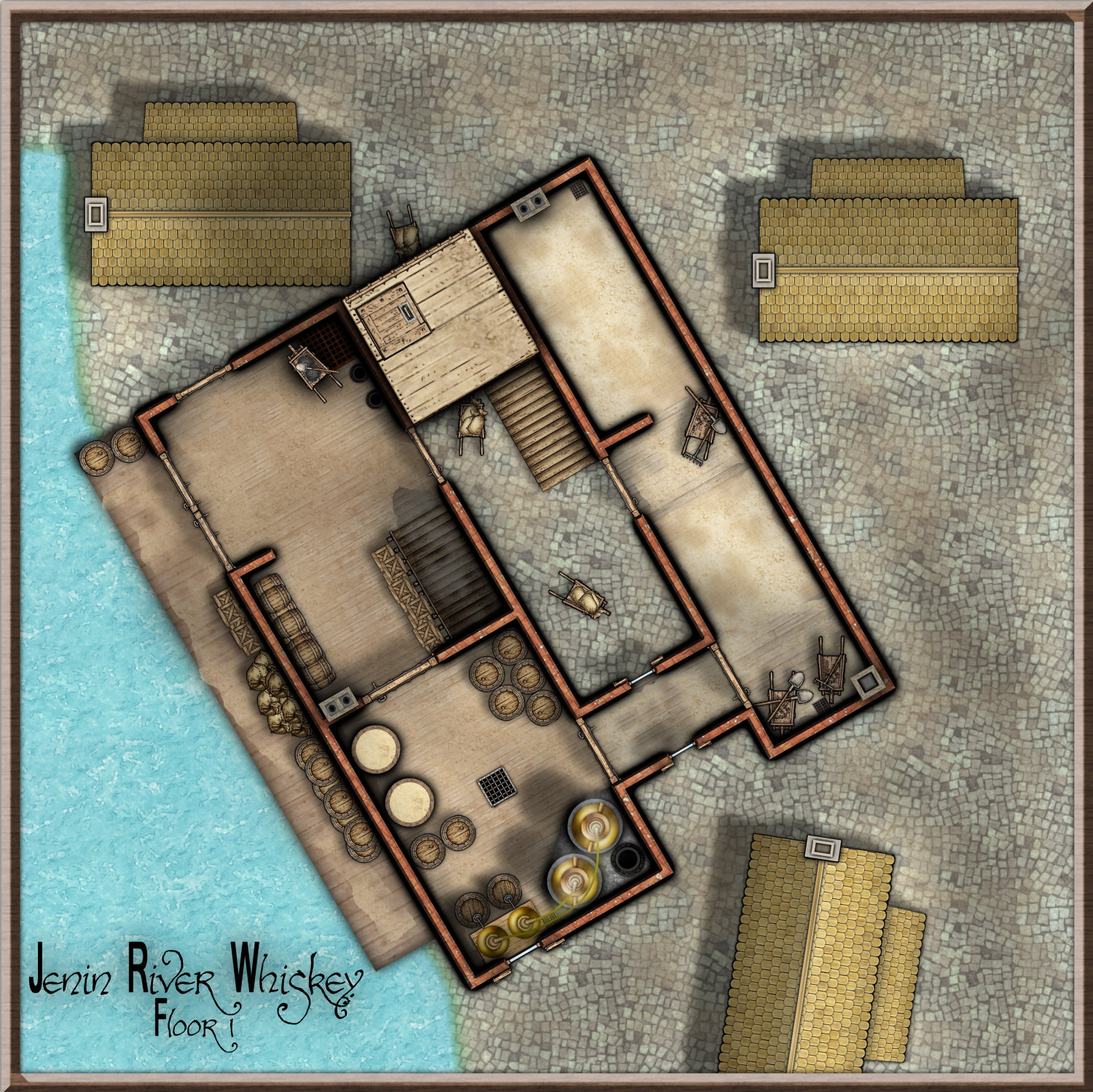
[WIP] August Mapping Competition -- Vertshusen Distillery
OK that was it Quenten, Thanks again
-
[WIP] August Mapping Competition -- Vertshusen Distillery
That is the tracked coal dust from the basement. I figured that after the furnace tenders leave the basement they keep tracking the coal dust up the stairs which is turning them and the top of the landing black.
![[Deleted User]](https://secure.gravatar.com/avatar/c75d9a245b74d9c59be0999ea81ca541/?default=https%3A%2F%2Fvanillicon.com%2F92add7f8c954488718110edc4896ad39_200.png&rating=g&size=200)
-
[WIP] August Mapping Competition -- Vertshusen Distillery
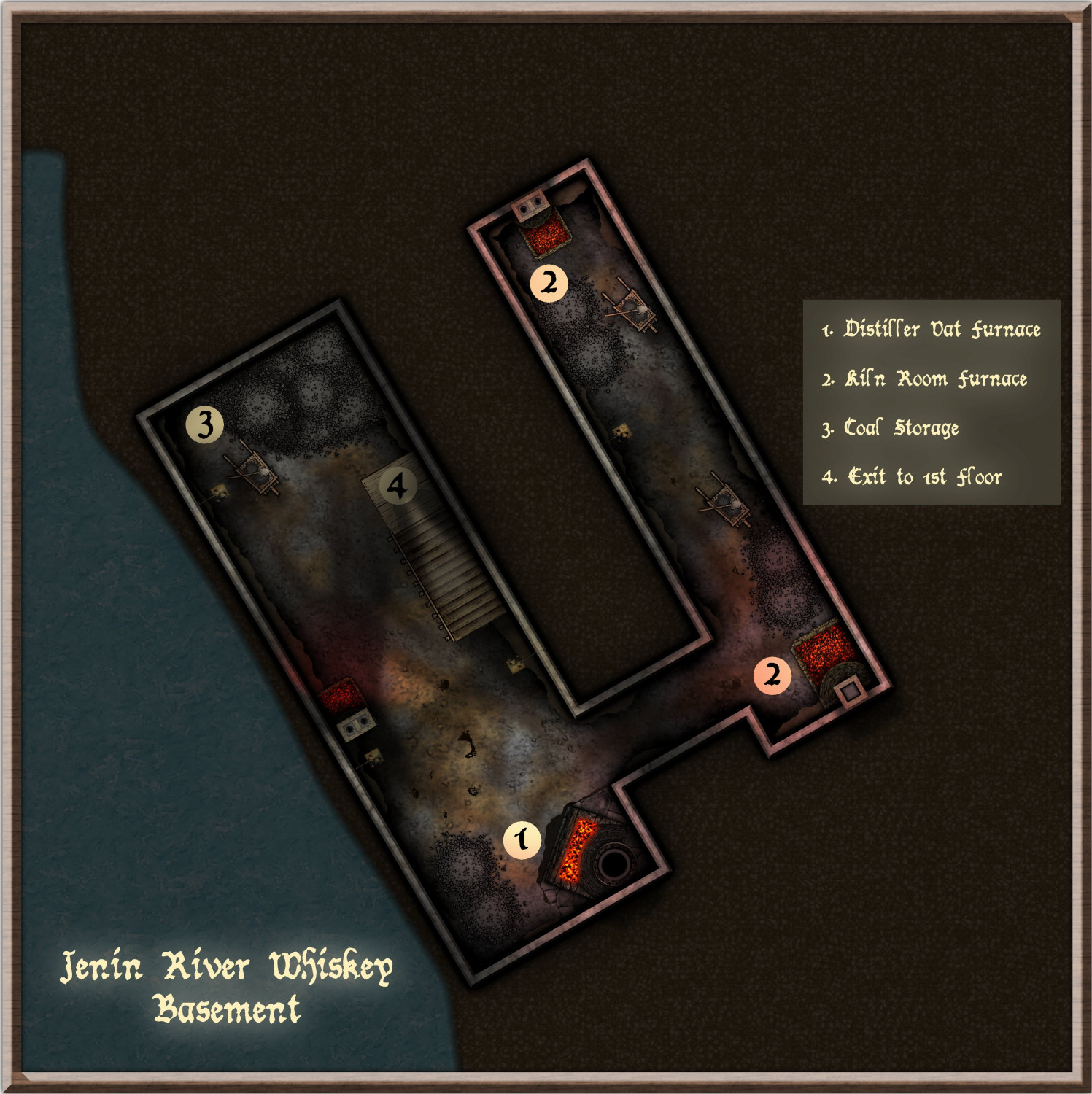
Ok I changed the font to one on the list. Not sure I will keep the new font but here are the updated maps with labels.
Basement
-
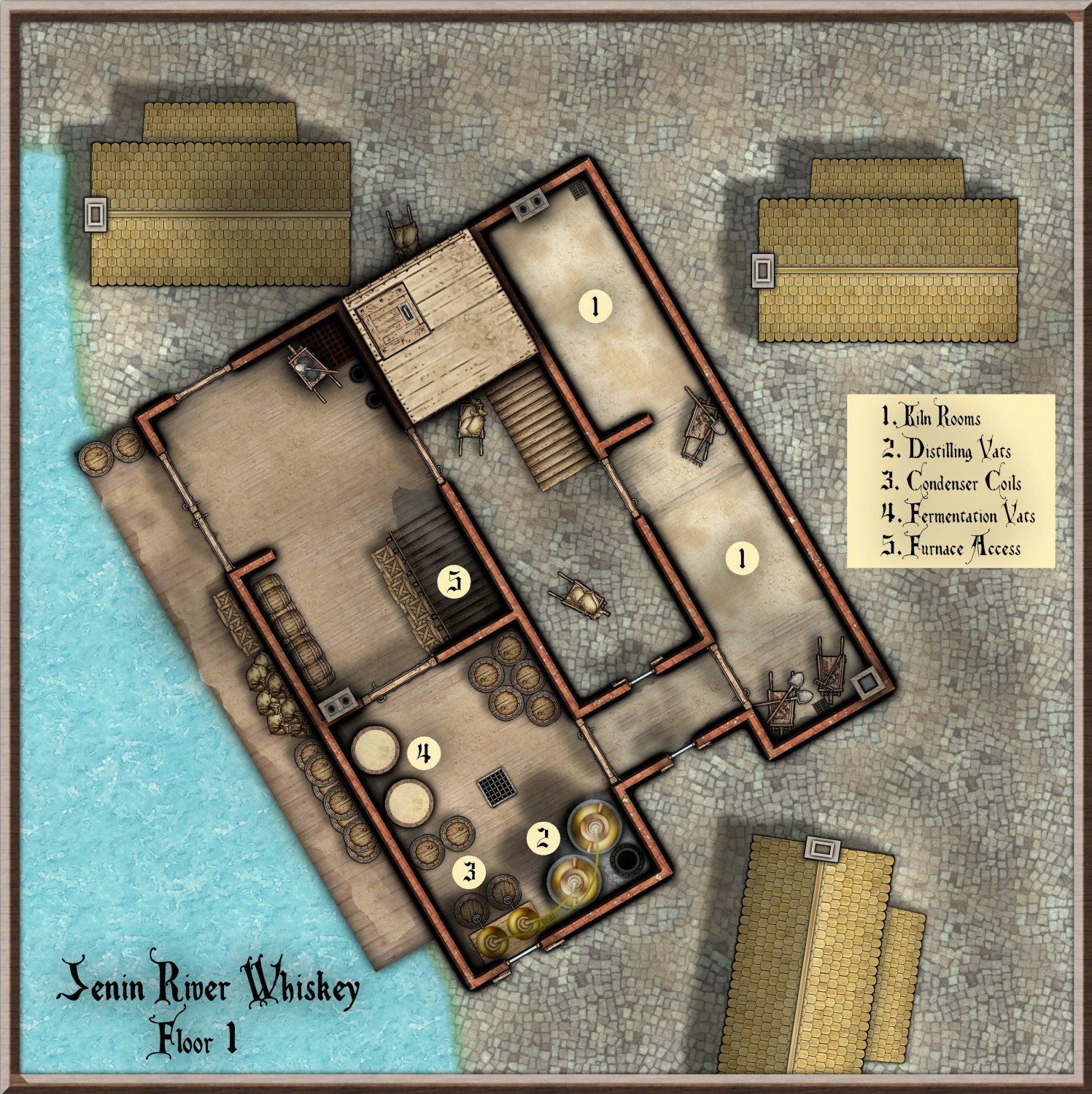
[WIP] August Mapping Competition -- Vertshusen Distillery
First Floor
-
New install
Nope use the key you already have.

-
My First Floorplan: Cybperpunk Club
Ok use the following setting to render the image.
Enter this command:
EXPORTSETMPPP - enter key
80000000 -enter key
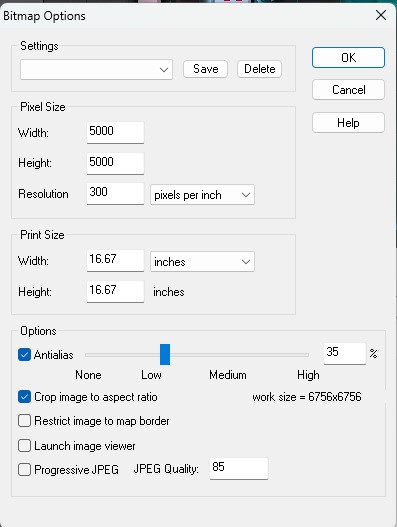
then do your save as and select the image type you want and adjust options as below if needed. You can change the Width and height if you want but don't go too far above 35% antialias
Here is how I set up the options in the save dialog before saving the jpg / png
Also if you want editing lights to be easier create a sheet for each color and make sure you put each color light on the correct sheet. That way if you want to edit the pink lights hide all the other color lights and your light list will be easier to deal with.