


Monsen
Monsen
About
- Username
- Monsen
- Joined
- Visits
- 723
- Last Active
- Roles
- Administrator
- Points
- 9,029
- Birthday
- May 14, 1976
- Location
- Bergen, Norway
- Website
- https://atlas.monsen.cc
- Real Name
- Remy Monsen
- Rank
- Cartographer
- Badges
- 27
Latest Images



-
Live Mapping - City Floorplans
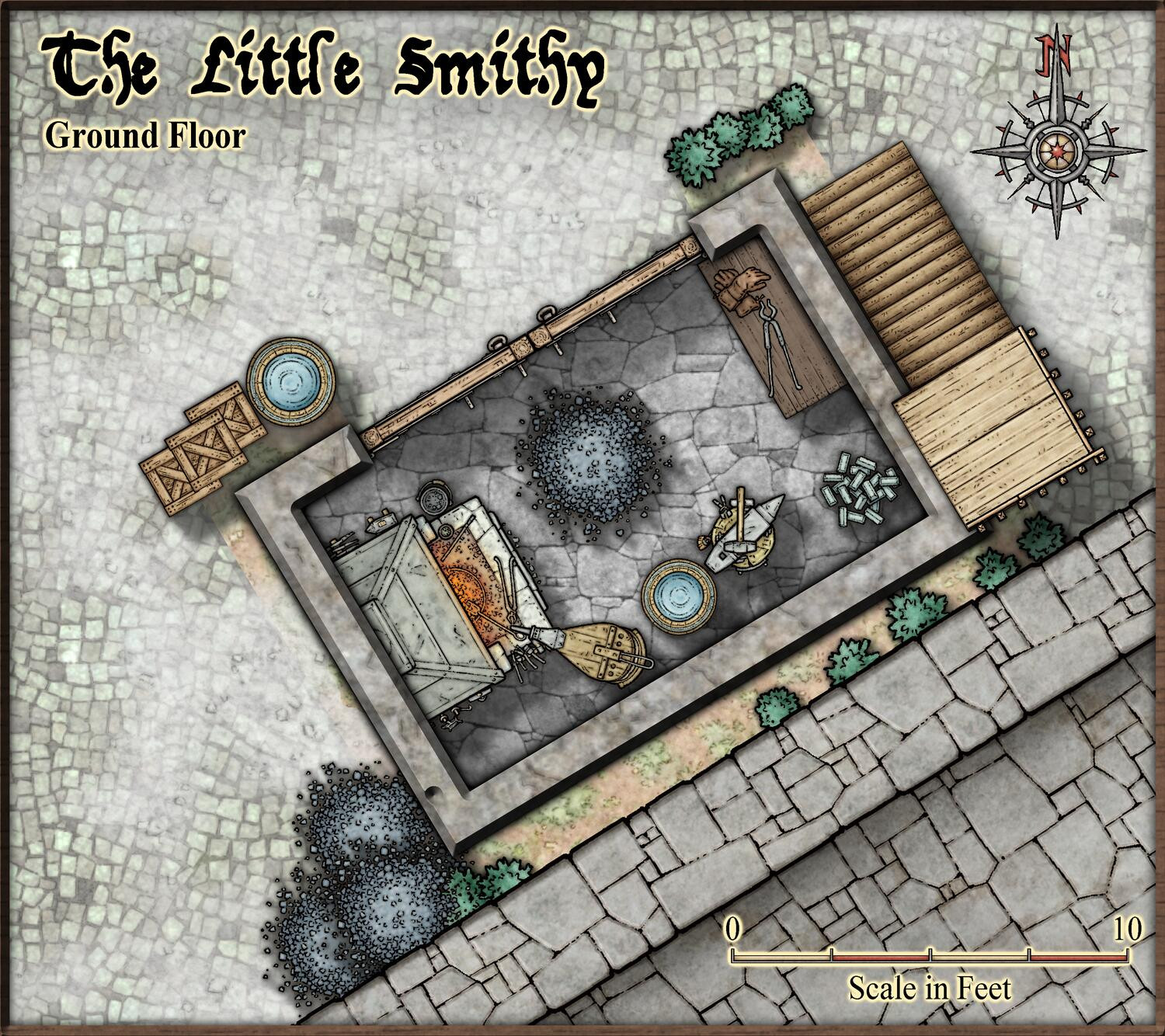
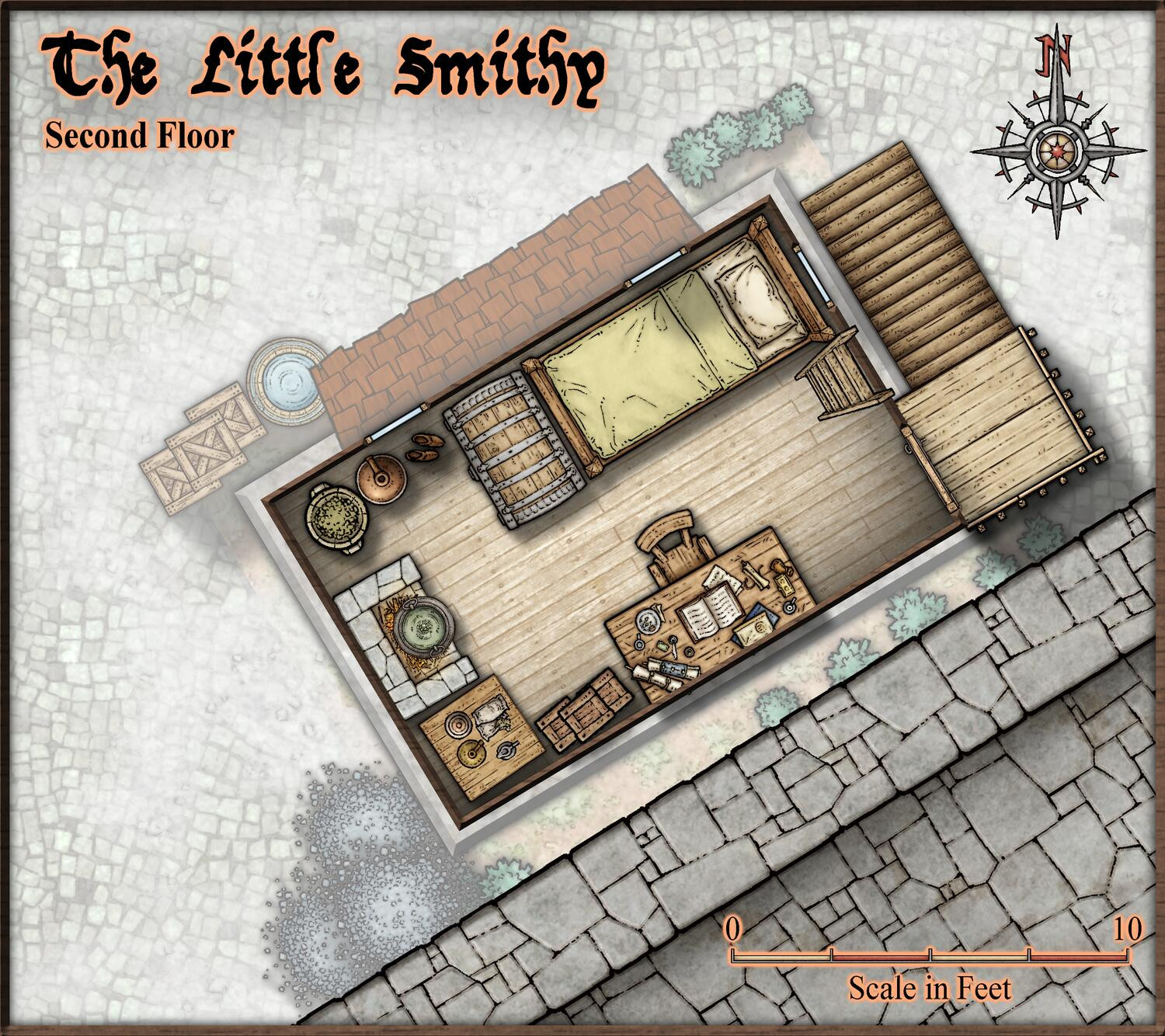
So, I have spent some more time finishing up my tiny little smithy from the video, so here are the current state of the maps.


![[Deleted User]](https://secure.gravatar.com/avatar/c75d9a245b74d9c59be0999ea81ca541/?default=https%3A%2F%2Fvanillicon.com%2F92add7f8c954488718110edc4896ad39_200.png&rating=g&size=200)
-
August Mapping Competition - Building Floorplans - Win Prizes
@Wyvern claimed:
Weirdly, I noticed it's a tiny version of the same building that Sue's currently mapping, albeit quite by-chance!
So, just wait until Sue hands in her entry, then rotate and scale it down, and presto, instant contest entry...

-
Starfinder rpg site, with maps
@JimP wrote:
My mistake, it isn't 3k kilometers, its 30k kilometers, about 20,000 feet across
I think you need to brush up on your conversions. 30 km is about 100,000 feet. Of course, you wrote 30k kilometers, which is 30,000 km or 100 million feet.
-
Creating Floorplan Templates for CD3
Technically, you can just chuck any template into @Templates\Cities\Floorplans to use that style. Note that it does look for certain tools to set the fill/sheet/other properties of the walls/floors it draws as part of the floorplan (The Wall, Default and Floor, Default tools), so if those tools aren't present, they will just use a solid fill instead, but the shape will be drawn, so you can just use change properties

-
Community Atlas - Arthenn / Berenur
Some compass roses would be nice also on city/street maps, such as Arthenn and the docks. Looking at the bridge and the parent map, it is clear that north is to the right on the docks map, but this can't be seen from the map itself. Preferable, any map that doesn't ashere to the modern convention of north up should have a compass rose to indicate this (Personally, I like to see them on most map anyways).
Wouldn't mind seeing some scale bars as well, makes it easier to use the maps.

-
Export to CC3+
Pick the_CC3+ Mike Schley export setting when exporting from CC3+. Or, if you have defined your own export setting, make sure to use the @Templates\CC3+ Mike Schley.FCW template file in the first page of the export settings.
-
Dungeon Wall question
Lines can unfortunately just have a single path, they can't branch, so an additional section like that cannot be part of the line. What I would probably to in this case is to draw the outer line as a single line, and then have that "inner" vertical line as a separate line, and make sure to arrange the lines so it is below, not above the outer lines. This will give you much better corners.
Otherwise, it would have to be made as a polygon, which is doable, but a bit more work.

-
And another small map, this time in SS2 / CSUAC2
Another great looking map. Well done.

-
How do you attach a master symbol filter file to a map
Great. Means your issue is caused by the bug I stumbled over. Turns out notes also live on a sheet, so if you accidentally delete the one they're on (which there is no way to tell) you also delete the notes. Seems like they're on the LAND sheet for lot of the official templates (by pure coincidence), but no guarantee all templates are like that (probably not, since city and dungeon styles don't have a LAND sheet at all).
I've reported this to the appropriate authorities.
-
Community Atlas - Forlorn Archipelago - Fisher Isle, several villages and surrounding areas
Finally got around to process these. 21 new maps from Jim. Thanks for contributing.

