Monsen
Monsen
About
- Username
- Monsen
- Joined
- Visits
- 723
- Last Active
- Roles
- Administrator
- Points
- 9,029
- Birthday
- May 14, 1976
- Location
- Bergen, Norway
- Website
- https://atlas.monsen.cc
- Real Name
- Remy Monsen
- Rank
- Cartographer
- Badges
- 27
Latest Images



-
Ricko's Questions
Correct aspect ratio compared to the paper size you exporting to. For example, if you have a 1000x800 map, your aspect ratio is 10:8, but a standard A-size paper is closer to 10:7. So if you just blindly type in 297 mm for both dimensions, the exported image will be 297 by 237.6 mm, which is larger than the 297x210 mm of an A4 paper. (I didn't account for margins here)
CC3+ automatically calculates the other dimension based on the aspect ratio of your map, not the paper.
Of course, if you don't mind it getting a bit large and simply resize it down to fit the paper on print, then using the largest value works, but if you want it accurately, then you have to actually make your map in the right aspect ratio from the beginning, or you need to also calculate the lesser value so CC3+ can export an image that fits within both the dimensions.




-
Calculating the area of multiple polygons?
Not as far as I know.
But maybe you can work around it. One way I can think of is to combine all the individual polys into one massive one using the CONTOURSM command. This will create a single polygon that matches the complete outline of the existing ones, and you now have a single poly to use the area command on.

-
Too early for a CC4 wishlist thread, or is it timely?
Feel free to post wishes. It is always nice to know what the community thinks and wants. Please do be aware that some wishes may not be feasible due to technical limitations, so popularity here doesn't necessarily mean it will be implemented, and for the same reasons, not implementing a suggestion doesn't mean you are ignored.
ProFantasy staff, including the main developer, do read these boards, so suggestions will certainly be noticed when posted here.

![[Deleted User]](https://secure.gravatar.com/avatar/c75d9a245b74d9c59be0999ea81ca541/?default=https%3A%2F%2Fvanillicon.com%2F92add7f8c954488718110edc4896ad39_200.png&rating=g&size=200)



-
[WIP] - An audience with the King
@Royal Scribe wrote:
Although the FSC files are important for connecting symbols, are they strictly necessary for other symbols? Instead of navigating to the Monthly 13 FSC file, I navigate to the "Monthlies" folder and within it are subfolders descriptively named for each of the new symbols
Generally, opening the folder of png files instead of the FSC is not that a good idea. All the settings for the symbols are in the symbol catalog file. The folder only contains the raw images. This means that the symbols won't automatically go to the right sheet, settings like collections and random transformations won't be used, smart features won't be available, and the origin point may be different than the symbol. Not all of this is equally important for every symbol, but generally, opening the folder should really only be considered for cases where there are no symbol catalog available.

-
Compass Roses
Very nice. A few more, or maybe some other map decoration in the same style (Like boxes for titles & legends, scale bars, etc), and you have a great annual issue right there....



-
Live Mapping - Mastering your Fills
There seemed to be a bit of an interest in learning more about how to tweak the various fills to get more options, so I thought it might be a good topic for a live stream.
As always, you should be able to see the time in your timezone in the navigation bar to the left or by visiting the YouTube page.

-
Help! Nothing in my FCW will display
Something has happened that corrupted the current coordinates, so when zooming, it causes CC3+ to multiply numbers with illegal values, which won't work very well unfortunately.
The easy way to fix it is to just do a View -> Zooms -> To all Text, then pick any text entry in your map. That puts you back into proper coordinates, and zooms should now work fine.
-
Please help with hex map scales...
Also, how do I know how big the hex is? Do I measure edge to edge? Top to bottom?
In CC3+, the size of the hex is measured edge to edge. (For a horizontal hex grid, that would be the same as top to bottom, since edges are at the top and bottom). [This means that the corner to corner size will be 1,15 times larger than the specified hex size]
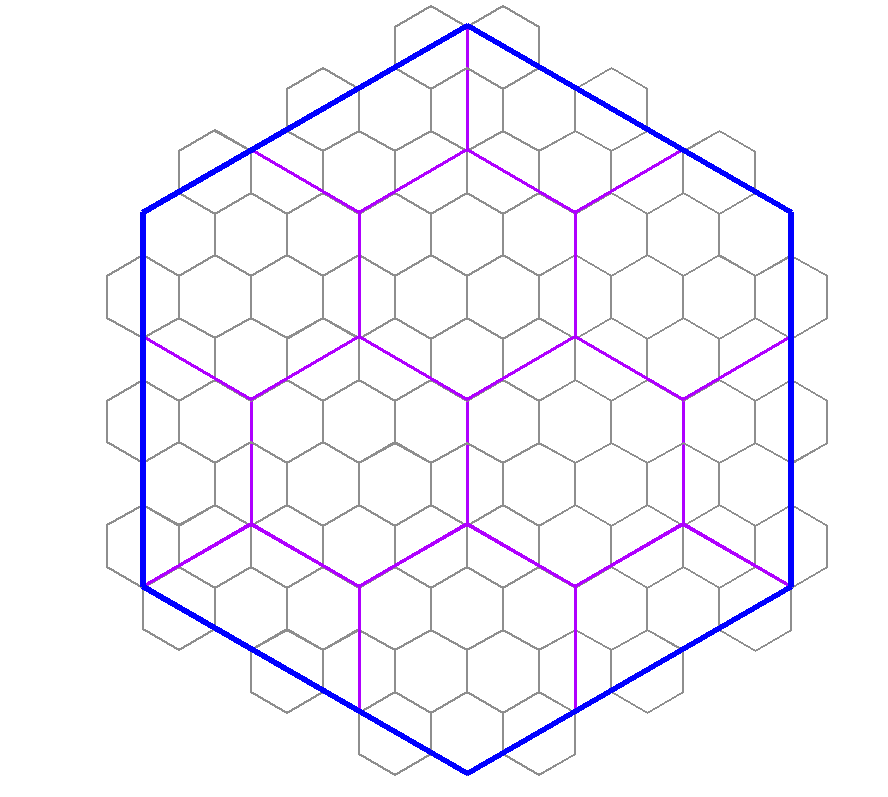
The scale really depends on how detailed you want your world. Hex mapping, by it's nature, do make the detail level a bit simpler for a map. Hexes are also a bit problematic when you want different sizes, because you can't easily line up hexes inside a hex like you can with squares. But the best number is if you use a difference in scale that is a multiple of 3. (As such, your example of using 6 miles, then 24 miles doesn't work too well, because 24 is 4 times 6, and 4 is not a multiple of 3). As long as you use a multiple of 3, you should be able to have a tiling that only includes full and half hexes, as per my diagram below, and corners will line up with each other. (so 6 and 36 would be appropriate values for the two scales in your example)
As for the whole world scale, just continue multiplying by numbers that are a multiple of 3 and establish a size that feels comfortable for you. Generally, I would be very of any size that leaves more than a 100 hexes in any direction, but if you use 36 for regional areas, you could consider 216 for continents and 648 for world size. Those sizes would line up nicely with each other.
But, then there is the big question, do you even need them to line up properly like this? If you map each map individually, then you might not ever have the larger hexes of the regional map be a factor at all when making local maps. Sometimes, the value of having hexes of nice round sizes can be much more beneficial for the current map. Hexes for the main map could be 250 or 500 miles, continents could be 100 miles, regional ares 25 miles, etc. Unless the maps are going to be directly overlaid each other, you probably aren't actually going to need hexes that lines up with bigger scale maps. But of course, this is up to your own needs and desires.

-
Community Atlas 1000th map Competition - Please Vote (Even if you didn't participate yourself)
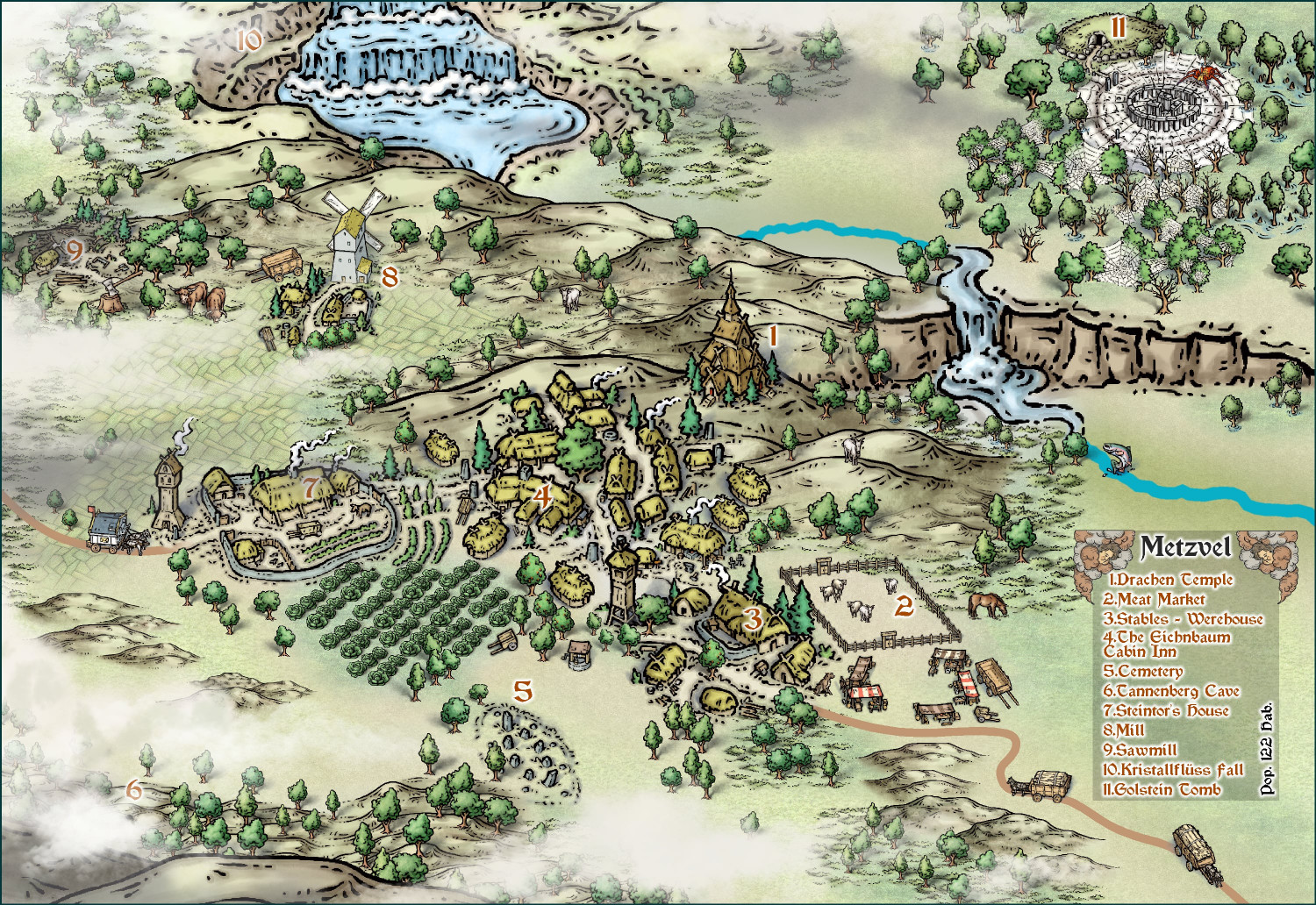
1. Ricko Hasche - Metzvel
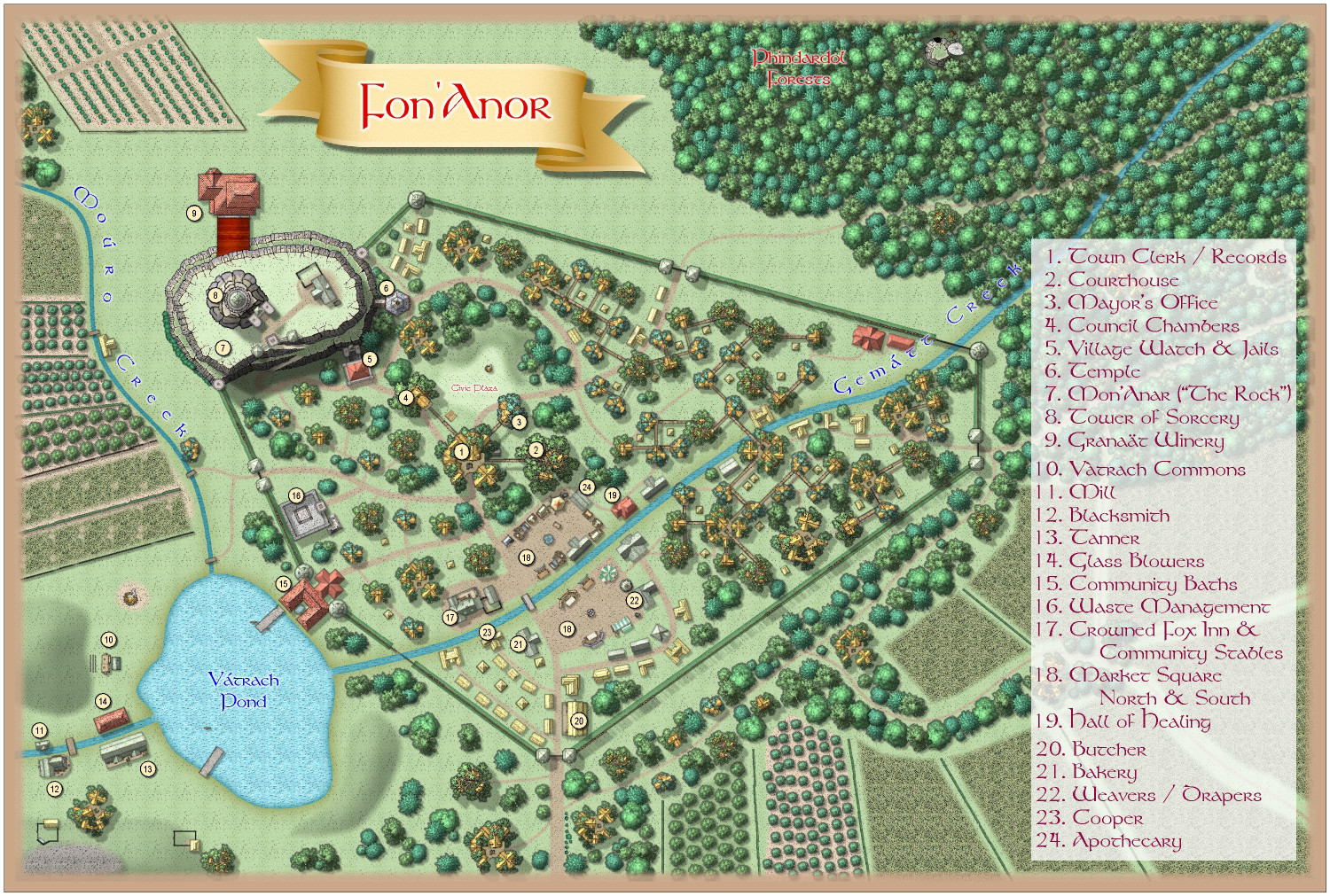
2. Royal Scribe - Fon'Anor
3. Royal Scribe - Village of Djayet
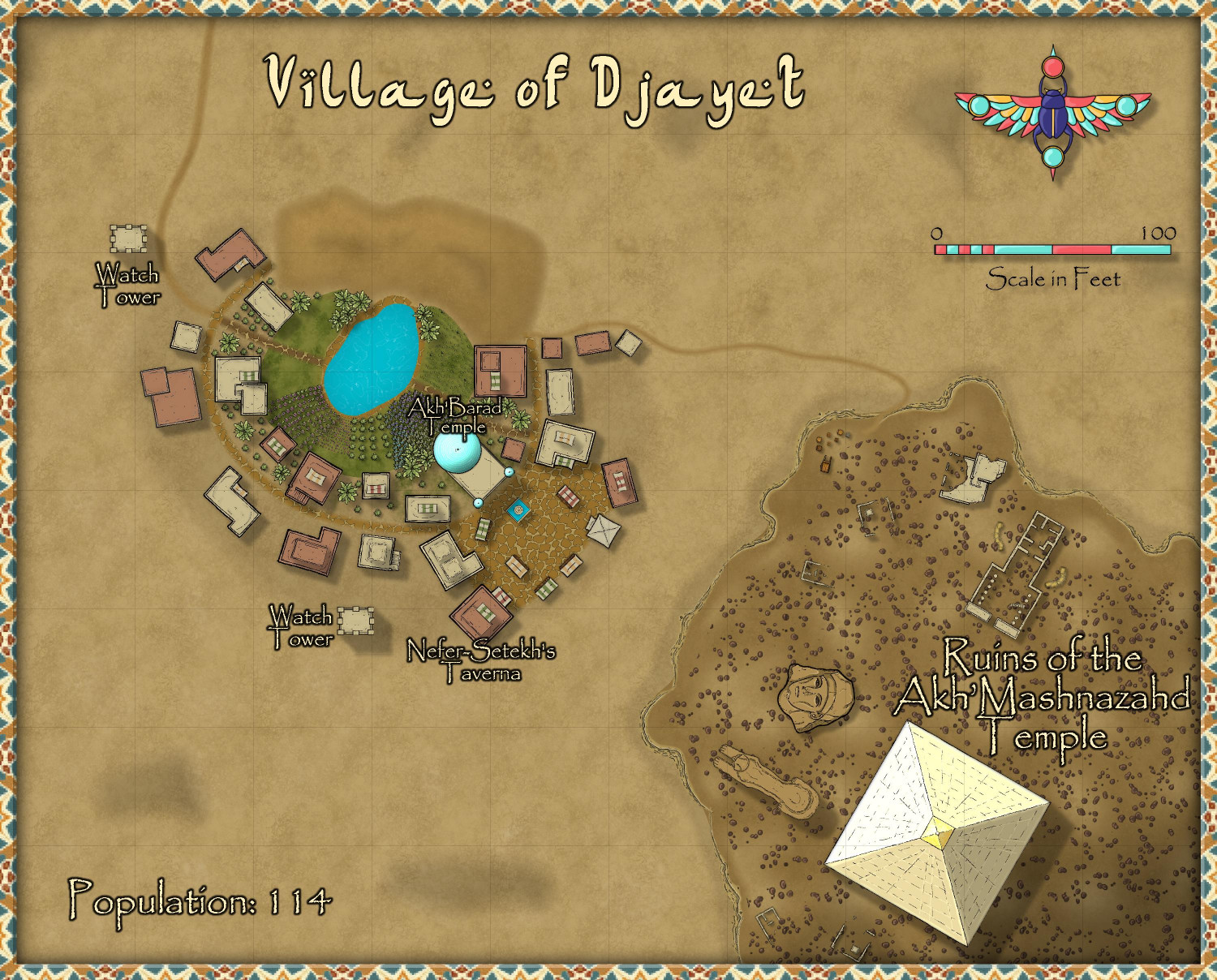
4. Royal Scribe - Eilân Danaäd
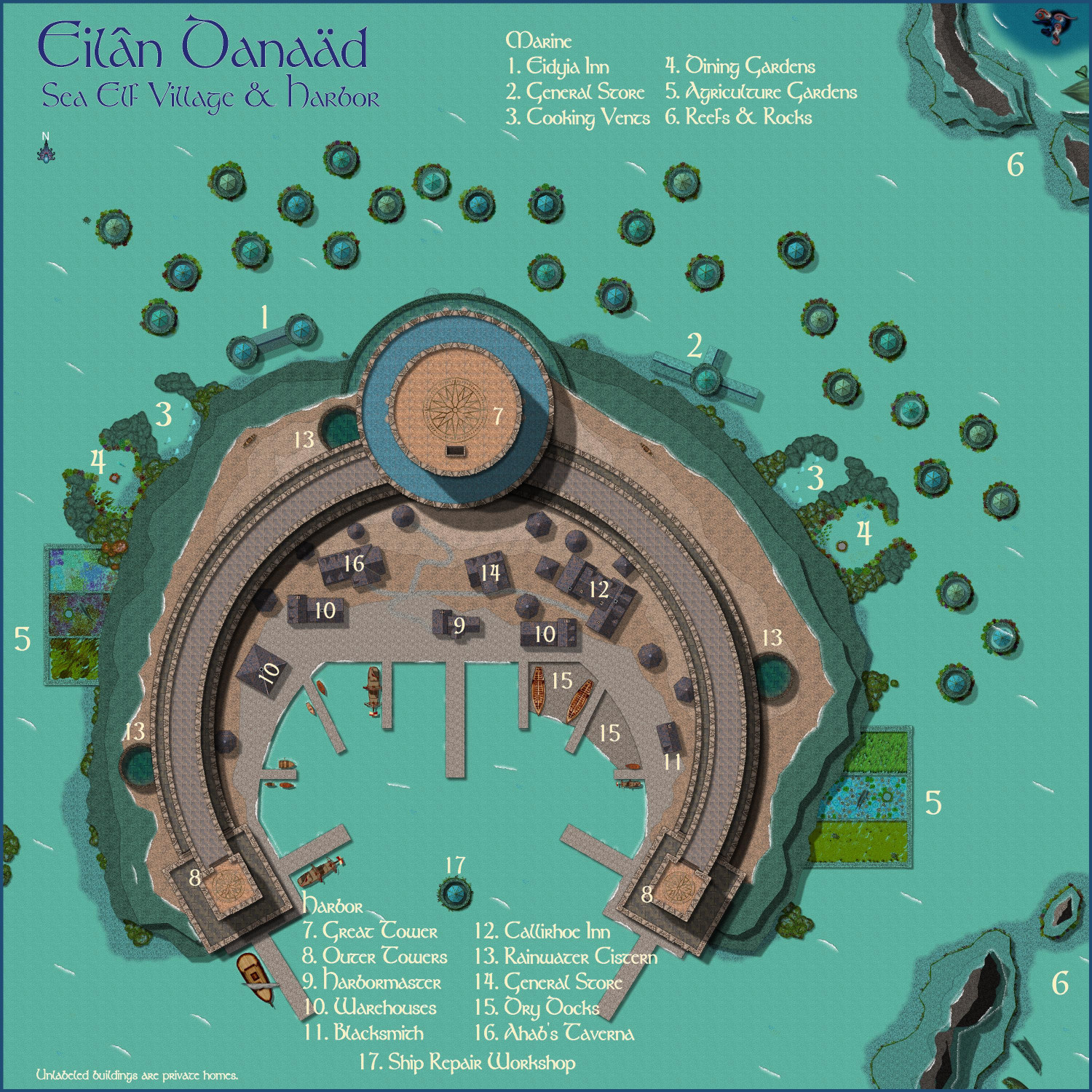
5. Royal Scribe - Yréas Kóltyn Village
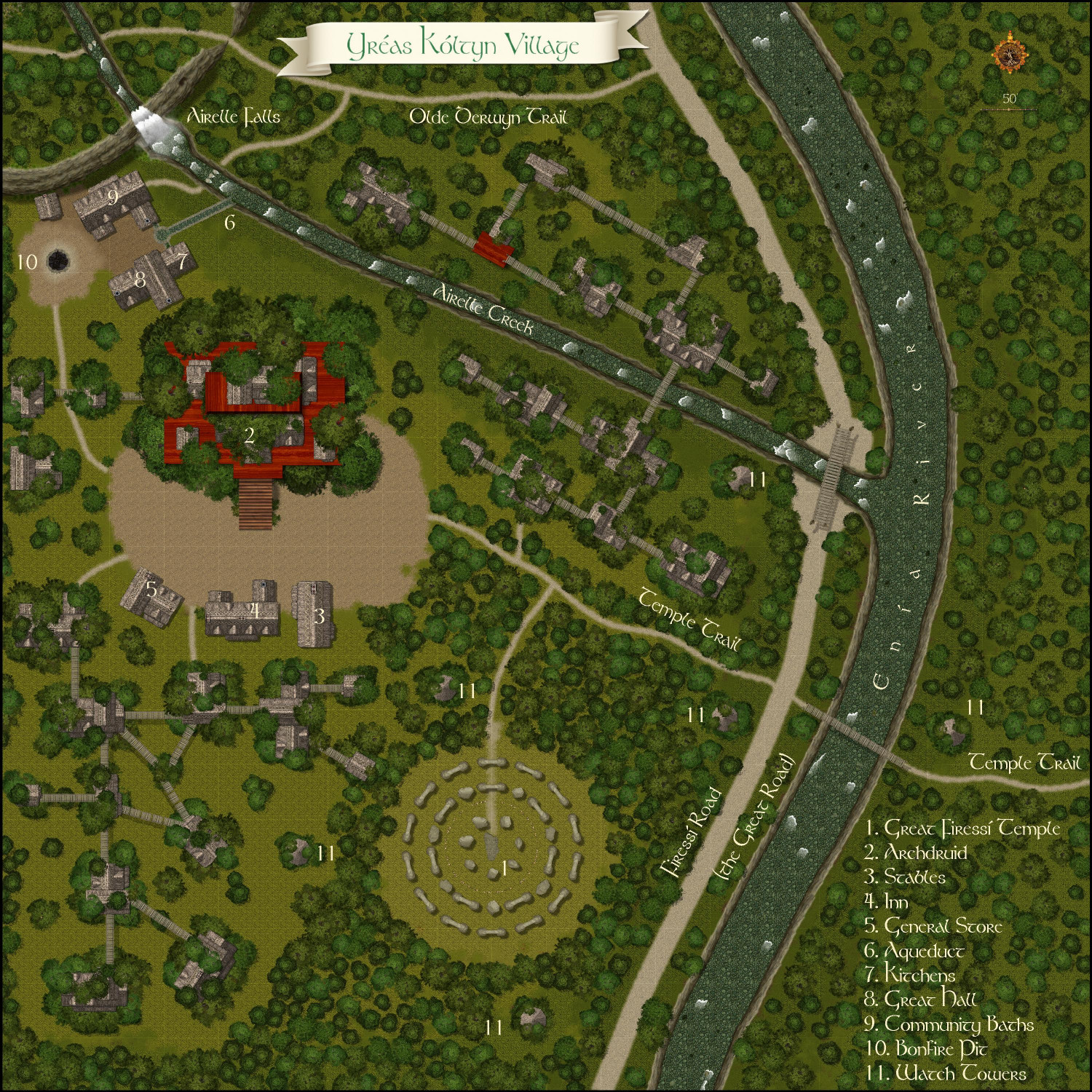
6. Royal Scribe - Vidural Village & Mines
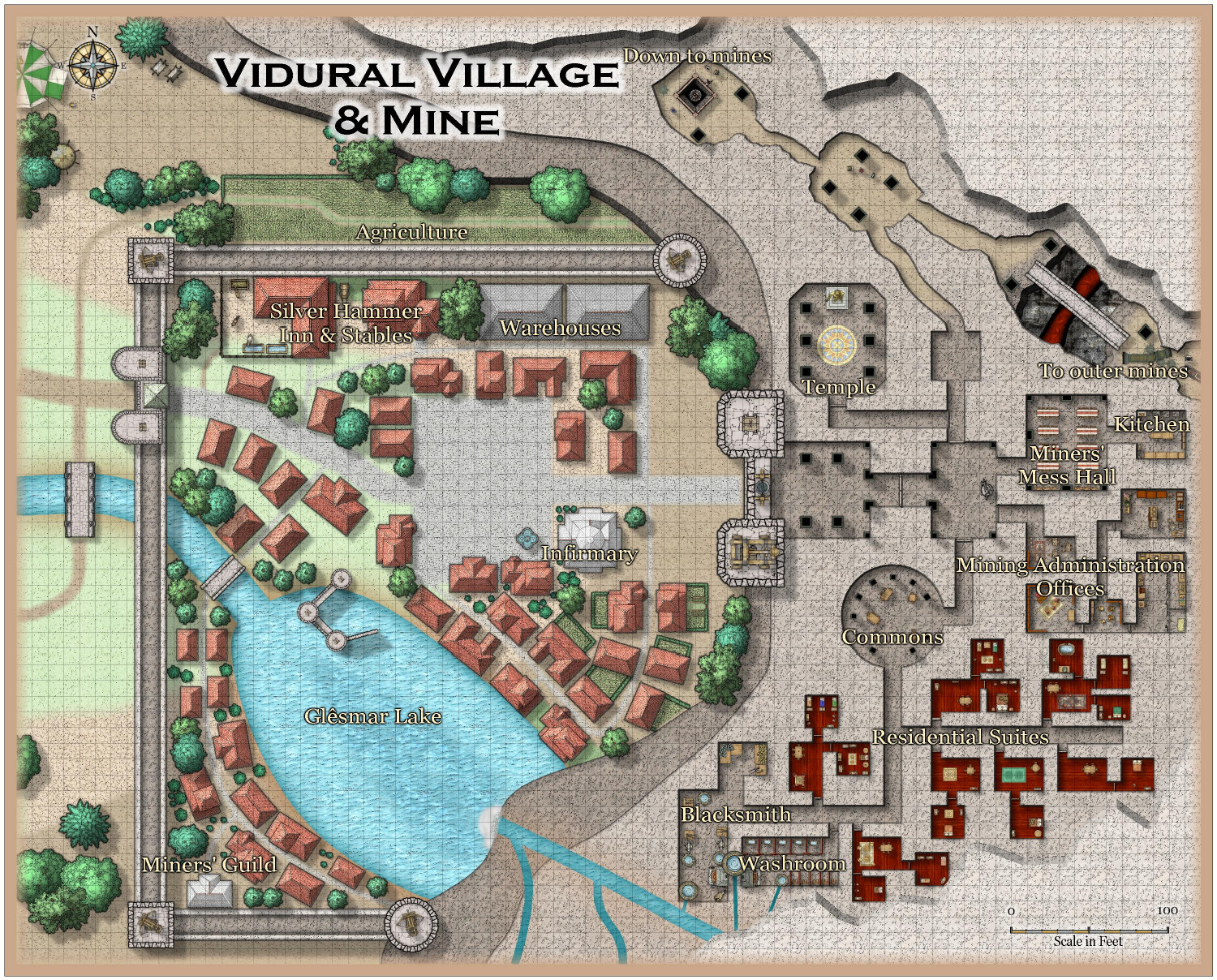
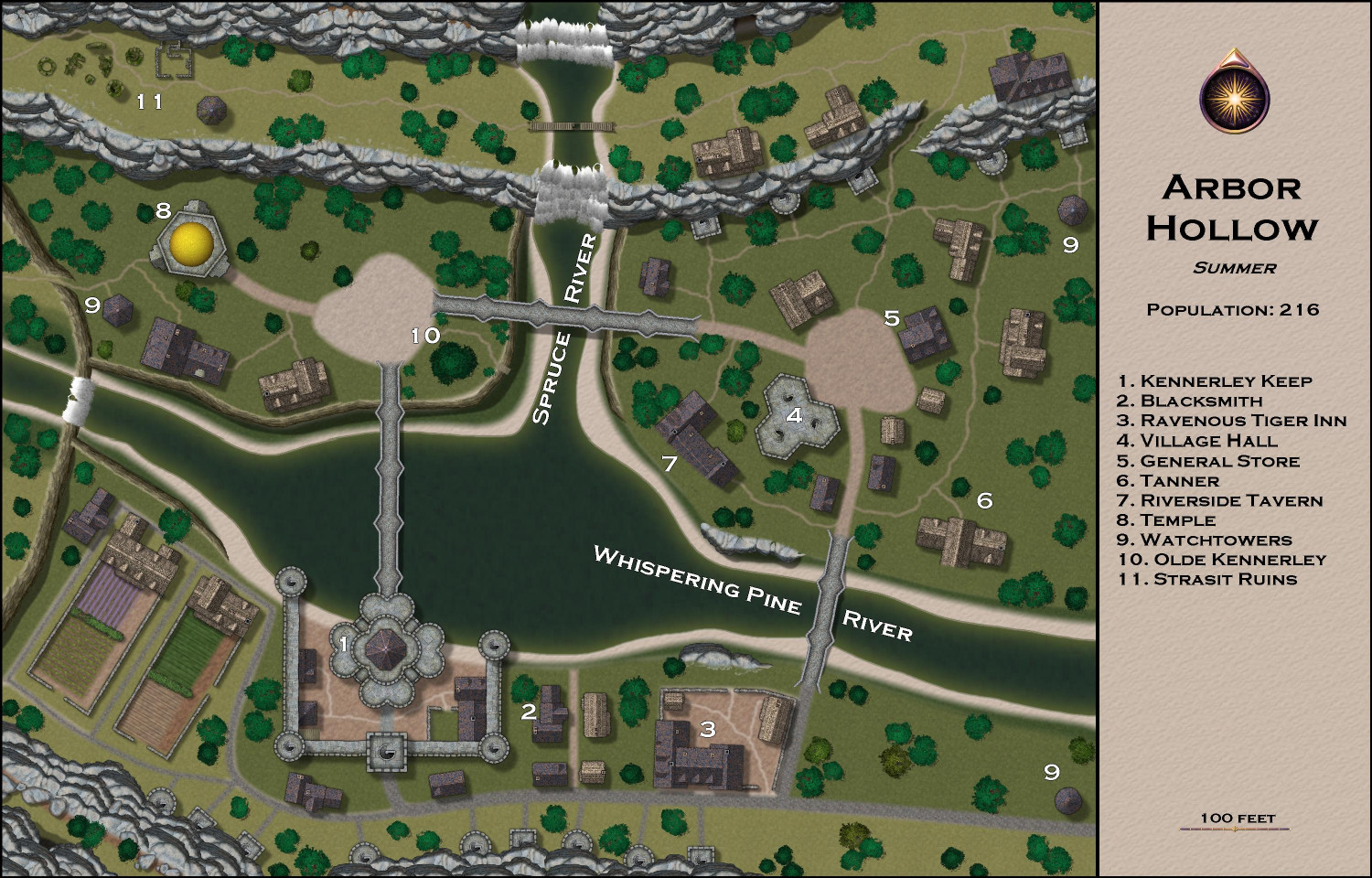
7. Royal Scribe - Arbor Hollow
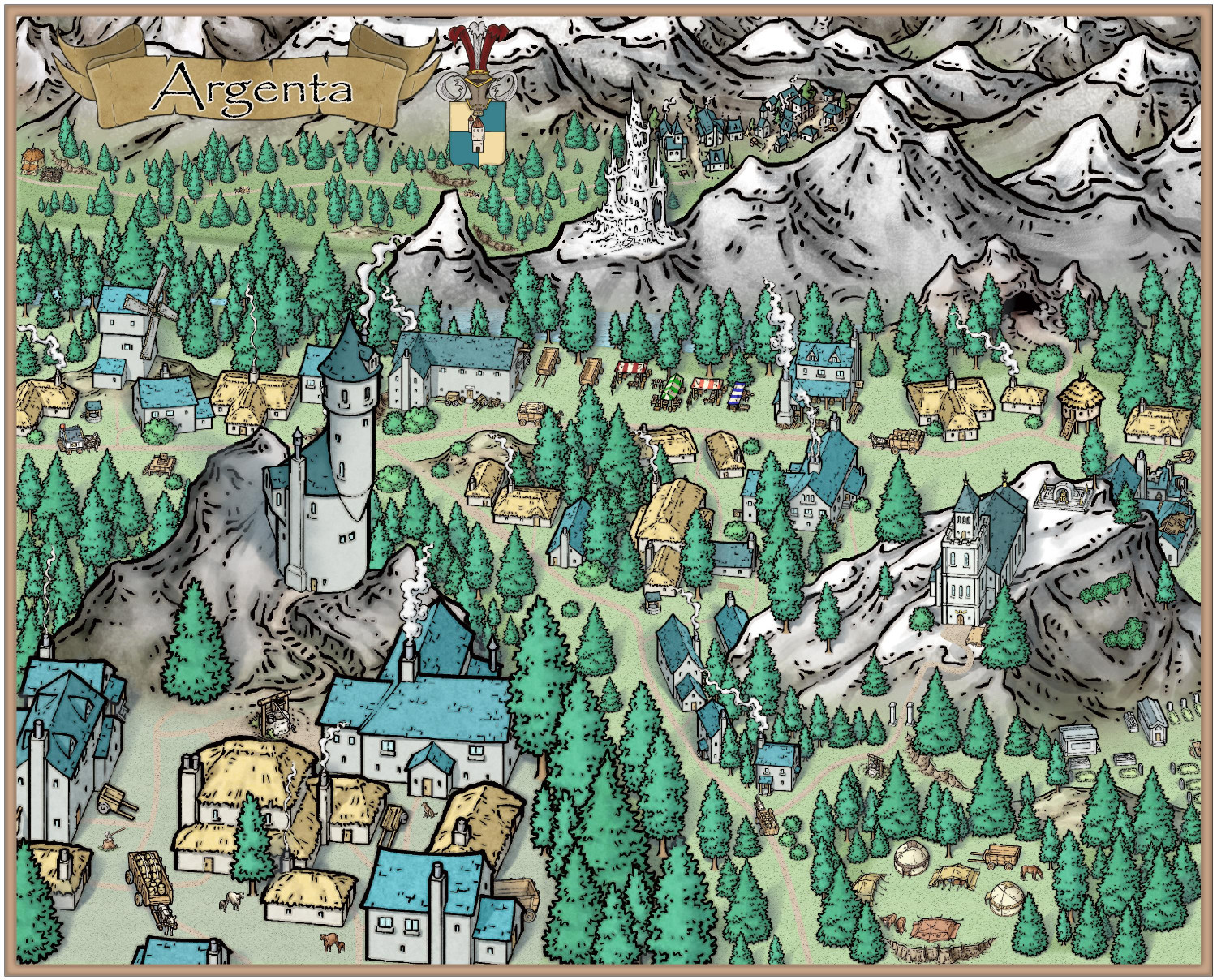
8. Mathieu Gans - Argenta
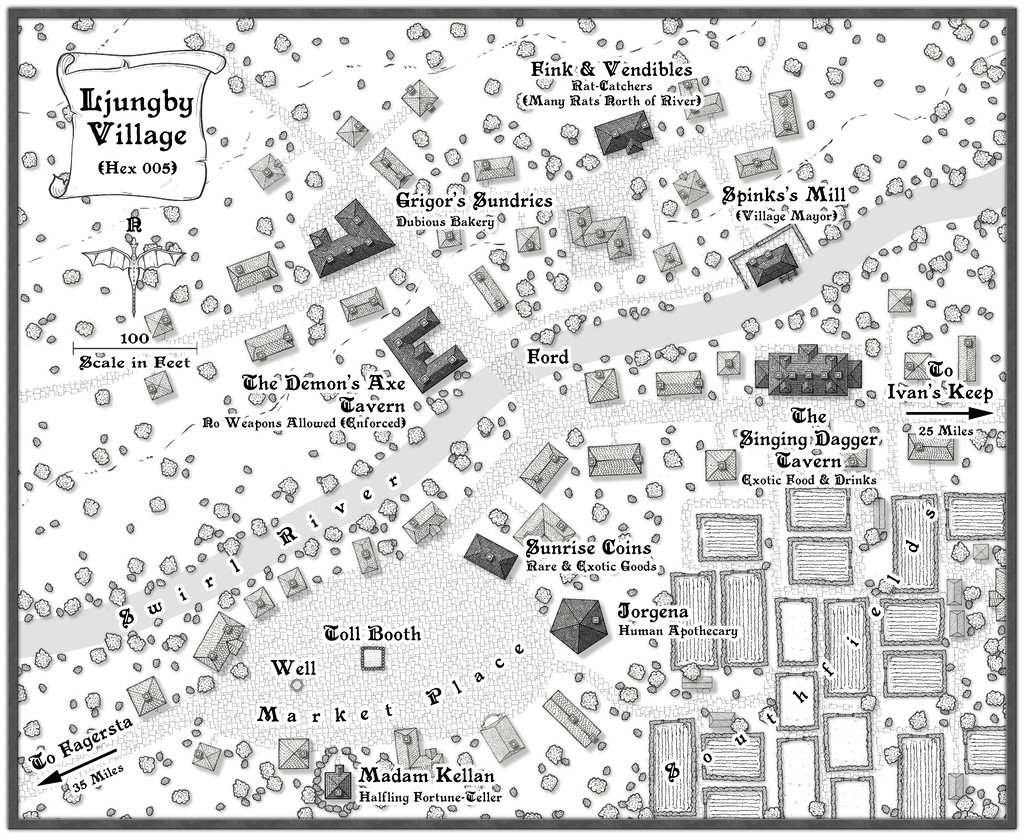
9. Wyvern - Ljungby Village
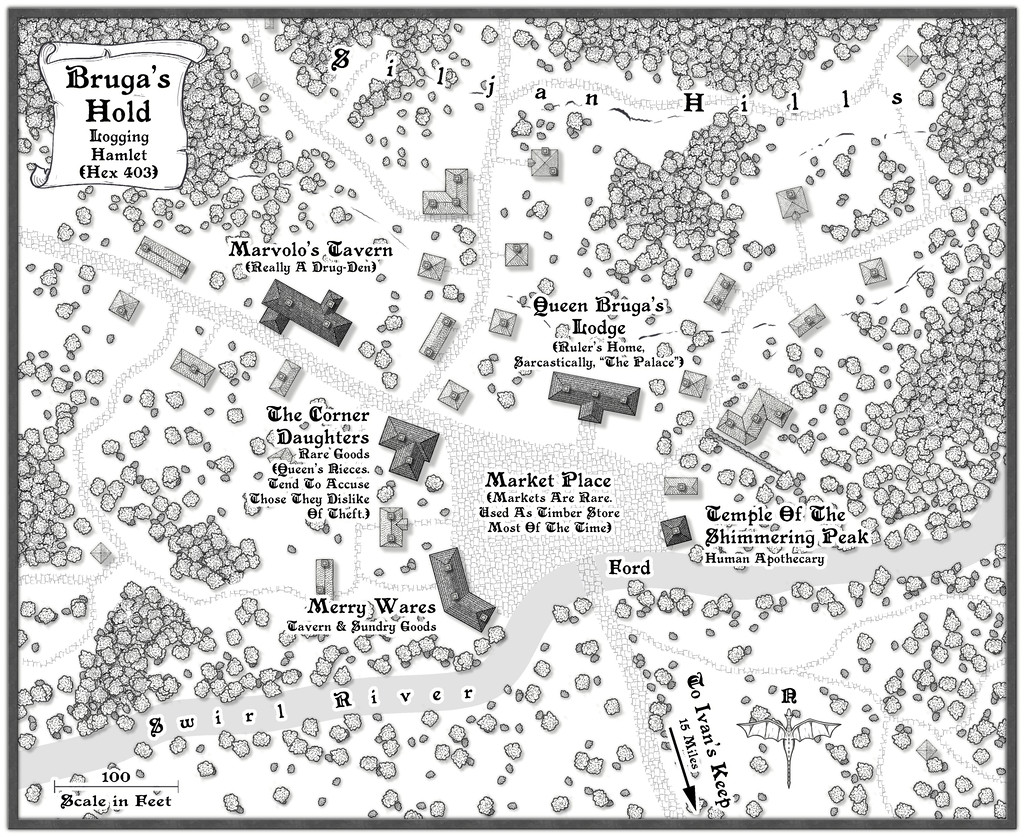
10. Wyvern - Bruga's Hold
11. Wyvern - Ivan's Keep
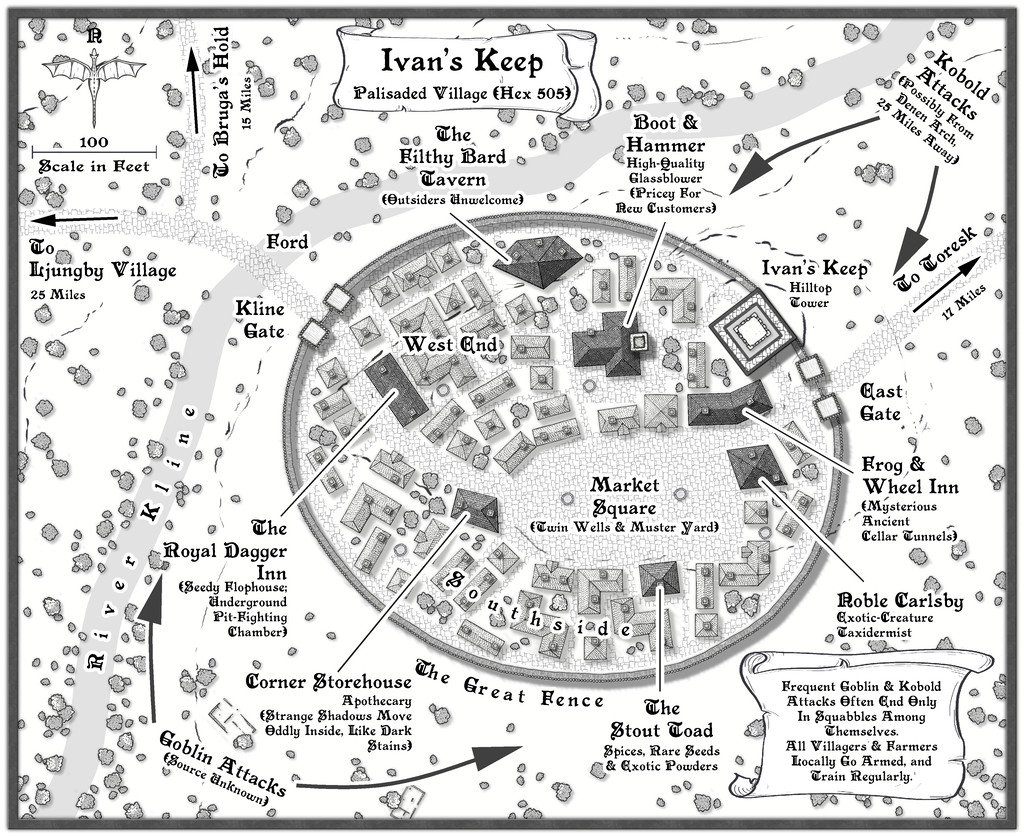
12. Wyvern - The Village of Toresk
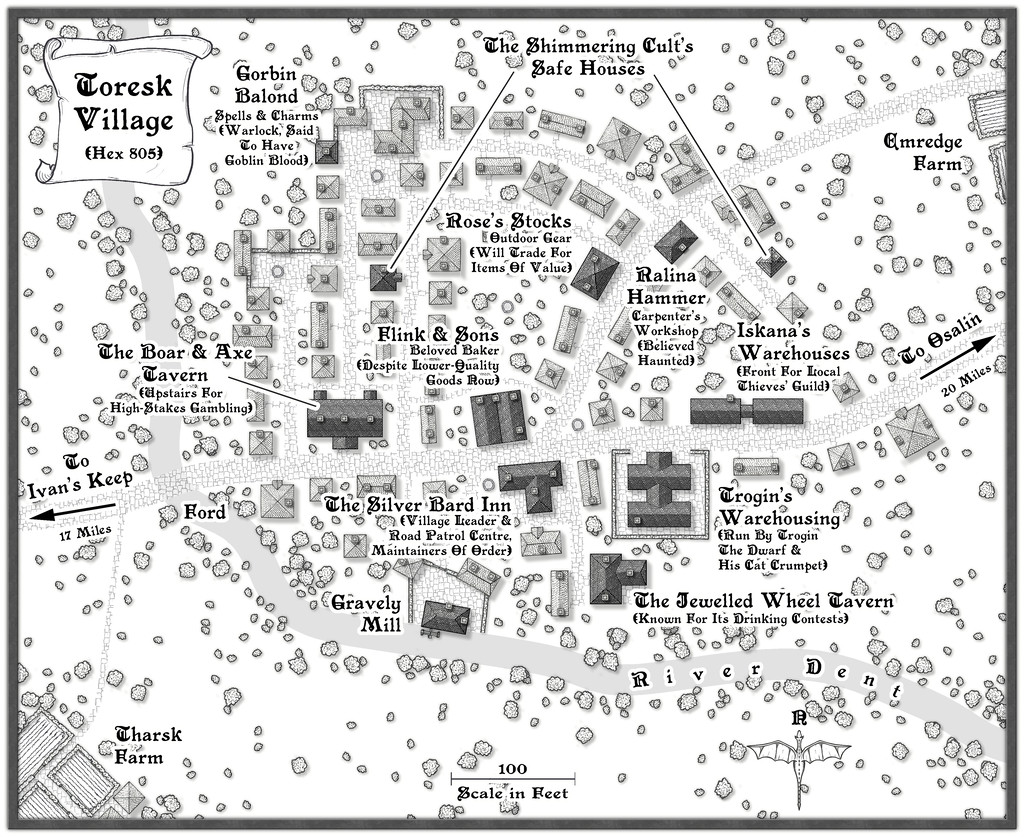
13. Wyvern - Osalin
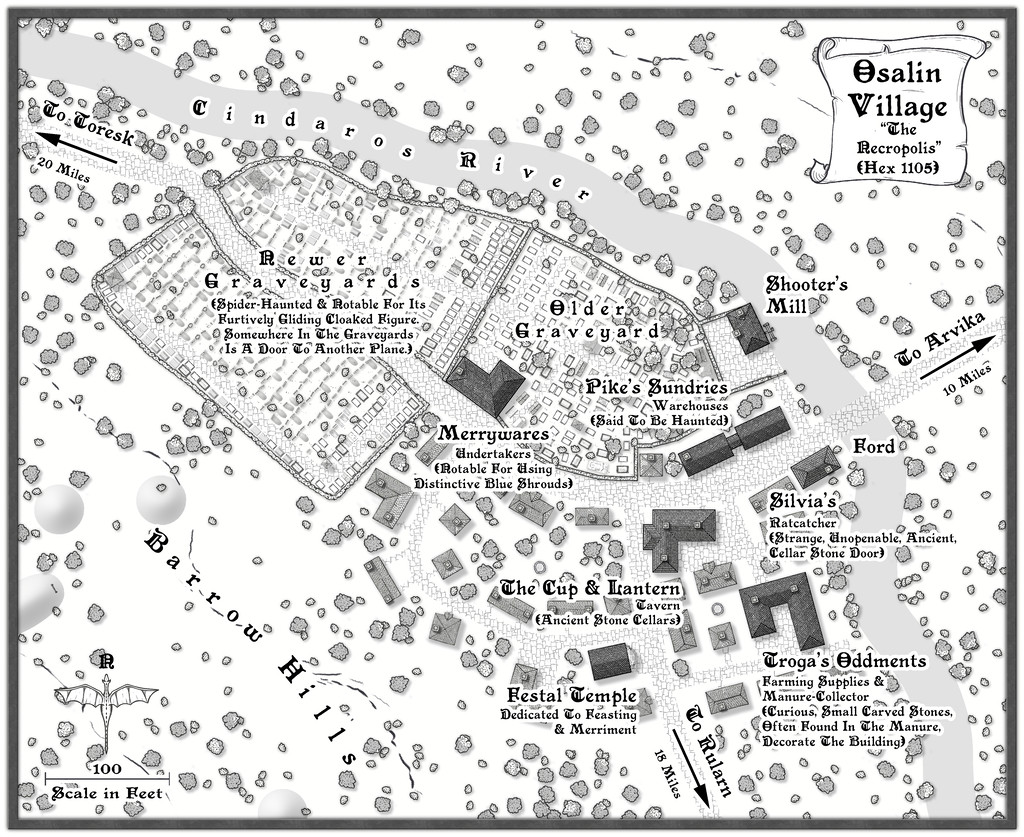
14. Wyvern - Arvika
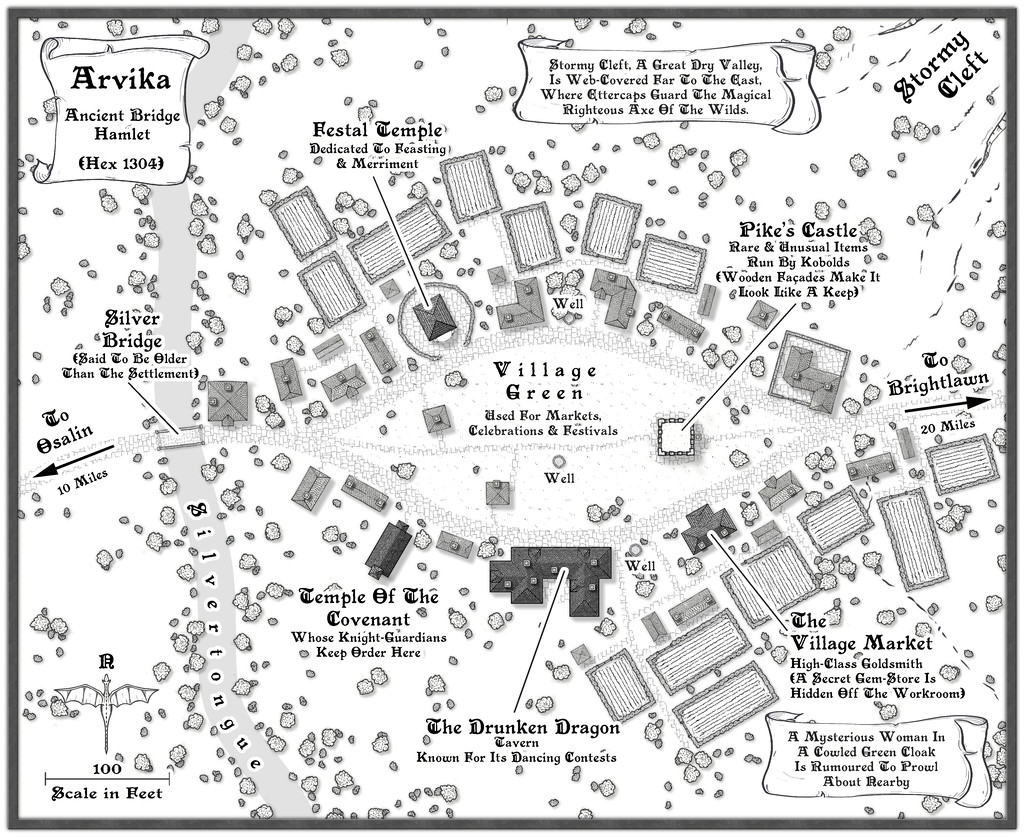
15. Wyvern - Rularn
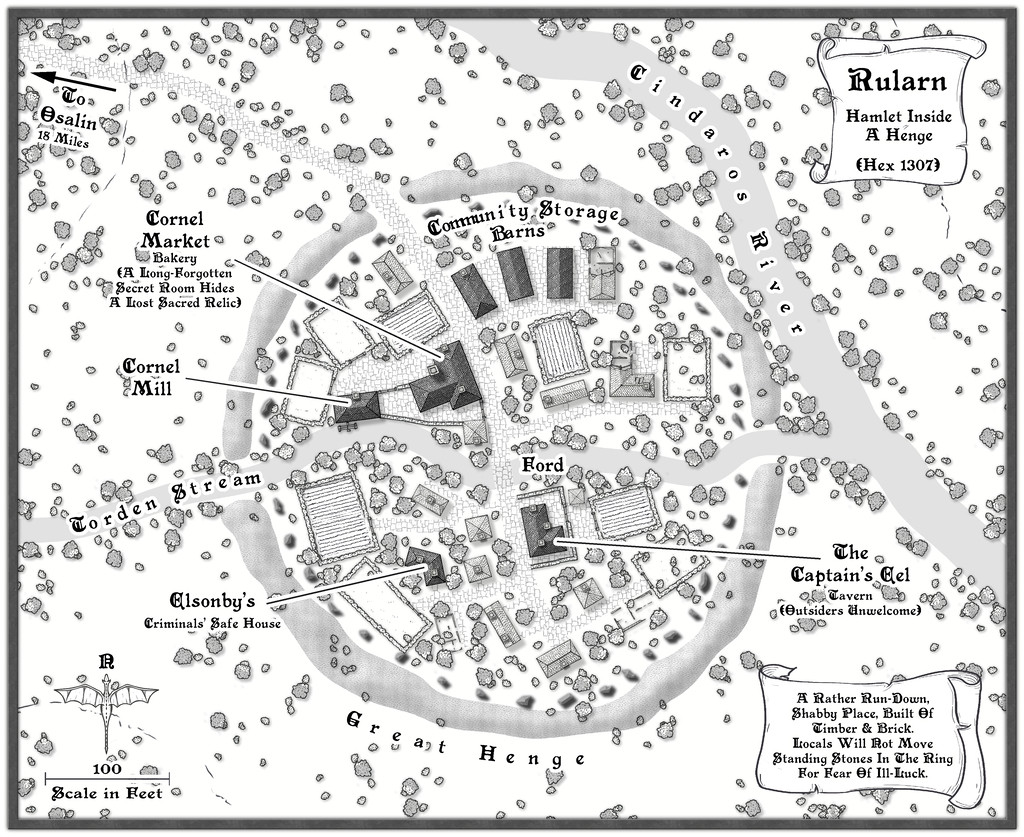
16. Wyvern - Brightlawn
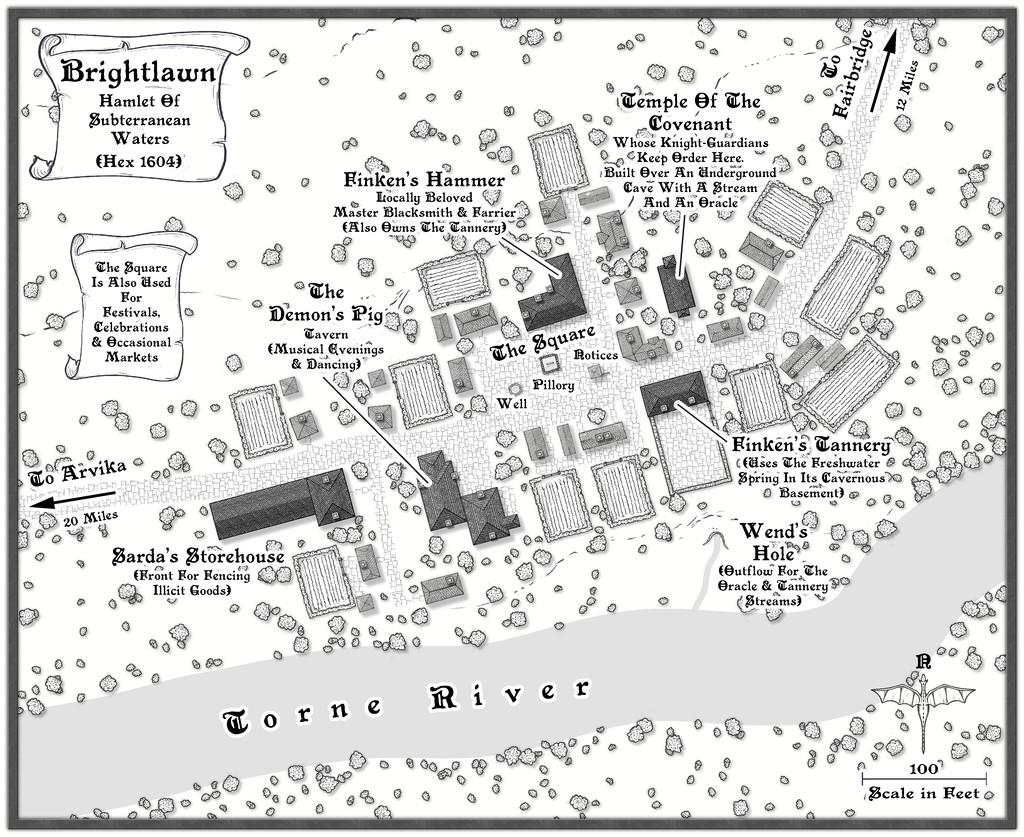
17. Wyvern - Fairbridge
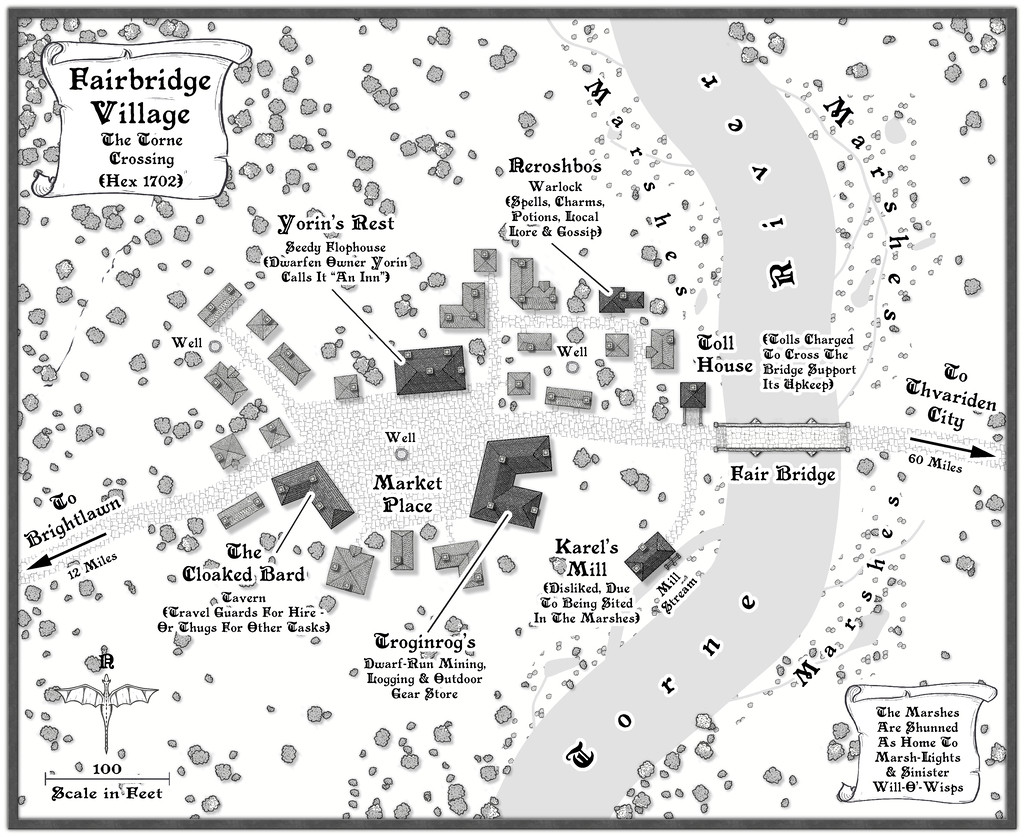
18. Wyvern - Skara
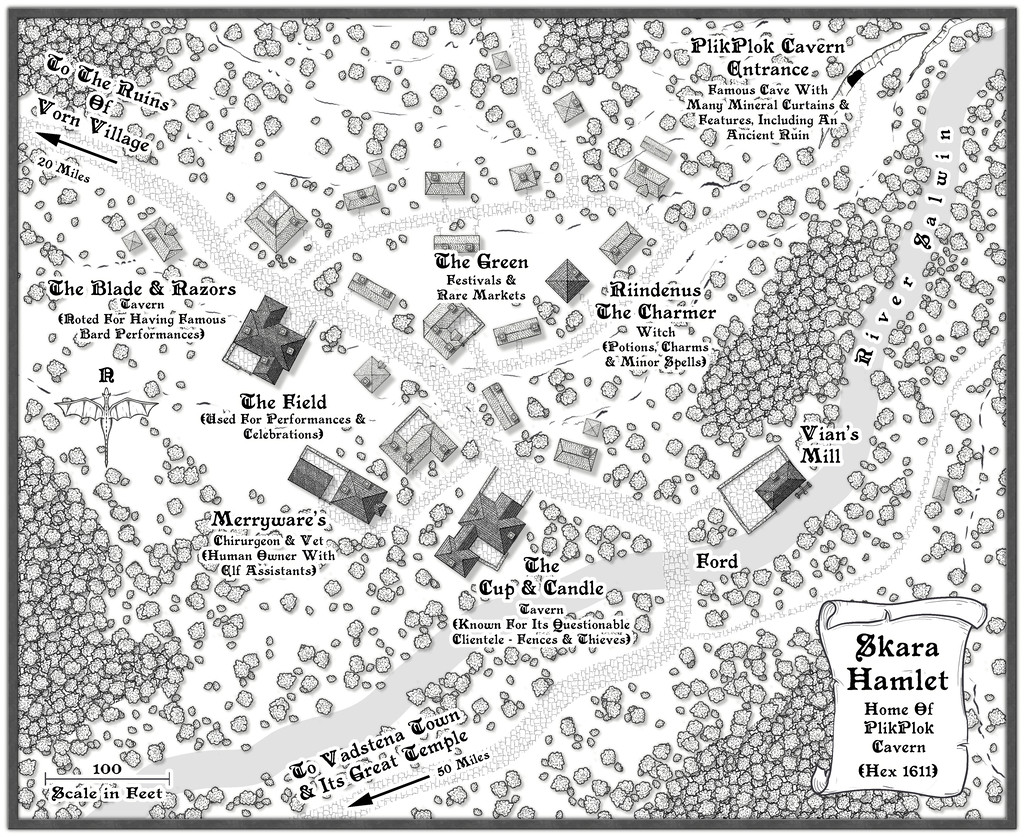
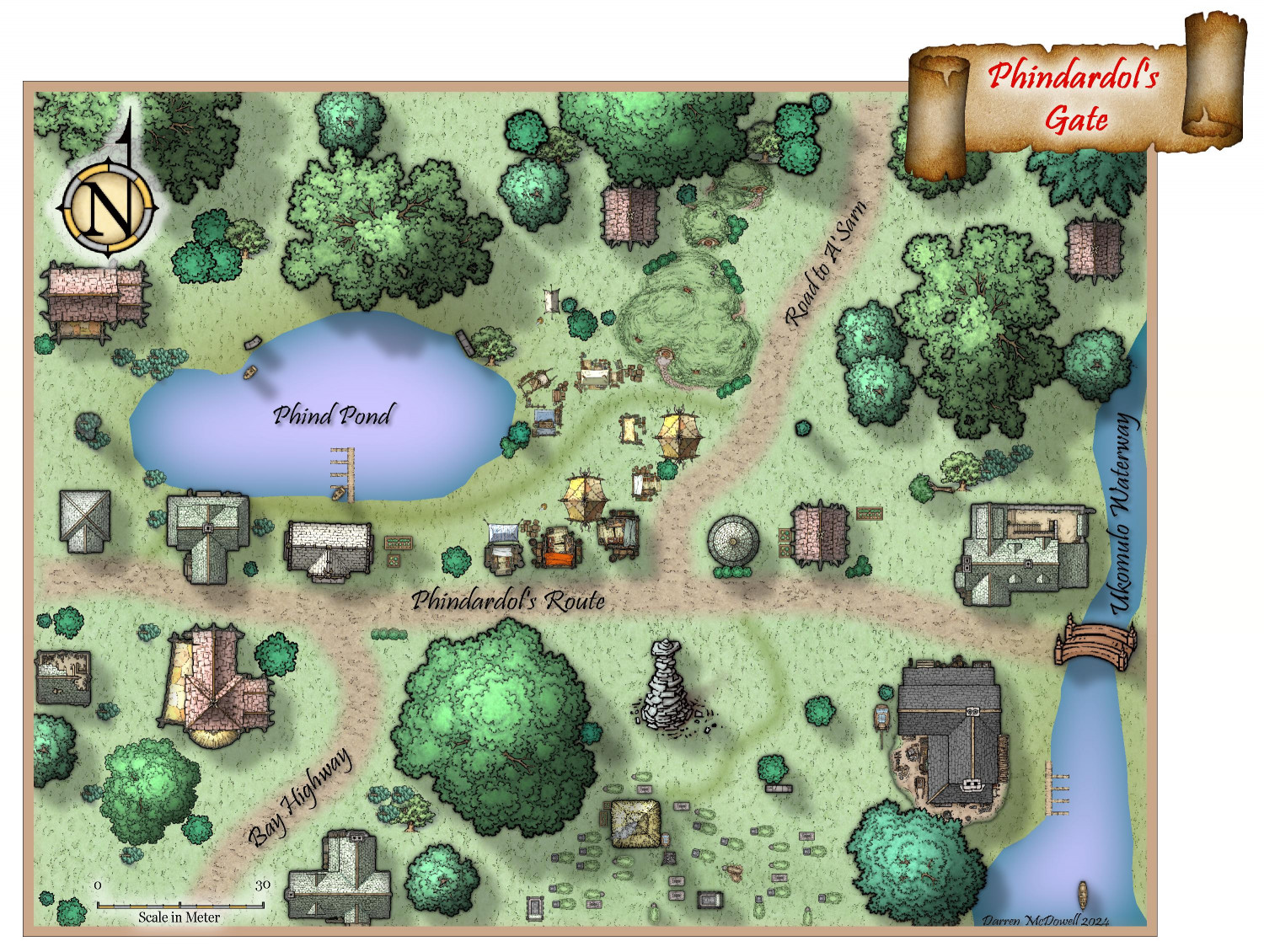
19. Quayuazue - Phindardol's Gate
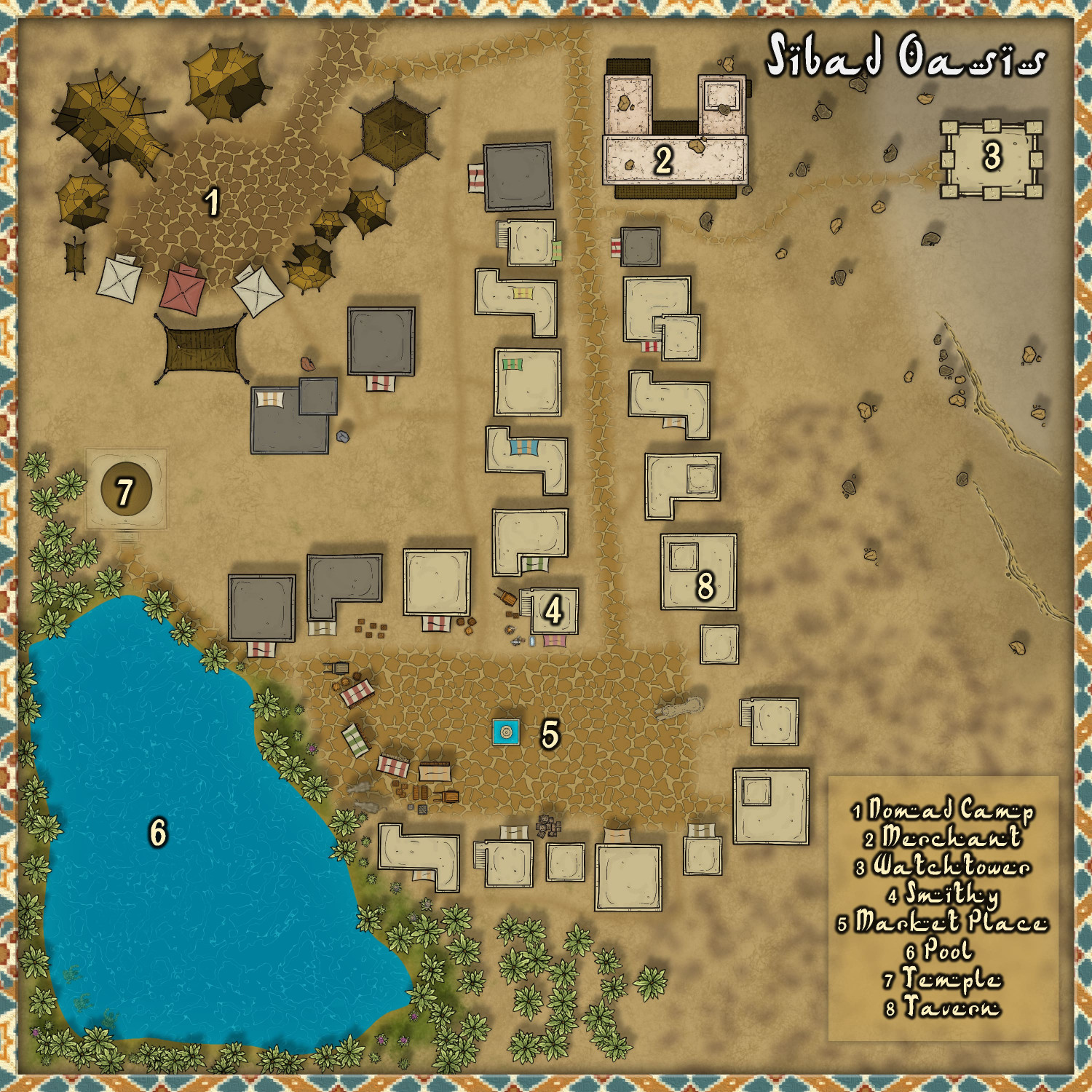
20. cyrion - Sibad Oasis
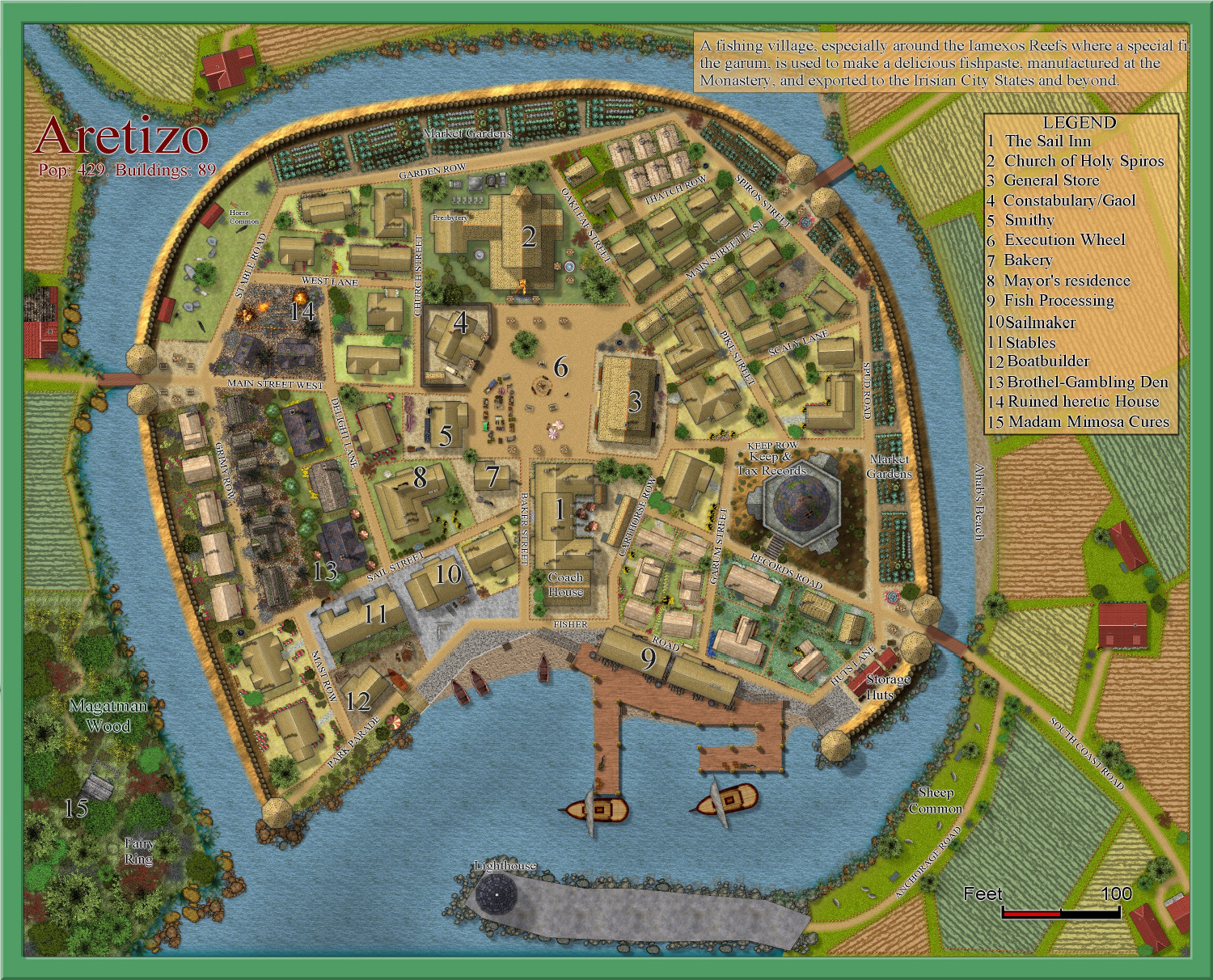
21. Quenten - Aretizo
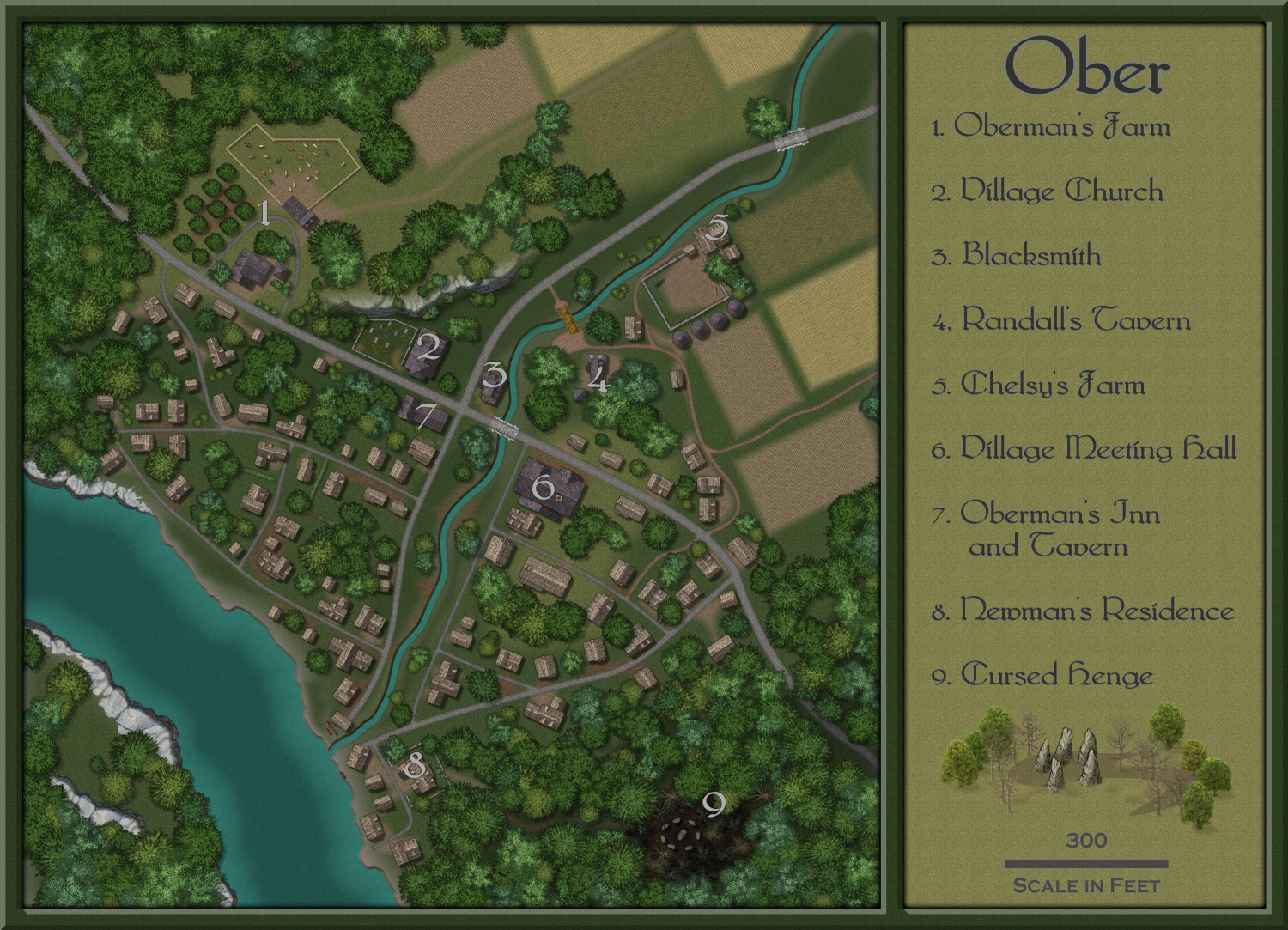
22. Shessar - Ober
23. HelenAA - Bittern's Rest
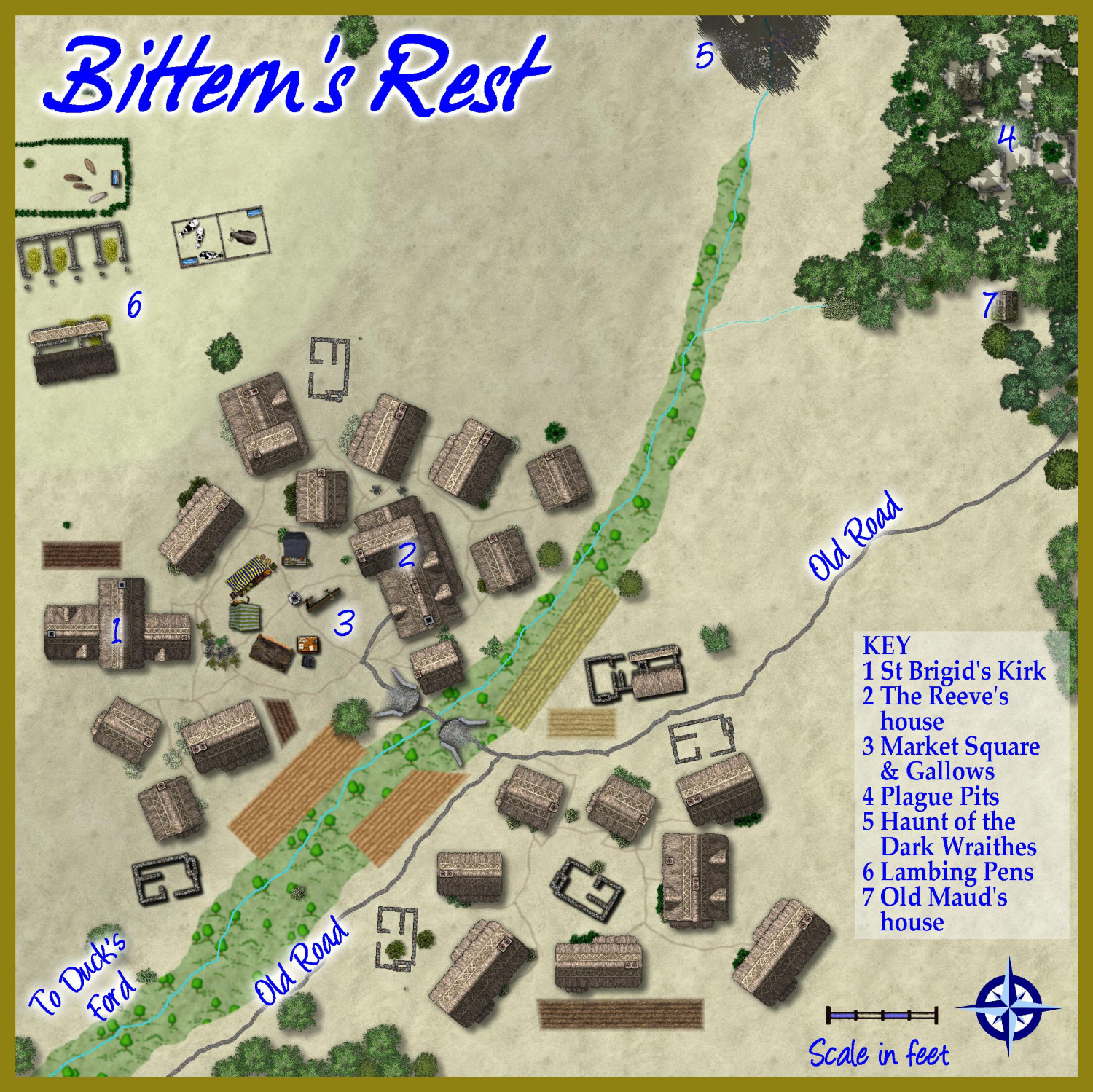
24. Daniel Pereda De Pablo - Efva Talesi
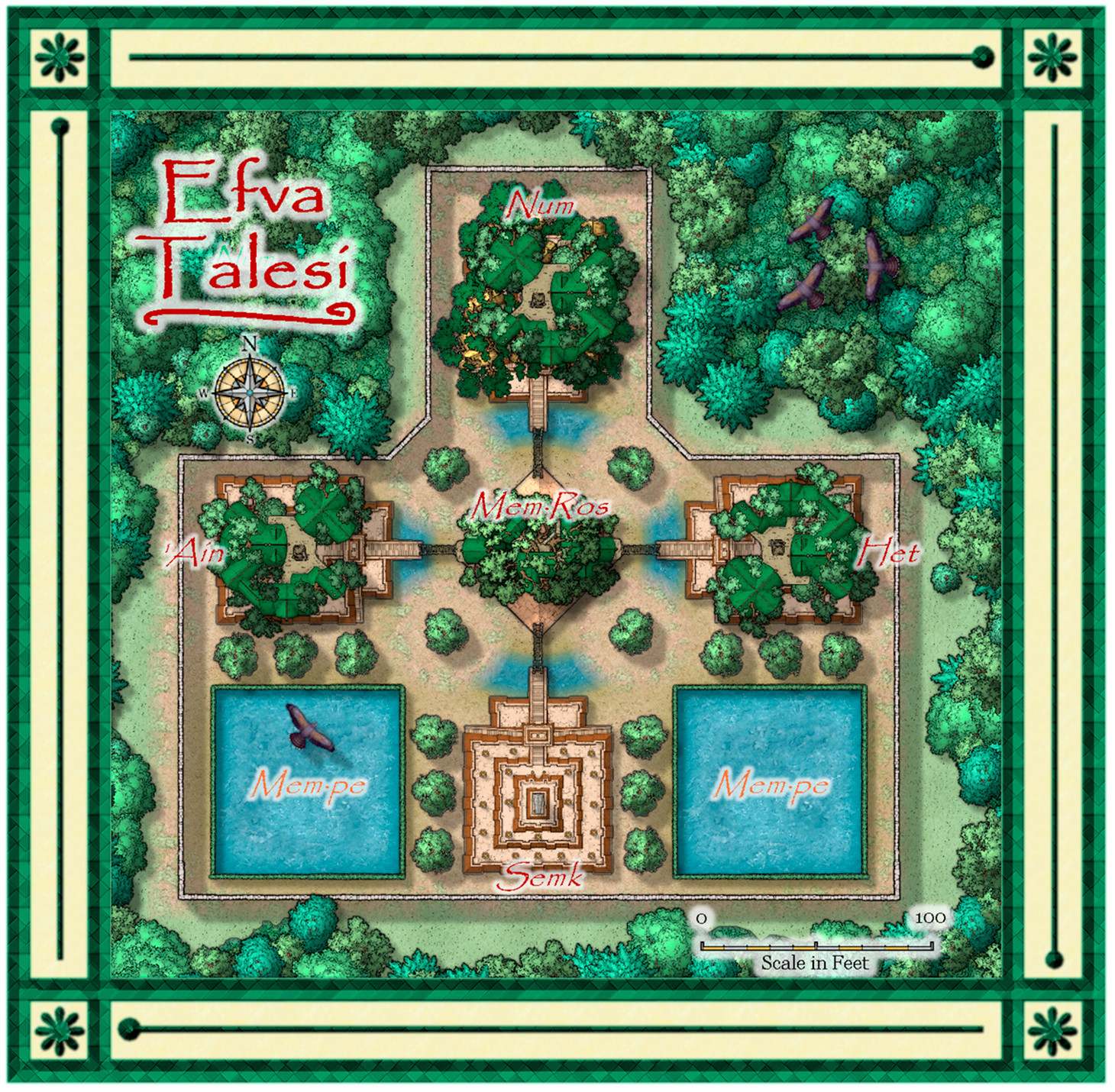
25. Jeff B - Ingensteds
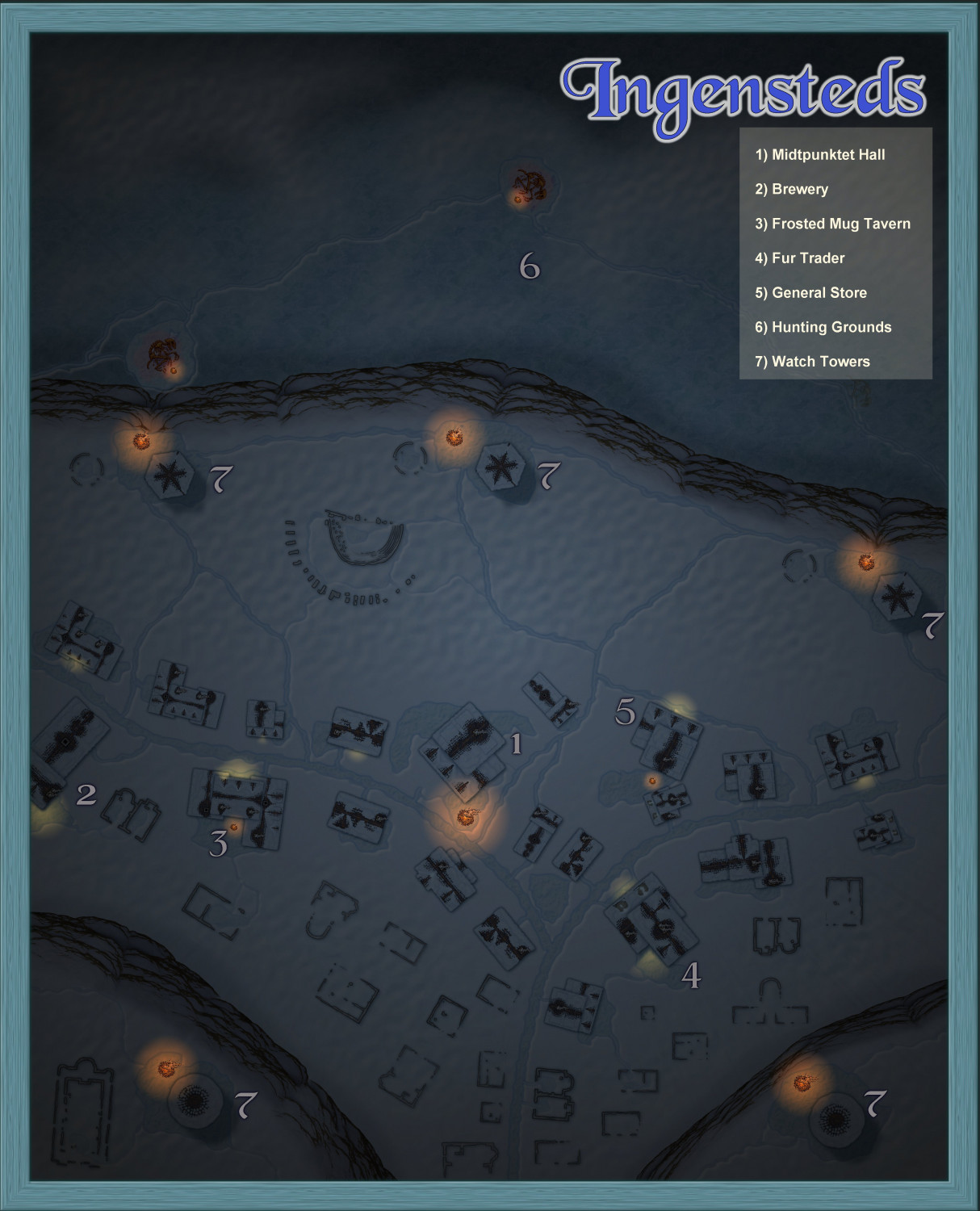
26. MakeWayForJebus - Order of the Fist Monastery
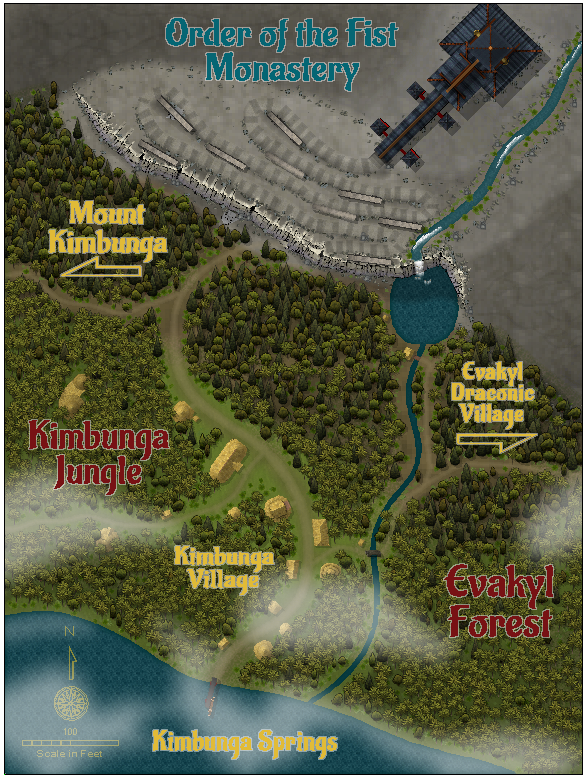
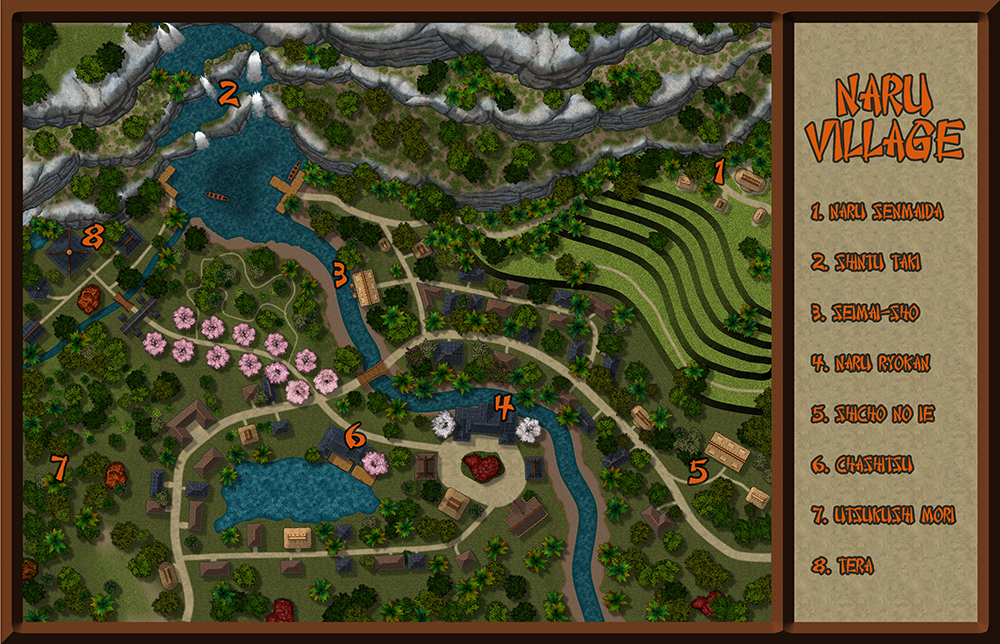
27. Lorelei - Naru Village
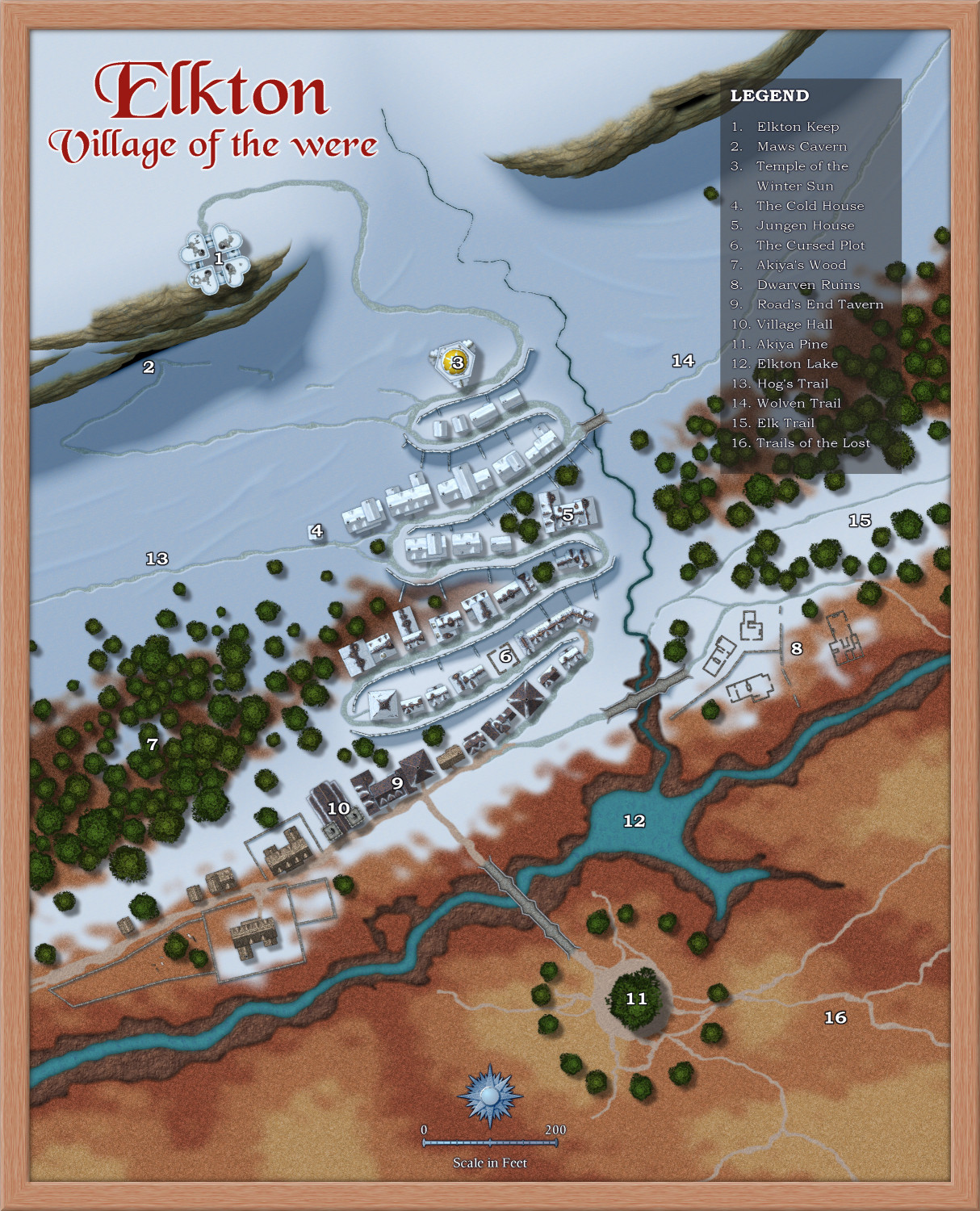
Loopysue - Elkton
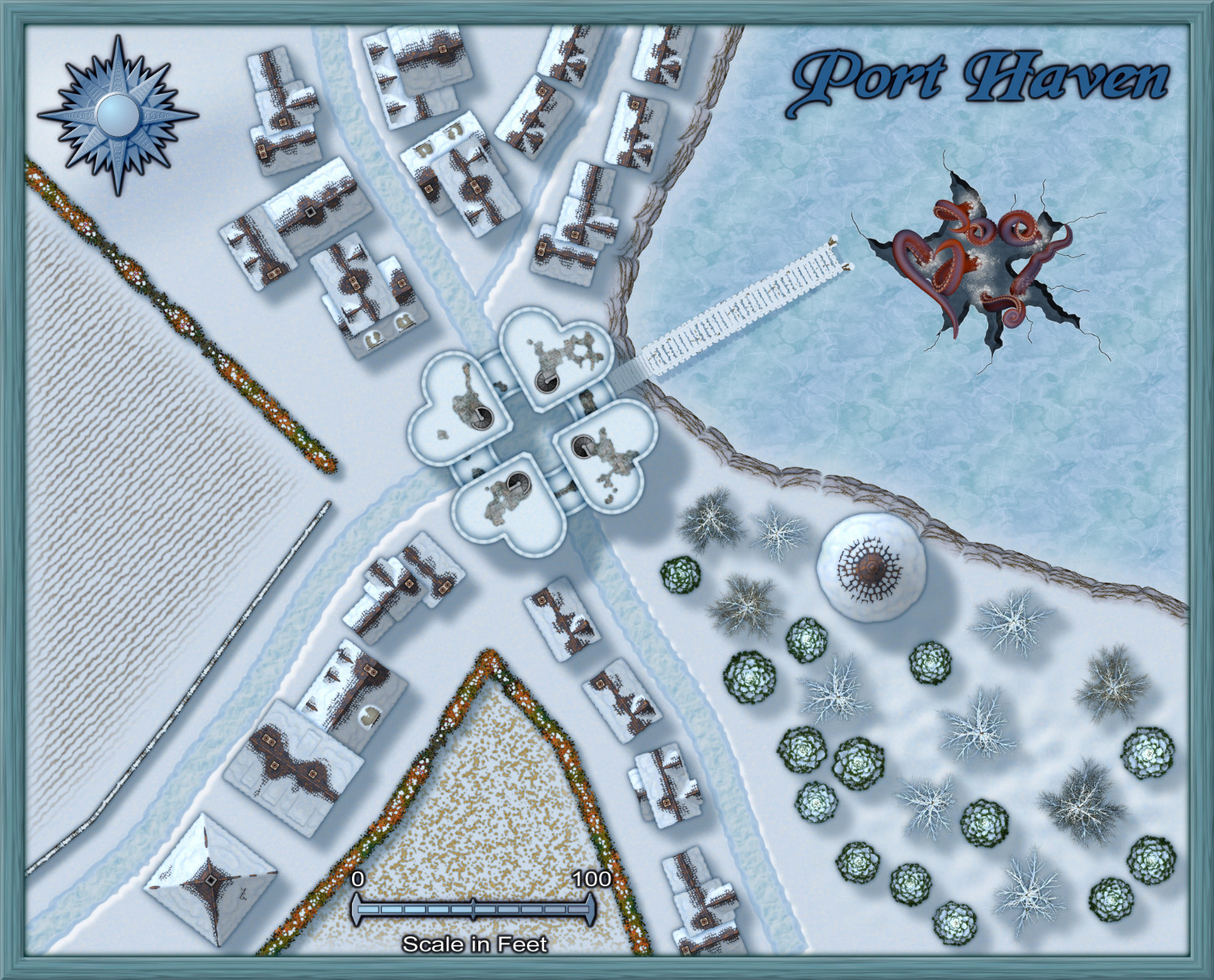
Monsen - Port Haven
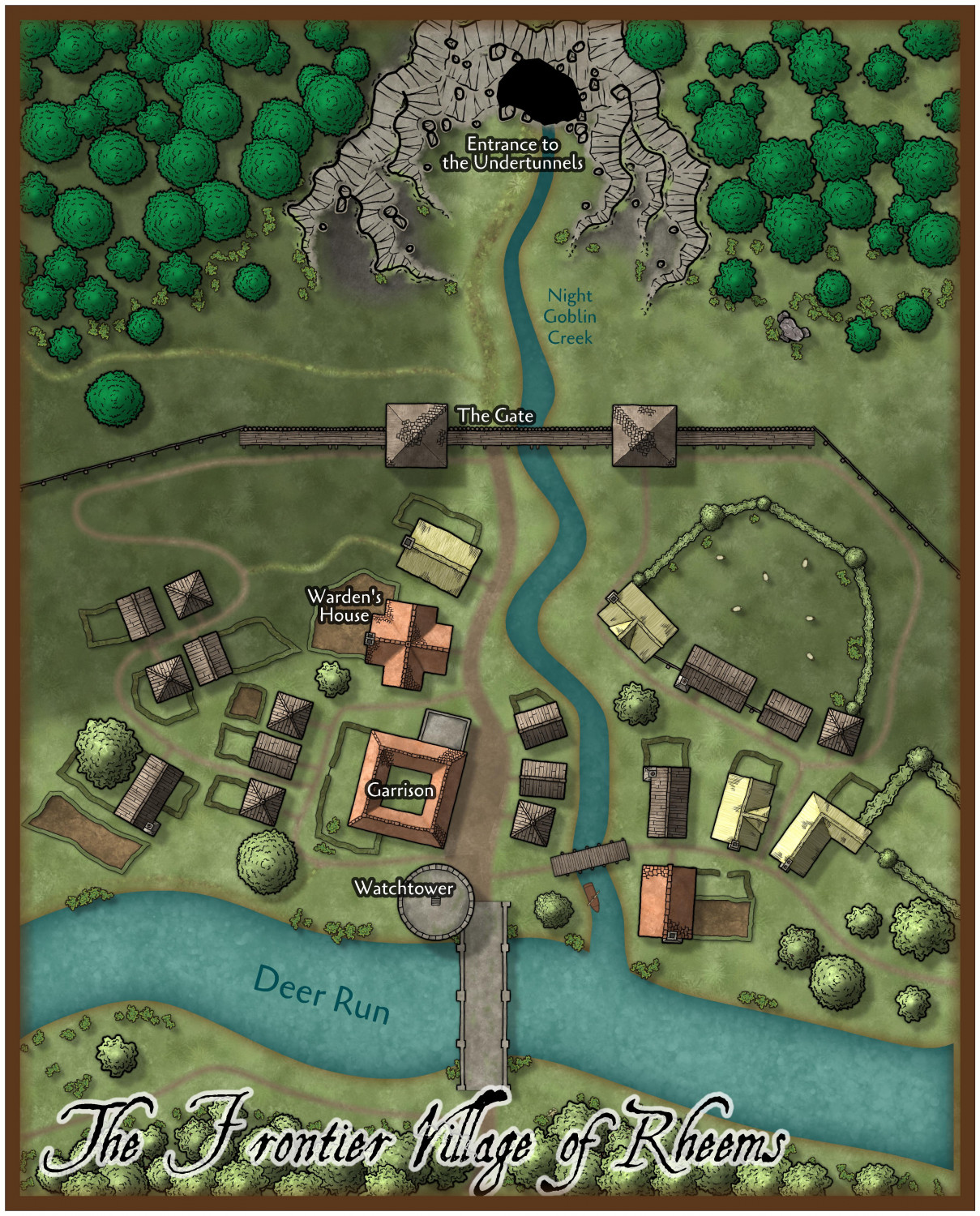
Ralf - The Frontier Village of Rheems

-
Easiest way to size and link a smaller scale map
I have some tips here: