Monsen
Monsen
About
- Username
- Monsen
- Joined
- Visits
- 723
- Last Active
- Roles
- Administrator
- Points
- 9,029
- Birthday
- May 14, 1976
- Location
- Bergen, Norway
- Website
- https://atlas.monsen.cc
- Real Name
- Remy Monsen
- Rank
- Cartographer
- Badges
- 27
Latest Images



-
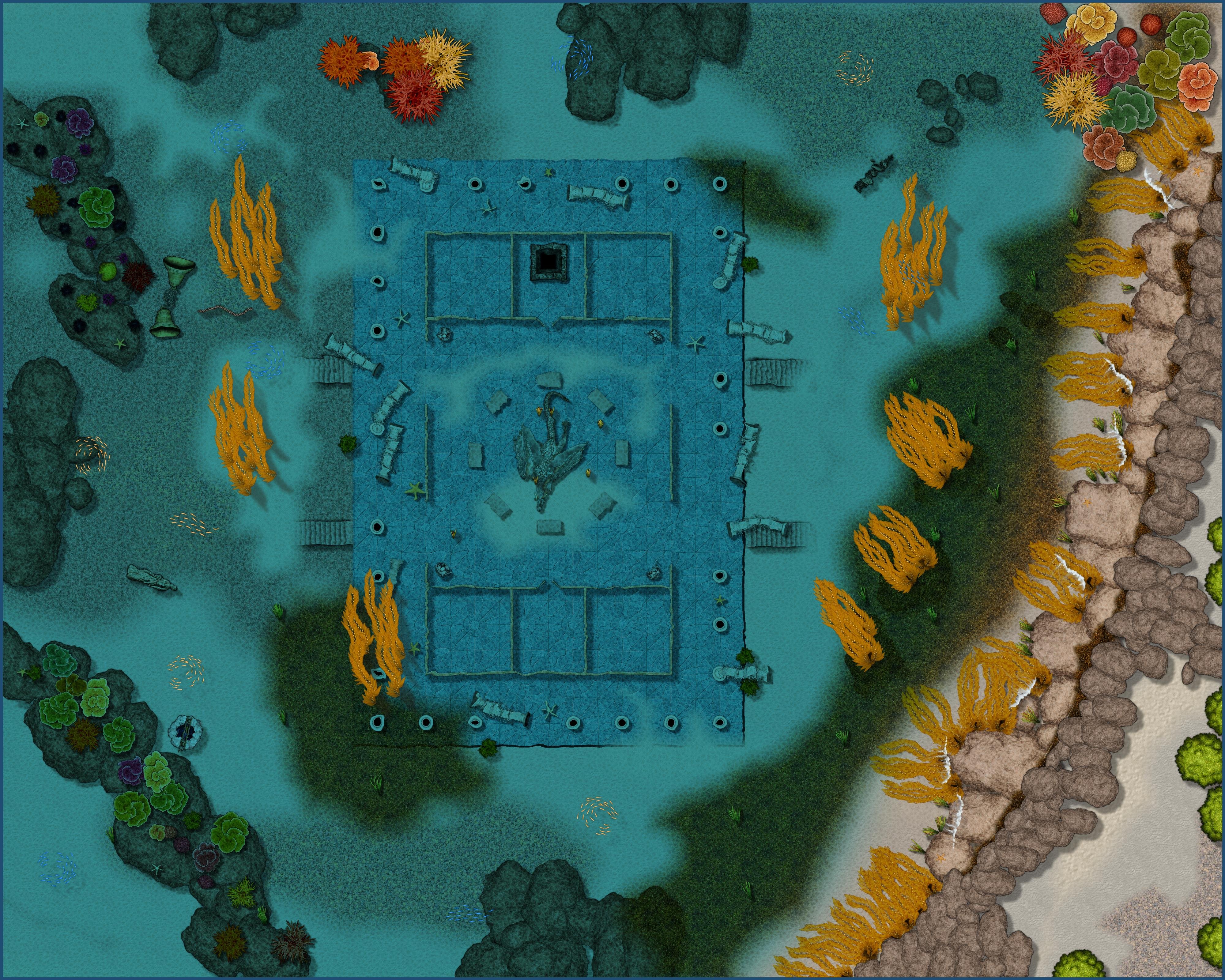
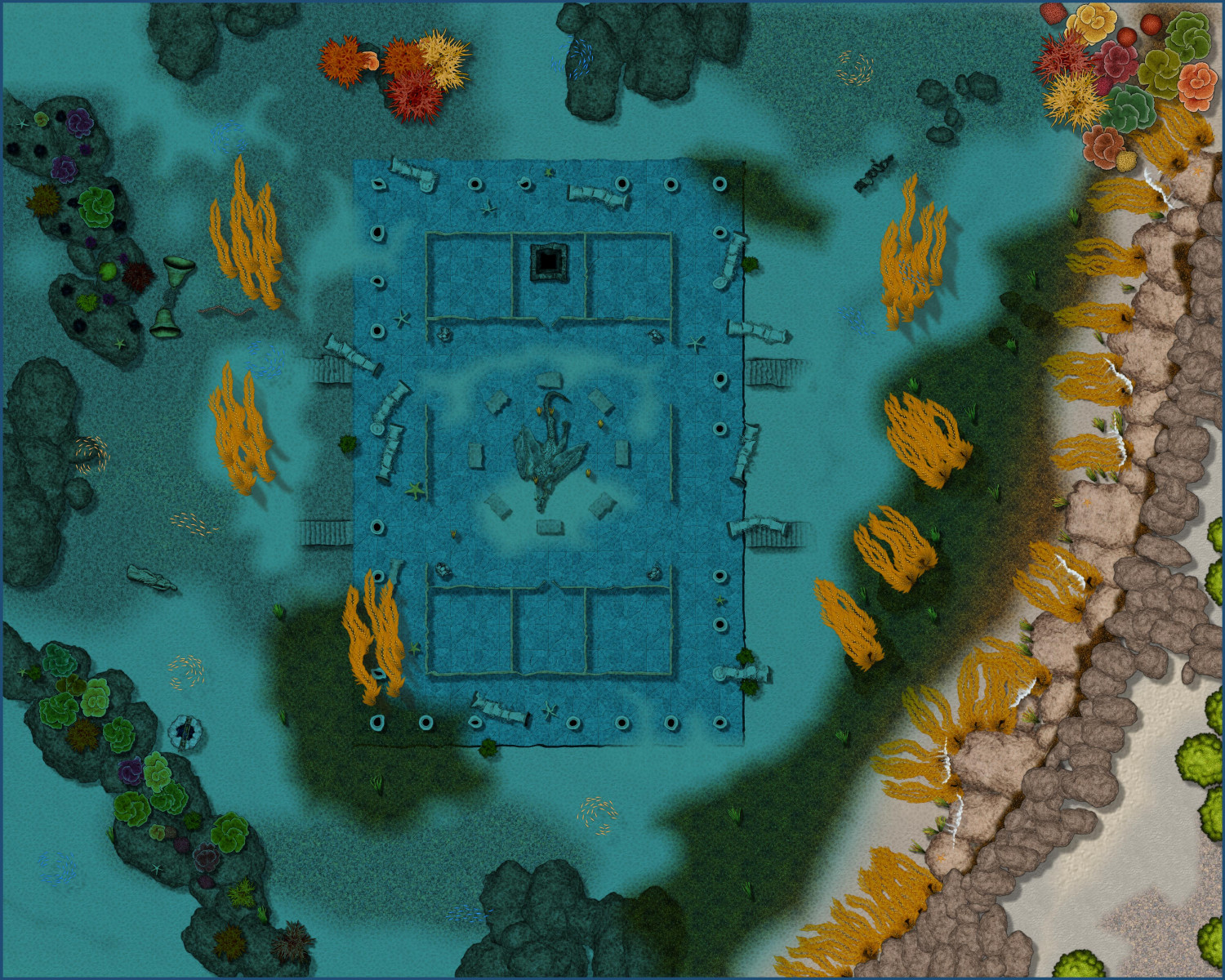
The Sunken Temple
So, with visitor restrictions being relaxed a bit, it's was possible to bring the gang together once more for some roleplay. This weekend, the game took them to a sunken temple in a deep mountain lake, and what better to use for mapping the underwater scene than Sue's newest annual?
I am not completely happy with everything on this map, but it turned out quite ok thanks to Sue's excellent artwork.
I could have improved some details if I had more time, but it had to be ready for the game Friday evening, along with the map of the basement below (not shown here at this time, maybe I'll show it when my players are done with it), so time was short. It was quite good enough for the game anyways.
I could probably go in an improve it now, but since it has already been shown in the game to the players, it is kind of locked down in my eyes, so I am probably not going to modify it. But If I were to change it, I would have tried to make it look a little less bare in several areas.
Filling out outdoors areas was never my strong suit anyway though.
One major flaw with it is that it doesn't really look like the environment at a freshwater mountain lake. You don't have corals or seaweed, the vegetation is quite a bit different. But, all these things do help set the underwater mood, so I did decide that even if it wasn't completely realistic to the environment, it still served to enhance the map and reinforce the image of this being an underwater location, and I think doing it this way actually made for a better map for playing purposes.
All in all though, while it does have some flaws and some obvious mistakes, I am reasonably happy with how it turned out overall.
(Hi Res)

![[Deleted User]](https://secure.gravatar.com/avatar/c75d9a245b74d9c59be0999ea81ca541/?default=https%3A%2F%2Fvanillicon.com%2F92add7f8c954488718110edc4896ad39_200.png&rating=g&size=200)







 and 4 others.
 -
Mark All Viewed
Not easily unfortunately. Would have to figure out how the plugin that provides that functionality works and rewrite parts of it.

-
Community Atlas-Elen Daelarion-The Mithlas Holes, 8
A clear improvement IMHO.
-
Live Mapping: Changing Map Styles
On Thursday 1st 18:00 CEST, I am going to show you how to take an existing map and change it into a new style.
Click the video below to figure out local time zones and set reminder

-
CA style development - "Darklands City" (issues for September and December 2021)
What ages are you all thinking of?
Low to medium fantasy medieval.