


Quenten
Quenten
About
- Username
- Quenten
- Joined
- Visits
- 8,145
- Last Active
- Roles
- Member
- Points
- 3,110
- Birthday
- November 29, 1950
- Location
- Australia
- Real Name
- Quenten Walker
- Rank
- Mapmaker
- Badges
- 16
Latest Images
Reactions
-
Watabou City REVISED (annual 157)
Since this great annual came out, Watabou had done heaps of modifications. And as a result, the SVG to DXF conversion doesn't work as seamlessly as before, making everything lines, and therefore unable to use the method as outlined in the annual.
I have experimented with this, and come up with the following solution, which makes everything relatively easy again.
Please try it out, and let me know if there are any bugs. Perhaps we can convince Ralf to do a revision of this.
I have also added a few of my own idiosyncrasies in the sheet naming.
This is the png of the city I generated.
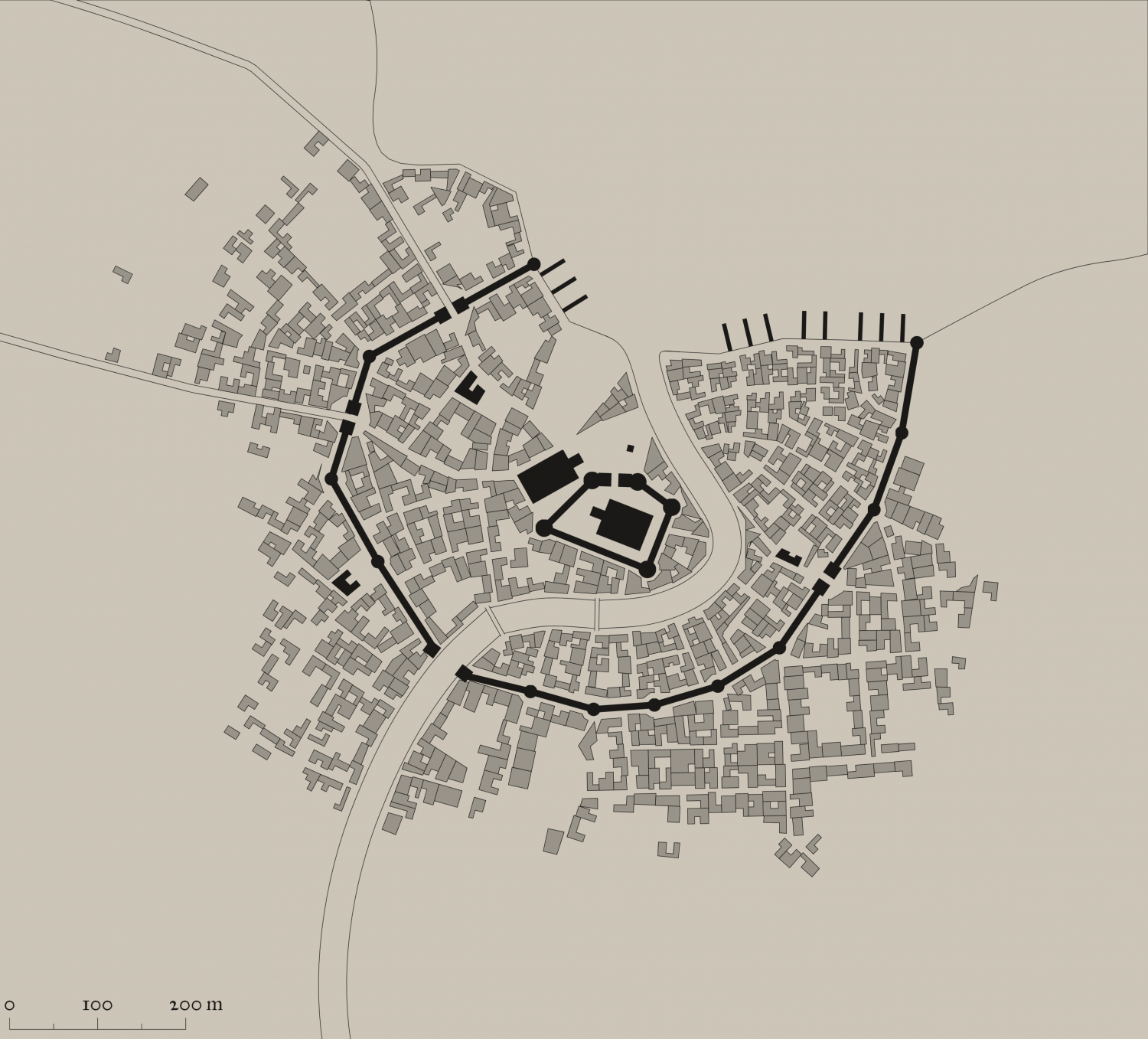
I also attach the SVG for any interested.
The first most important thing is to just export as a SVG the actual elements you want and cut out all the pretty stuff. It is, after all, the street and building layout that we really want.
So ... in the generator, first check colour - make this either B&W, or Ink in the Presets.
Next, click on Style, and make sure you check or uncheck the following. Whatever I don't mention, you can choose as you wish.
- GRAPHICS: Check thin lines, leave the rest unchecked.
- ELEMENTS: Districts Hidden. Check scalebar only (if you want it, leave the rest unchecked
- BUILDINGS: Roofs plain, leave Raised unchecked. Otherwise, choose what you want.
- OUTLINE: Check buildings, water and roads
- MISC: Check Solids; Uncheck Show alleys and Show trees. I advise against choosing farms - they can be added as you wish, and I use the farms from other styles, especially where I can easily align the furrows using Shaded Polygons.
You should get something like the png above. ie B&W, no text or trees or extraneous lines.
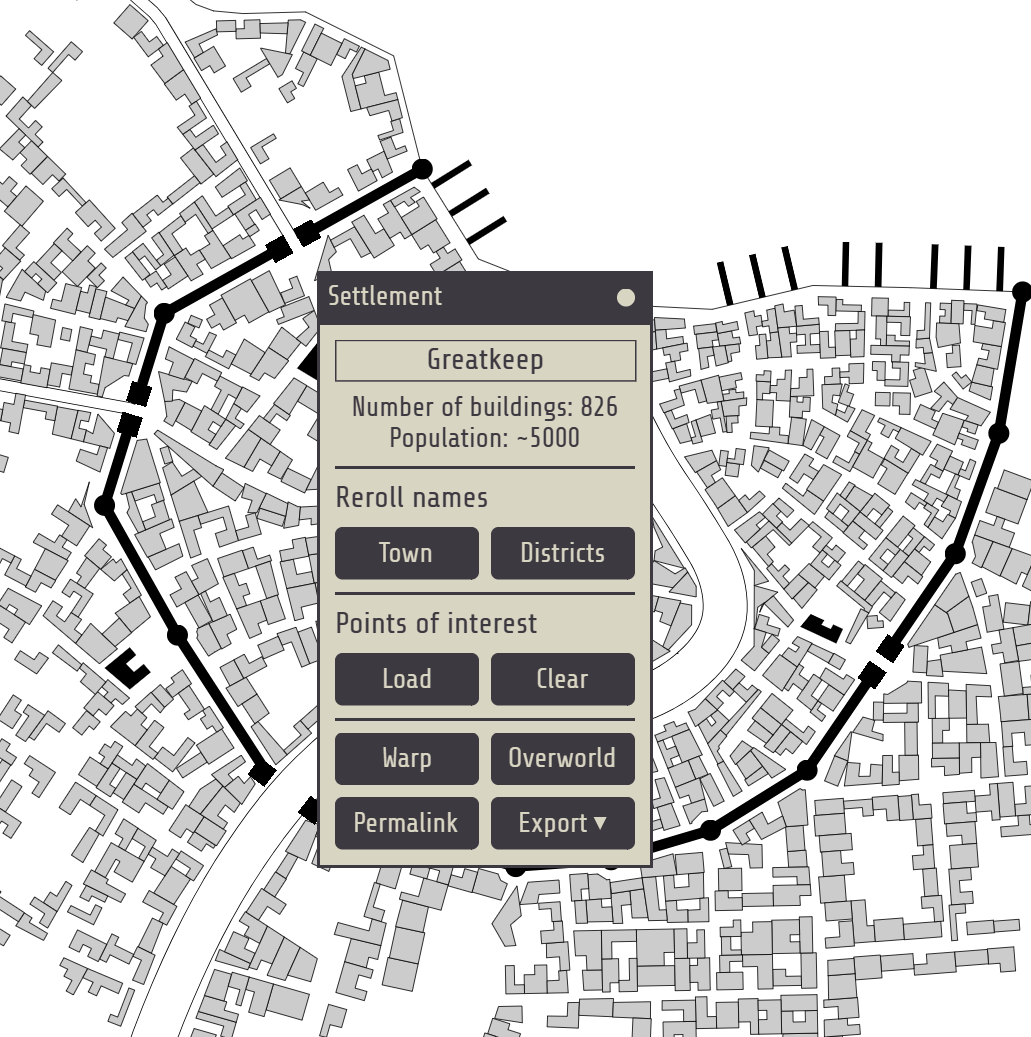
The number of Buildings and suggested population is available on the Settlement menu:




-
Community Atlas: Gruvrå's Mine, Serkbergen, Peredur
You can also use asymmetric values to resize the characters to get fat or thin ones, as I have done on several occasions. eg
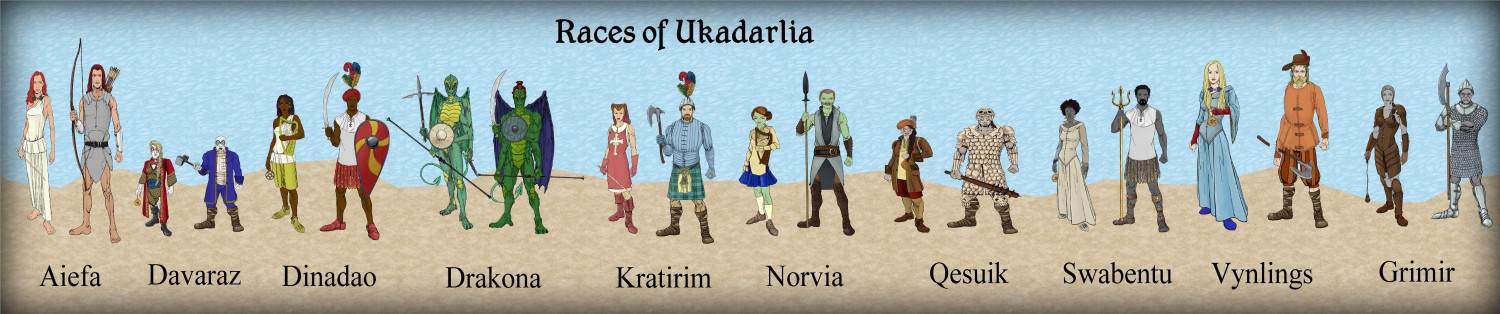
fat Qesuik, then Aiefa.
-
Torstan Holy Head Sewers
No, I want them to be on top, as this shows the sewer map, with the houses they connect to in the background. Otherwise, the sewer detail will be lost. And there is a lot of that to come.
Also, the above ground detail will be severely cut back, anyway.

-
Map using Sarah Wroot Style
It is in the very first annual. And it is fairly easy to draw more symbols if you need. Though each symbol has 2 sheets to it.
See this video by Ralf on that annual.
(1) Live Mapping: Sarah Wroot Overland (Annual 2007) - YouTube

-
Contour Lines in CD3?
For example, I just created a Contour Above, and Contour Below tool, with a Contour Outline as a separate entity, in case i wanted to hide it.
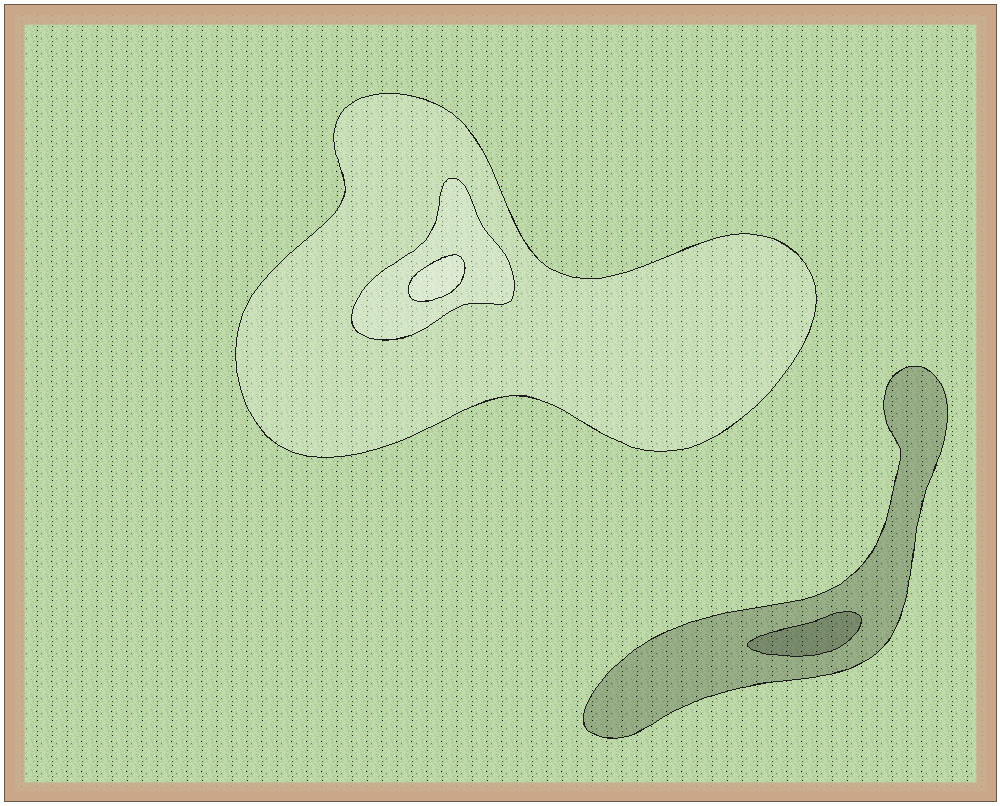
I generally use lighter as higher ground, and darker as lower ground. I can also apply various effects such as lighted bevel, or edge fade, if I wanted.



