Ralf
Ralf
About
- Username
- Ralf
- Joined
- Visits
- 3,668
- Last Active
- Roles
- Administrator, ProFantasy
- Points
- 2,517
- Rank
- Cartographer
- Badges
- 17
Latest Images
Reactions
-
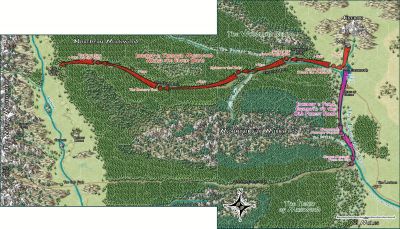
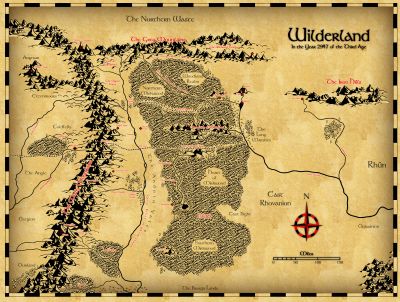
Maps for "Wizard Kings" by Columbia Games
Yes, Sue's pointer to the ProgramData folder is correct, but it depends on your install location - that is the default one.
And thanks, I fixed the second map image,

-
Live Mapping: Complex Room Shapes
I'm glad it was useful! :)

-
Maps for "Wizard Kings" by Columbia Games
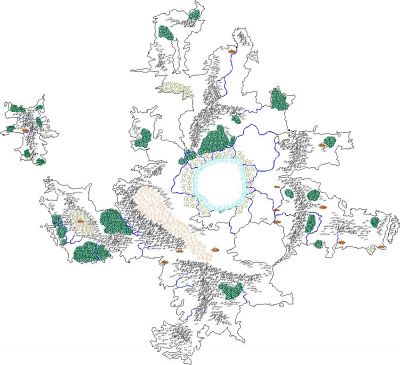
I've been asked about this (ooold) little tool in CC3+ and done a quick update for it to be useable in CC3+. Download here and unzip over your program data directory.
It's still a pre-defined overland template, using the Mercator Overland style.
![[Deleted User]](https://secure.gravatar.com/avatar/c75d9a245b74d9c59be0999ea81ca541/?default=https%3A%2F%2Fvanillicon.com%2F92add7f8c954488718110edc4896ad39_200.png&rating=g&size=200)


-
Community Atlas 500th Map Competition Results
Excellent, congratulations to all of the participants and of course especially the winners. Wonderful work! We'll be emailing the winners with the prize vouchers shortly.


-
Problem Installing Annual 171 Erdan World
I indeed forgot to clean out the old bitmap fills from the template. Sorry for that! Attached a templates with only the correct fills, and I'll also be updating the setup for the Annual in a moment.
As for the setup not working, it might be best to send in a tech support request so I can help sort that out in direct communication.