


Ralf
Ralf
About
- Username
- Ralf
- Joined
- Visits
- 3,669
- Last Active
- Roles
- Administrator, ProFantasy
- Points
- 2,517
- Rank
- Cartographer
- Badges
- 17
Latest Images
Reactions
-
No Flowers Petals with Flowers using Japanese Temples
Here is a corrected FSC file for the vegetation symbols of the style. Not quite sure what happened with the original, but these should work. Please check and if they do, I'll fix and update the 2018 setup.



-
Master Mapper 2021: Lillhans
You might already have seen it on the blog, we've named the Master Mapper for 2021 and it's Lillhans! I'm sure you've seen his awesome work on watercolour sketches, hand-drawn looking maps and his recent tank symbols. Congratulations, and thank you for all your contributions to the community.
https://rpgmaps.profantasy.com/master-mapper-2021-hans-anders-bergstrom/






 and 3 others.
 -
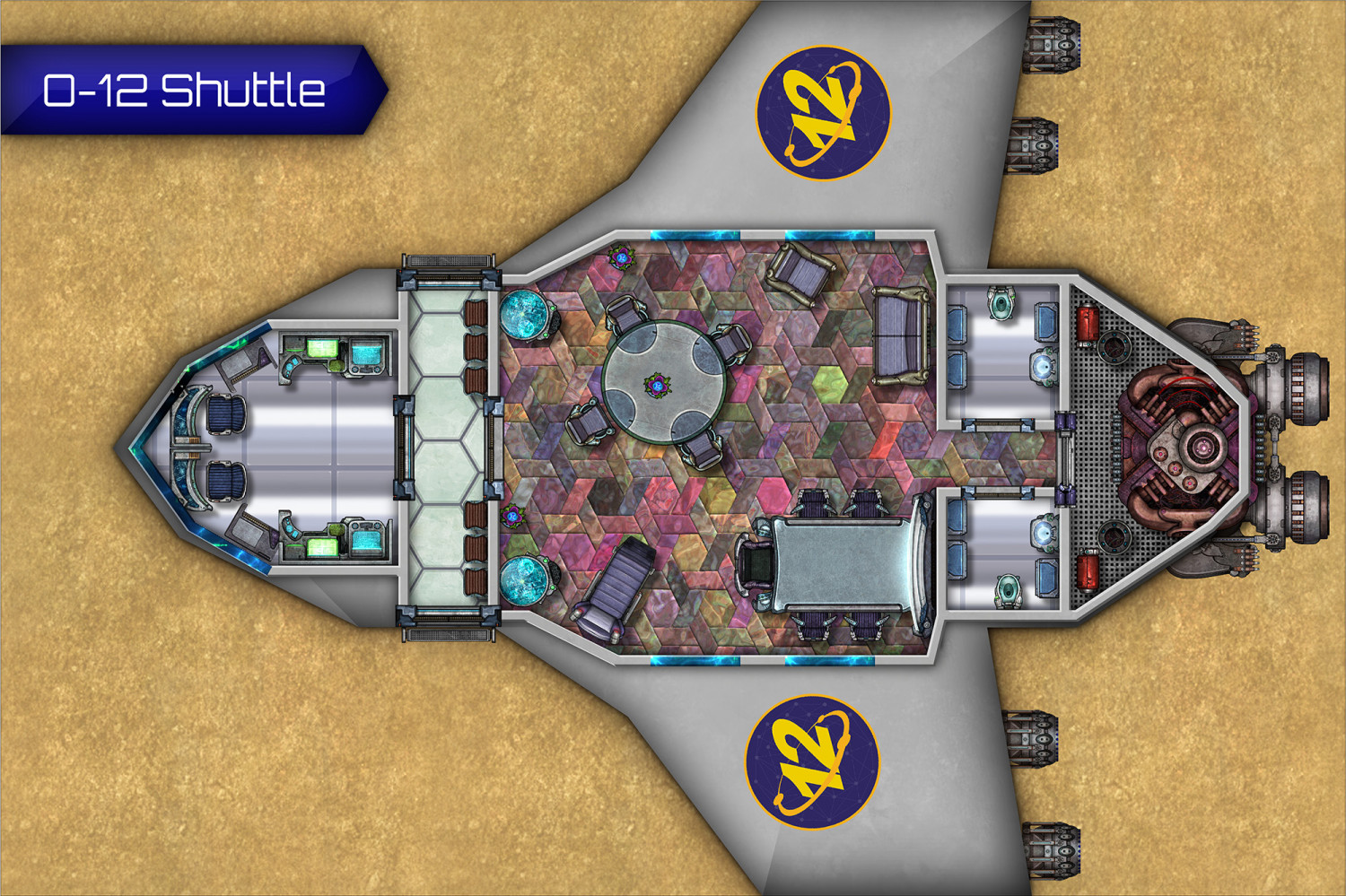
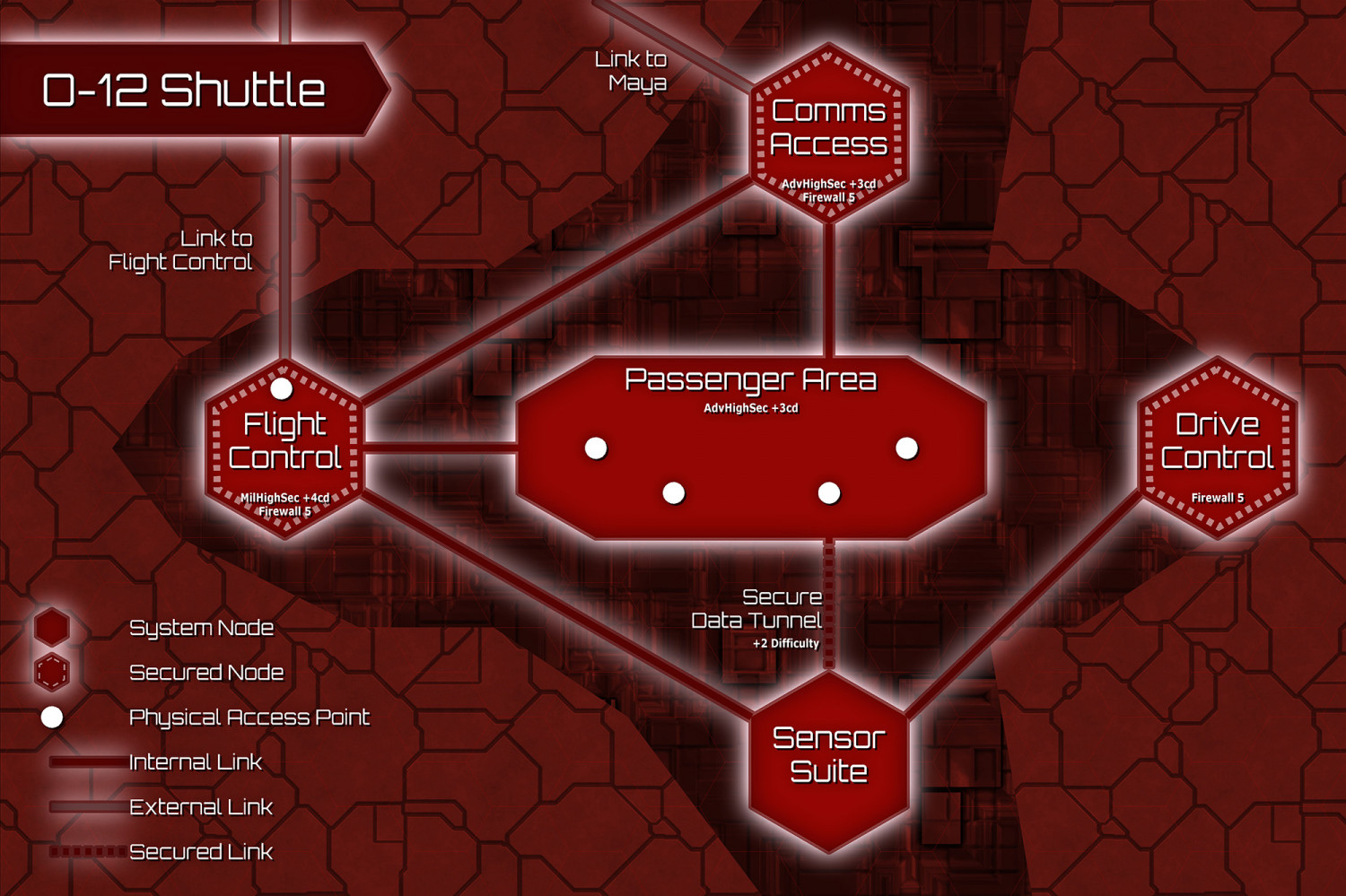
Infinity RPG: A shuttle and its computer systems
Here are a couple maps I did for our Infinity RPG session: a suborbital shuttle, and it's computer systems, since hacking featured heavily in the scenario. All done in Cosmographer 3, but with a heavily modified template for the quantronic map of course.
![[Deleted User]](https://secure.gravatar.com/avatar/c75d9a245b74d9c59be0999ea81ca541/?default=https%3A%2F%2Fvanillicon.com%2F92add7f8c954488718110edc4896ad39_200.png&rating=g&size=200)



 and 2 others.
 -
Quo Vadis Monthly Symbols?
Hi folks!
We are looking for feedback and suggestions on the future of the Monthly Symbols. If you have ideas or just want to let us know what you'd like to see, comment on the blog post (link below) or here in the forum thread with your suggestions.
Thank you!


-
Issues with Fractal tool - Crashes and general confusion
Sorry, i had to update the fix for this (I deleted an earlier post).
Please locate your CC3PlusCfg.xml file in your CC3+ installation (normally C:\ProgramData\Profantasy\CC3Plus) and open it in a text editor.
Find the entry <FantasyTECH> and if you are missing a <FRX> entry, add the text from the attached text file after <FantasyTECH>.

