


Calibre
Calibre
About
- Username
- Calibre
- Joined
- Visits
- 1,746
- Last Active
- Roles
- Member
- Points
- 1,327
- Rank
- Mapmaker
- Badges
- 10
Latest Images
Reactions
-
My first completed map utilizing CC3+
Well, I think you clearly understand CC3+. Map looks great and your work is only going to get better as you master the techniques mentioned above.
Don't be afraid to import other styles into your map. Remy has detailed instructions all over the forums on how to do that.
Learn Edge Fade as Wyvern suggests...man, this will really add so much.
Use the drawing tools on the right, like Smooth Polygon, to make your own fills from wherever you get them: in program or imported.
Learn to Love: Sort Symbols in Map 😁
Learn to Love: Adding your own sheets and effects
Learn to Love: Draw Symbols in Area
CC3+ and other addons are very profound programs which can seem overwhelming at first, but with a little patience and determination, you'll master it.
Cal

-
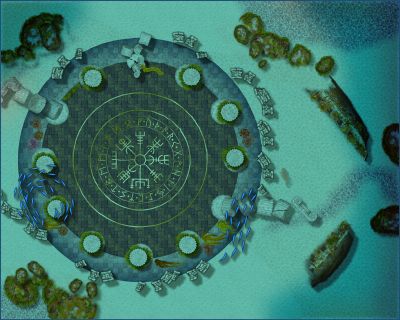
WIP: The Citadel
Ok, did a little work on the conical tower tops. I've noticed trying to do non-visual rotate, that the rotation spins counter-clockwise. Might be my eyes, but I tested it vigorously heh. Correct me if I'm wrong, please.
I added light to the tower tops and used an edge fade. May need to tweak that a bit more...
Cal
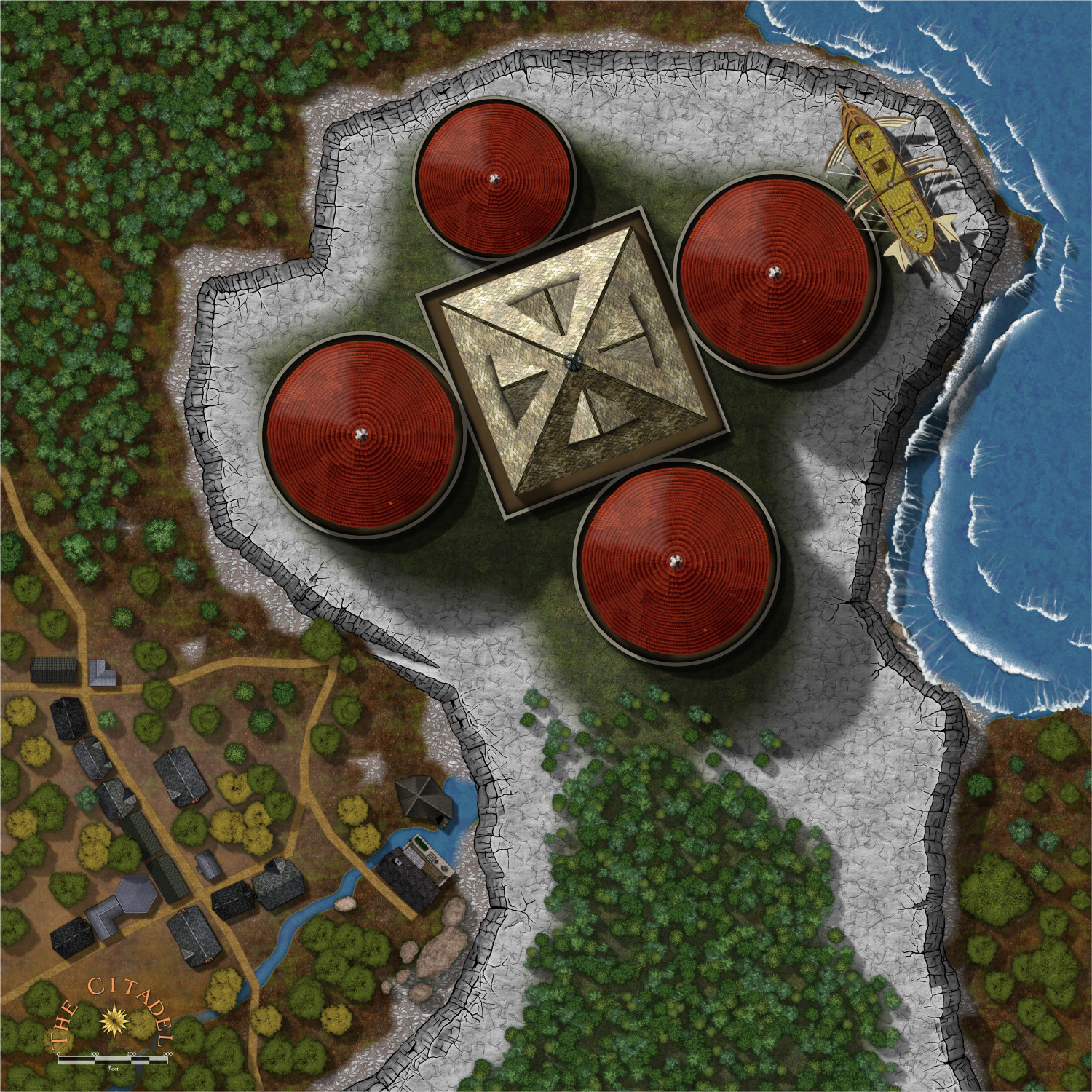
Also, the drop shadow under the windship/skyship is there mainly for my players to clearly see it's floating; but I don't like that. I need to either displace it more and/or lighten. Not sure yet.
Cal


-
Possible map for roll20 game
I go with my own world, always. It always starts with a map. Once I have that settled, then I know the backstory/history, then on to current events and the adventures. I usually have a very large map showing what I feel would be known to players and that encompasses the entire continent. Then, I go for more regional maps for details and so on. Then, down to city maps, battlemaps, and a 'dungeon' or so (we tend not to run dungeon-crawl adventures in the style of RoleMaster).
Using this method keeps me constantly drawing maps heh. Which can be a good and bad thing. 😁
Dak, I absolutely love your maps and drawing style. Keep 'em coming!
Cal


-
WIP: Caer Montieren: Ostia
Greets, fellow artists
Well, trying my hand at a contour map of a region in my game. Centered around Caer Montieren in the Barony of Tremorante, Ostia.
This is my first attempt at a contour map. My friend, Rob_Wordsmith, informs me it's wrong 😁 judging by his military training and the maps he is used to from all that. So, I put it up here for critical help.
Help! please
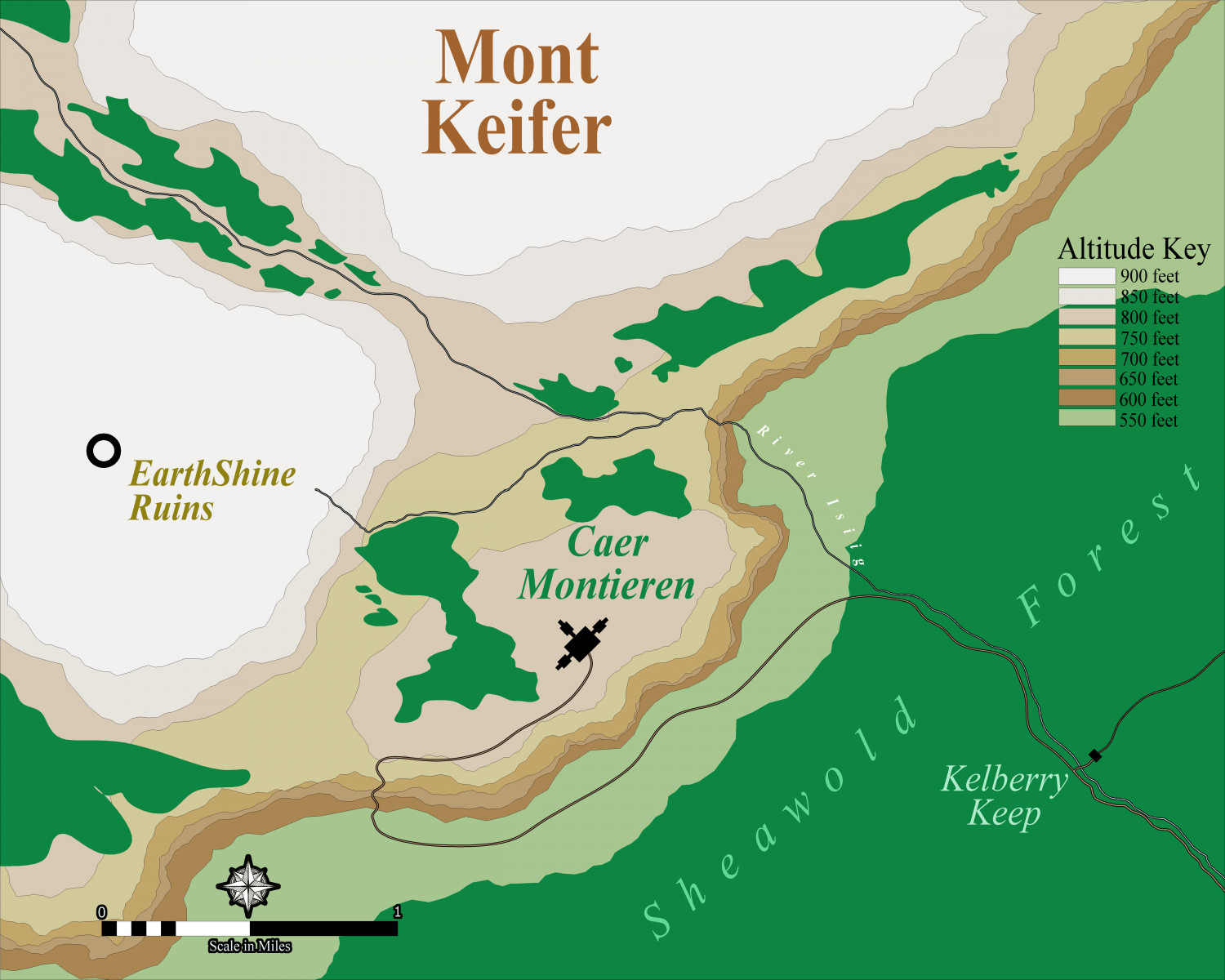
😁
Cal
PS: I had to make my own Altitude Key. Wasn't hard, really.


-
What I've been working on
Thanks all!
Yes, Spectrum and I modified the sheet effects, added a few sheets of my own. No other styles added in (yet) heh.
thanks, Dak.

-
MY MUNDI IS READY!
Mr. Ricko,
I am at a loss for words! Brilliant art, design and backstory. You are in competition with Mr. Qenten and Dak, I see. 😁
Just excellent, my friend.
Cal
-
WIP: Now, for something completely different...
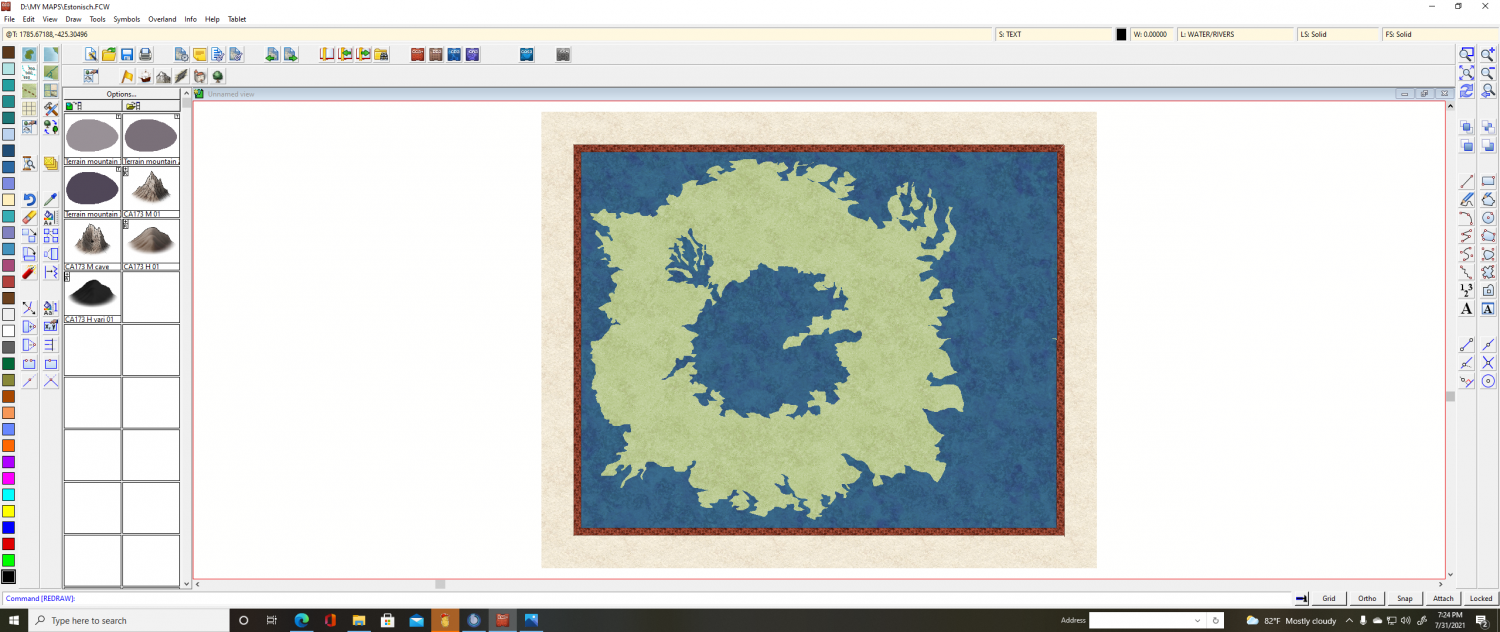
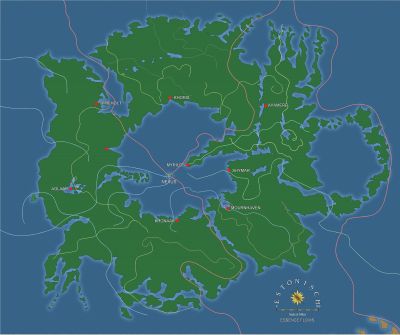
Estonisch is a continent of strange magick on the world of Arcandus. It lies behind extraordinary Bounds of Flux. These are varying barriers of essaence which alter the thrust of the Power. Mages from other continents who come here will realize that their powers alter, their arcane knowledge is not what they thought it was. What they relied on, is no more. Instead, only elemental magick operates on Estonisch. This is an ancient land of mystery, elemental power, and destruction and remaking on an epic scale. Its history stretches back aeons and its future is uncertain as the denizens battle age-old evil and political wars.
Cal

-
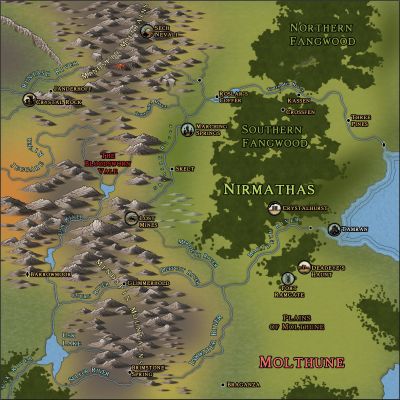
WIP: Nirmathas on Golarion
Thank you, my friend!
Cal
-
WIP: Shymar Hovel, Pirate City
Well, is my face red. I never paid attention to the obvious fact that the buildings in Watabou style are on 2 sheets. Previous maps I've done, I had to do the process I explained above---well, I believed I did. So, to be clear (and I'm doing this as I type) hide the Buildings outline sheet (Literally, SYMBOLS BUILDINGS OUTLINE) to select only the brown buildings. THEN simply select the buildings you want to change color and then do so.
I was happy to do it the laborious way, oh yes. I found my own way LOL. I have one excuse: trying to post on the forums after very little sleep while dealing with a monstrous cold 😓
I just love this program! Once you get yourself into it and realize what you can do, man it just ROCKS heh.
thanks
oh PS: when I have the buildings and new key done, there will be an update.
Cal

-
Watabou City REVISED (annual 157)
Mr. Quenten, thanks for the hard work. I feel confident it will be awesome
Cal
