


Ralf
Ralf
About
- Username
- Ralf
- Joined
- Visits
- 3,668
- Last Active
- Roles
- Administrator, ProFantasy
- Points
- 2,517
- Rank
- Cartographer
- Badges
- 17
Latest Images
Reactions
-
SciFi Outpost - the Files
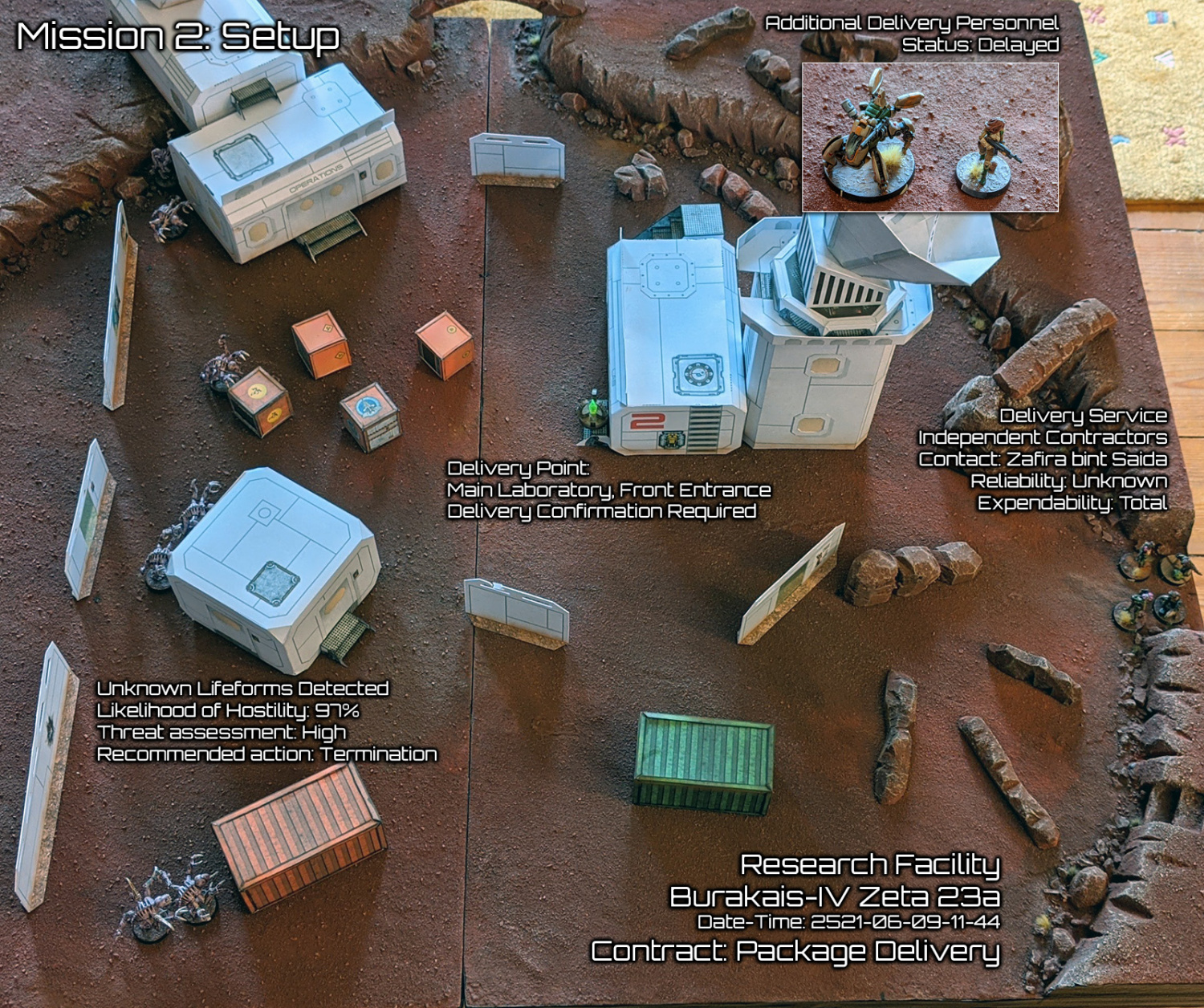
If anyone wants to see these in action, I recently used them in a solo wargame battle:




![[Deleted User]](https://secure.gravatar.com/avatar/c75d9a245b74d9c59be0999ea81ca541/?default=https%3A%2F%2Fvanillicon.com%2F92add7f8c954488718110edc4896ad39_200.png&rating=g&size=200)

-
Live Mapping: Roof Shading
As promised here are my reference files for easy access to the different roof map settings
.


-
ProFantasy at Gen Con 2024
We were "plagued" this year at GenCon (quite literally), therefore the relative quietness in social media. Sorry about that. But we had a good time, and I'm safely back home (and now healthy again).


-
Text Along A Curve has changed under Updates 26 and 27
I'm looking into this now, sorry that I missed this earlier.

-
Changing symbol setup in a Symbol Set
To change the insertion point of a symbol do the following:
- Go to Symbol > Symbol Manager and EDIT the symbol you want to change.
- Use View > Move Origin to place the origin at the location you want the insertion point to be.
- Close and save the symbol editing window.
If you want to change the sheet a symbol goes to automatically, select the symbol in the Symbol Manager, and click Options. It will let you change the destination sheet.
You can make the changes in the current drawing you are working on, if you want them only for that map. If you want them changed for all maps, open up the original symbol catalog they are contained in and make the same changes there.


-
Live Mapping: Ancient Realms Revisited
I've updated the Annual download with a few small fixes to the template and drawing tools. Just re-download and re-run the setup to apply them.
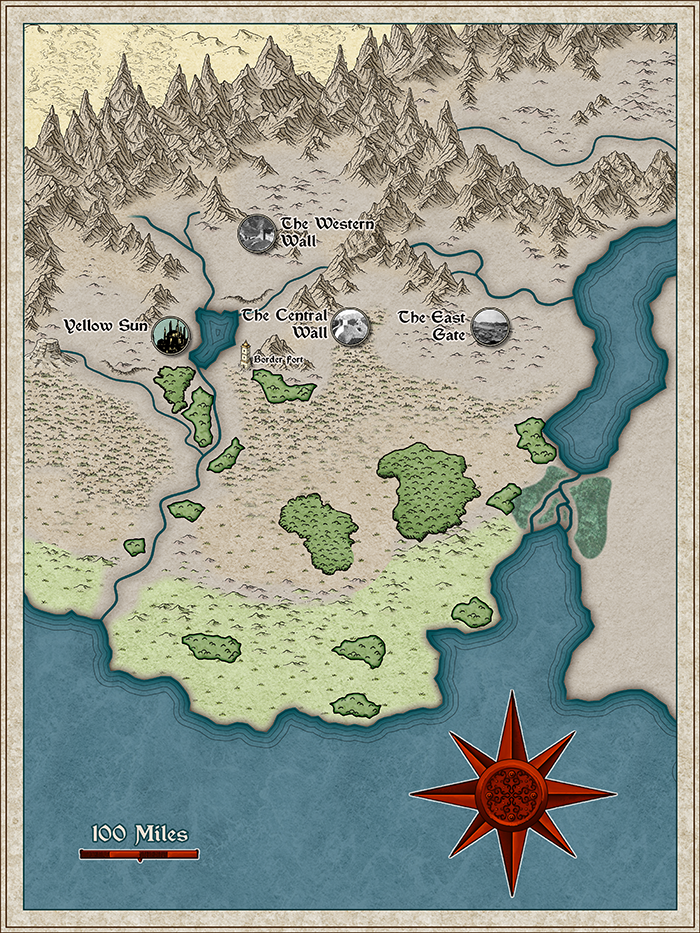
And here is the map as far as I created it yesterday.
-
Cthulhu City Export Issue
I strongly suspect that the added picture frame distorts the height to width ratio and the export then crops any white space resulting in the image size you see. Try turning off "Crop image to aspect ratio" in the export settings and you'll probably see some white space in the export.
You can always post the map here, so we can take a look, or submit a tech support request.


-
The Sola System: Adnati's star and celestial neighbors
I would recommend one thing, that I didn't do in the video: Set the starfield background fill (Starfield_06) to be scaled to 10 units. In the template it's not set to a fix scale, which means it looks good on screen, but not so good on the export.
-
Live Mapping: Parchment World

-
Oddity using the B&W Towns style from CA 100 (2015)
The corrected setup is uploading and here are the two corrected templates.


