

having issues exporting

so i'm done with enough of my map that i'd like to save a chunk of it to share, and i'm having some trouble exporting. i've followed what tips i could understand from searching other threads (setting exportsetmppp above 4000000, checking png/bmp/jpg settings) but i'm not having any luck.
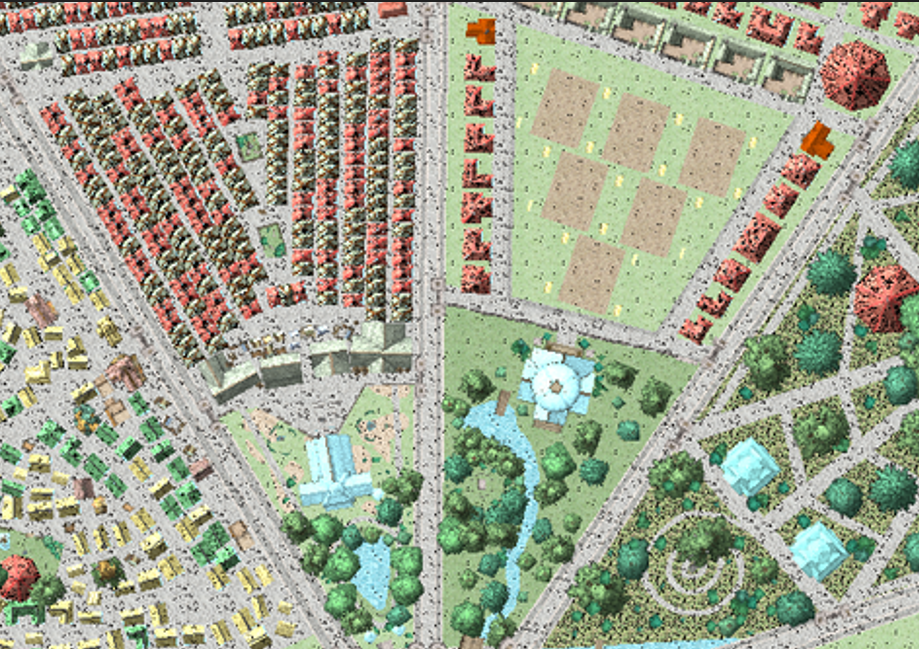
my maps are exporting either completely borked or without any sheet effects and at very low quality. i've tried saving as a png and get this result:
and i've tried saving it as a print to pdf and multiple pages and this happened:
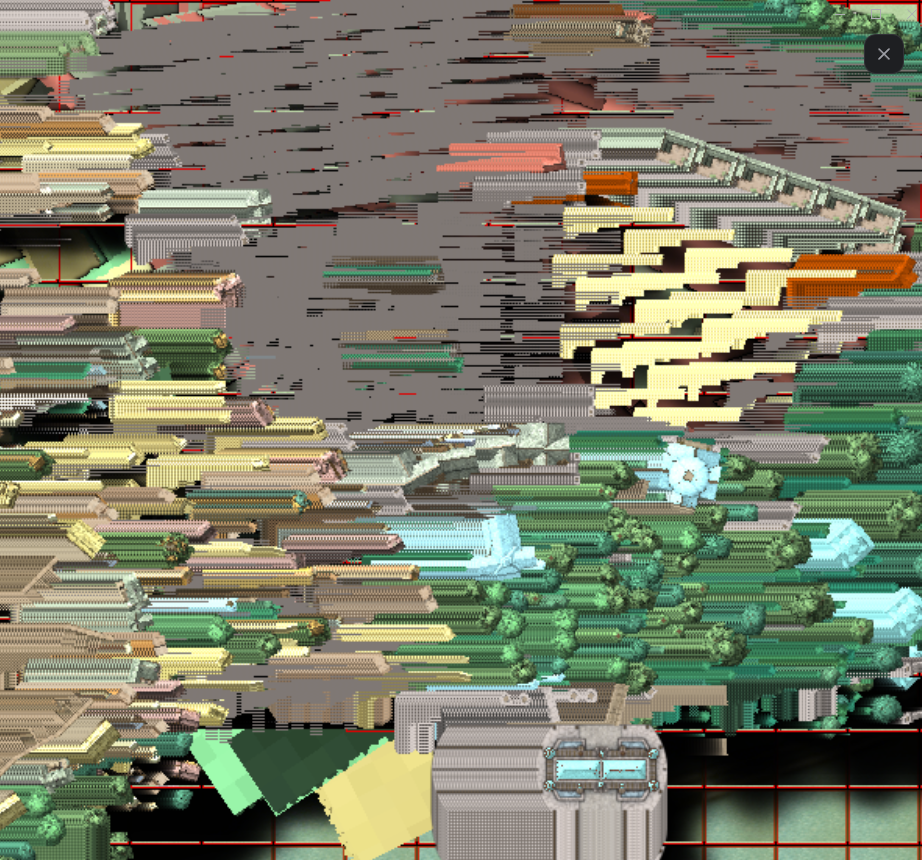
i'm happy to save multiple smaller images and stitch them together in an image editor, but... these aren't really usable and i have no idea what i'm doing wrong. i've tried looking through multiple threads but i haven't been able to find anyone having the particular issues i'm having.
if it helps, i need this to be ready to upload to roll20, so i need the ability to zoom in pretty closely. i know i can't export as a different file type and have the same quality, but i'd like to get as close as possible. the only solution i've been able to come up with is zooming in a lot and taking screenshots, but i feel like there has to be a better way.
thanks so much in advance!
Best Answer
-
 Loopysue
ProFantasy 🖼️ 41 images Cartographer
Loopysue
ProFantasy 🖼️ 41 images Cartographer
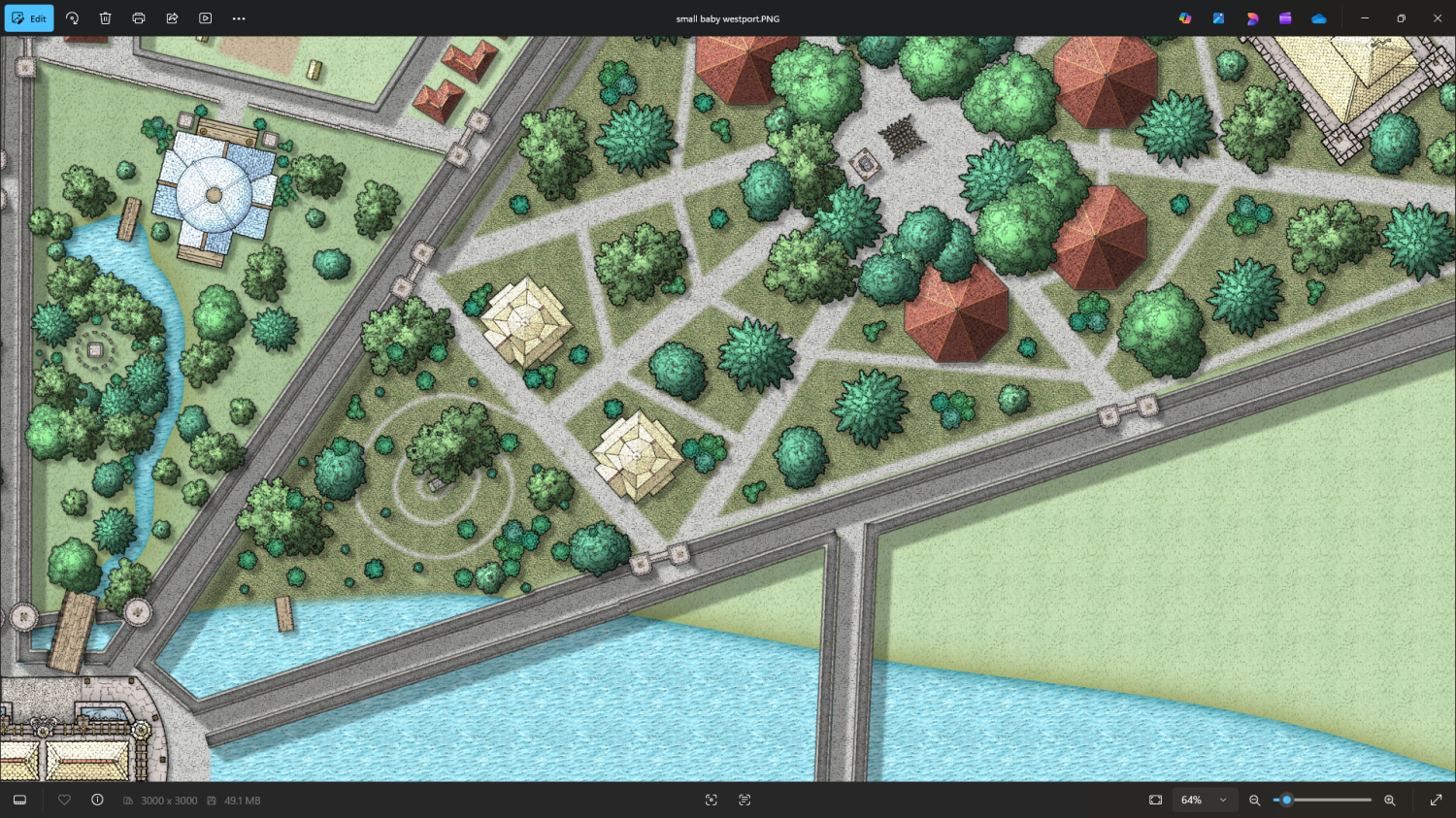
Here's the same section with the BACKGROUND showing, but with a single effect on the BACKGROUND sheet - an Adjust Hue, Saturation sheet effect that lightens the background just a fraction. The rest of the sheet effects appear to be working now.
Here's the sheet effect:
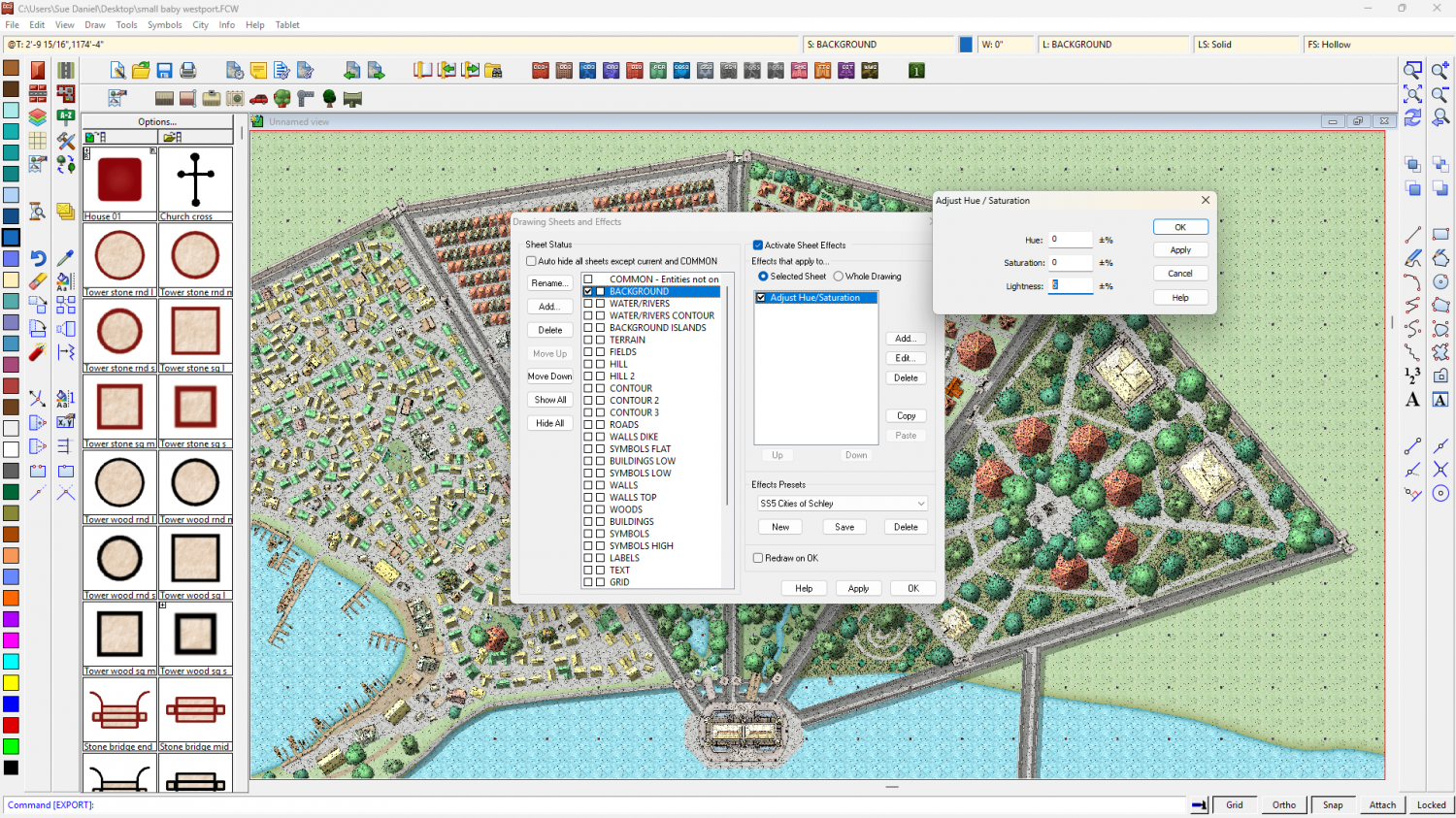
Try adding it to your original and see if that helps with the effects problem.
EDIT: Incidentally, you have a bunch of stuff on your BACKGROUND sheet that should probably be on BUILDINGS LOW, and other sheets.

Answers
i'm happy to save multiple smaller images and stitch them together in an image editor
You don't have to do that. CC3 can do that if you have Cartographer's Annual 129 (Large Exports). It's from Cartographer's Annual 11 (2017). It uses macros to export in chunks and then automatically stitch them back together. The PDF guide that comes with the annual will explain all of the steps better than I can.
Hi Sasha :)
When you Save as... and chose to save as a bitmap format using any one of the range available (png, jpeg, etc) there is an options button in the Save as... dialog.
Click this button and adjust the options to give an image of a reasonable size and resolution.
As an example, this setup (below) will produce a map that is 3000 pixels on the longest side, and will automatically crop the shortest side to the map border.
You can also use antialiasing if you wish, but be aware of the work size if you do. A maximum of about 10,000 pixels in both directions is a general rule, though some have managed to export larger maps.
hi again @Loopysue :)
so i did check those settings before i made the post, sorry if i forgot to say so in my op. i checked them again, though -
and the result is, like. marginally better? but still doesn't show any of my sheet effects and looks kinda... peppered.
i do have CA11, but i can't figure out how the pdf is supposed to help? it just lists the contents. unless i'm wildly misunderstanding something (likely). [EDIT: i figured out what was meant here and i am reviewing the pdf now tysm, will return if i still can't figure it out, thanks @Royal Scribe ]
Perhaps try 6000 x 6000?
It will trim itself if you check the "Crop image to aspect ratio" box.
EDIT:
If you can't see the effects there may be a scaling issue. For example if you pasted symbols at 2 x the default scale (not saying that you have, but just an example) the effects will be relatively tiny.
Can you share the FCW file with us?
okay so good news is i got the large image export macro to work and i think i kinda understand it, hurrah! bad news is it still looks like this.
which is worse.
but i did try to increase the pixel size (my system couldn't quite handle 6000 but 5000 went thru ok) and it looks much better!
but i'm still not seeing any of my effects. i did see that exporting can make the effects get weird due to how cc3 scans the image but i don't think they should entirely disappear, right?
I'm just making sure of something here - the effects will only print as long as you have them showing when you print the map.
If that's not the problem, please can you upload the FCW?
yeah so this is a screenshot of the map as i see it while i'm working:
so effects should be turned on from my side of things.
here's the file!
Here's a render of a section of the city done at average resolution (3000 x 3000) with a single sheet hidden - the BACKGROUND sheet.
As to why the sheet effects stop working when the BACKGROUND is visible I have no idea.
I'm still experimenting.
Here's the same section with the BACKGROUND showing, but with a single effect on the BACKGROUND sheet - an Adjust Hue, Saturation sheet effect that lightens the background just a fraction. The rest of the sheet effects appear to be working now.
Here's the sheet effect:
Try adding it to your original and see if that helps with the effects problem.
EDIT: Incidentally, you have a bunch of stuff on your BACKGROUND sheet that should probably be on BUILDINGS LOW, and other sheets.
thank you so much for your help! i'll experiment with this and get back to you
as far as which items are on which sheet, i just go with whatever pops up as default. i'm learning how this program works very, very slowly and with a lot of guessing, lol
ETA: this worked! i'm so happy, thank you so much for your help!!
That's ok.
If you want to find things that aren't on the right sheet, just hide all the sheets except the BACKGROUND and you can pick them up from there using either Move to sheet in the right click menu of the Change Properties button, or the Change Properties dialog itself.
i will try to get into that before i finish the last chunk, tysm!