

Having trouble with shortening rivers (also yes hello it's been a very, very long time)
 MatthewBertram
🖼️ 5 images Traveler
MatthewBertram
🖼️ 5 images Traveler
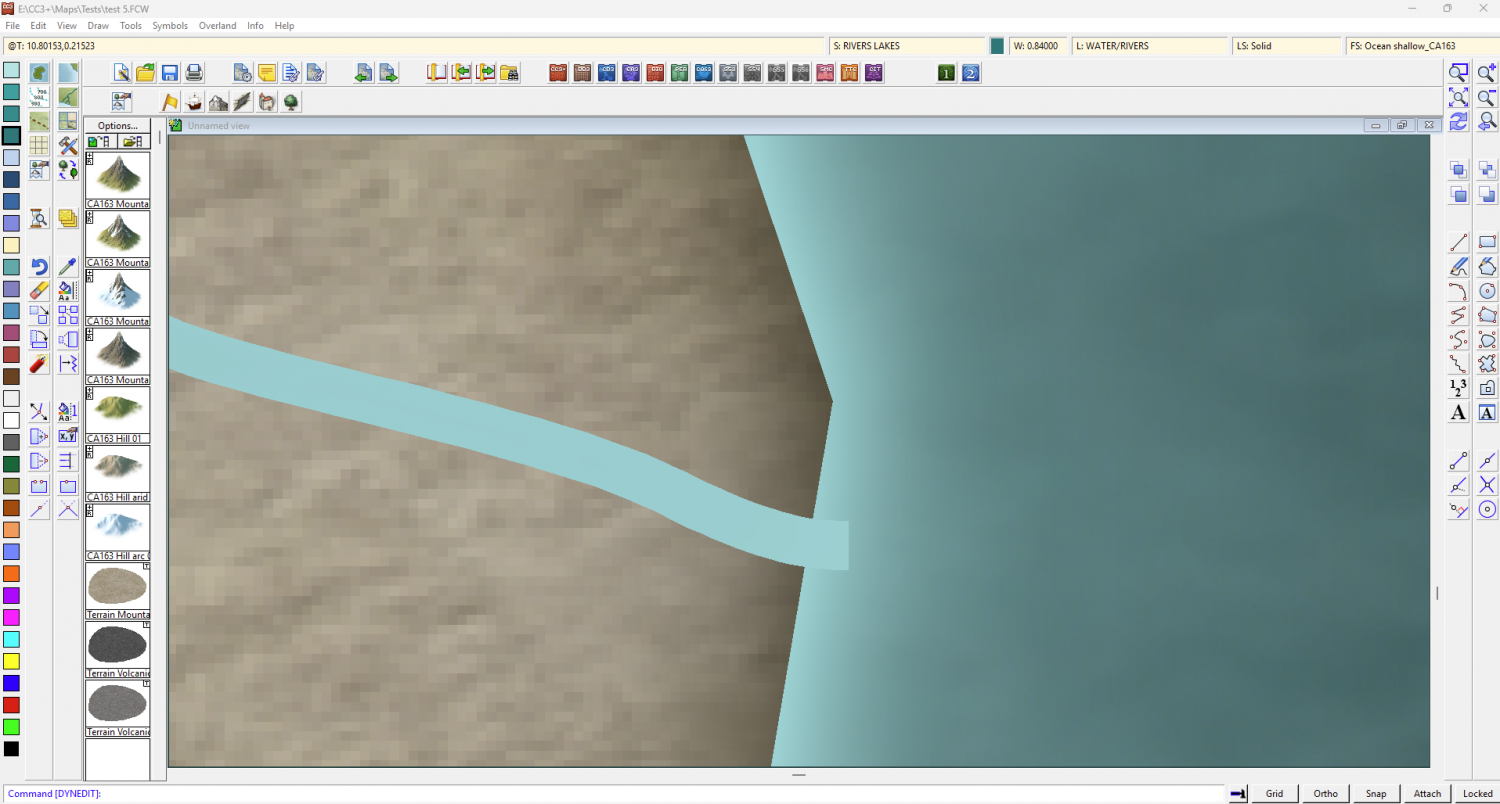
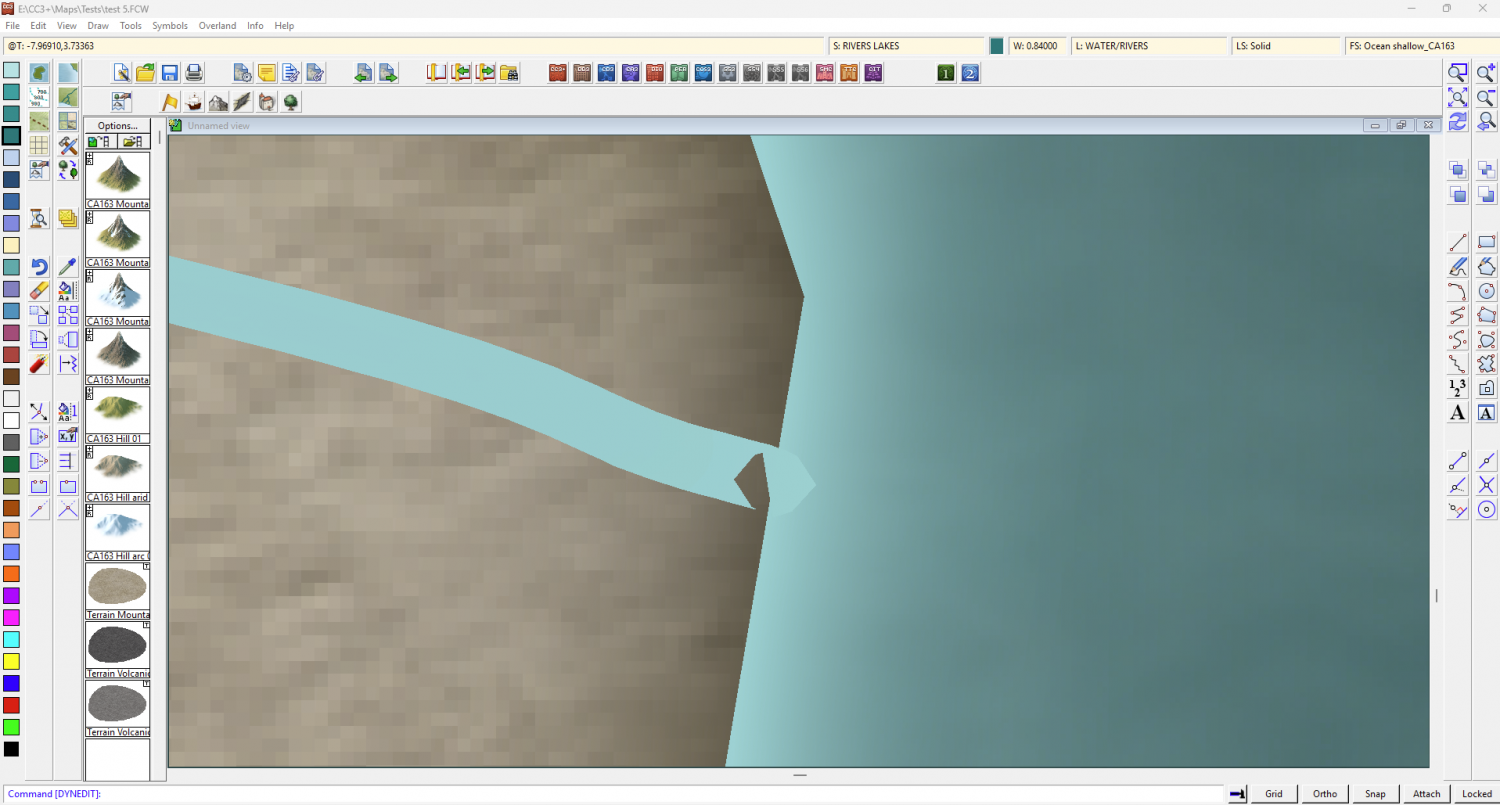
Getting back into CC3+ now that I have some time off from travel, I was following this video Ralf made ( https://www.youtube.com/watch?v=Ghhns7gHg4g at precisely 13:52) and mine look all ugly and gross, his look delightful and smooth. What am I doing wrong here? I left-click the Node Edit button (which, I should say it takes several clicks to actually latch onto the river, not sure if I'm doing it wrong or what) at the end of the river, then I drag my mouse over to where I want the river to end, then I left click again, and it looks like this. What am I missing here?
Comments
Hi Matthew :)
That half transparent knot at the end of the river is where the river has folded back on itself. There's probably a second node just before the end node. You can try to delete the penultimate node by zooming in and carefully clicking just outside the edge of the landmass.
Remember that lines are built on a single row of nodes located down the centre of the visible line, so you have to click the centre and not the edge.
You're not doing anything wrong Matthew, but it can be quite a challenge, even when zoomed right in, to hit the right node spot on any line (not just rivers, though they are often the commonest with overland mapping). It's definitely not just you!
Plus, as Sue's said, that "hole" at the end of the line is just an indication there's another node (or sometimes more than one) there that shouldn't be. The simplest answer is just to try the delete node command to get rid of it, and then move the end of the river line if it's not in the right place afterwards (you may hit the old line-end node in doing this sometimes, so the line shortens, for instance). You might also find you have to add another node or two to make the later part of the line less straight afterwards, but that's just all part of the fun 😉!