

Ricko
Ricko
About
- Username
- Ricko
- Joined
- Visits
- 6,929
- Last Active
- Roles
- Member
- Points
- 10,582
- Birthday
- February 7, 1977
- Location
- merlo san luis argentina
- Rank
- Mapmaker
- Badges
- 22
Latest Images
Reactions
-
Fast Marshes Tutorial
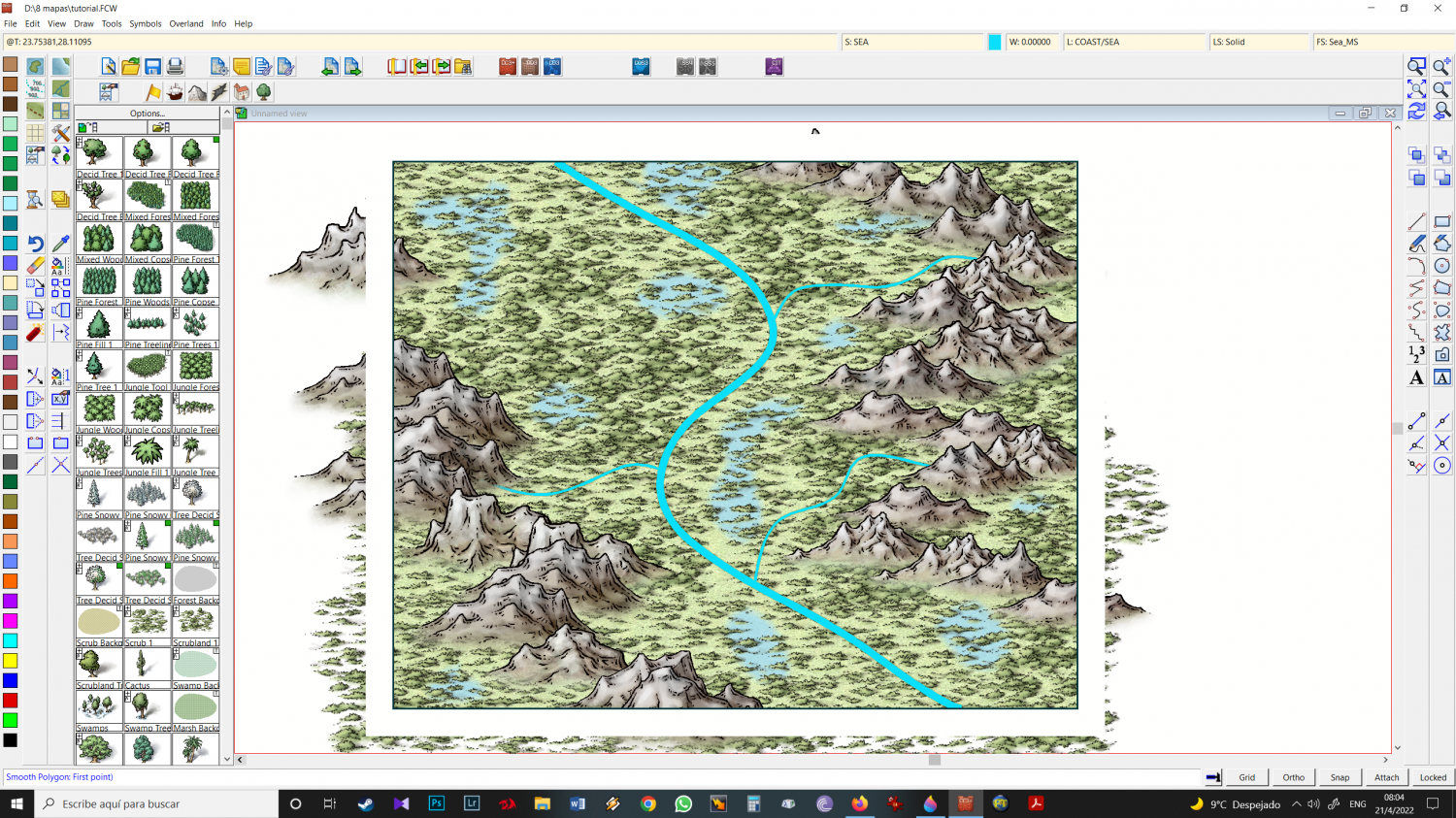
11 - Refresh
Note: Ocean usually comes with the Edge fade inner effect, if you have to create your Sea LAKE sheet, don't let the Edge fade inner effect be included in this new sheet. It gives it a much more realistic look.



-
Fast Marshes Tutorial
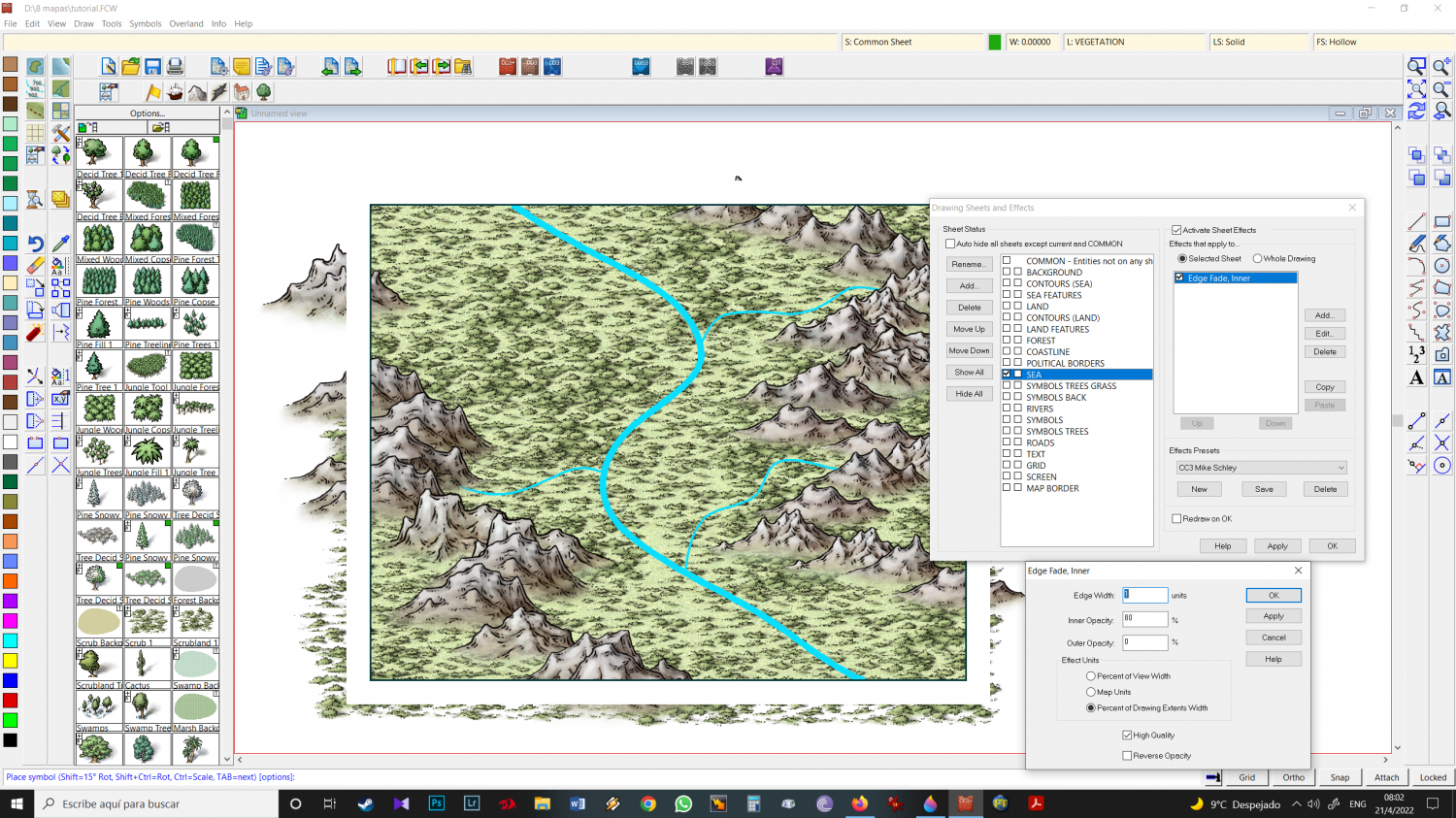
9-now the little secret.
as the fill style of this drawing is not ocean, I can move Sheet Ocean below sheet Land (easier). In case you have Ocean as the base of your initial Fill Style, no problem, Create a SHEET SEA LAKE/MARSH/POOL etc and move that sheet below Sea (original) and LAND, and work on it.
Sometimes the same thing happens when CC3 switches to SEA normal instead of SEA LAKE, as in the previous example of SYMBOLS TREES.
-
Fast Marshes Tutorial
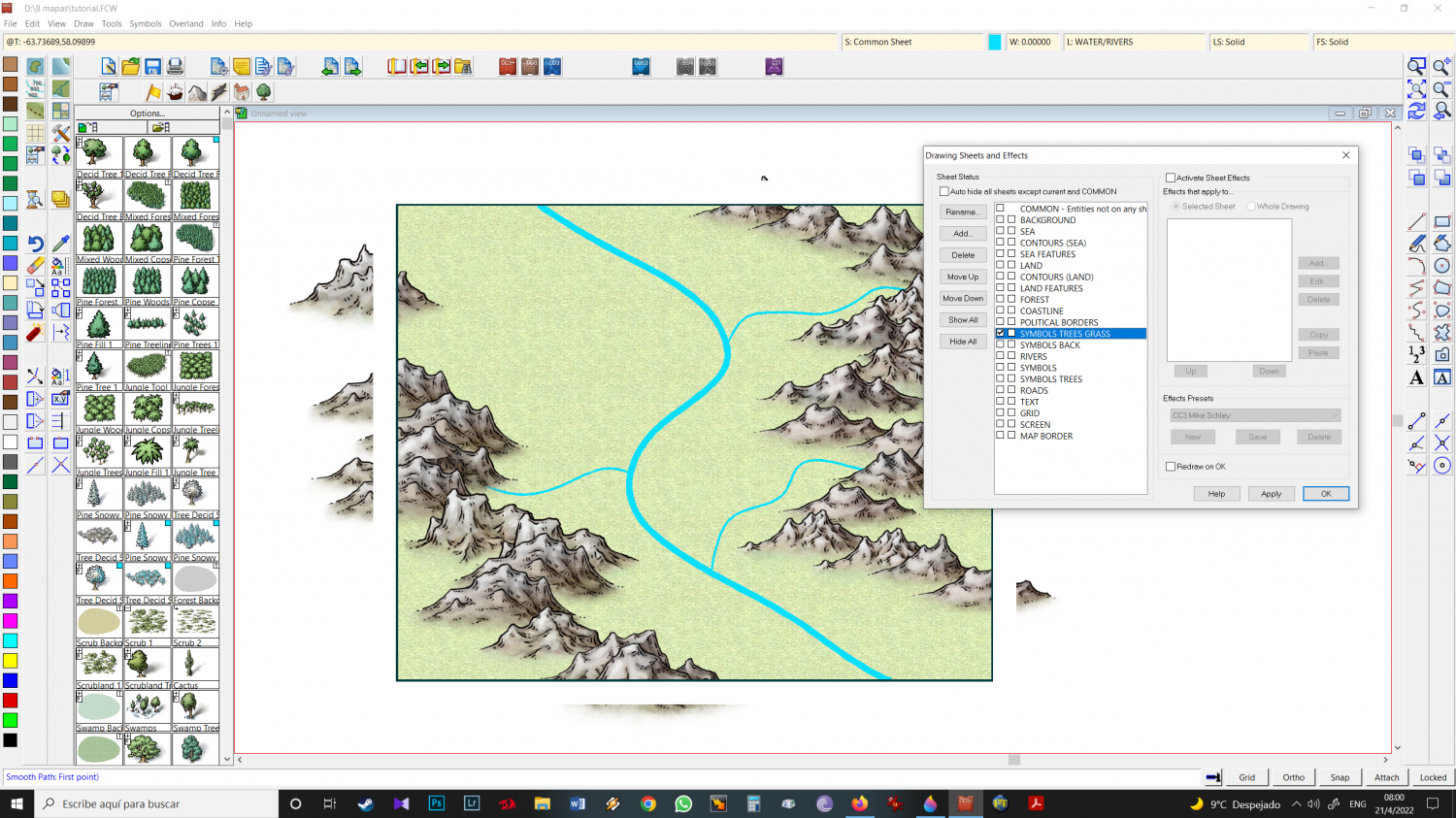
6 - Create SYMBOLS TREES GRASS sheet, and place it above SYMBOLS BACK sheet. Select this sheet to work with and choose Scrub icon (grass).
VERIFY if CC3 keeps the SYMBOLS TREES GRASS sheet or if it simply switches - it happens a lot to me - to the SYMBOLS TREES Sheet. In case of change, Select SYMBOLS TREES GRASS again
-
working fast - kinda tutorial
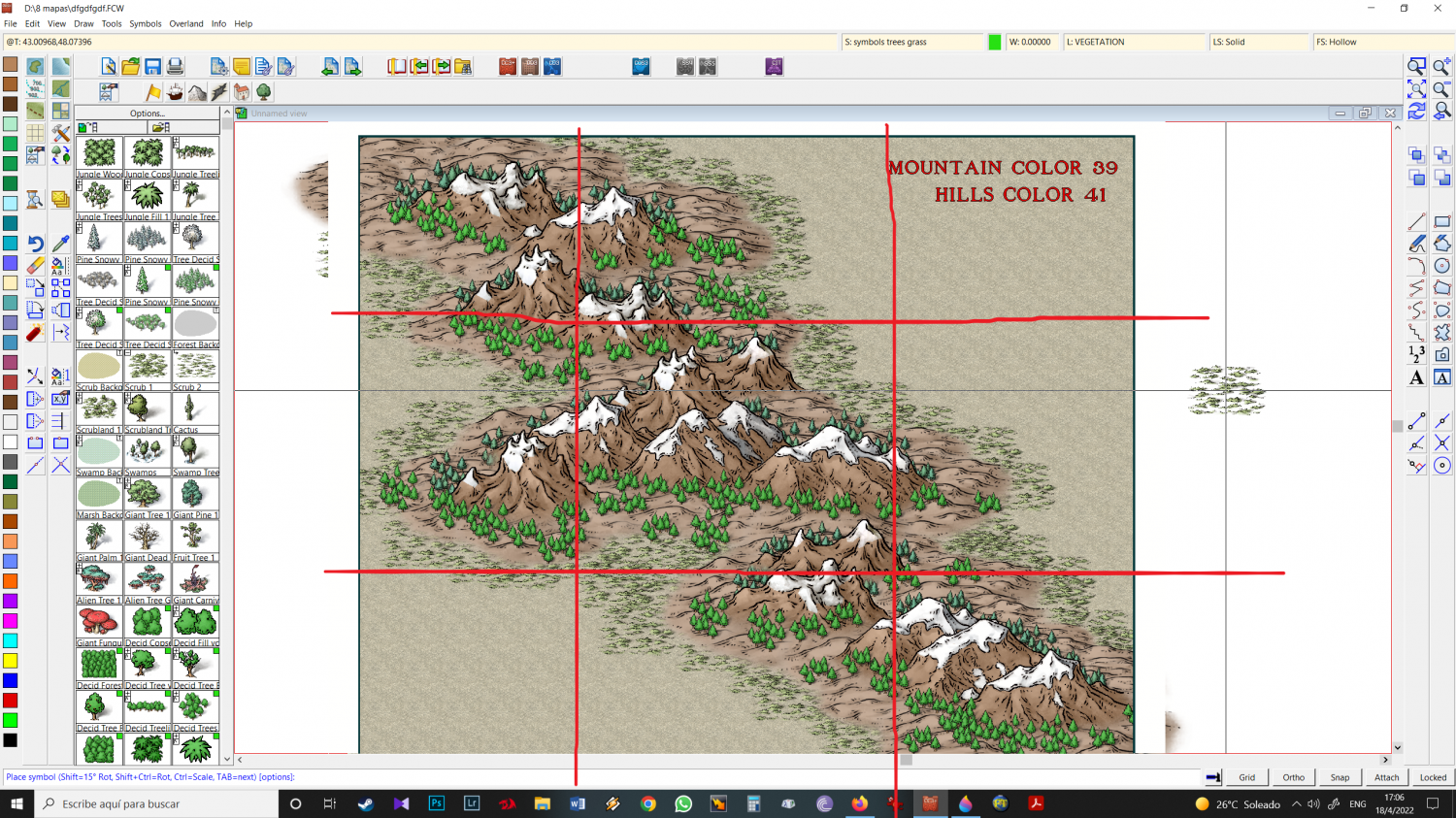
17 - Always Have the Rule of Thirds in mind.




-
working fast - kinda tutorial
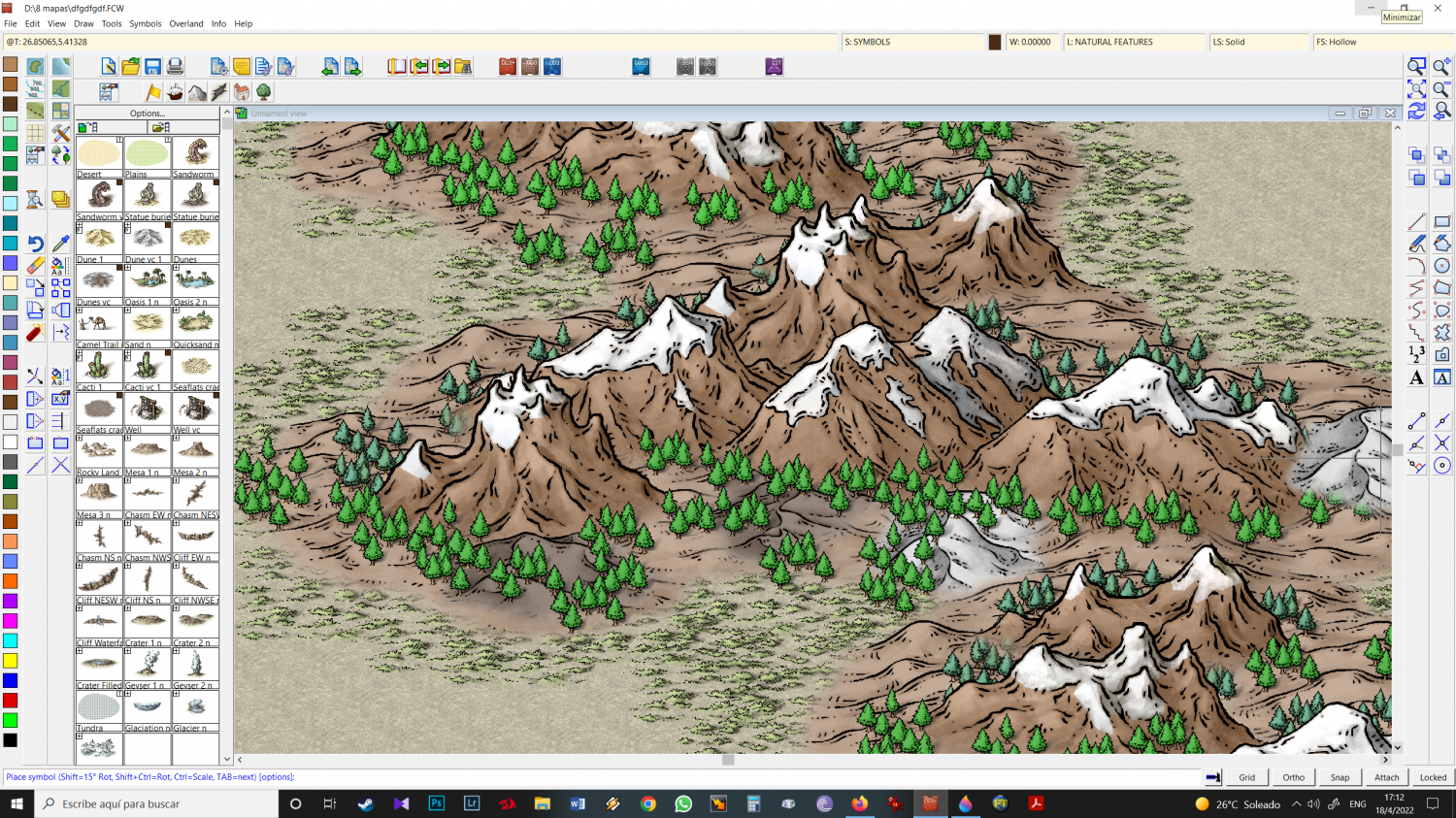
14 - Because they are on the SYMBOLS sheet, once I refresh the drawing, they are automatically behind the trees (SYMBOLS TREES), in case you want the same effect behind, you will have to create a SHEET SYMBOLS hills/dune back and place it below from Symbols BACK and above Symbols trees back. That way they will also automatically go to the right place, under the trees behind.

