Ricko
Ricko
About
- Username
- Ricko
- Joined
- Visits
- 6,933
- Last Active
- Roles
- Member
- Points
- 10,582
- Birthday
- February 7, 1977
- Location
- merlo san luis argentina
- Rank
- Mapmaker
- Badges
- 22
Latest Images
Reactions
-
Community Atlas - Berenur - Urtrah Desert



-
Community Atlas - Berenur - Urtrah Desert
-
The Village of Hommlet?
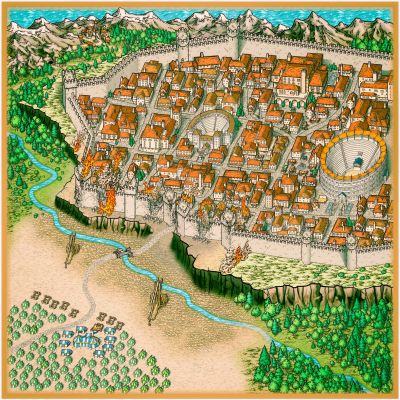
@JimP I have the same problem with cities. Particularly I don't like to do dungeons because (personal opinion) they are too fantastic for my stories (yes to tombs). returning to the subject of cities, using watabou, google maps or some photography as a basis for the trace helps me a lot in placing the icons and preparing the design.
For local maps I have used google earth countless times for inspiration, I navigate the world until I like some specific or random zoom. I take the print screen, adjust its measurements and also put it in the trace as the basis of the drawing. trace is life :)

-
Suggestion annual 2023
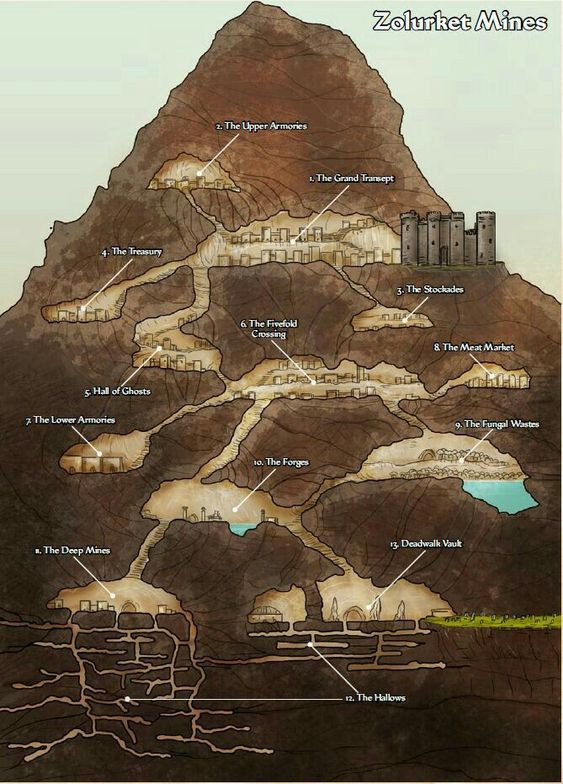
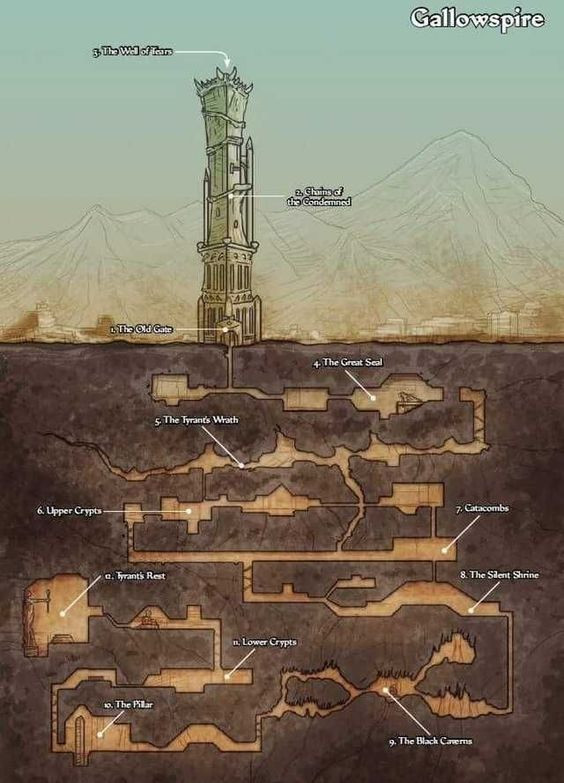
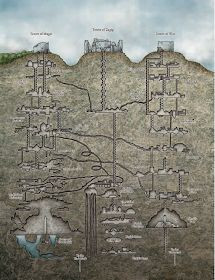
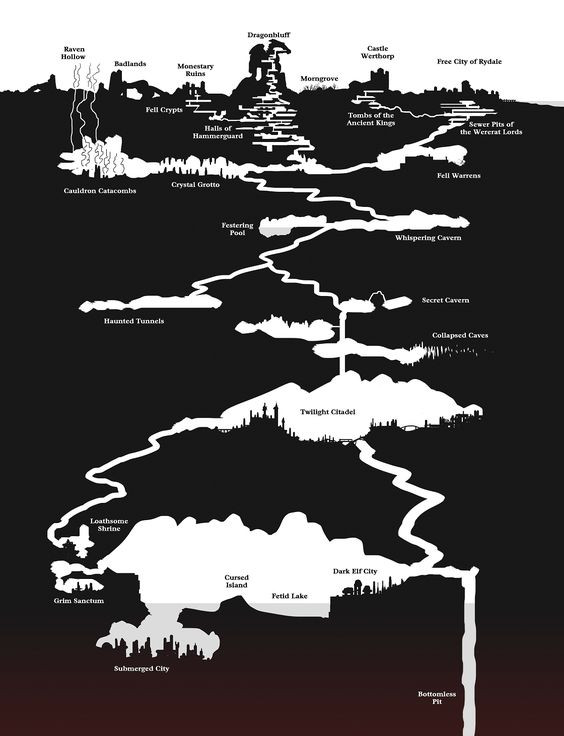
some more variations

-
A bridge
the stairs were the easiest solution considering that isometric cities do not have stairs (wood/stone). Perhaps the easiest thing for Sue Richard Darkland's Cliffs to match with the Temple of Bones (@EukalyptusNow ) stairs was the fact that they shared the similar color tone.
The dirty roads are from mike schley isometric city with edge fade inner and less inner opacity %. I thought about using barrels to decorate the markets, but proportionally they seemed too small and would pollute the image more than they would add detail value, so they were discarded.

-
MY MUNDI IS READY!
3 - Skeleton Coast - Necropolis de Pena
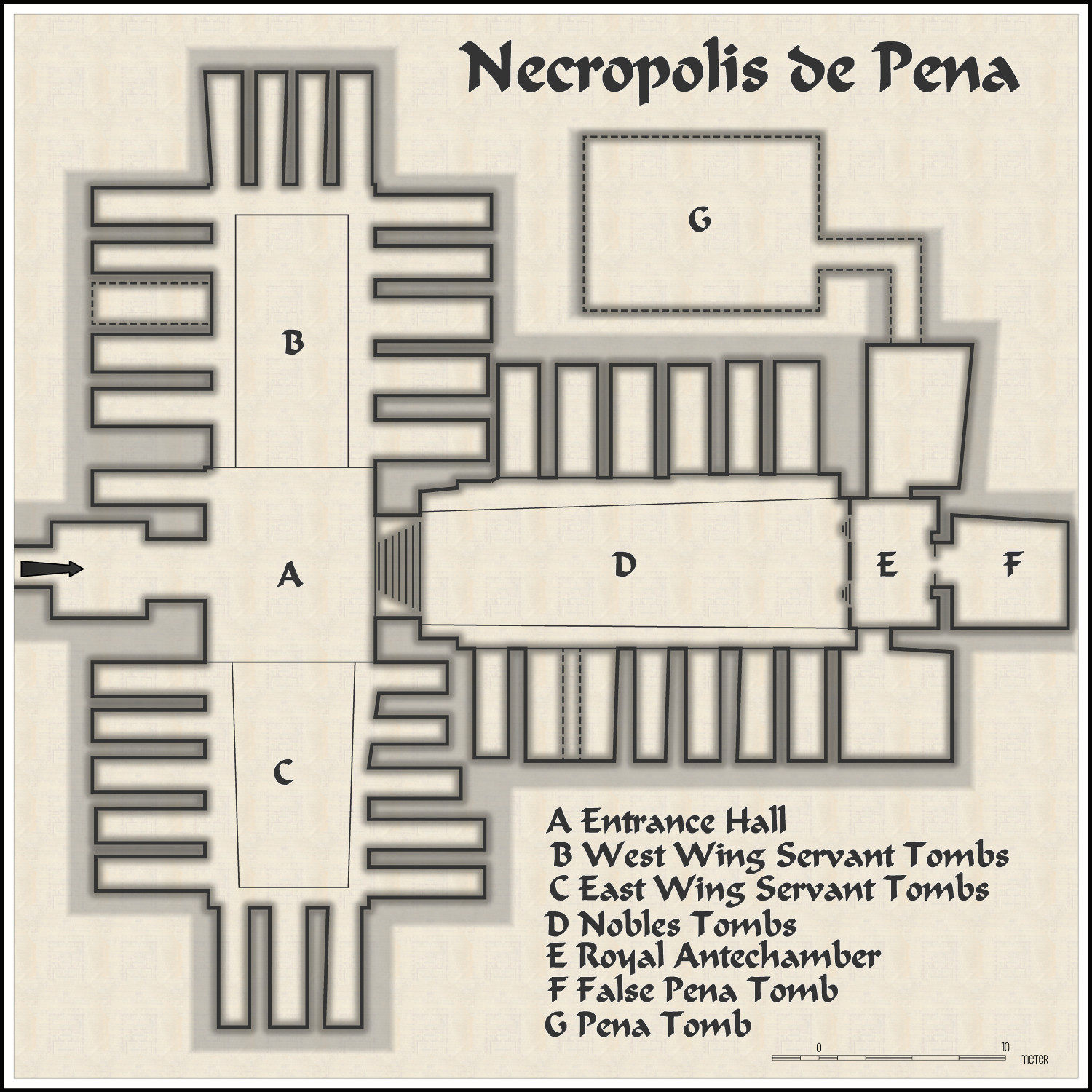


-
Community Atlas - Serkbergen / Peredur
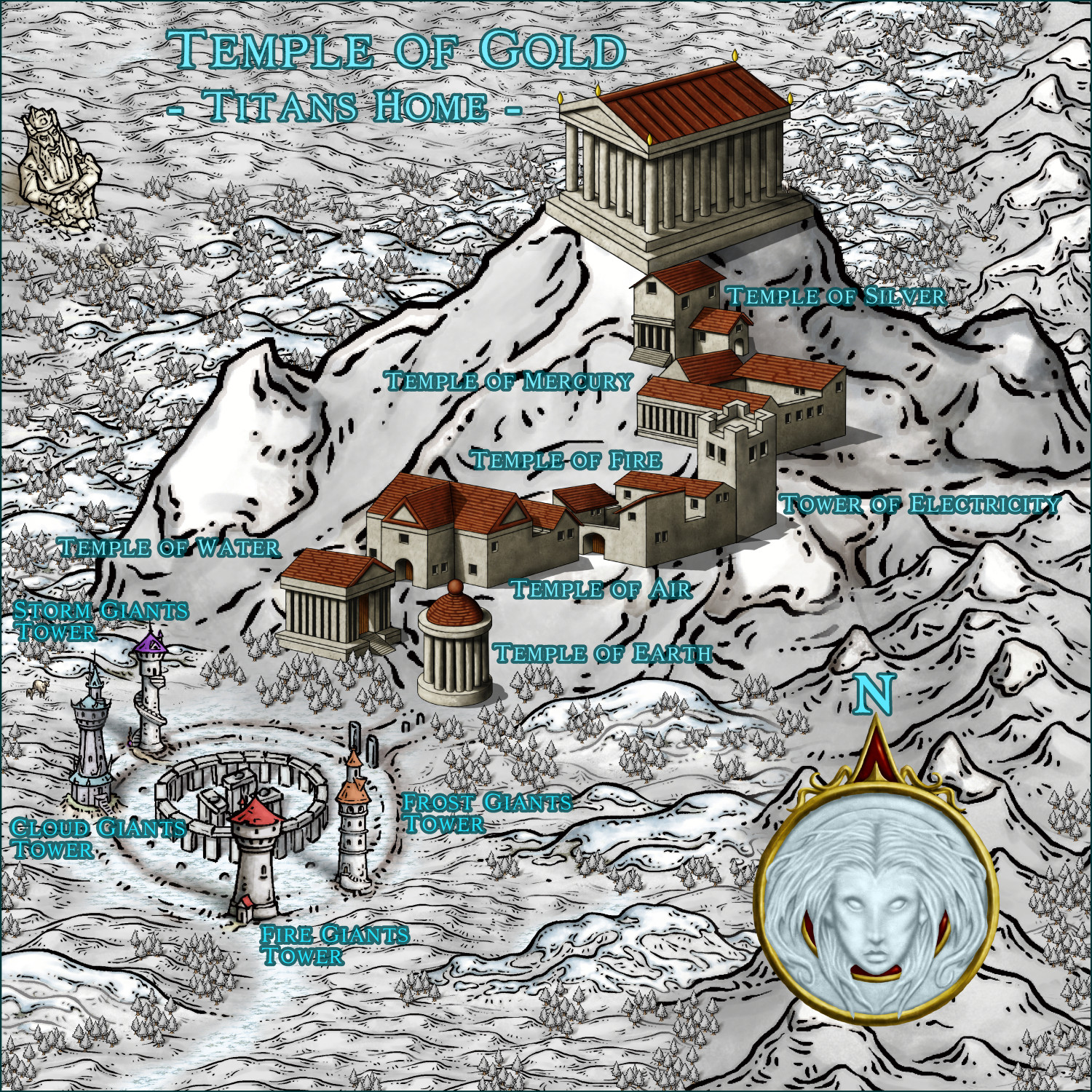
Waiting new coming Mike Schley Greek/Roman Structures to remake the map <3
Cheers
![[Deleted User]](https://secure.gravatar.com/avatar/c75d9a245b74d9c59be0999ea81ca541/?default=https%3A%2F%2Fvanillicon.com%2F92add7f8c954488718110edc4896ad39_200.png&rating=g&size=200)

-
Sheet Effects stop working consistently
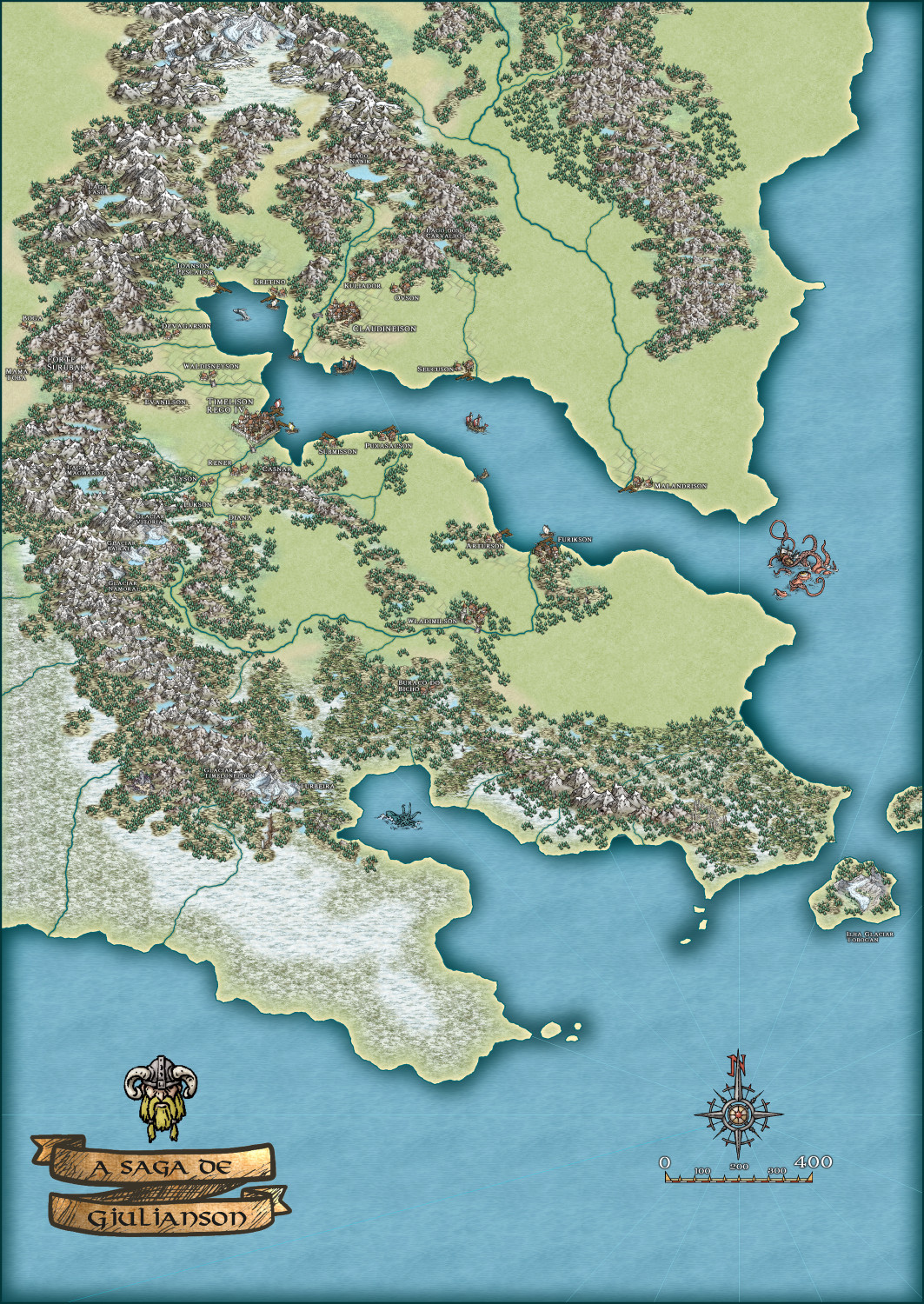
Hey @Lee Talman brother! Continuing the FCW map that I sent to you here on the Forum... opening the file you can see how I added several land effect SHEETS.
You can also notice how I placed the ROAD sheet almost under everything and added a small glow effect to highlight the sea.

-
Another little battle map
My knowledge of nature tells me that it is actually a large snake disguised as a road 😥


-
Fast Marshes Tutorial
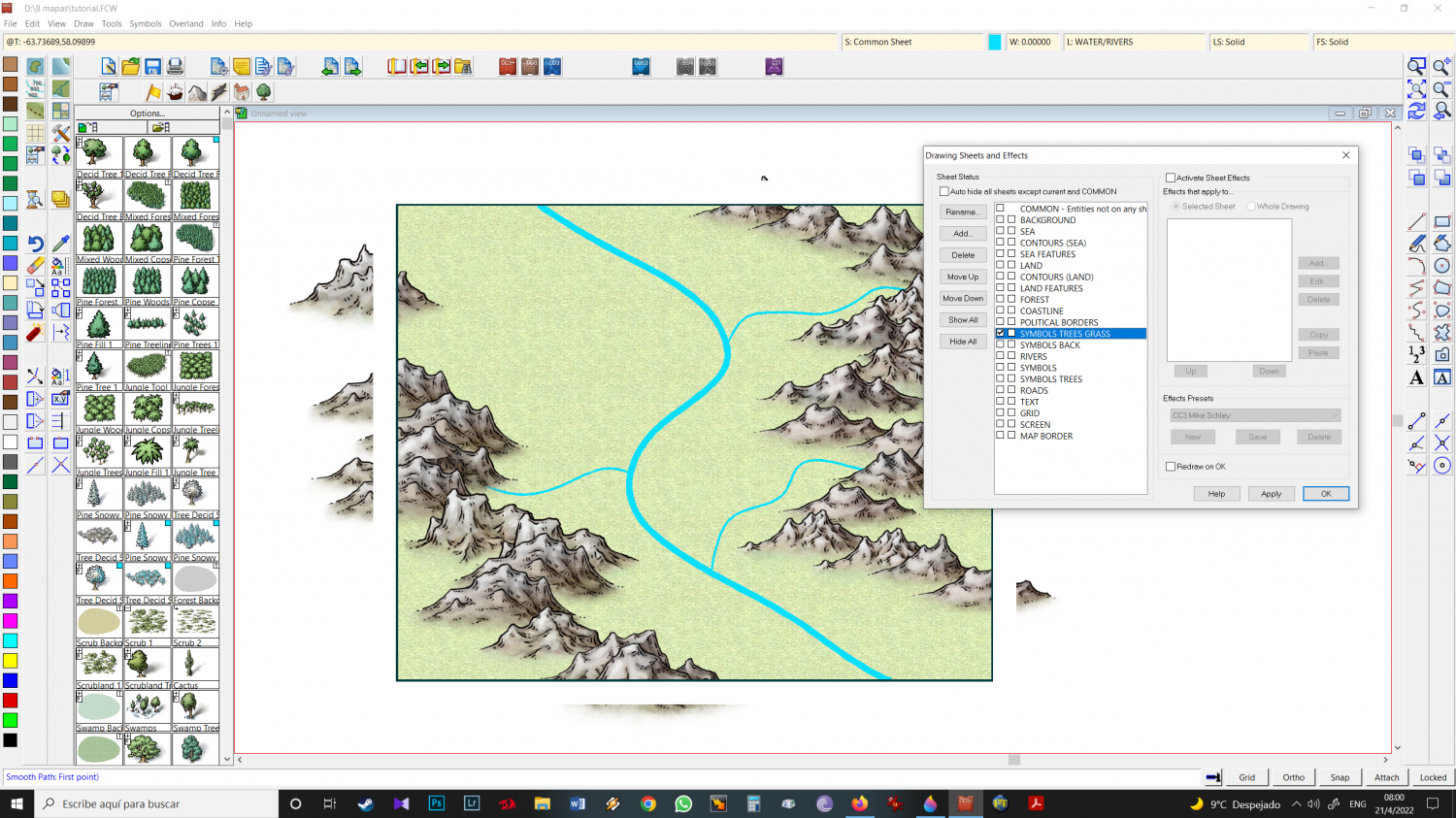
6 - Create SYMBOLS TREES GRASS sheet, and place it above SYMBOLS BACK sheet. Select this sheet to work with and choose Scrub icon (grass).
VERIFY if CC3 keeps the SYMBOLS TREES GRASS sheet or if it simply switches - it happens a lot to me - to the SYMBOLS TREES Sheet. In case of change, Select SYMBOLS TREES GRASS again