


Quenten
Quenten
About
- Username
- Quenten
- Joined
- Visits
- 8,147
- Last Active
- Roles
- Member
- Points
- 3,110
- Birthday
- November 29, 1950
- Location
- Australia
- Real Name
- Quenten Walker
- Rank
- Mapmaker
- Badges
- 16
Latest Images
Reactions
-
[WIP] Tatilana, a new world
Well, no matter what I do, including correcting the error on the add elevation file from Wilbur to FT3, and having another 3 goes at getting a mdr, it still won't work. Once, I got it to work - but it was not 8000 x 4000, but a bit more square, with a blue border around it. See print screen below. HELP!! @jslayton Is there some way I can get this map to the right horizontal dimensions?
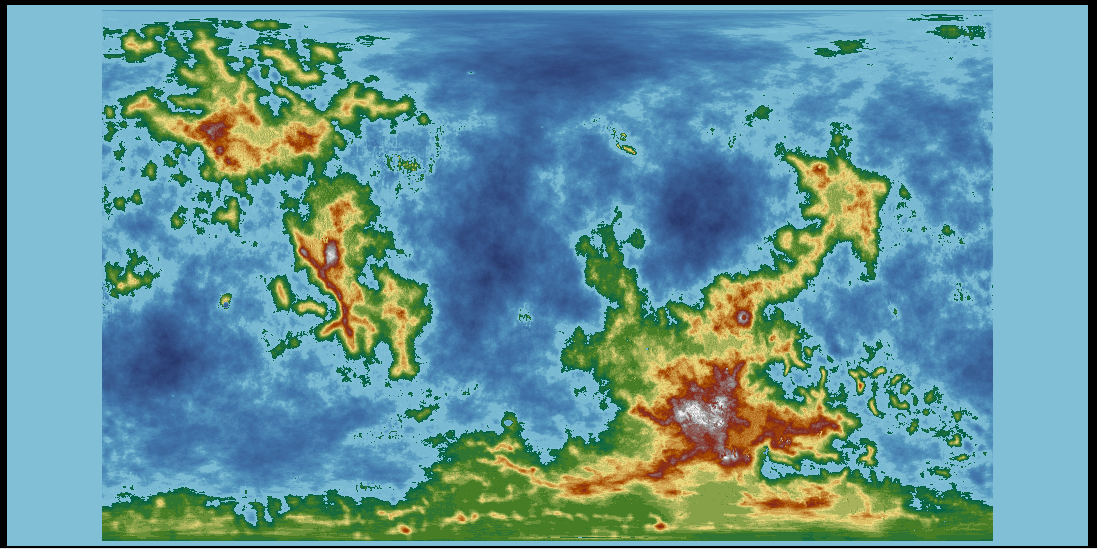
So I will stick with what I have. I have used the multiple map option, and this is what I have at present on the smallest iteration. I am quite happy with this. All I have done is add EXTRA rivers, settlements, contours and names. Biomes will also be checked later.
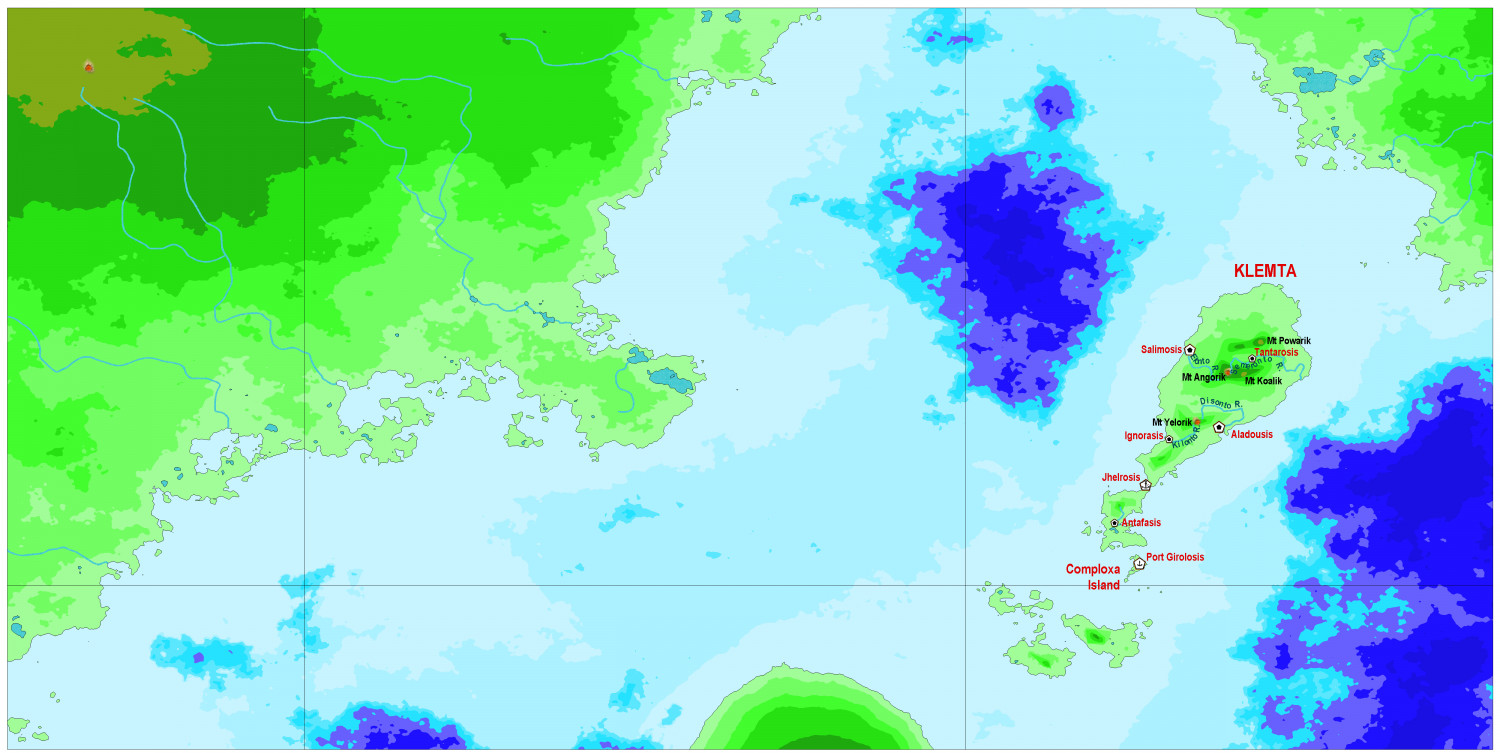
The text is also a useful check to see if you need corrective spectacles. 😁


-
Tatilana - Western Sergeevna
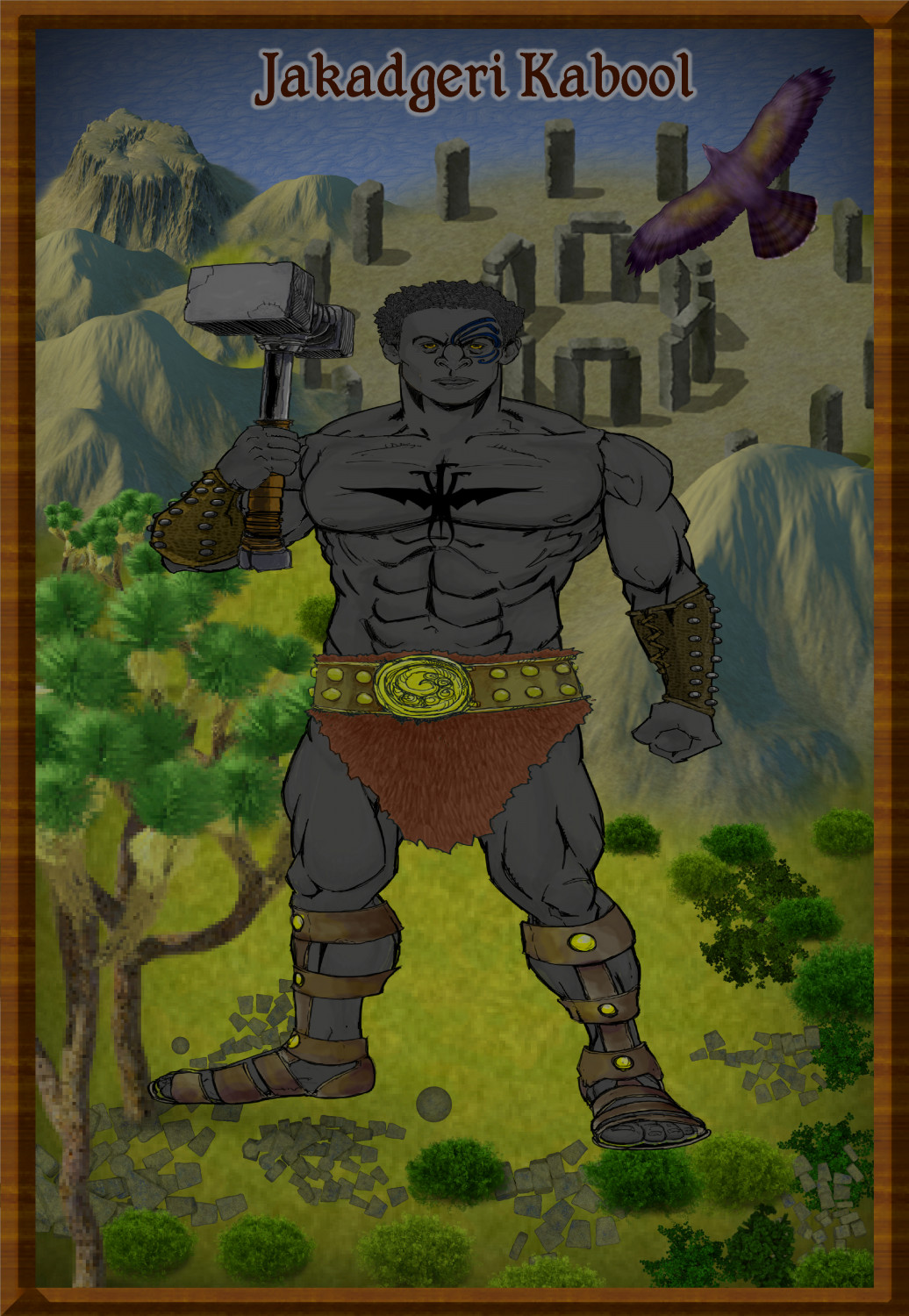
And the last pair of ethnic groups in this region, the Wallaroo. First, the man - muscular and short, as are the women


-
Wilderland Campaign
Yes, that missing tree is SO SO obvious now - just can't help seeing the gap once it has been drawn to my intention.


-
Community Atlas - Forlorn Archipelago - The Bleakness - Dungeon of the Dragon
Or else, resize the scale bar AFTER you resize everything. And I use Remy's SCALEDRAWING command (not official CC3+ command, unfortunately - it has always worked brilliantly for me, and takes care of bitmap scaling as well.
Here is the bit he wrote about it in his dissertation on scaling. (SCALE MATTERS, May 2018)
The Automatic Option
Because rescaling a map is actually a lot of steps, especially if you need effects and fill rescaling too, I’ve created a CC3+-addon to do all of this automatically, you only need to determine the scale factor.
To use it, download the file from this address, and put the .dll file from the .zip inside your CC3+ installation directory (C:\Program Files (x86)\ProFantasy\CC3Plus by default).
You’ll also need to have the Visual C++ 2017 runtime installed on your computer. You may already have this, but if you don’t, you’ll get an error message when starting CC3+ with this .dll in it’s directory. Download from the official Microsoft download site, you’ll need the 32-bit version (vc_redist.x86.exe)
After installing the .dll and the Visual C++ runtimes (if required), you can run the command by typing SCALEDRAWING on your command line. The command line will then ask for the scale factor, which you can provide either as the number, or the calculation as with the non-visual scale command. Once you hit enter after providing the scale factor, the command will take care of the rest. Note that it doesn’t update the display when done, so simply hit the Zoom Extents button after running the command. The map should look visually identical to what it did before, as this command handles the scaling of entities, effects and fills automatically, only way to see that the command did anything is to measure distances again after running this command (and AFTER hitting Zoom Extents). Because it doesn’t do any screen updates, it should also be lightning fast, but remember, you won’t see the result until you hit Zoom Extents. If you hit Redraw instead, you can easier see the result of the scale operation, because this leave your current zoom intact.
Profantasy's Map-Making Journal » Blog Archive » Scale Matters

-
Water Temple
Where is the vat of marmalade?

-
Dungeon Level Symbols - Celtic Revival Room by Room
Definitely need dogs - mine sleeps every night with me on the bed. And we also need single beds as well, I think.


-
Community Atlas - Irisian City States - Dimitrios island
Do you mean make the farms smaller, or bigger?
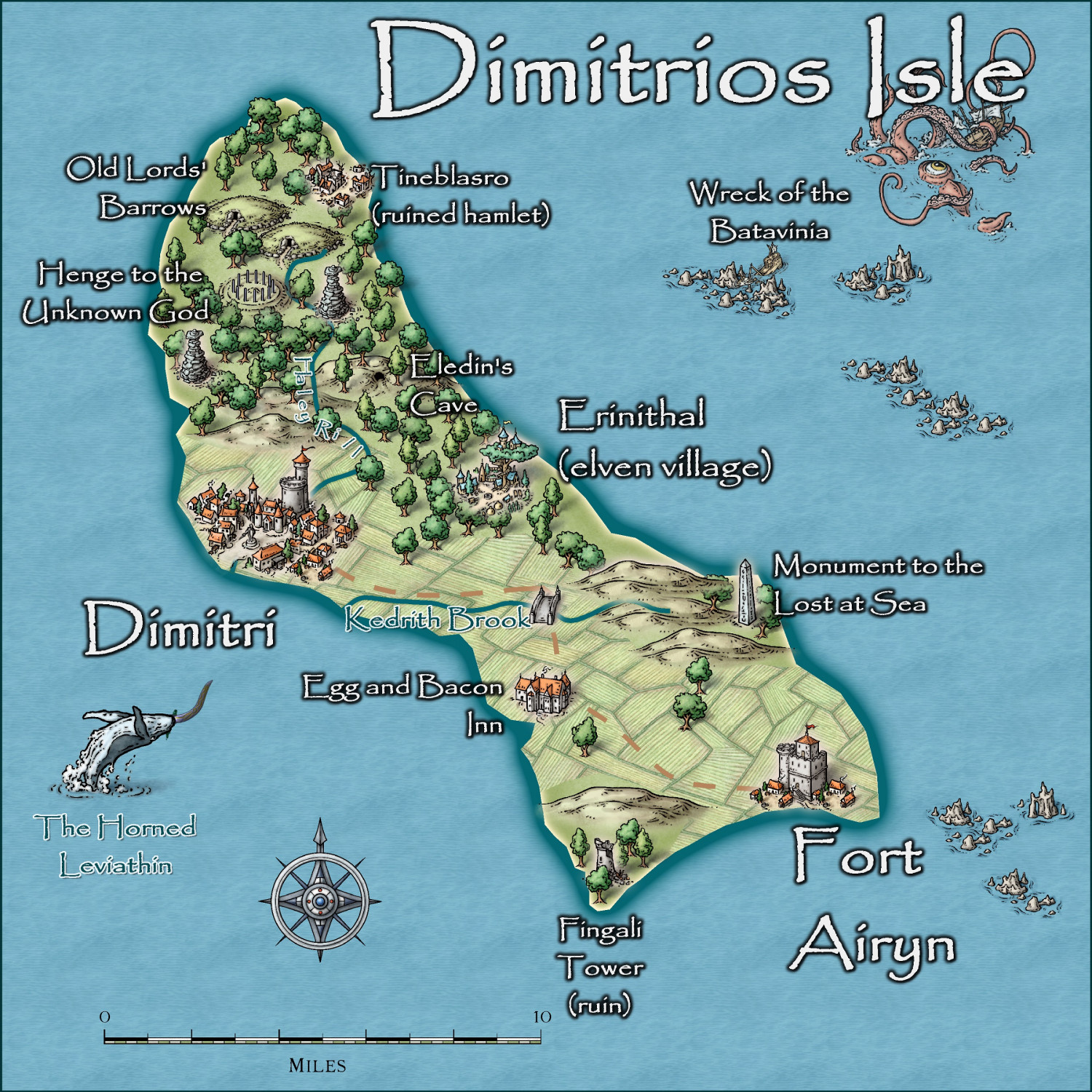
Here is the map at present. I am happy to take on board your suggestion. I guess the paddocks are almost a mile wide at present!
-
Using Mike Schley symbols
I have made my own symbol catalogues for MS - and now no more problems

-
Starfinder rpg site, with maps
Jim is in hospice care, at his own request. I think Sue is in constant communication with his sister, as am I. He can talk and is sort of with it. I am sure that if any of you would like to write him a letter or card, he would appreciate it. The address to send any mail is
Jim Pierce
c/o 2955 Gladden Lane West
Alexandria
Alabama 36250
USA
His sister feels that contact with people from his hobby would help cheer him up. I have received permission from her to give out this address.

-
Hardin region of Myirandios
Here is the final part of the map - the Kingdom of Nilterurn - a Slavic ship kingdom, and instigator of many raids on other lands for loot and slaves.
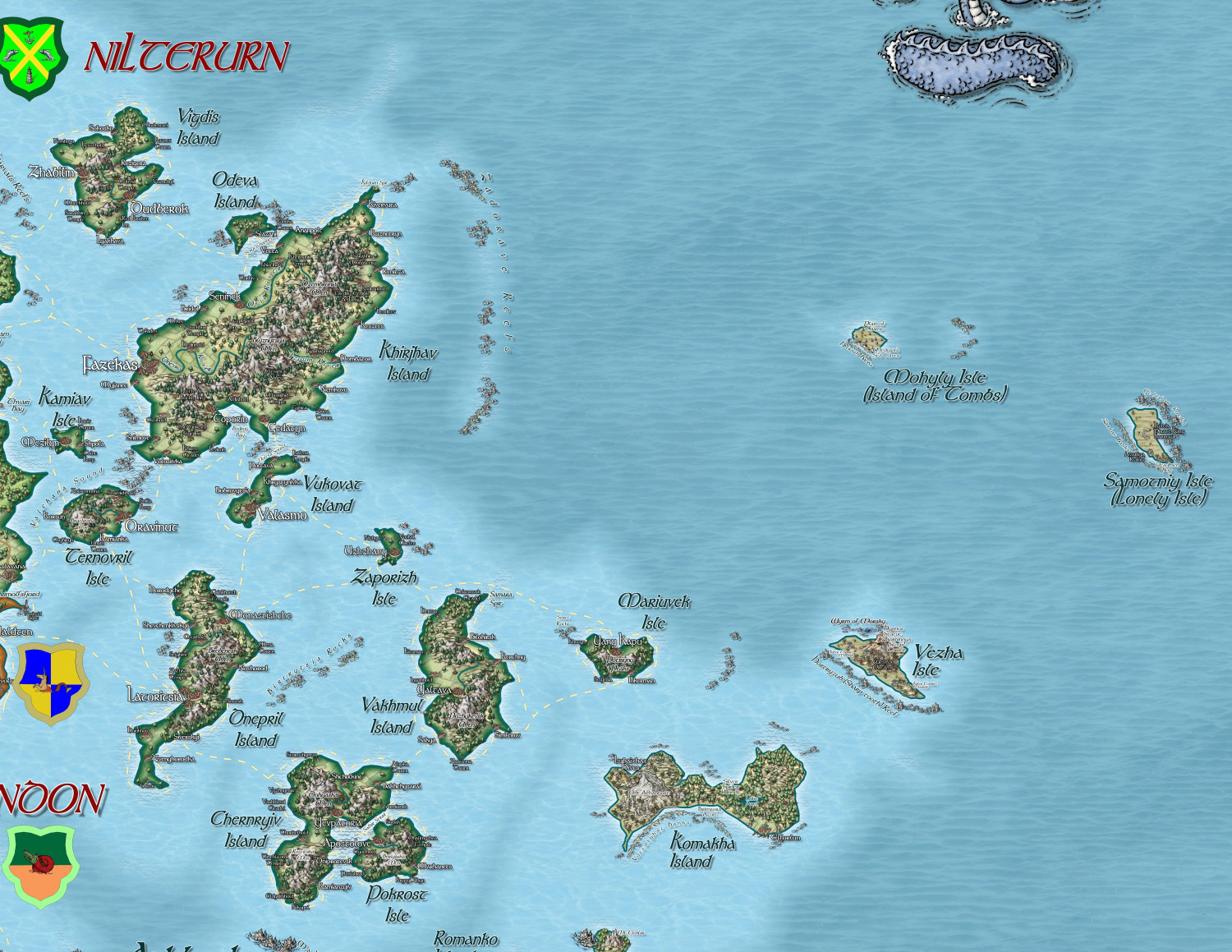
A larger version in the Gallery: Image Gallery: Hardin — ProFantasy Community Forum
