


Quenten
Quenten
About
- Username
- Quenten
- Joined
- Visits
- 8,145
- Last Active
- Roles
- Member
- Points
- 3,110
- Birthday
- November 29, 1950
- Location
- Australia
- Real Name
- Quenten Walker
- Rank
- Mapmaker
- Badges
- 16
Latest Images
Reactions
-
Watabou City REVISED (annual 157)
I have used the line style made by Ralf in that video, and am happier with the towers and walls now. Though because the walls are still a line, the crens are still not totally perfect. Not sure how I can turn a 10' wide line into a 10' wide polygon, using a drawing tool.
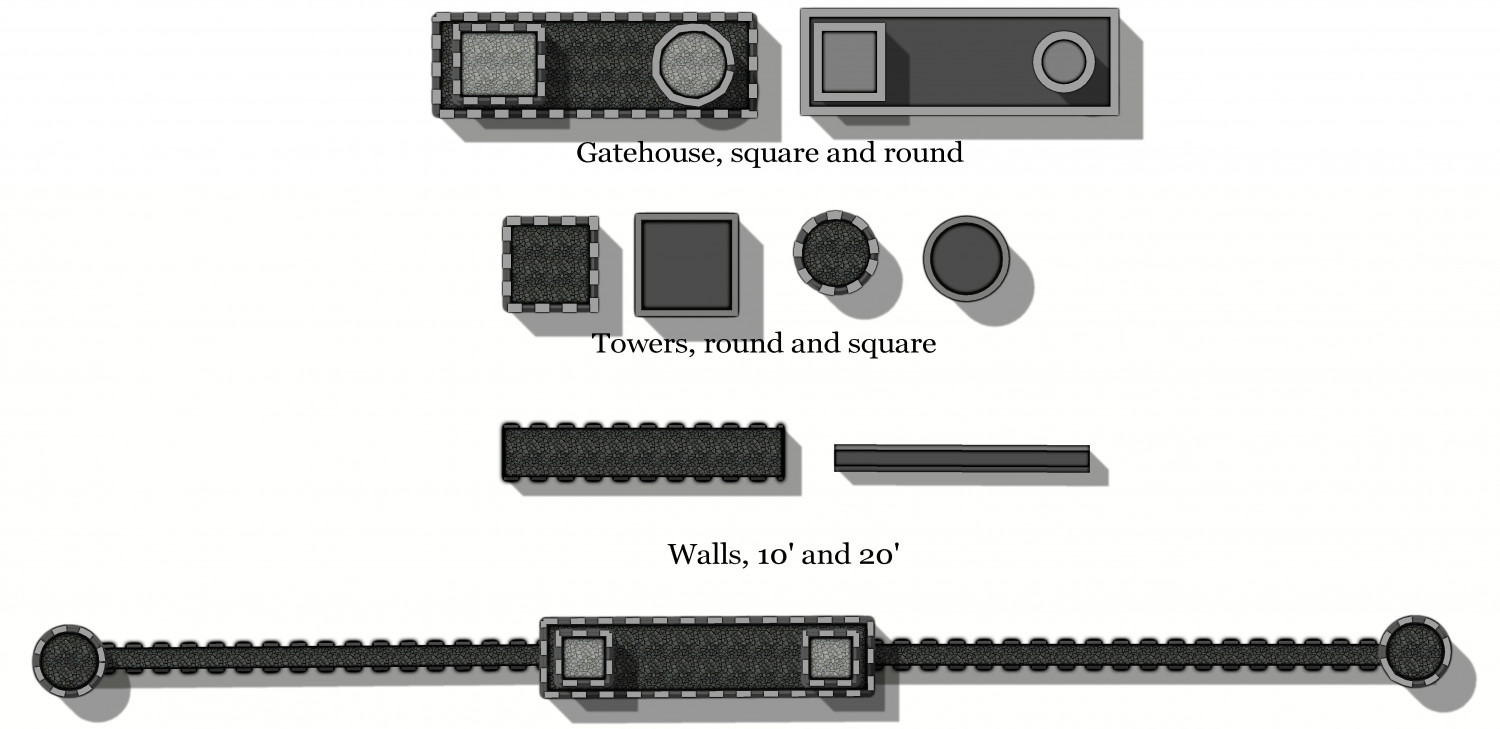
Not sure why the round tower on the gatehouse at the top didn't show the same as the round tower below - it did in the FCW, but somehow, not in the jpg.




-
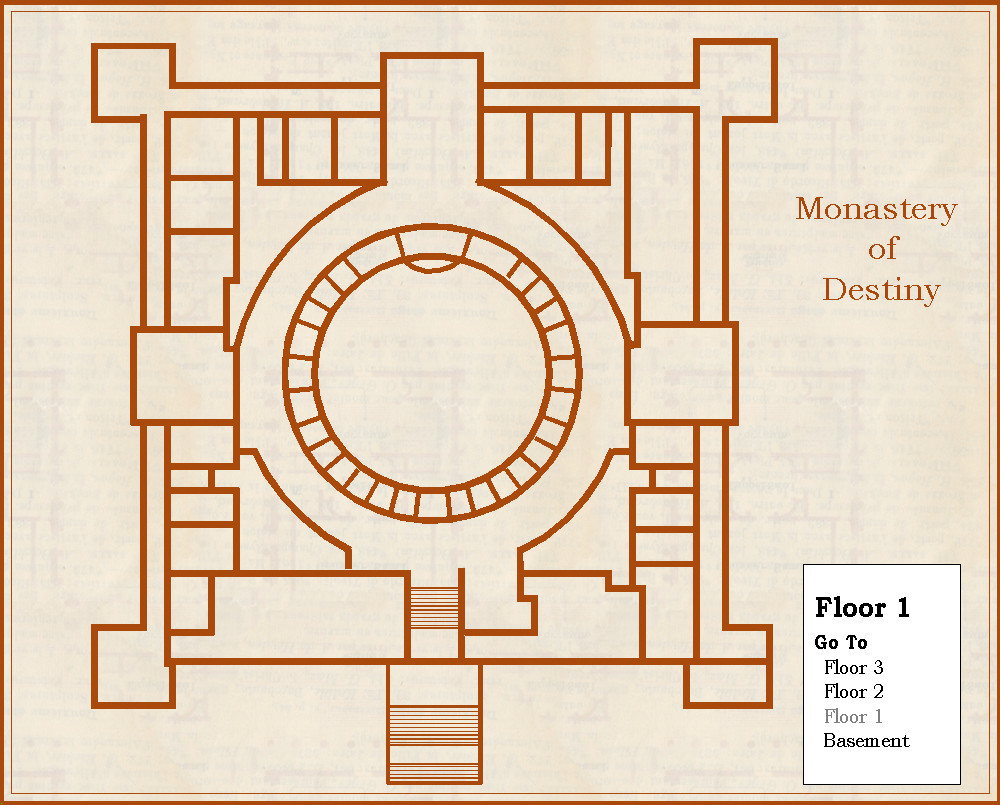
Community Atlas - Silver Springs - Monastery of Destiny
Continuing my quest to do maps in styles i haven't yet tried, here is the Monastery of Destiny, in 1930's style. This is the ground floor, just the walls only.






-
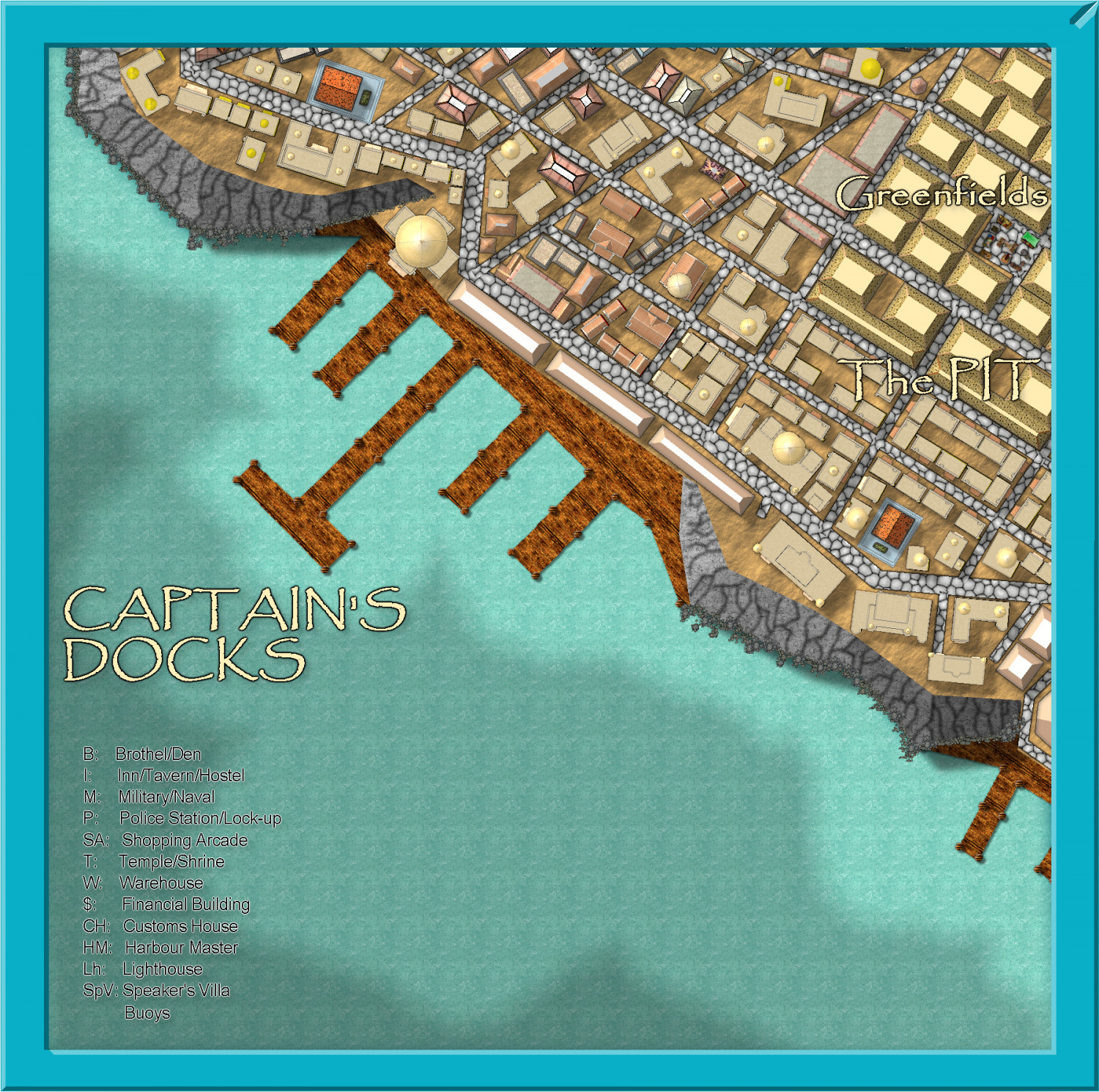
Community Atlas - Stromphe City - Captains Dock District
Here is today's effort. Just building frills, and street furniture to go, plus some pretty up of the frame and stuff for the harbour, then text.
So, I should finish this in less than a week, real life permitting.



-
Ukadarlia
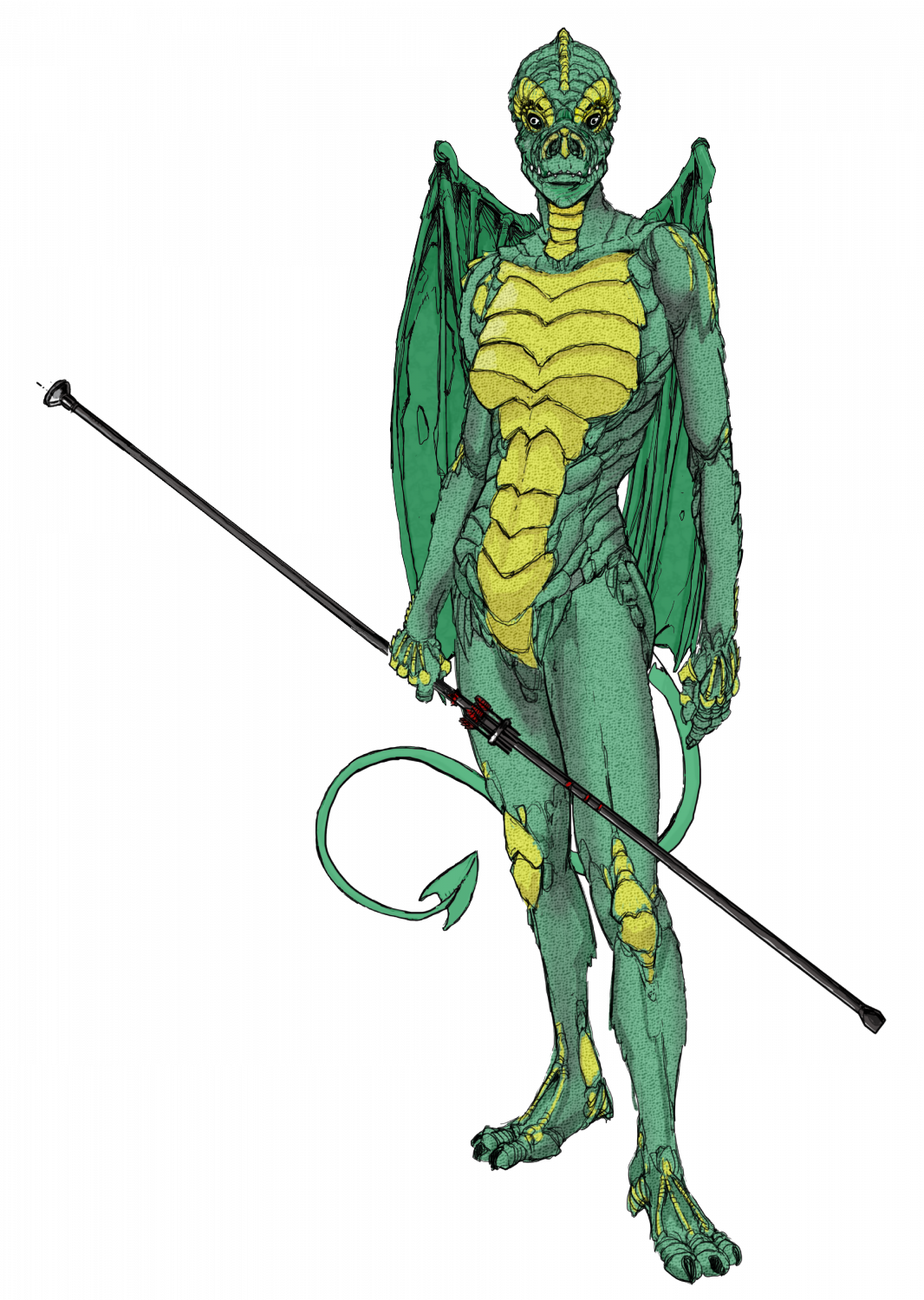
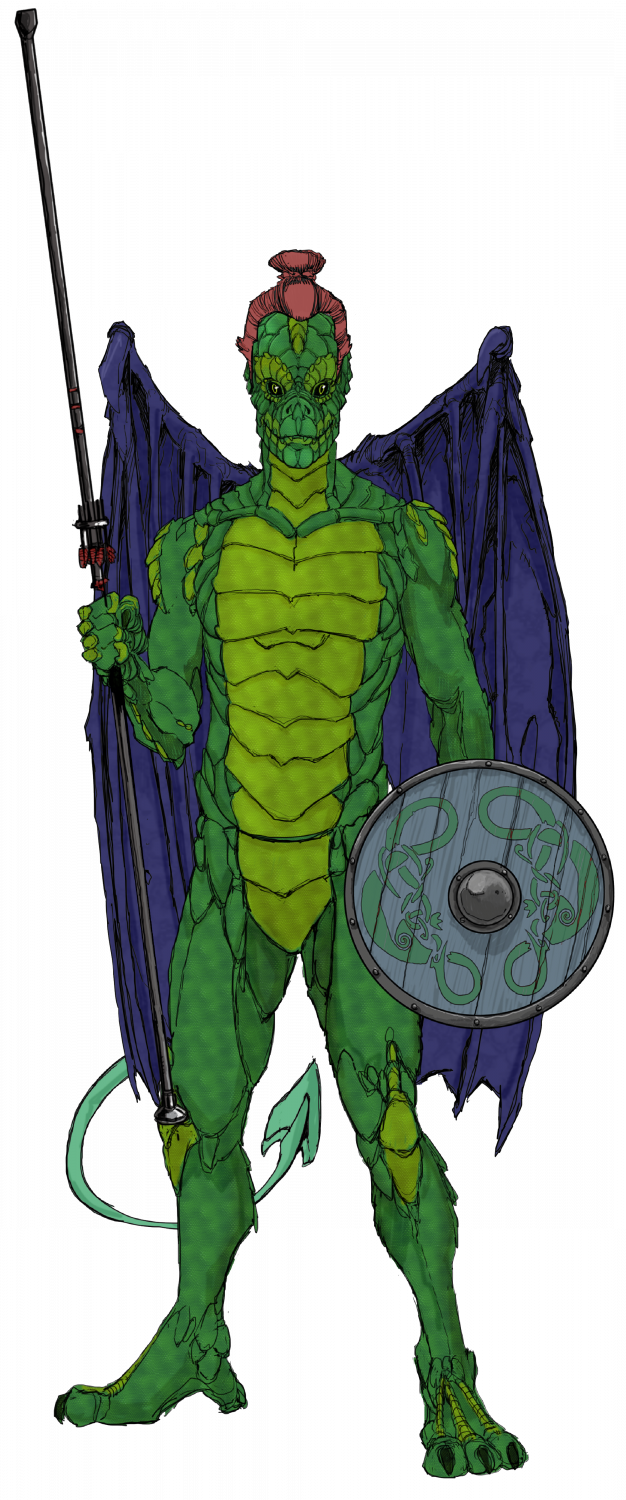
The two Drakona - these are derived from a completely different evolutionary path from humans-elves-orcs; and so cannot interbreed with them. Their wings allow them to glide more than actually fly, as they are almost a vestigial organ, and serve as sexual display, rather than functional. I would have liked to make them more iridescent, but CC3 doesn't have iridescent sheens - are there sheet effects that would allow this?

-
Lost Kingdom of Lundquist
I was sent a bust of Julius Caesar with 12 holes in the back for holding pens, by a Facebook friend of mine (Canadian, of course) - it arrived totally out of the blue! Well, several years later, I have been able to repay the gesture with this map of his home region in Alberta between Edmonton and Calgary, as the Lost Kingdom of Lundquist (his name is David Lundquist). His hometown, Olds, is the capital - and Calgary a small village.
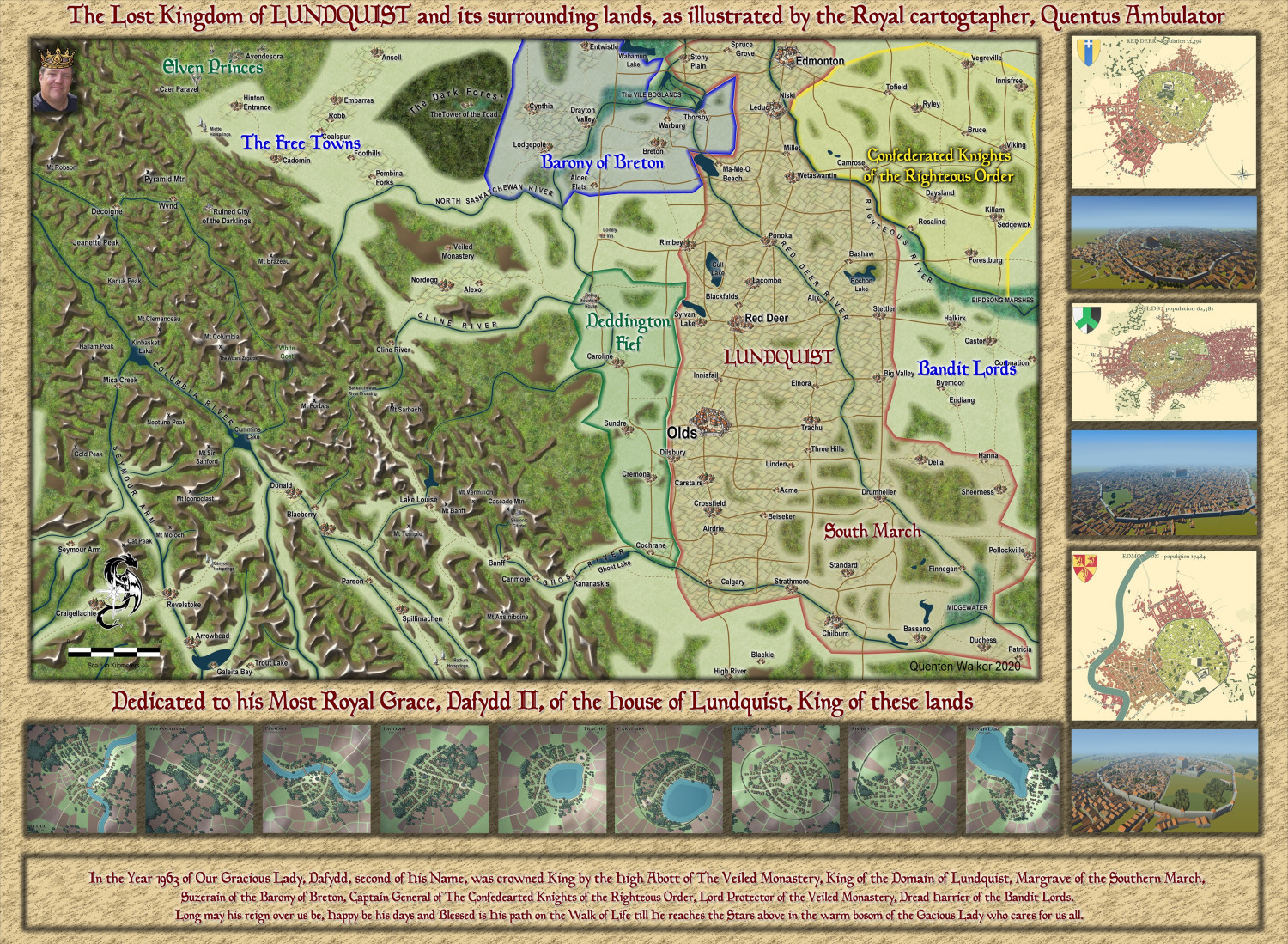
I have used the village and city maps from Watabou as pngs, rather than doing them all with CC3+, but of course the map overall is done with CC3+.
Larger map in the gallery.
Image Gallery: Miscellaneous Maps — ProFantasy Community Forum


-
Ukadarlia
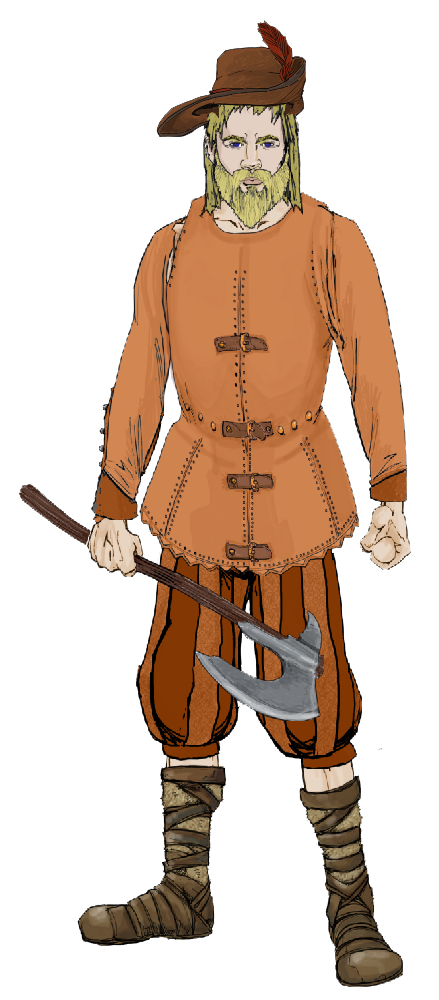
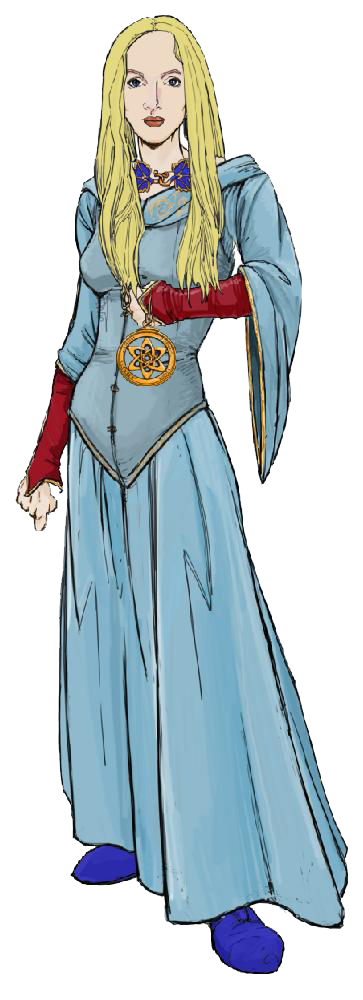
The Vynlings - a Nordic-like people.
-
Ukadarlia
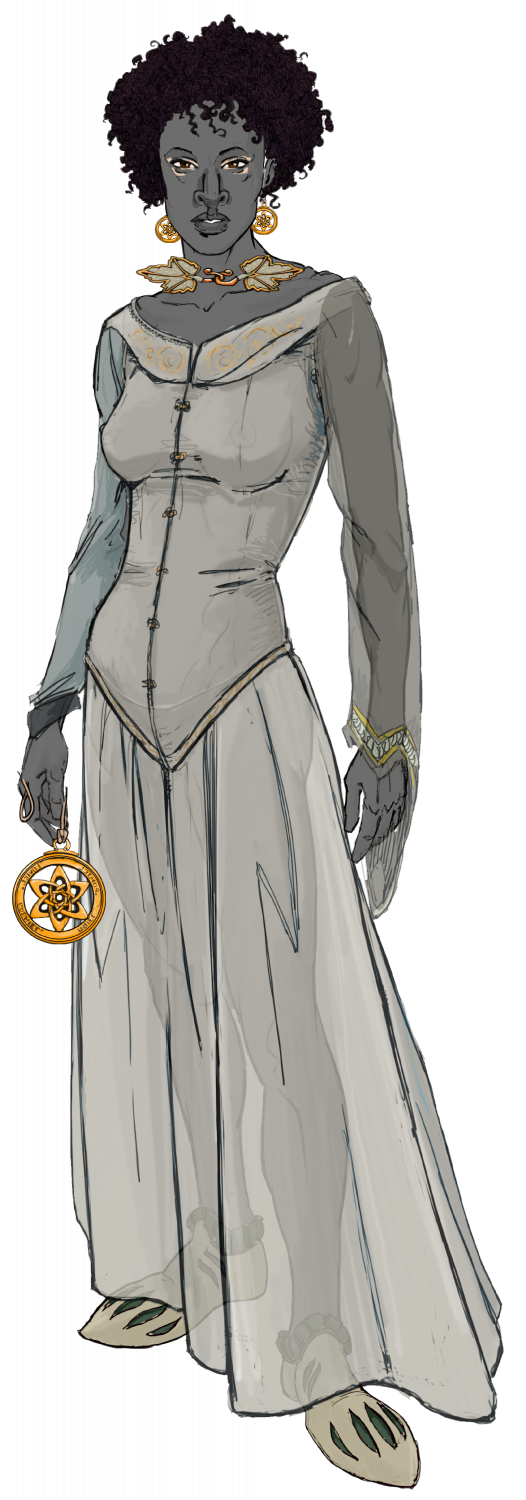
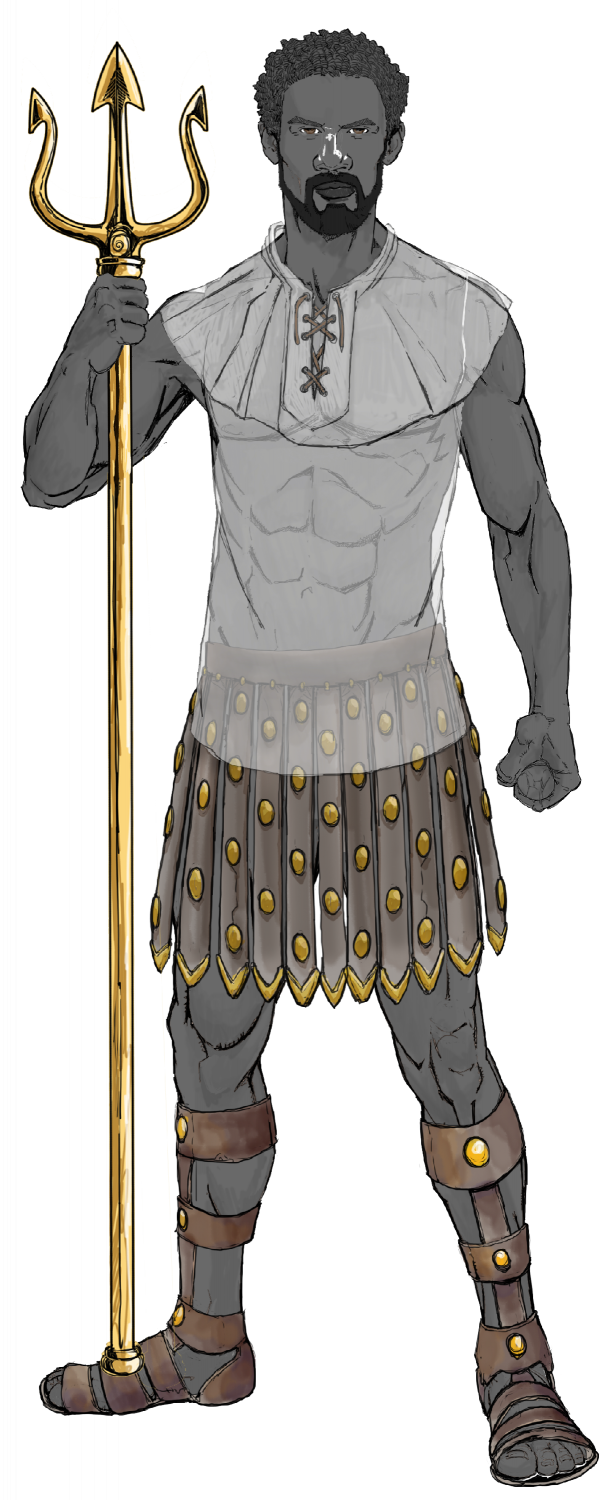
The male and female Swabentu - a South Sudanese- Masai -like people.
-
Watabou City REVISED (annual 157)
Now for converting this mess into proper objects on the correct sheets and layers using the Change Like Draw Tool command (right click Change Properties button on the left-hand side of the screen).

However, for each entity that we will change using the Drawtools, we MUST first set the correct Sheet and Layer. This is very important.
Here I have converted all the water - the River, the sea/lake and the bit that connects the river to the sea (estuary). First, I changed the Sheet to Water/Rivers; and the layer to Water/Rivers. I don't need to change anything else.
Second, I clicked on Change Like Draw Tool, and left-clicked to bring up the Draw Tool I want to select. I chose the Water Tool - straight, and then clicked on the entities to be changed - in this case the sea and the estuary.
I repeated the process, only this time chose the River 50 and selected the river.
Hey Presto - water finished.
Next I did the Roads - here there is only 1. So, first, change Sheet to Roads Paved, and Layer to Roads. (If you don't want paved roads with cobbles and no Edge Fade, then just set the Sheet to Roads). Then use Change Like Draw Tool command, pick the appropriate Drawing Tool (here I picked Road, Paved 10), then select the entity - the line representing the road.
Finally, at this time, I put in the Scale - for this map, I selected the Imperial Scale (<shudder goes through me> - LOL), with the size as 6. When I place the symbol, it asks for a number, and I type in 600. As you can see, it is nearly the same as the scale imported from the DXF, which is 200 metres. Not totally accurate, but good enough for me, and it measures 600 when checking with the Distance Tool.
Here is the map so far:

To be continued!
-
Ukadarlia
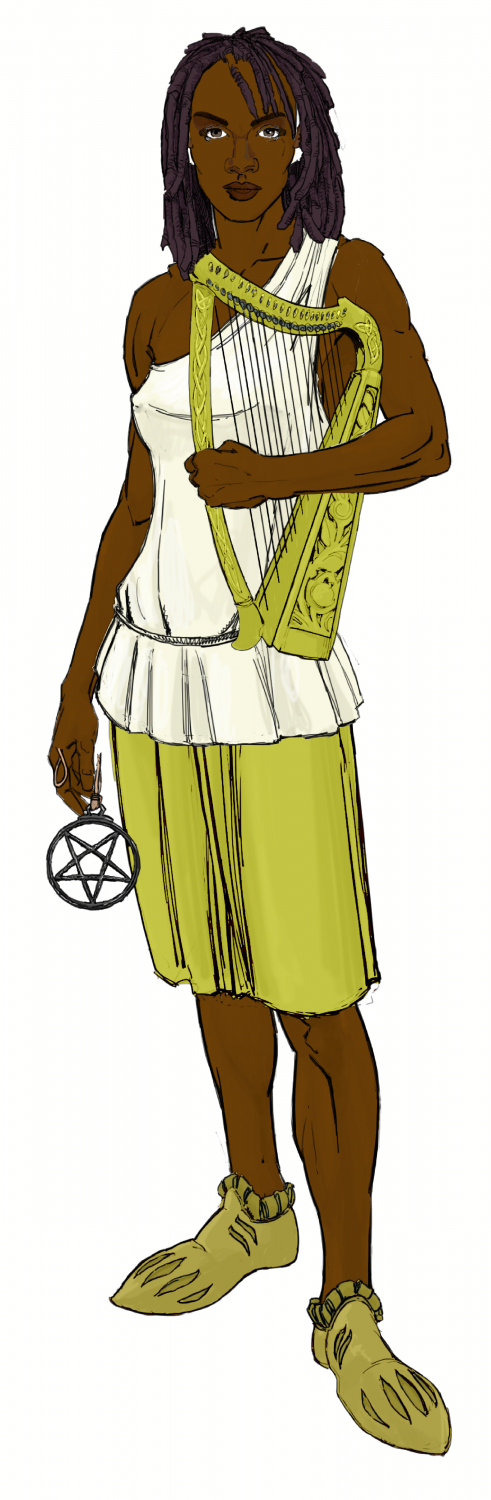
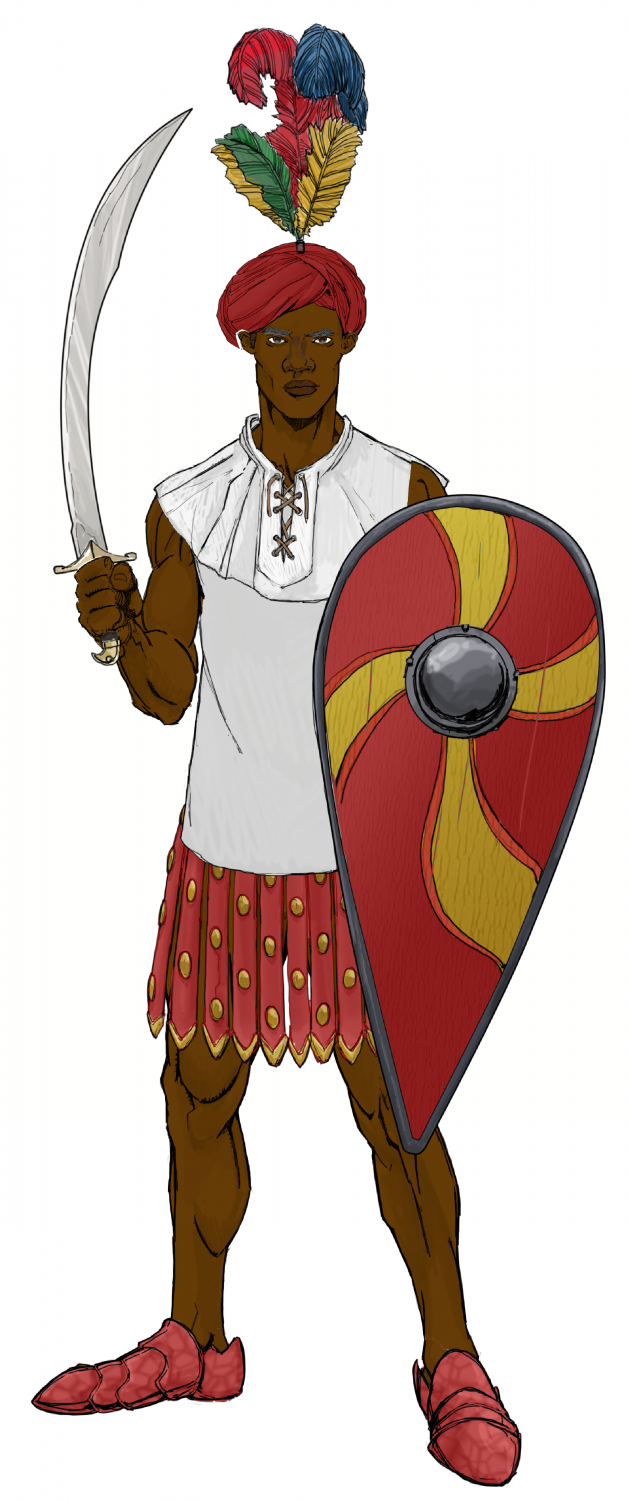
The Dinadao - a brown-skinned race, mainly living in the tropics.
-
[WIP] Community Atlas Competition - Artemisia - Spiros Isle - Aretizo village
OK, here it is complete.
@Monsen Can you check the fcw to make sure all the fills and symbols comply with Atlas rules? Please.
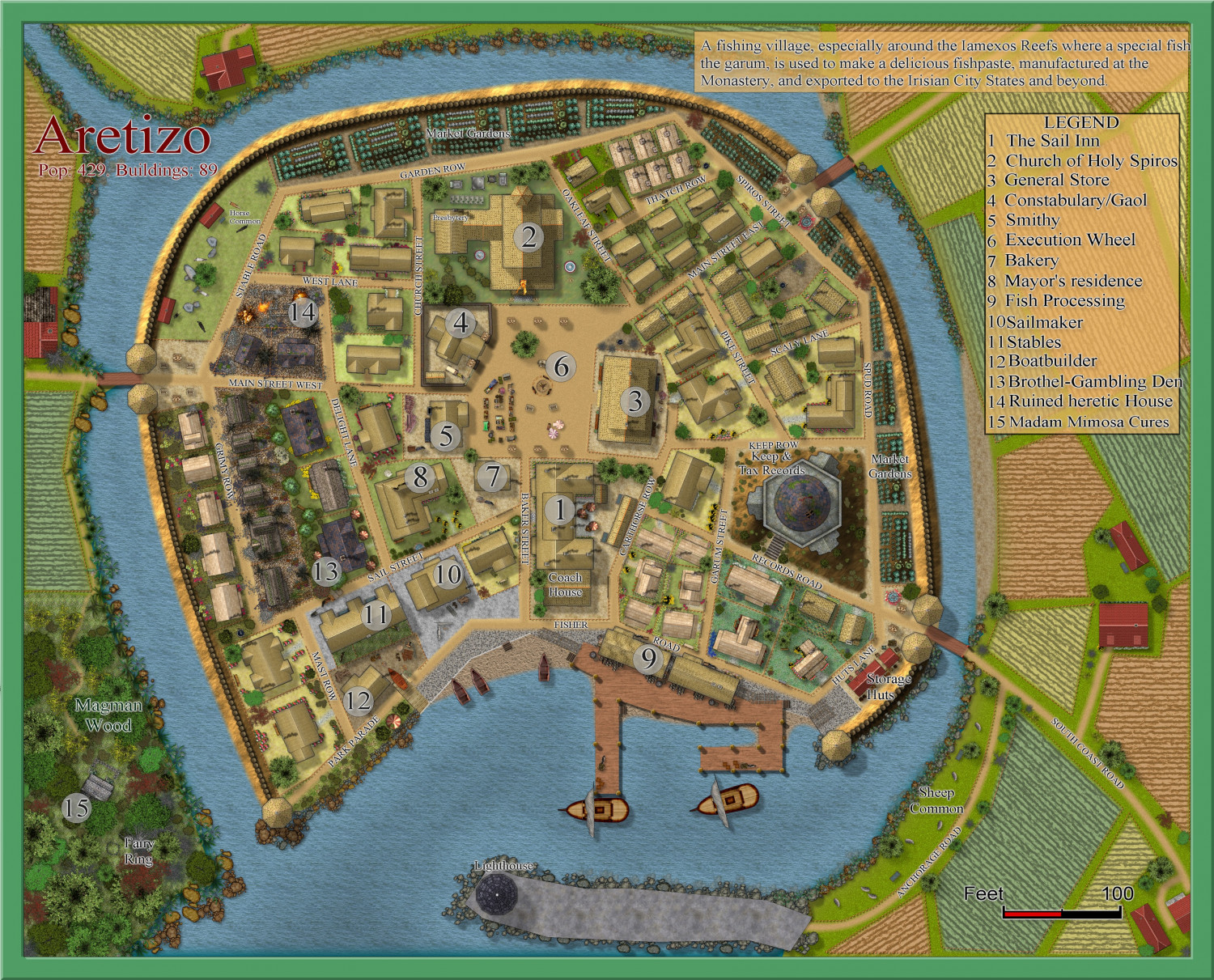
A larger version is in the Gallery: Image Gallery: Hardin — ProFantasy Community Forum
