


Wyvern
Wyvern
About
- Username
- Wyvern
- Joined
- Visits
- 3,238
- Last Active
- Roles
- Member
- Points
- 5,515
- Rank
- Cartographer
- Badges
- 24
Latest Images



-
Vignette in CC3
Fascinating to see this discussion.
I did something similar to what Sue describes (without using the Blend Mode option), while taking advantage too of Sue's Transparent Dome symbols, a couple of years ago for the Faerie City of Embra in the Community Atlas. I used both round and square variants on the theme to "mist-out" the edges. This topic, on the village versions of the city, shows the circular variant, and all the maps can be viewed and downloaded via the Atlas website, of course (Embra Official Guide page). You can find all the other topics discussed with images on the Forum as well, should you wish - just search for "Embra"!

-
[WIP] Community Atlas: Snakeden Swamp, Lizard Isle, Alarius - Dedicated to JimP
That adjustment process mentioned previously ended-up spread over several days, as time wasn't available to try to do everything together otherwise. Thus there's just the one version showing the end product of all that, after some further vegetation and streams had been added. I did at least manage to slip in a couple of streams that simply vanish into the swamps though, instead of continuing off-map, which is something I wanted to do from quite early on.
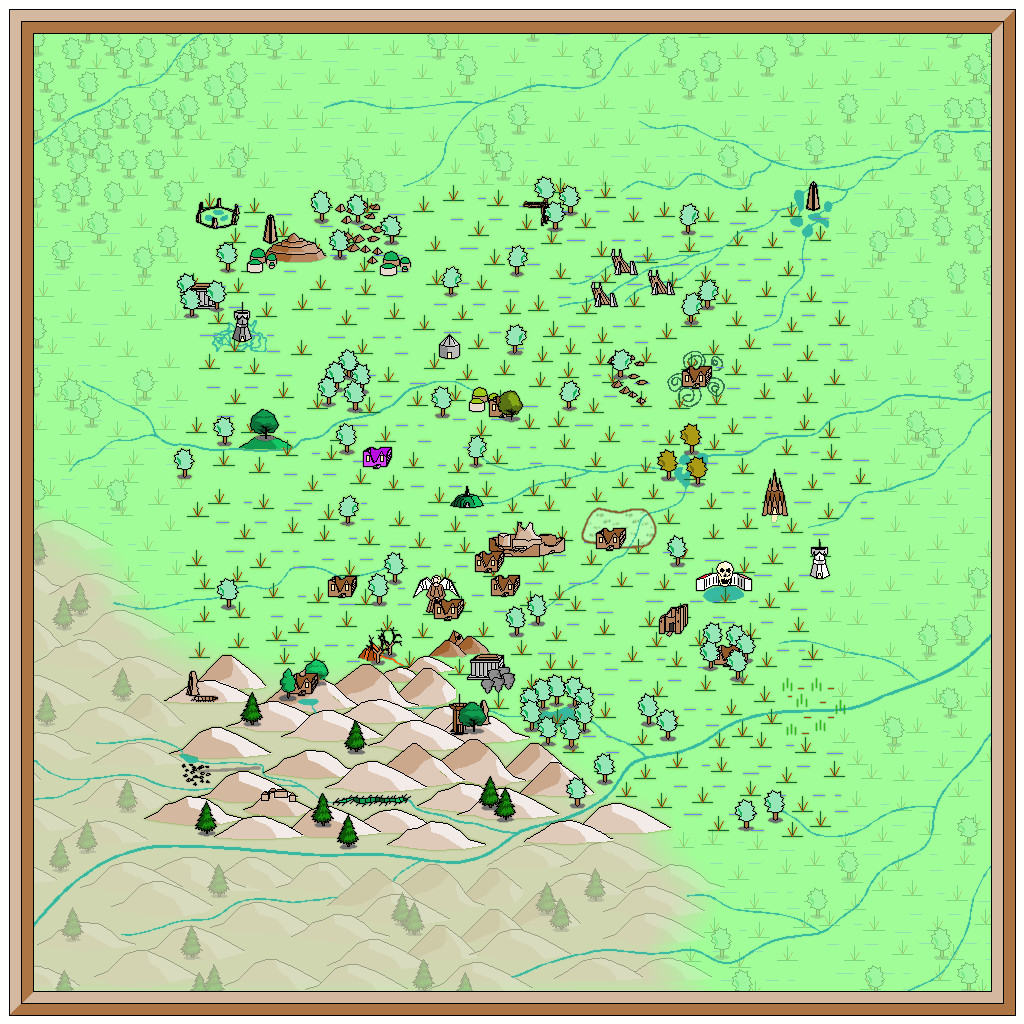
I'd thought initially that simply the faded outer ring of basic terrain would be sufficient to indicate the fully-mapped central zone. As the mapping proceeded though, it grew more obvious that that wasn't enough, so I'd started thinking of alternatives from quite an early stage, without settling on anything definite (hence the continued absence of anything like this so far). Now, I felt what was needed was a new frame of some kind, yet one which wouldn't have the hard cut-off of the traditional map border, because it was going to go inside the whole map, surrounding that middle square.
What I chose was a heavily rescaled version of one of the bamboo symbols, with separate X and Y axis adjustments, placed as if done quite casually. That though also made the original outer frame redundant, so it was swapped out for a simpler coloured line instead to give this:
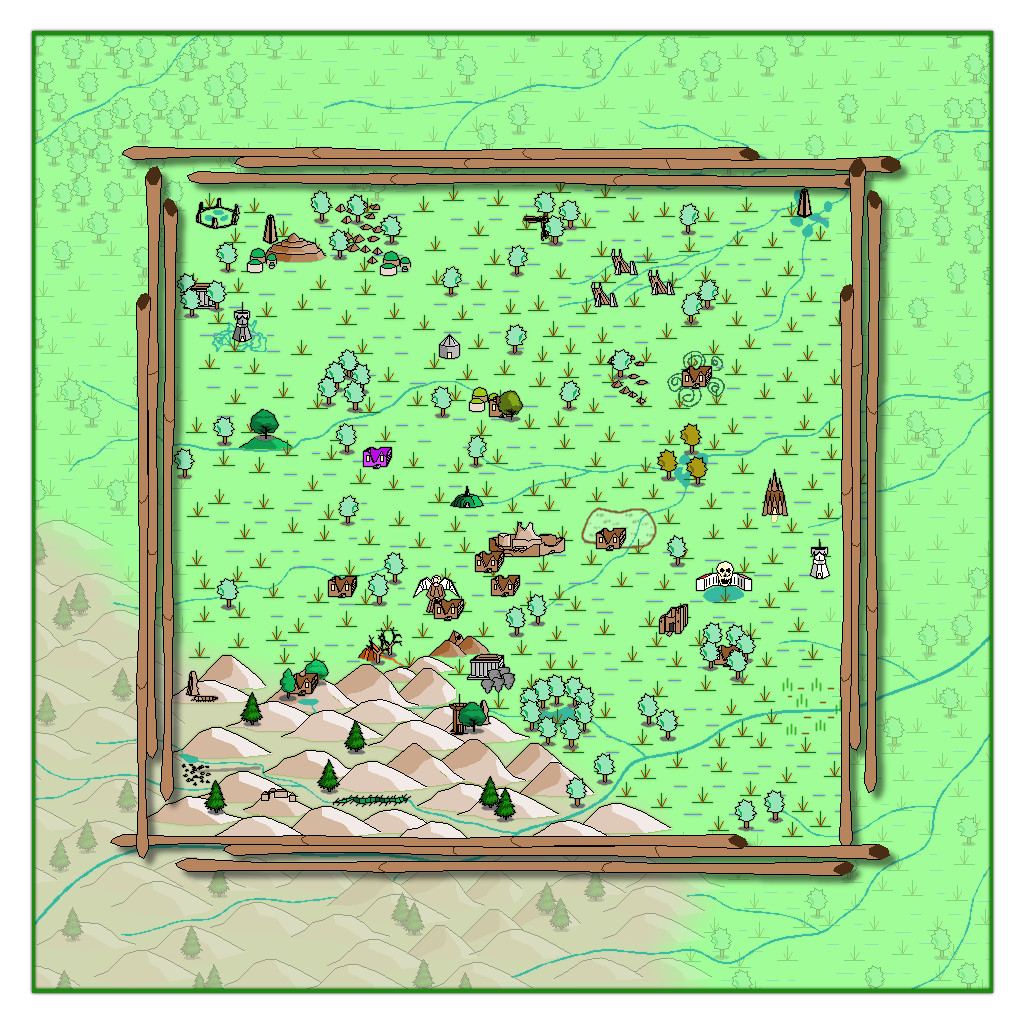
The bamboo poles were placed on the CARTOUCHES sheet, which already had a helpful Drop Shadow effect on it, which with a suitable adjustment, is what we see here. When I began adding labels to the final map version though, I found this new bamboo frame - which already looks a little too awkwardly small and close to the feature markers in places - needed a further slight enlargement. After that a few further changes were needed on the map, to help get a better placement for the labels, and also to correct a few errors in the symbols when checking again with my descriptive notes. Plus some extra embellishments were added to complete the map - as I just couldn't get away without adding a couple of those CA monster symbols after all!
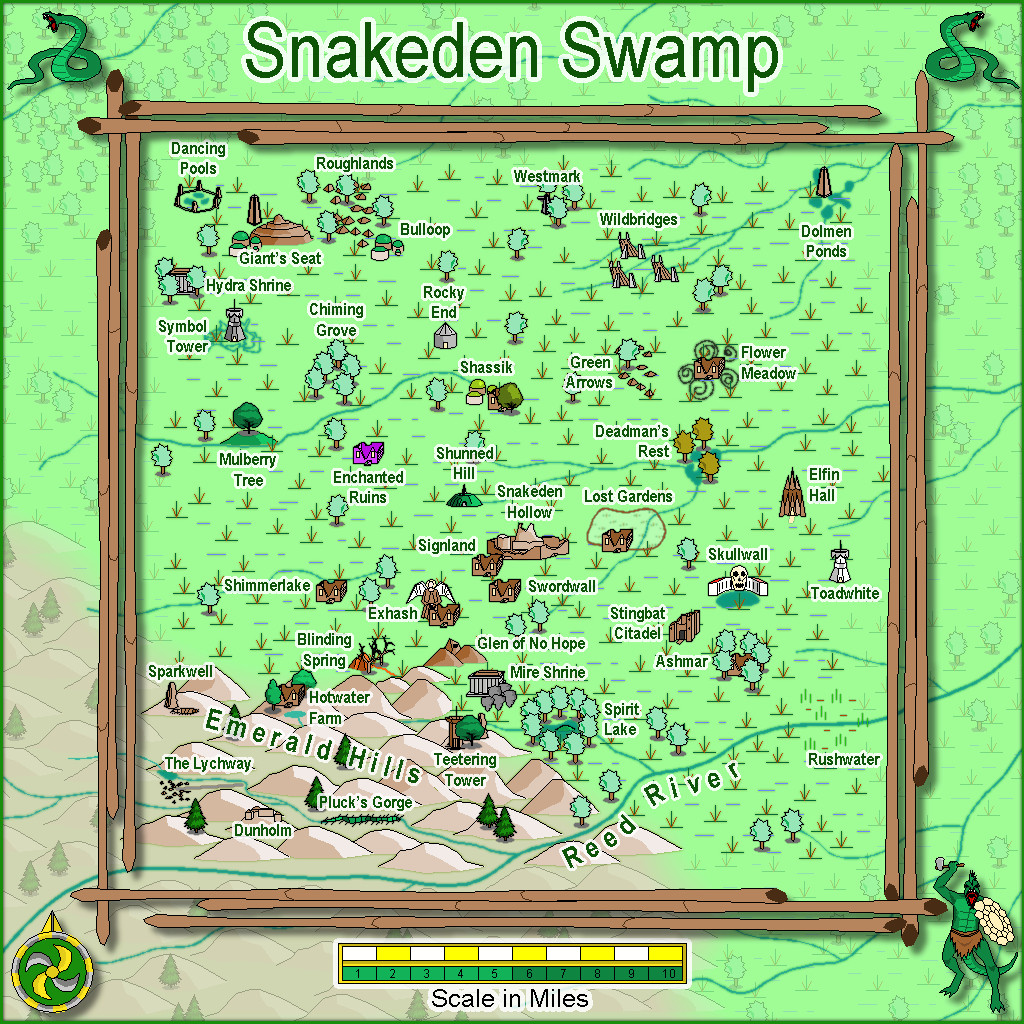
Eventually, there will be text and PDF files on all this for the Atlas version, once I've fully deciphered my hand-scrawled notes, as there are still more maps to prepare in this area, as we zoom-in to Snakeden Hollow and those ruins that started it all...





-
[WIP] Community Atlas: Snakeden Swamp, Lizard Isle, Alarius - Dedicated to JimP
Sometimes, the Forum throws weird notices at you while you're doing other things. That can be because you've been sent a new message by someone, or somebody's just posted in one of your topics, or someone's added a new post to the topic you were typing your notes into, for instance. Here, I just posted the above, and suddenly it announced I had achieved the rank of "Cartographer".
Now, these labels are just for a bit of fun on the Forum here, of course. However, it seemed very apt that this should have happened by chance while I was adding to this topic, because our departed dear friend JimP was also of that rank. It just made stop, think and remember again for a moment. Which was also part of the purpose in my doing these maps in the way I am.
-
The Blautann
Not seeing any giant spiders in those woods though, Ralf 😉 🕷️!
@Don Anderson Jr. : I suspect DSA only started to be recognised by the English-speaking RPG community in the early 2000s, after the first English edition appeared. I discovered it because a UK supplier was selling cast metal miniatures for it around then too, and started investigating. Since then, other non-English RPGs have begun making an impact too - the recent release of the Swedish RPG as Dragonbane by Free League, for instance.
-
[WIP] Community Atlas: Snakeden Swamp, Lizard Isle, Alarius - Dedicated to JimP
So, back for an update today!
Opening the New Drawing Wizard, and naturally picking the CCPro Overland style, I set-up a 30 by 30 mile square area (to give room around the base 20-mile-square mapped region for a title, possibly some labels, and suchlike), and changed the background colour from its default sea-blue to green, to fit the landlocked swamp I had in mind. Then I went to set-up a new BITMAP sheet and layer to import the base map image into, and was surprised to find there was more than just a single sheet available (which was what I'd expected), and that some of those sheets already had effects on them. I'd been assuming I'd be working without sheet effects (beyond a transparency on the BITMAP sheet, at least). This though opened up some fresh possibilities, as one concern I'd had was that a lot of the early vector symbols and fills use zero-width lines, which tend to vanish when extracting higher-res images. Being able to add elements like glows could help them stand out better, so this was going to be a somewhat more sophisticated map than I'd anticipated!
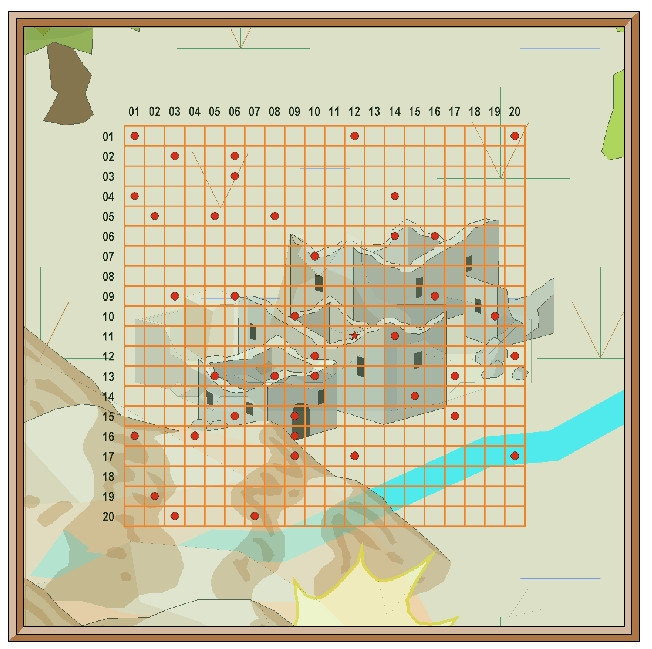
This is the opening scene with just the imported bitmap image in the map (I'm keeping these opening images deliberately under-sized for the Forum, as there's fairly little detail on them):
And this is it with the transparency effect on:
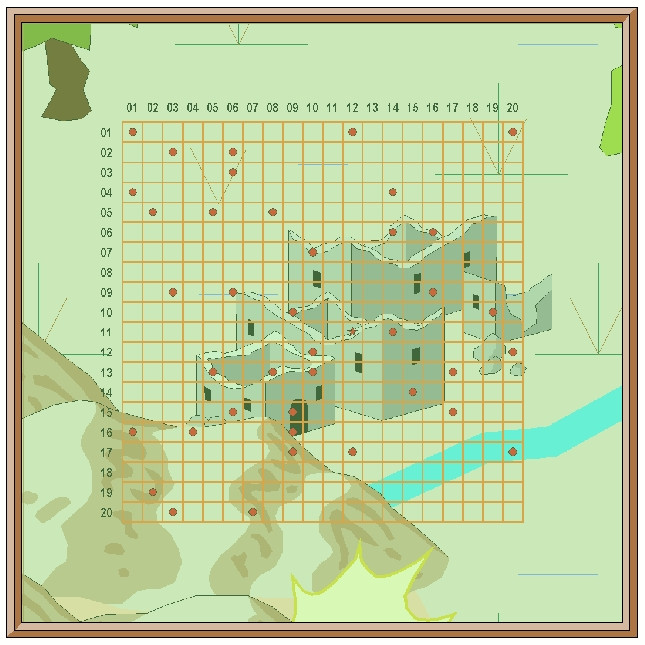
Next, I started sketching-in some base terrain elements beyond the centrally-mapped area, using only symbols, to have more control over their sizes. Here, I'm working with the BITMAP sheet's transparency turned off:
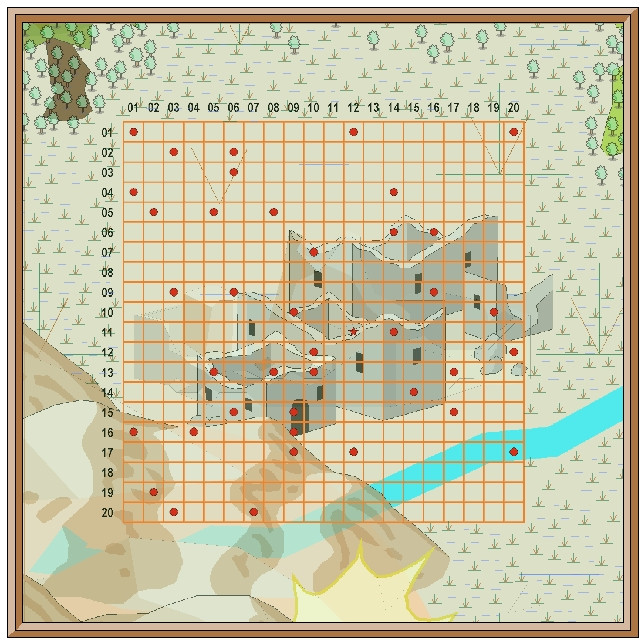
This is the appearance without the bitmap image entirely:
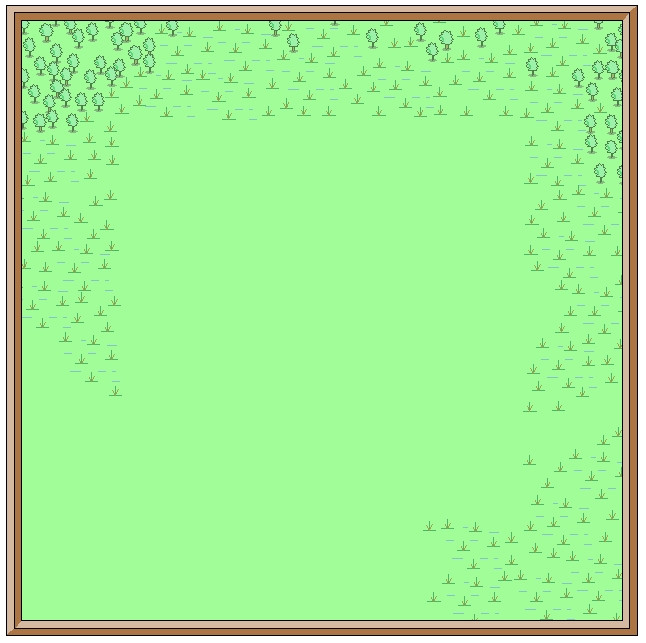
One advantage of this vector mapping style is that you can add effects such as transparency to the symbols sheets, and see - as here - that the symbols fade out a little, which is what I wanted to do for the area beyond the mapped zone, showing the terrain there still, yet without so much detail. There's no need for technicalities like the forced redraw command that would be needed for raster symbols, though these were all set-up on their own new sheet, of course. The symbols, incidentally, were all from the extensive "Filled" vector set available under the CC3+ overland style, which was the default set available on opening the new map.
The next snapshot shows this whole border zone completed, with the hills and river added, as well as a background colour showing the full extent of the hills into the central region as well:
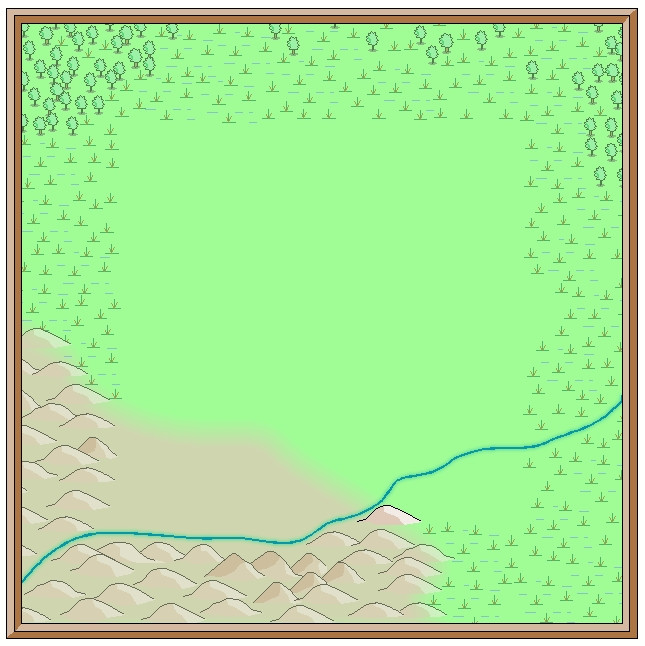
I amended the edge fade on the terrain sheet to retain the softer transition at the edge of the hilly area. The perceptive may notice too that one hill seems a little less transparent than the others, as that one's now on the main symbols sheet, that has no transparency effect on it. That difference is a little more obvious as the central area gradually fills-in fully:
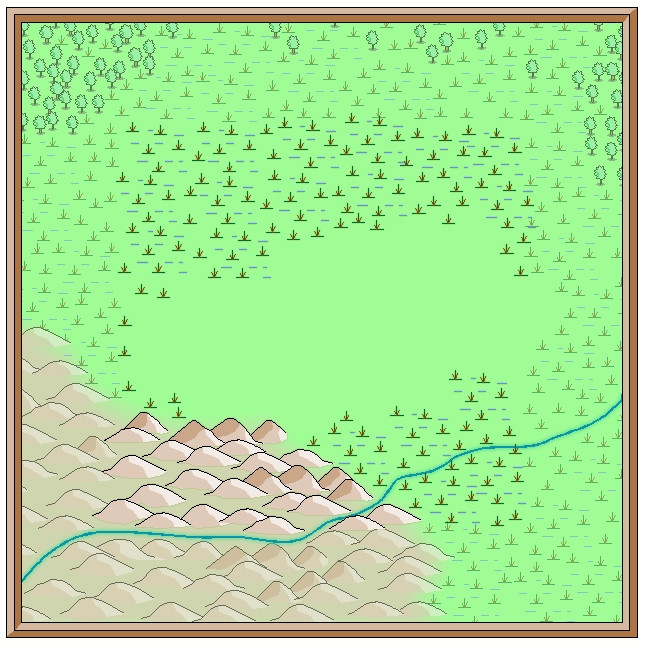
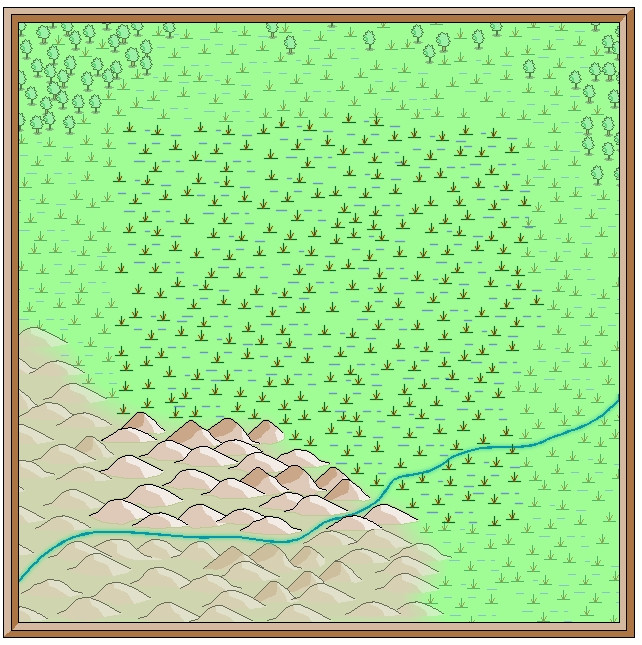
With that completed, deciding what symbols would be suitable to highlight the features on the fully-mapped area could begin - next time!

