Royal Scribe
Royal Scribe
About
- Username
- Royal Scribe
- Joined
- Visits
- 9,539
- Last Active
- Roles
- Member
- Points
- 3,353
- Birthday
- February 5, 1968
- Location
- San Francisco, California
- Website
- https://legacy.drivethrurpg.com/browse/pub/31814/Royal-Scribe-Imaginarium
- Real Name
- Kevin
- Rank
- Mapmaker
- Badges
- 16
Latest Images
Reactions
-
[WIP] Haunted Mansion
Thank you both so much! Yes, my export was set at 4 million and changing it to 40 million resolved it. Appreciate the help so much. Now to bring in the plaza furnishings from the daylight version, and then start working on floorplans.

-
[WIP] Haunted Mansion
I made the changes that you recommended, Sue, and it appears to work on-screen. I was able to move the light sources for the four stained glass windows on the sides of the church to a point where the lights look normal. Here's a screengrab.
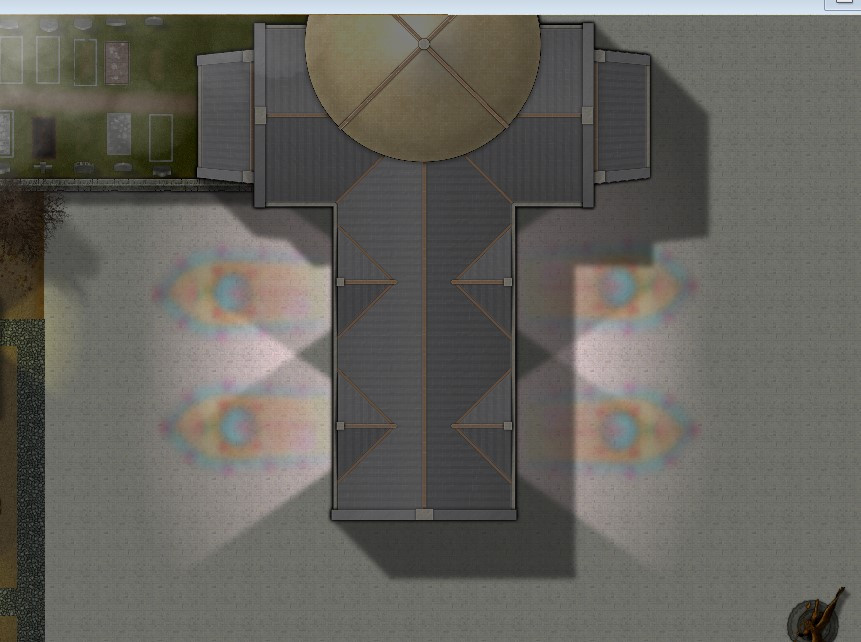
But something weird is happening (which is why I had to do a screengrab instead of saving an image). Whenever I go use "save as" to create a JPG or PNG image of the map, it crashes during the first pass of rendering as soon as it reaches the "Lights - End" sheet. It does that regardless whether I am trying to save an image of the entire map or just a rectangular section of it.
I just did a test and turned off the RGB Matrix effect on the "Buildings Low" sheet, the first sheet to have that effect on it (on the assumption that if the problem was with the RGB Matrix, it would get through the "Buildings Low" before crashing). It still crashed at the "Lights - End" sheet. Then I did another test, turning off the "Wall Shadow, Point of Light Finalize" effect on the "Lights - End" sheet, and it was able to render a JPG correctly (except it's no longer night without that effect).
Hmmmm...?

-
[WIP] Haunted Mansion
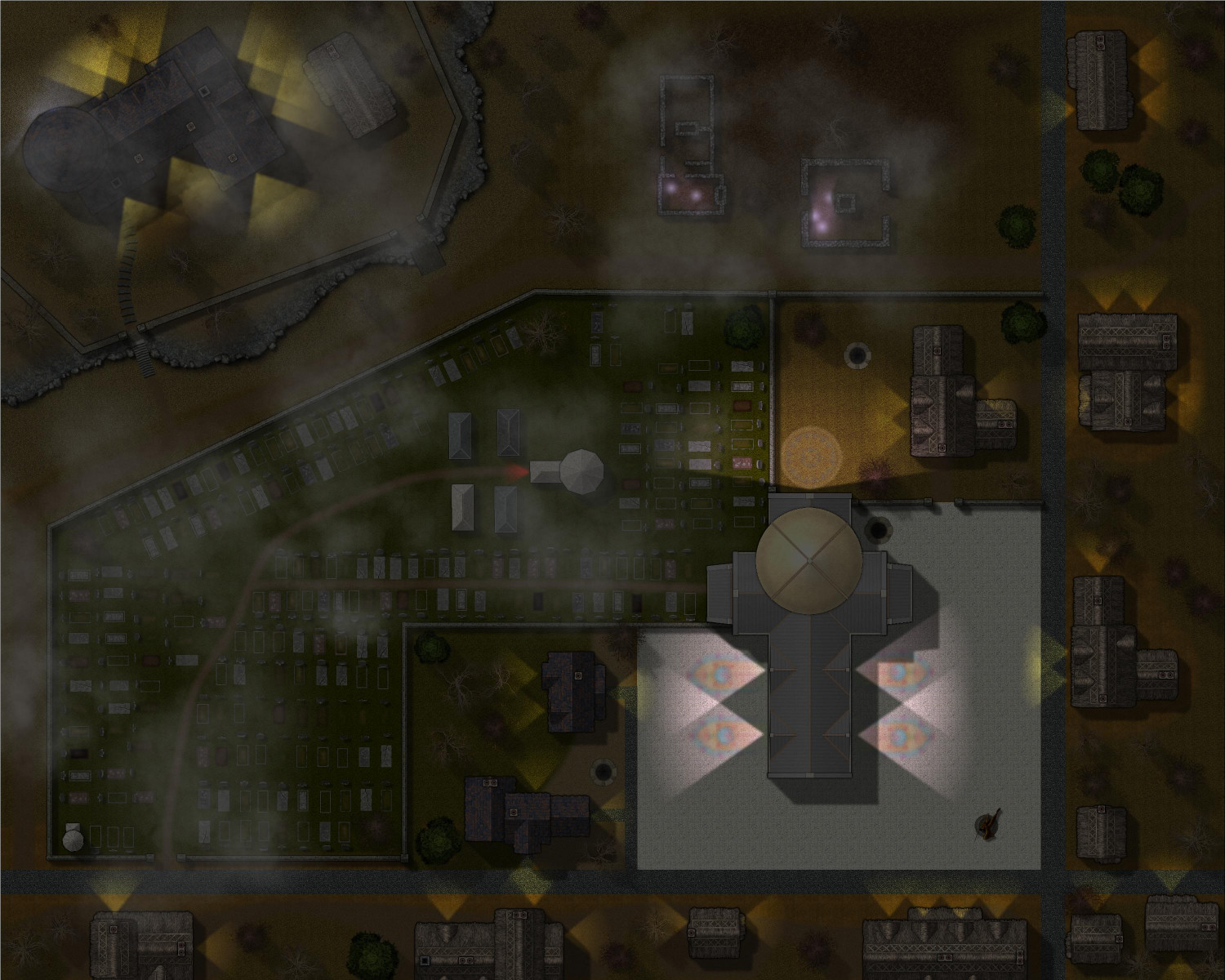
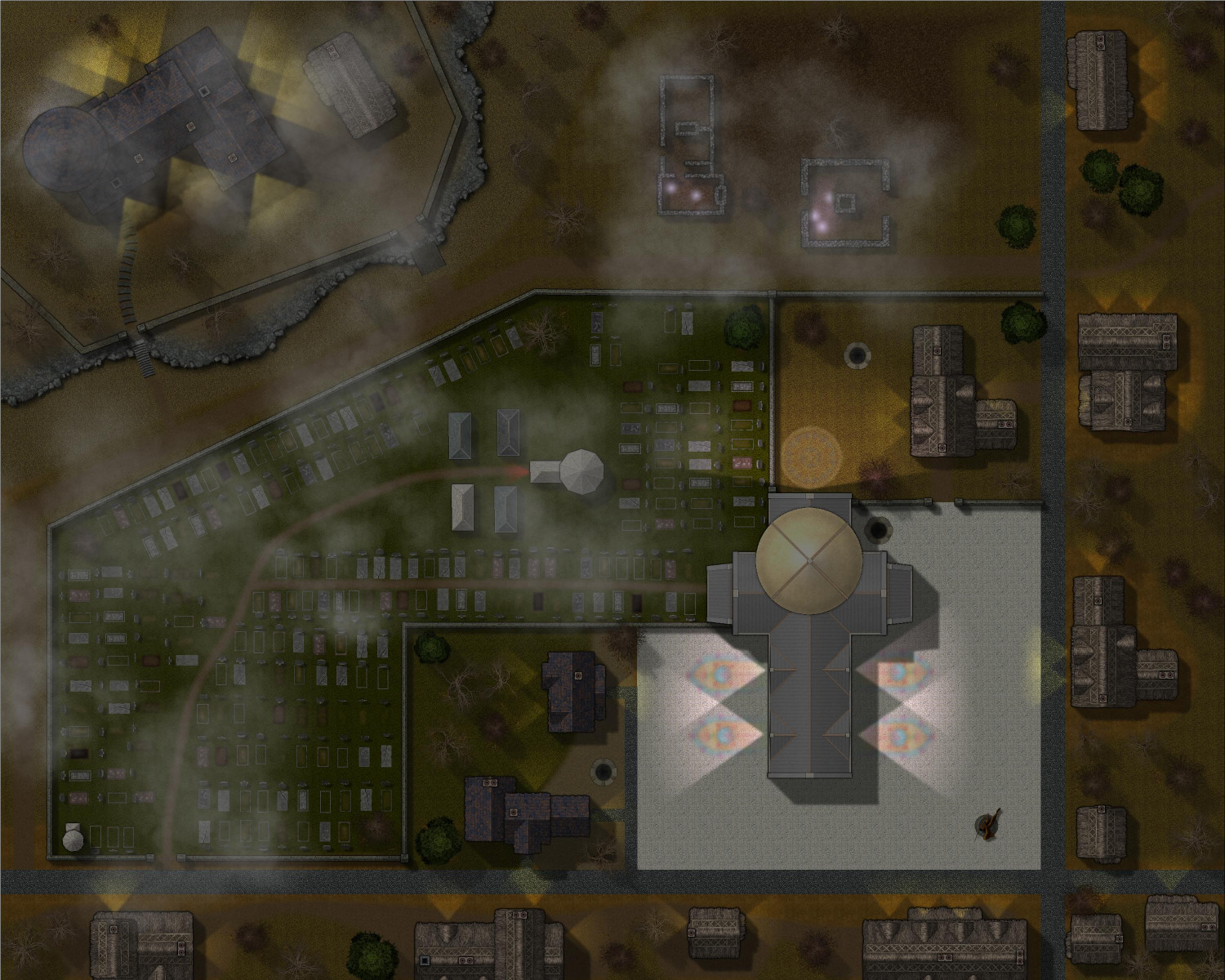
Here's a look at it at night, with lights added. I experimented with adding a moon like Jeff B did with his contest entry, but it was creating weird banding effects that I couldn't resolve. Instead, I played with the Shadow-Transparency in the Global Sun settings.
This is 35:
This is 50:


-
[WIP] Haunted Mansion
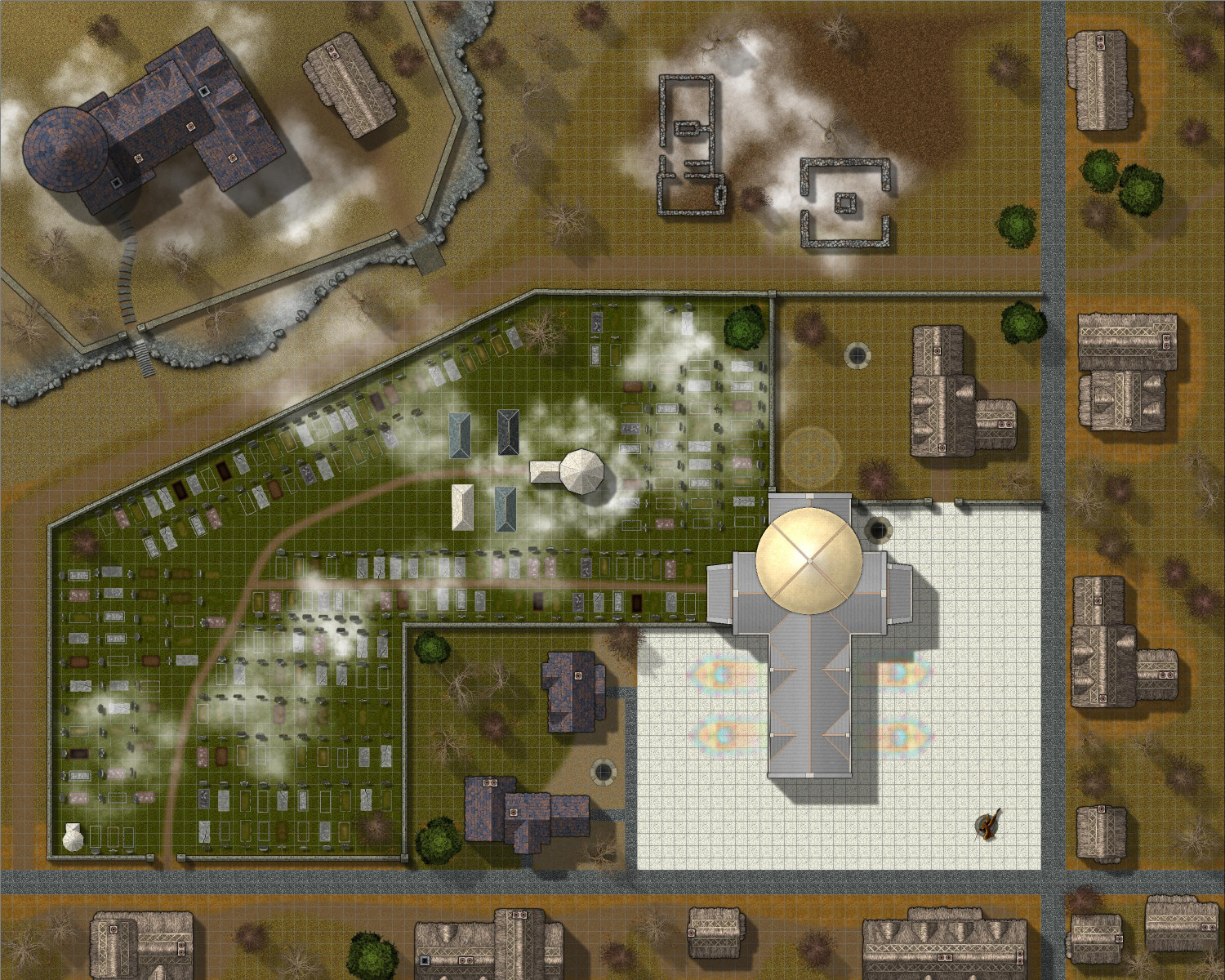
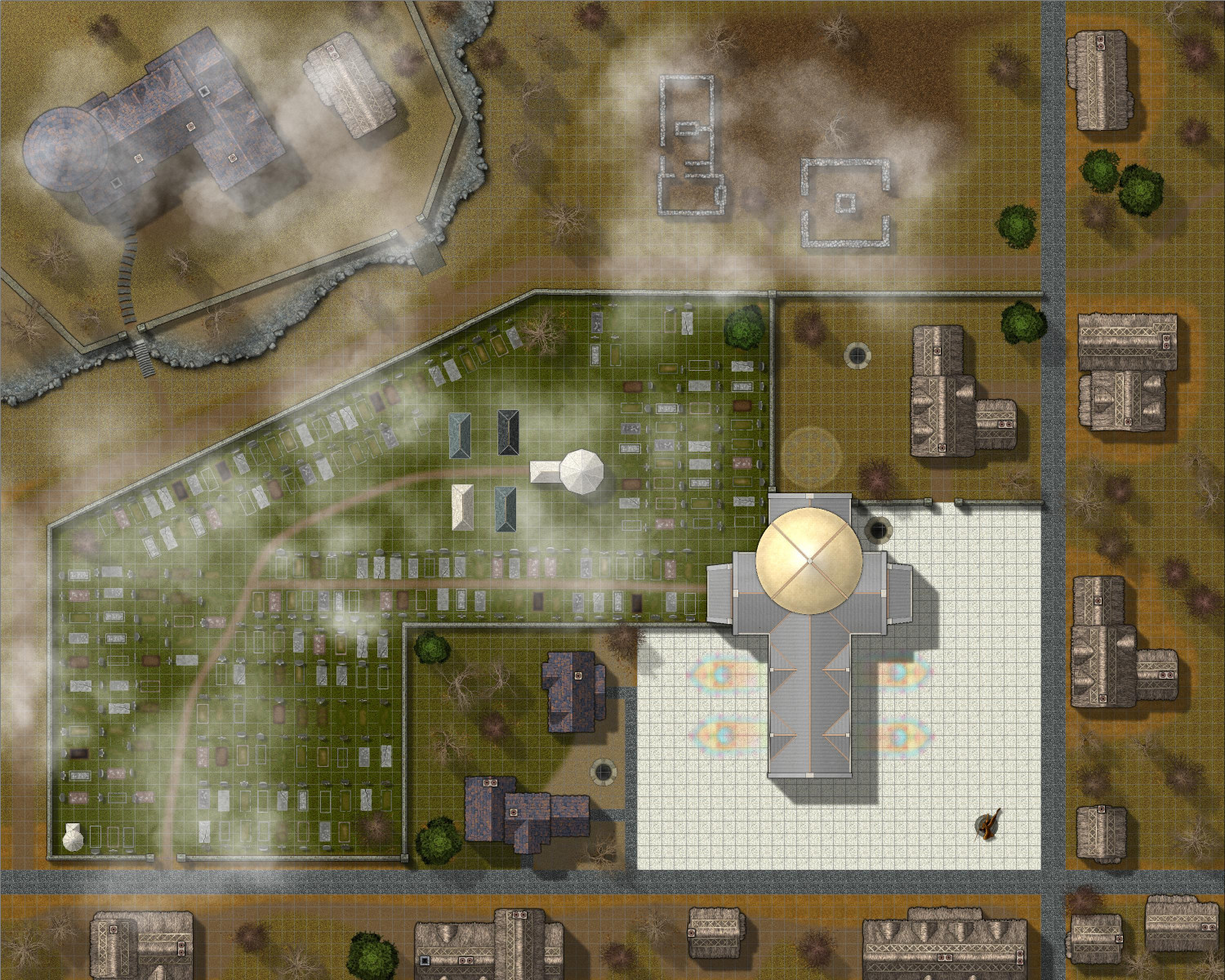
Round 3! These fog symbols are scaled at x4.


-
[WIP] Haunted Mansion
Added a bit more to the haunted mansion and its environs, including populating the graveyard more and adding some low-hanging fog for atmosphere. I didn't want too much fog, but enough. Let me know whether it works. I can always add a transparency effect to soften it more. Of course, the real test of whether it works will be when I set it to be nighttime.