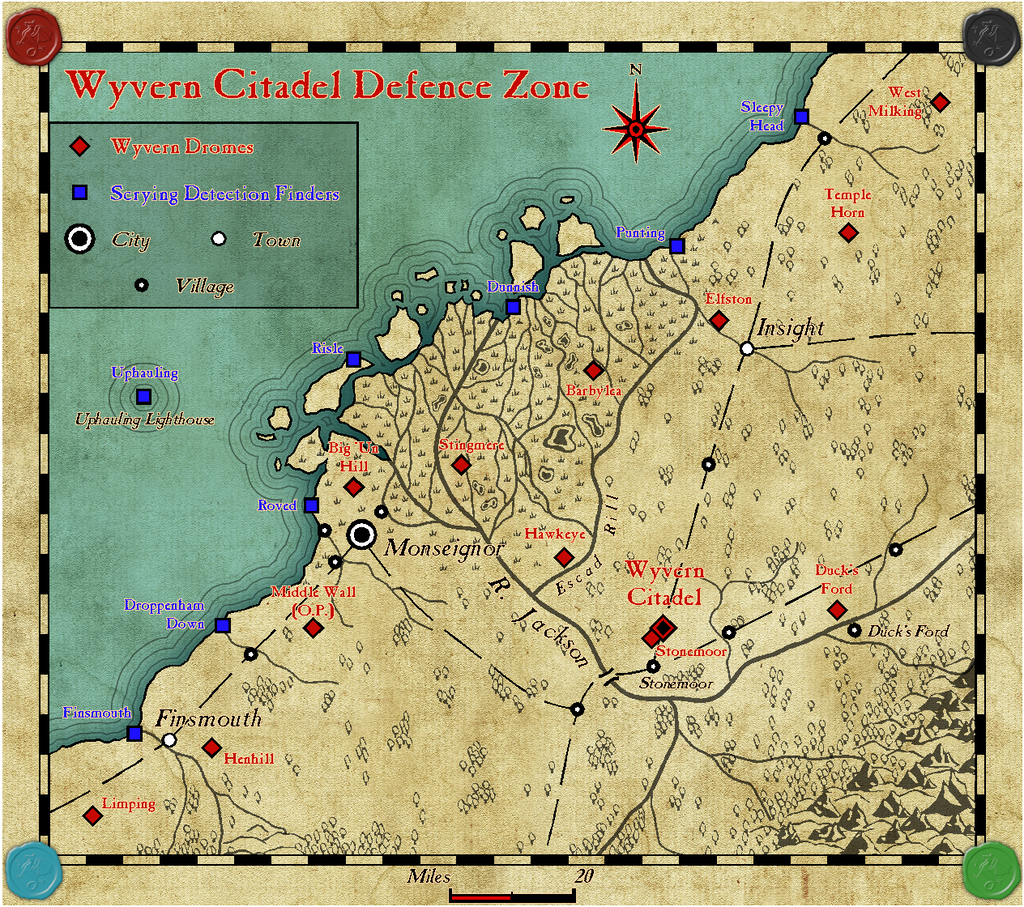
Wyvern
Wyvern
About
- Username
- Wyvern
- Joined
- Visits
- 3,238
- Last Active
- Roles
- Member
- Points
- 5,517
- Rank
- Cartographer
- Badges
- 24
Latest Images



-
test strip map dungeon
You should be able to find Wingdings from that More Fonts dialogue, Jim, assuming you have it installed on your computer. Of course, the pointing hand might not be one of the characters CC3+ will let you access, even so.

-
FINISHED: Morwara (Erdan Worlds of Wonder style)
Meant to give this a bump yesterday, when the style was released into the wild for real!
-
WIP Large Area, small village and battle maps. For a viking-ish Trudvang campaign
@TheBlackVolk - Remy Monsen posted this video last July which may help.

-
Community Atlas - Kentoria - Shoenia
I probably already moved the city somewhat, given the relative size of the symbol on the enlarged bitmap version I used as the basis for this map. That linked version is the one I'm basing all my comments on now, however, as it's not going to change substantially before it hits the Atlas. Assuming I ever get the fortress mapping completed...
The way I've been thinking could influence parts of the city's final layout is all, drawing on the final notes write-up.
![[Deleted User]](https://secure.gravatar.com/avatar/c75d9a245b74d9c59be0999ea81ca541/?default=https%3A%2F%2Fvanillicon.com%2F92add7f8c954488718110edc4896ad39_200.png&rating=g&size=200)
-
Searching for Specific Symbols
You could certainly use the technique I suggested to make any existing pictorial city symbols look underwater too, with a transparent small polygon waving across part of the symbol, say, or blurring the whole symbol a little (though the Blur Effect, if used extensively on a map, can slow down redraw times, unfortunately), or a mixture of the two. If it's in shallower waters (less than circa 200 metres/660 feet of seawater, generally speaking for Earth; maximum sunlight penetration limit), you could add a few wobbly green lines to represent photosynthetic undersea organisms in a similar way alongside and over parts of the symbol as well.
Fully second Jim's point about us all always learning. The CC3+ program suite is vast in what it can achieve, and it's impossible to be aware of even many aspects of it, let alone all of them, especially as there are usually multiple ways to achieve something using it.

-
Community Atlas - Forlorn - Bleakness - The Craig dungeons and environs
I like the "goes to somewhere else..." tunnels! I spent years designing dungeons/scenarios that were intended to link with one another by similarly vague pathways, and where the next mapped sequence had a similar group of tunnels going - who knows where! I ended up having to keep a separate written list of all the "blank" routes so I didn't lose track completely...
?
-
Grimdark Fantasy (renamed "Darklands") - development thread
I think this may be Remy's blog article you mentioned, Sue. It includes notes on the RGB Matrix Process, at least.
Given the blog article uses an overland example as its RGB Matrix Process test, I'm guessing it will work with that at least (can't be sure if the tree symbols have been affected or not in the blog sample images, however).
A quick test, slapping a greyscale RGB Matrix Process Effect onto one of my own overland maps (whole map setting) suggests it does indeed convert all the symbols to greyscale, while adding a few random choices of dungeon symbols to it, suitably enlarged, shows they too convert to greyscale without problems. Obviously, this is hardly definitive for all possible symbol sets, but it doesn't suggest there's a problem with what I've checked so far.
-
Desert map for a commission
@Autumn Getty noted:
Also, happy to have benefitted from Wyvern's understanding of deep sea currents. I have a tenuous grasp on how they work.
Which is pretty much where almost everyone else is too! The snag is ocean currents seem to behave much like air currents in the atmosphere - so as with the prevailing wind diagrams, the charts you see are huge simplifications of the real situation. However, they're much harder to get accurate information on at the same level of detail as is possible for air currents/winds because of being undersea. The deeper you go in the ocean, the less data there is, because it becomes increasingly difficult to get equipment there with any useful regularity.
When you consider new animal species are found on pretty well every deep-dive into the unlit parts of the oceans (everything below roughly 200 metres/660 feet, so that's pretty well all of the oceans!), it's very obvious how appallingly little we know about what goes on there at all. Like the Coelacanth, believed extinct for 66 million years, yet still happily getting on with things and thriving today in Earth's oceans!

-
Grimdark Fantasy (renamed "Darklands") - development thread
@Loopysue - "Shadowlands" and "Borderlands" come with additional baggage from other fantasy-related sources, and which don't really relate to the style of symbols in this style, unfortunately. "Dark Ages" has very time-specific connotations, which don't fit these symbols at all.
"Edge of the Wilds" or "Twilight Realms" seem to work rather well though, assuming the images you've shown in your most recent illustrated posting cover the range of symbols and terrain-looks included in the style.
I'd agree with your later comment that a personal name wouldn't really work here, because your own style clearly isn't limited to just one or other of the PF style-packs you've constructed.
-
WIP: Community Atlas Competition, The Lost temple of Ankun-za
You could just copy the edge of the necessary floors to a new Sheet above the floors one, and make them into very thin (but not-zero thickness - that can make its presence felt at different view resolutions sometimes) lines at the edge of the floors. Make the lines a suitable colour - a mid brown might work in this case - to help disguise them, set an appropriate Outer Glow on their Sheet and see how that looks. You might need to try other Effects too, but it's worth experimenting. You don't need anything very solid to cast shadows, for instance, because all CC3+ looks at is edges.
You might also find it works better if you only have the lines in some places and not others for shadows, but once you have the concept, you can play around with it as much as you need. I find it's helpful for making stairs look differently shadowed sometimes - as if they're partly below a floor level. I used some of this technique in my ongoing Wyvern Citadel castle maps, for instance.