

How to make walls more interesting
 Nemo_Noone
🖼️ 20 images Traveler
Nemo_Noone
🖼️ 20 images Traveler
Hey all. I've been using Campaign Cartographer for a long time, but I've never been able to make walls "pop." For example, this part of an underground complex I recently made:
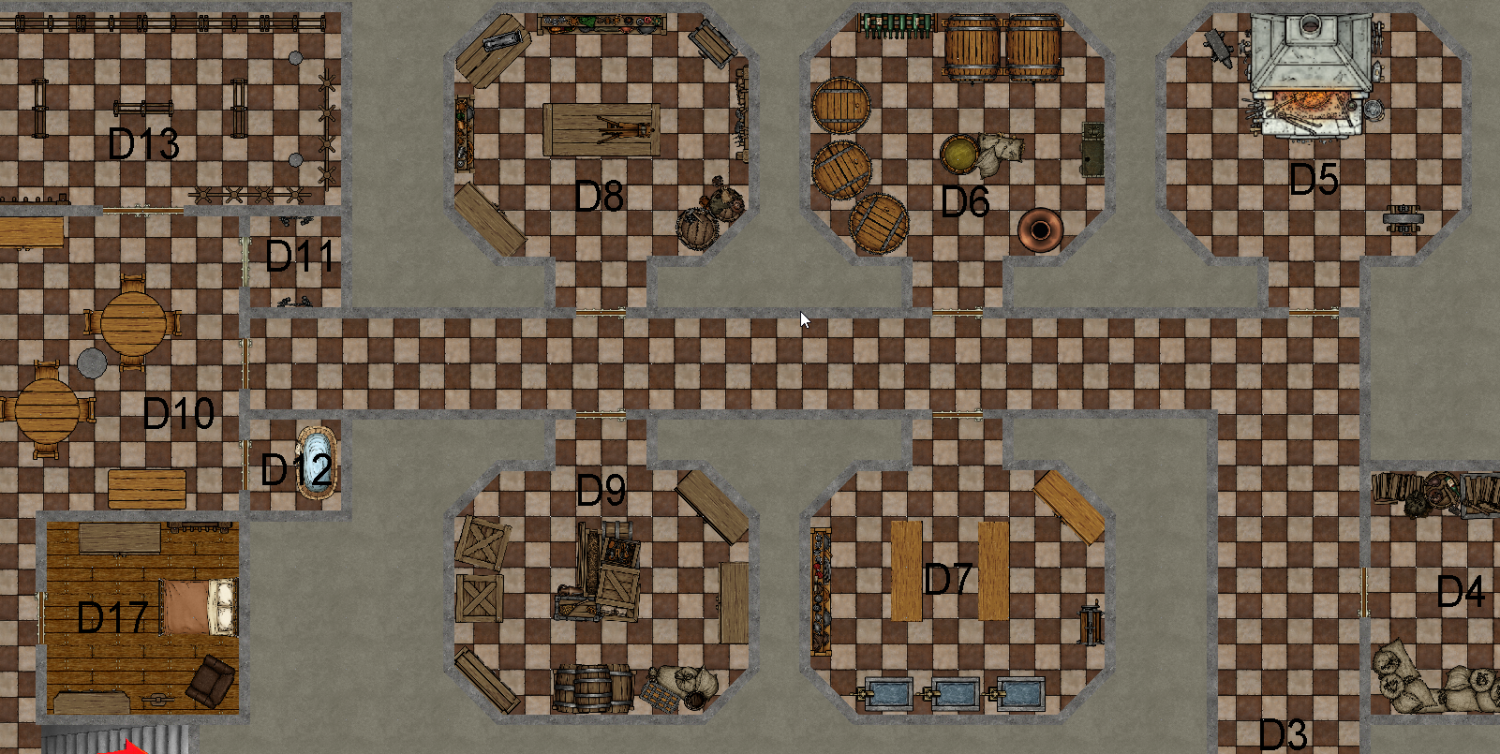
That's a tile floor with stone walls, and raw rock behind them. So it's that thin strip of gray that my cursor is sitting on that I'm trying to make stand out. Outlining doesn't work, because of the sheer number of walls in this place. I then see a piece like this and would so like to have similarly eye-catching walls:
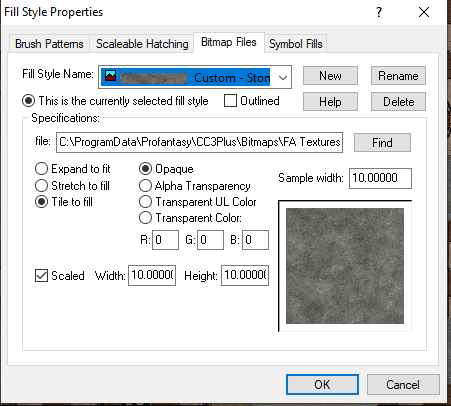
If it matters, this is the fill style I use for walls:
Thanks for any thoughts or advice.
Comments
Absolutely try change the fill style. Also try some effects.
Learning how to import a drawing for even more fill styles is a great thing to learn. Monsen has a great tutorial on how to import the file for the styles.
Thank you! I found his videos on Youtube and will check them out.
(Eh, would you happen to know what video he covers that in? He has several that mention fill styles)
As Don suggested above, sheet effects would help a lot as well. Before adding any more sheet effects, maybe check first that the Activate Sheet Effects box is checked in the Drawing Sheets and Effects dialog so that any effects already on the WALLS sheet will appear. I suspect they might not be active, since I can't see any shadows or glows in the shot you showed us.
Soooo, it turns out this software I've been running for over a decade has this cool feature called sheet effects! Did you guys know how good it can make a map look? (Thank you by the way, so very much).
It's interesting - every time I open the map, I have to reset the sheet effects. It's a very small complaint though, this still let's me take such better pictures.
You can make the effects stay on for that map by opening the Display Speed Settings dialog and checking the Effects are on when loaded box. Save the map after you OK that setting.
EDIT: Most recent templates have that setting checked by default. It's only the older styles where it's not turned on.
Ah, thank you so much again! And Don too - I plan on watching those videos.
Thanks so much. I try to help as much as I can.
AND holy BLEEP, that map looks so good with the effects on.
I can't wait to see more once you mess around with sheet effects.
CC3+ Quickie: Importing fill styles from other styles
Monsen always covers some really great technical details for Campaign Cartographer.
This one is among the most helpful in my opinion. Sometimes you start a map in a certain style, and it just doesn't have many fills. Then know another map you did has those fills you want....it's easy to import it.
The default sheet effects already make it look great.
That is immensely helpful, thank you. Definitely saving that video.
Thank you, I was happy with everything except the walls. Here's the final product:
https://forum.profantasy.com/profile/gallery/14415/Nemo_Noone/455