

Recently got a new computer, installed. Some tiles are black or plain boxes. Error?

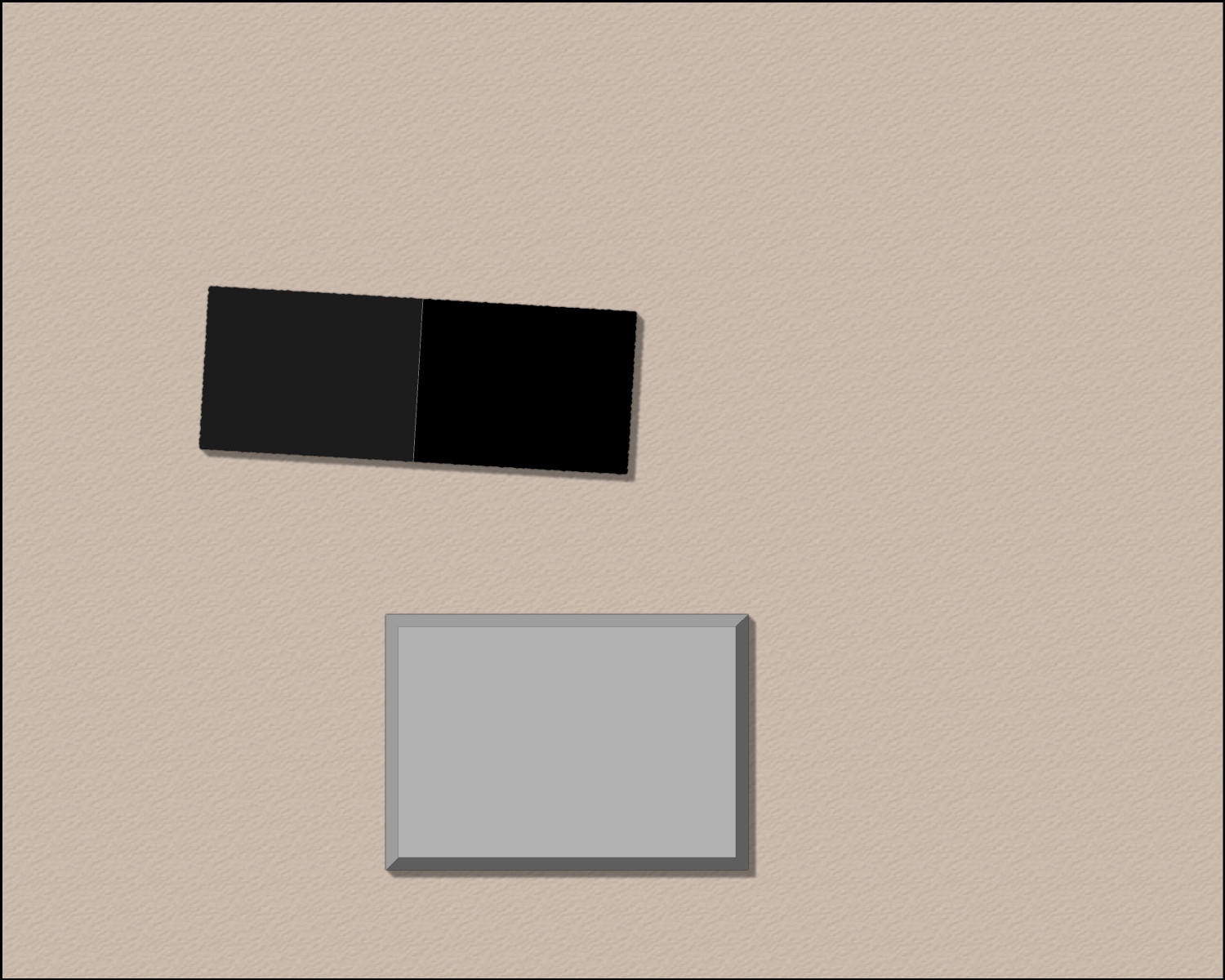
Hello, when I installed this on my new computer I can see some tiles are black and others are pure. For reference, the black one is 'CA183 thatch snowy' and the grey one is CD3C Cyberpunk.
It's not just these tiles too. Did windows make a mistake, or do I have to enable some setting to see them correctly? Or are these just simple houses?
Comments
Please can you attach the FCW file the actual drawing file you created? You can do that using the paperclip icon at the bottom of a new comment.
Sure. Hope this helps!
Thanks :)
There's no actual error as such involved.
The template for this map is CA177, which is Darklands City.
When you add a House entity from a different style, like CA183 (Winter Village), the map lacks the bitmap fills it needs to fill the roof parts. The missing fills are replaced with solid colour polygons instead, which shows as dark grey and black in one building, and white in the other.
The reason the two black rectangles are slightly different shades is because they are two sides of a single roof which has been shaded so that the side facing the global sun direction is lighter.
If you draw a house in the default style for this template (CA177) you will see what I mean. In this shot I've increased the resolution so you can see the tile texture clearly, as your existing houses were quite large.
Although the ones you've already drawn can't be helped, you can draw CA183 houses in your CA177 map if you import the necessary fills.
First, create a new map in the CA183 style - a temporary map. The CA183 style template is called "Winter Village"
Then reopen the map you were working on and import the temporary Winter Village map into it using Draw, Insert file... Don't paste it, though. Just press escape. That will have imported all the necessary fills for you.
After that it will be possible to draw Winter Village House entities in your Darklands City map.
I've saved the version with the Winter Village fills here.
Thank you, Sue. I noticed when I went to 'all tools' and would pick, for example, a temple, some of them were black. I didn't know you can't mix and match.
Reason I asked this is because when I was trying to install my software, windows occasioanlly blocked it. I thought it might have done a partial install.
This helps.
Which tools were black?
You should be able to mix and match between styles as long as you remember to import the correct bitmap fills as I described above.
Just recently, Win 11 has come with "Smart App Control", which is supposed to stop you from installing dangerous software. That is most likely the reason for your installation issues,
Please let Profantasy know if any of our installers happen to be triggering this app.
Thanks, Sue, this was definitely helpful. Is there a way to see what style a tile is from? I am interested in locating the cyberpunk tile I mentioned.
CD3C buildings are solid colour polygon fills. If you open the House dialog and hit Settings you will get to see how they are set up.
There's no need to import any bitmap fills because none are in use in these buildings.
EDIT: Maybe I should answer the question as well...
Usually you can tell by the prefix numbers and letters. So the style native to the map you made was CA177 - apparent when you first open the dialog and find the default already selected. The style you picked for that black building was CA183. Both these styles have bitmap fills and a full template file. If you find it tricky to work out where something comes from, just ask.
Ah so that is supposed to be solid. As for what else was black, these. But I am sure it is just a mismatched style set, I know how to solve it now.
Those are varicolour symbols. If you use Change Properties on them you can change the colour they are.
If you set a different colour in the palette the houses will be pasted the new colour. (Click the colour swatch in the top bar and pick a new colour from the palette that appears)