

Changing House Symbol Color?
 Royal Scribe
🖼️ 388 images Mapmaker
Royal Scribe
🖼️ 388 images Mapmaker
I am creating a city map, and I am trying to be scrupulous about getting each structure onto the correct layer so that I can use the City - Layers - All BLDNGs with color option. When I've discovered that I accidentally placed a structure on the wrong layer, I've tried to be careful to use the City - Change house layer option rather than Change Layer, though it's possible I made a mistake with some.
A small handful of my structures are colored wrong when I show "All BLDNGS with color." In the example below, orange is for residential buildings, gray is for industrial, and black is for military. Of the five that are showing as black here, the northern two are supposed to be on the BLDG (HOUSE 1) layer, and therefore orange. (Not sure if it matters but in this particular example, all of the structures are symbols, not drawn with the House tool.)
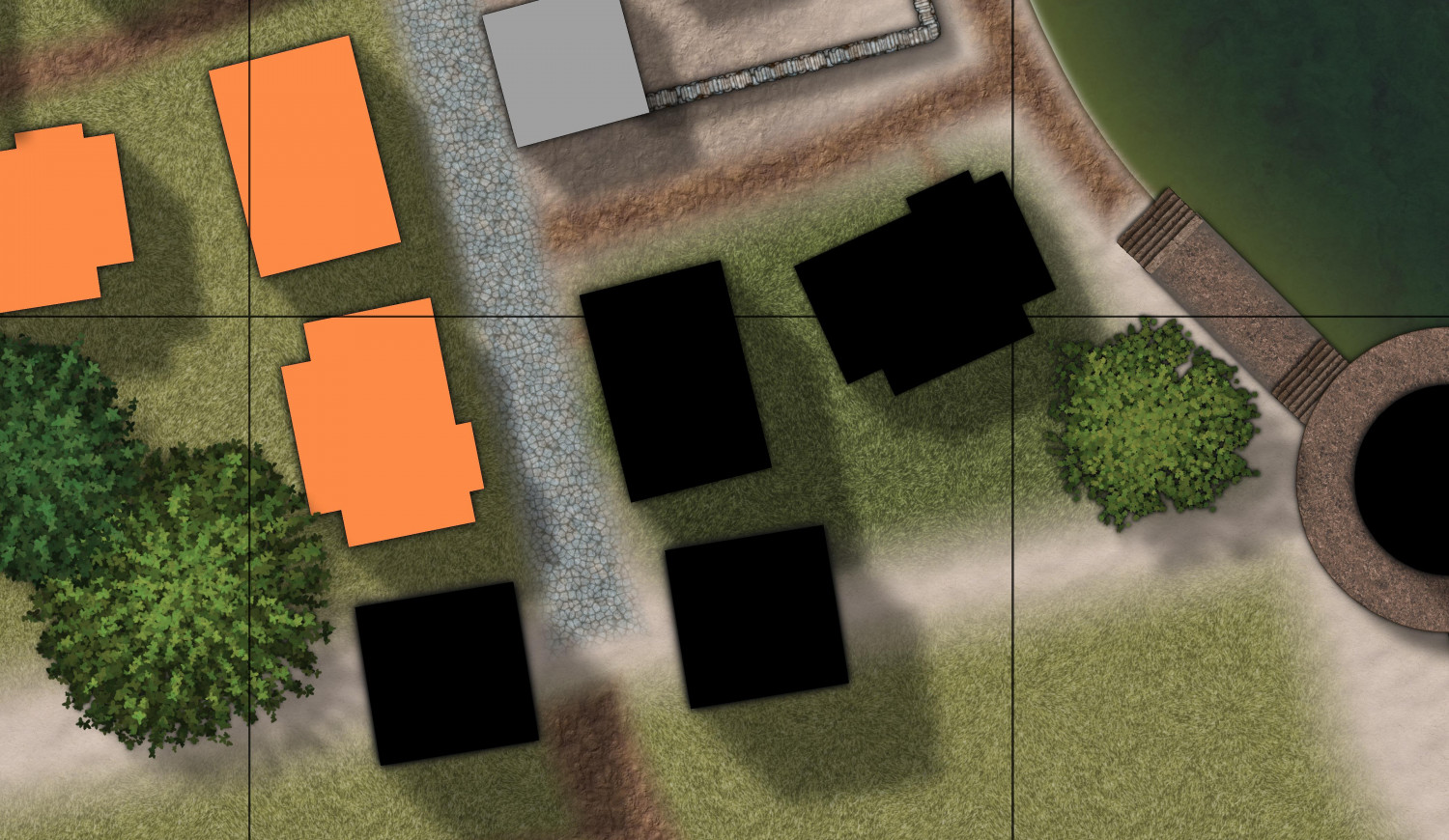
I actually checked their layer, and they are on the BLDG (HOUSE 1) layer...now.
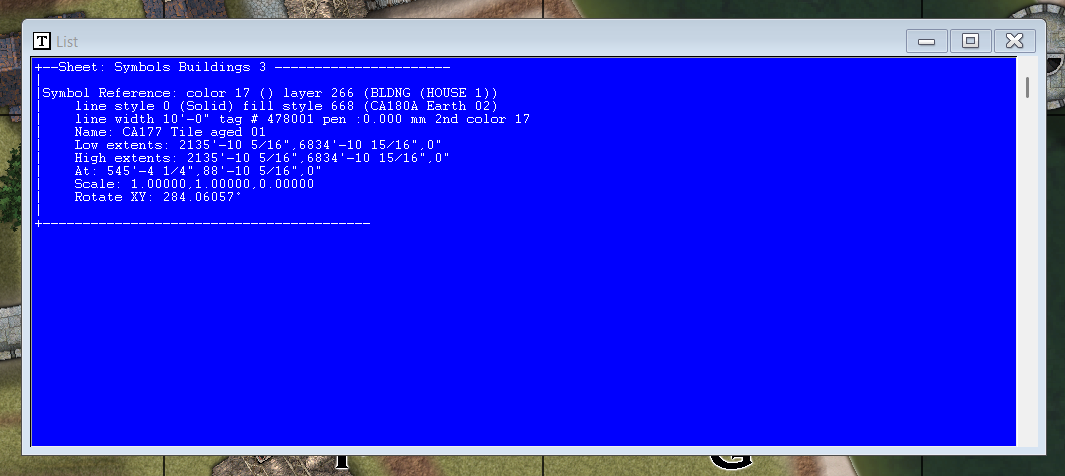
At the time I added the color codes for buildings, these two houses were on the BLDG (MILITARY) layer. I tried to correct it with the "Change house layer" option, but that didn't work.
Is there a simple way to fix it, or is it too late once I've assigned colors to layers? Should I...
- Reassign the color to MILITARY and/or HOUSE 1?
- Delete the symbols and replace them after making sure that I am on the correct layer?
- Roll back to a previous version (I saved a backup of my FCW right before trying this), make sure all of my structures are on their correct layer, and then assign colors to building layers?
Thank you!
Comments
Colors aren't changed immediately when you move the house to a new layer. You then need to use the color buildings option in the City menu, this will recolor all the buildings based on their current layer.
Thank you! Just went back into the City - Color buildings tool and clicked the "Change Now" button. That did the trick!
What a cool feature. Really helpful for RPG City Planners to develop zoning ordinances 😉 and for GMs to see at a glance how their city works.
Is there a toggle command that can flip back and forth between the "All buildings with shading" and "All buildings with color" layers?
I don't think there is a built in option, but those commands are just macros, so you can easily set up your own using the TOGL command on the layers instead of SHOW and HIDE.
Have a look at the final part of this article ("troubleshooting" heading) for a bit more on the macros, it should give you enough info that you can construct a toggle macro yourself: